We are at Dreamforce 2026, Industry Pavilion at San Francisco


June 15, 2026
Picture a mid-sized industrial equipment manufacturer with a sales team spread across three regions. Every morning, the regional manager sent an email asking for deal updates. Every morning, four different salespeople replied - sometimes with conflicting information. The service team, working the same accounts inside Salesforce, had no idea what was happening on the sales side. And the sales reps had no idea when a service complaint on their biggest account had just been escalated.
Deals were stalling. Key accounts were slipping. And no one realized the problem wasn't the people — it was the communication channel. Email lived outside Salesforce. The data lived inside it. That gap is what Salesforce Chatter was built to close.
If your teams still rely on email threads and messaging apps to discuss CRM data, you're working harder than you need to. This guide walks you through how to set up Chatter, how to use it well, and the pitfalls that quietly kill adoption before it starts.
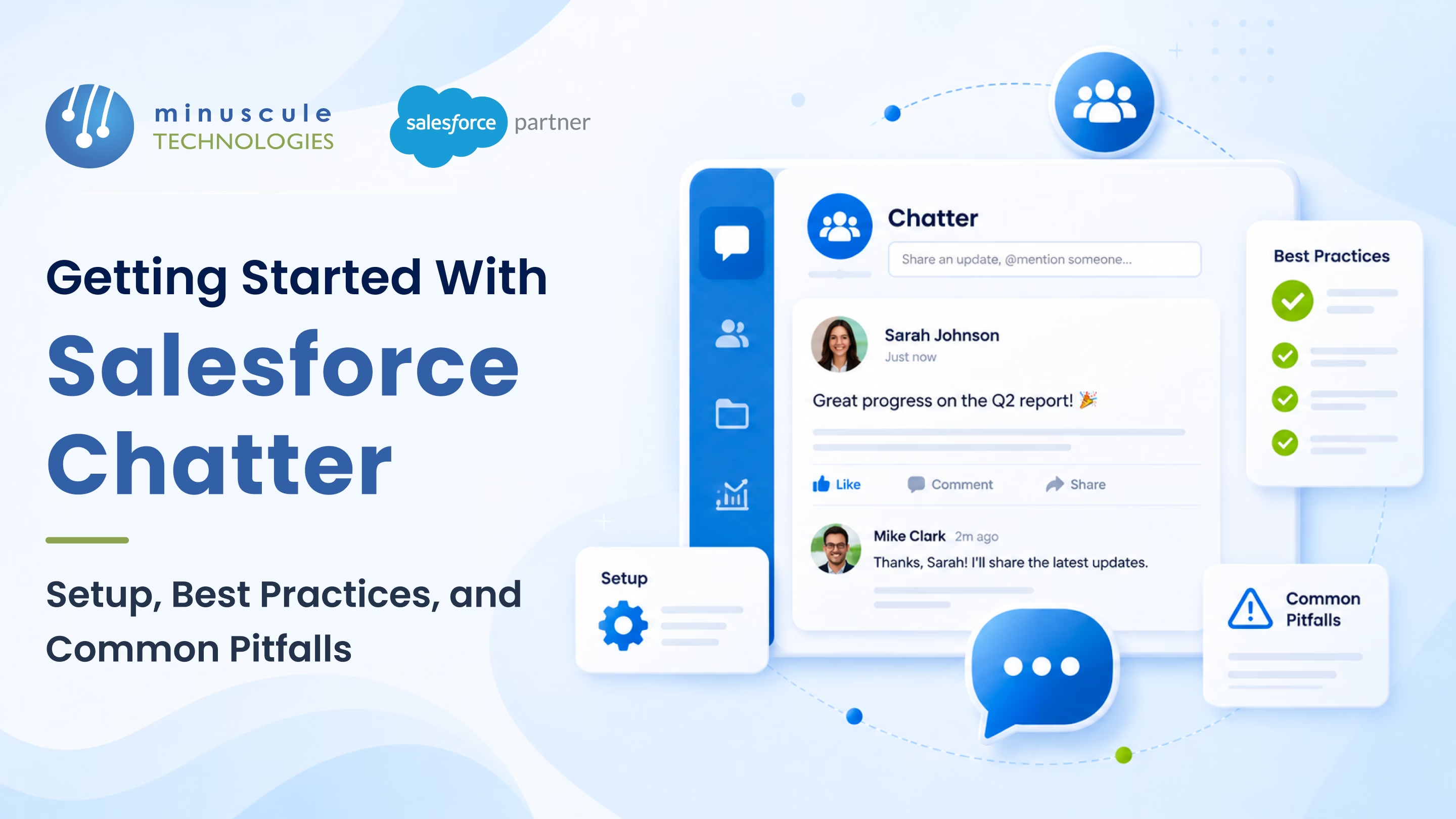
Salesforce Chatter is a built-in collaboration tool that lives directly inside your Salesforce environment. Think of it as a social feed - like LinkedIn, but for your internal business context. Your teams can post updates, tag colleagues with @mentions, share files, ask questions, run polls, and follow specific records - all without leaving Salesforce.
The critical difference from generic tools? Chatter posts are tied to the data. When a salesperson posts an update on an Opportunity record, everyone following that record sees it - in context, right next to the pipeline stage, the account history, and the service tickets.
Chatter is included in all standard Salesforce licenses at no additional cost. For a full breakdown of what's possible with Chatter, SalesforceBen's Chatter guide covers every native feature in detail. The cost of Chatter isn't the license fee - it's the lost productivity when it's configured poorly, which happens more often than it should.
Enabling Chatter takes minutes. Making it work takes intention.
To turn it on: go to Setup → Chatter Settings and check the Enable box. From there, three configuration decisions will determine whether Chatter becomes a useful tool or a notification flood.
Feed Tracking records field-level changes on records and surfaces them in the Chatter feed. By default, some standard objects have it enabled — but you should review and configure it deliberately. For sales teams, track Stage, Close Date, and Owner changes on Opportunities. For service teams, track Status and Priority on Cases. Navigate to Setup → Feed Tracking to configure this object by object. You can track up to 20 fields per object, and every field you choose to track will appear as an automated entry in the record's feed whenever it changes.
Groups are where focused conversations happen. Avoid creating a group for every team, project, and initiative on day one. Start with three or four mission-critical groups: sales updates, service escalations, and internal announcements. Set clear naming conventions from the start — vague group names like "General" attract noise and get ignored within weeks.
The fastest way to destroy Chatter adoption is to flood inboxes with email digests. In Setup → Notification Delivery Settings, set sensible defaults. Most users should receive a daily digest at most, not an email for every comment. Without this step, the first week of Chatter will generate a wave of complaints and opt-outs. Salesforce's own guidance on admin best practices reinforces starting with conservative notification defaults and adjusting based on user feedback.
For a guided setup aligned with your Salesforce org, Minuscule's Salesforce Administration team can configure Chatter correctly from day one — rather than having to undo bad defaults six months later.
Getting Chatter live is step one. Getting people to use it - consistently and correctly - is the harder part.
Chatter Groups let you pin a post to the top of the feed. Use this for group context, rules of engagement, or links to key reports. A new team member joining a group should be able to scan the pinned post and understand what the group is for in under two minutes.
When a deal needs an update, post in the Opportunity's Chatter feed and @mention the person responsible. This creates a visible, time-stamped record of who was asked and when — far more traceable than a verbal handoff or buried email thread.
Set your general announcements group as a Broadcast Group, where only group owners and managers can post. This keeps the feed clean and ensures announcements don't disappear under replies and reactions.
The highest-value Chatter activity happens on individual records - Opportunities, Cases, Accounts. When a team member posts an update directly on the Opportunity rather than in a group, the conversation stays with the data permanently. Any future rep or manager opening that record can read the full history.
For teams managing complex accounts across sales, service, and field operations, Chatter works best when it replaces a specific communication habit — the daily status email, the deal review prep call, the verbal service escalation. If Chatter is added on top of existing habits, it won't last. If it replaces one painful habit, it sticks. Minuscule's Salesforce Customization team has redesigned workflows for manufacturing and distribution organizations to make Chatter the default communication layer - not an afterthought.
Most failed Chatter rollouts share the same few mistakes.
Chatter without structure becomes a second inbox - unread, abandoned, and eventually blamed. Before go-live, define which groups exist, who manages them, and what belongs in a group feed versus directly on a record. The Salesforce developer documentation covers Chatter governance models if you want to go deeper on technical configuration options.
A significant portion of field sales and service teams work on mobile. Chatter's experience inside the Salesforce mobile app is capable — but it has to be configured and communicated. If the mobile layout doesn't surface Chatter prominently, field reps will never see it.
Organizations that use both tools face a common failure: no one knows which conversations belong where. A practical rule: anything tied to a Salesforce record (Opportunity, Case, Account) lives in Chatter. Cross-functional project conversations spanning multiple systems can live elsewhere. Without this rule, both tools get ignored.
If Feed Tracking isn't enabled on the fields your team cares about, the Chatter feed looks empty even as records are actively changing. Sales teams lose confidence in it within weeks. Audit your Feed Tracking configuration against the fields that actually drive decisions.
Chatter needs someone who posts consistently, responds in the feed, and models the behavior for others to follow. Without a visible champion in each team, Chatter becomes a ghost town within three months.
If your organization needs Chatter configured as part of a broader Salesforce implementation, or needs ongoing governance as part of Managed Services, Minuscule's team designs the setup around how your teams actually work - not a generic template.
For service-heavy organizations, Chatter becomes a powerful escalation and handoff tool inside Salesforce Service Cloud. Agents can post internal notes directly on Case records, @mention supervisors for escalation approvals, and track every handoff in a visible, auditable trail — without leaving the case. This matters most in industries like manufacturing, BFSI, and field services, where a single case can involve multiple teams across several days.
The result: fewer dropped handoffs, fewer "I didn't know this was already escalated" moments, and a complete case history that any team member can read at any point.
Yes. Chatter is included with all standard Salesforce licenses at no additional cost. You can enable it from Setup without purchasing a separate product or subscription.
A Chatter Group is a standalone collaboration space for a specific set of users - a project team, a department, or a cross-functional initiative. A record feed is tied directly to a specific Salesforce record (an Opportunity, Case, or Account) and shows all activity, posts, and automated changes related to that record. Both serve different purposes and should be used deliberately rather than interchangeably.
Yes. External users with Salesforce Experience Cloud licenses can be invited to Chatter Private Groups. Internal users with the appropriate permissions can also invite external guests. This makes Chatter a viable tool for partner collaboration and joint project communication without requiring external users to have full Salesforce licenses.
Chatter is built natively inside Salesforce and is tied directly to CRM records - Opportunities, Cases, Accounts. Slack is a standalone messaging platform that integrates with Salesforce but exists outside the CRM. For conversations about specific Salesforce records, Chatter keeps context in one place. Many organizations use both, but they need a clear rule about what belongs where, or both tools get ignored.
Low adoption almost always comes from one of three causes: notification overload, unclear governance (teams don't know what to post where), or no visible leadership using the tool. Start by auditing your notification defaults, establishing group naming conventions and clear usage rules, and identifying two or three champions across key teams who will post consistently. If adoption remains a problem after those steps, a Salesforce partner can audit your configuration and redesign the rollout.
Salesforce Chatter is one of the most underused capabilities sitting inside your existing Salesforce license. When configured with intention - the right groups, the right Feed Tracking settings, sensible notification defaults, and a clear governance model - it changes how teams communicate around deals, cases, and accounts.
The organizations that get the most from Chatter aren't the ones that rolled it out fastest. They're the ones that connected it to real workflows, established clear rules for where it belongs, and had someone accountable for keeping it alive past launch week.
With 160+ certified Salesforce experts and 75+ enterprise projects delivered, Minuscule Technologies has helped organizations across manufacturing, automotive, BFSI, and field services configure Chatter as part of a complete Salesforce environment - integrated with SAP, PeopleSoft, and Denodo where required. Whether you're starting fresh or fixing a rollout that never took off, we work with your team to get collaboration where it belongs: inside the CRM, tied to the data that drives your business. Talk to us.
You've seen what's possible. Now, let's make it happen for your business. Whether you need an end-to-end Salesforce solution, a complex integration, or ongoing managed services, our team is ready to deliver.

Schedule a Free Strategic Call


