
June 9, 2026
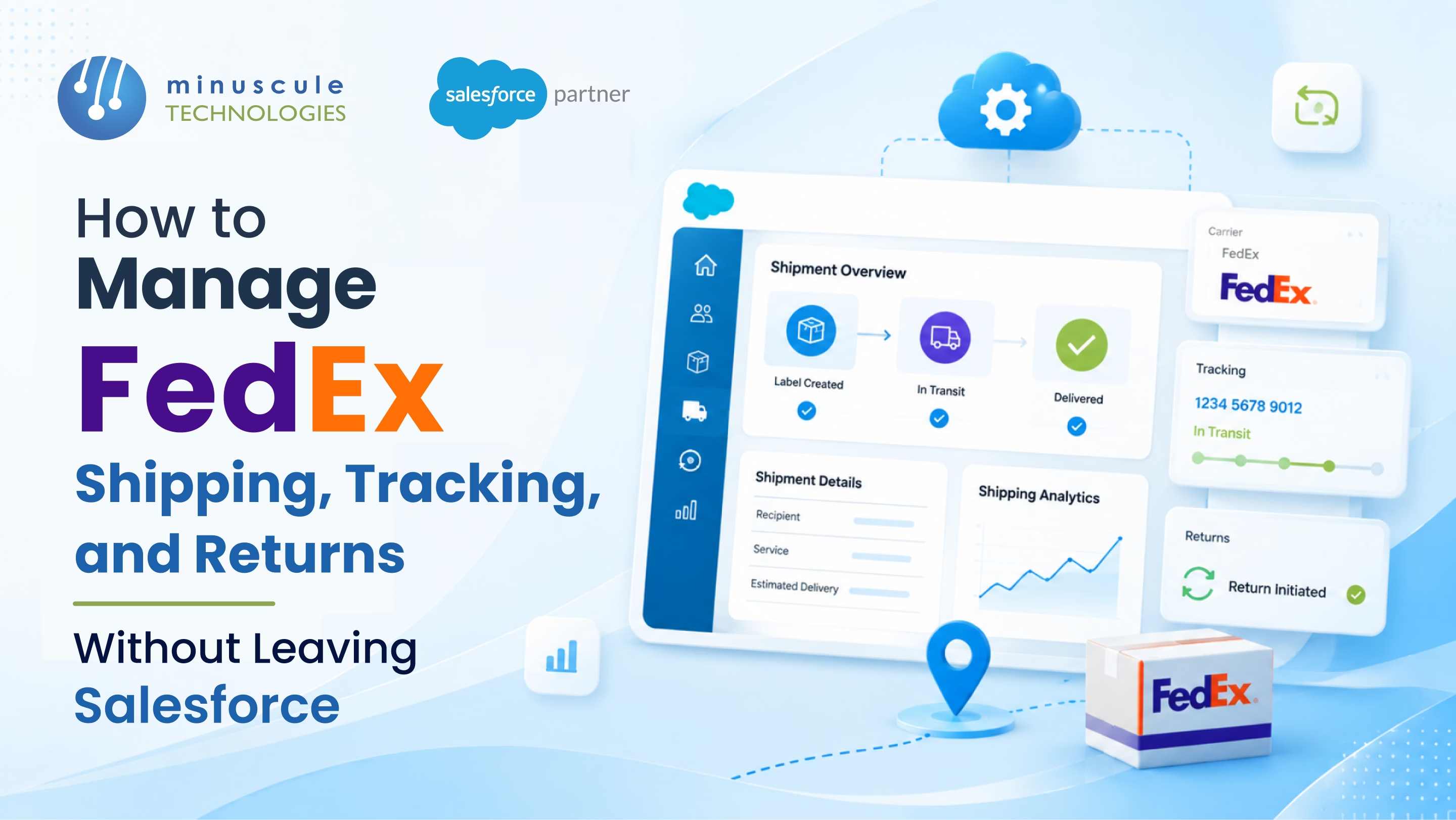
A mid-size manufacturer installed the FedEx App for Salesforce eighteen months ago. The admin clicked through the setup wizard, generated test labels, and called it done. Today, the shipping team copies tracking numbers into Order Notes by hand. Customer service logs into the FedEx portal to answer status questions and returns get processed in a spreadsheet because nobody configured the Returns module. The app paid its license fee. It never paid for itself in operations.
This isn't a product problem. It's a configuration problem. The FedEx App for Salesforce ships with three modules - Shipping, Tracking, and Returns — but the default install only wires up the bare minimum. Webhook subscriptions, automated label generation on Order activation, the RMA flow, and the customer-facing Shipment portal all require configuration most teams skip. Our FedEx Salesforce integration guide covers the full setup picture.
The fix is a complete configuration of the three modules - Shipping that auto-generates labels from Order activation, tracking that updates Shipment status via webhook, and returns that handles RMA from Case to refund - running on the app your team already pays for.
Here's how to manage FedEx Shipping, Tracking, and Returns with the FedEx App for Salesforce.
Five forces keep the app at the default install:
Each gap is small. Combined, they explain why the app drives a fraction of the value the license should deliver.
The FedEx App for Salesforce bundles three modules. Each delivers value only when configured beyond the default.
Generates FedEx labels from Salesforce Order or Shipment records. Supports Ground, Express, Overnight, International, and FedEx Freight. Returns label PDF, tracking number, and estimated delivery to Salesforce on the same transaction.
Subscribes to FedEx webhooks and updates Shipment status as packages move through the network. Captures every scan event - Picked Up, In Transit, Out for Delivery, Delivered, Exception - on the Salesforce record.
Handles return merchandise authorization (RMA) by generating return labels, capturing reason codes, and routing returned packages back to the originating warehouse. Integrates with Service Cloud Case to start the refund or replacement flow.
Three configuration steps the install wizard doesn't walk you through.
If you run multiple FedEx accounts (different regions, billing entities, or business units), configure the mapping on the Account or Order object, so the app picks the right account at label generation.
In the FedEx portal, register your Salesforce webhook endpoint. In Salesforce, configure the inbound handler. Without this, Tracking runs on polling — slow and rate-limited.
By default, label generation is a manual button click on the Shipment record. Add a Record-Triggered Flow that fires the Shipping module at the moment the Order moves to "Ready to Ship."
| Shipping Surface | App-Default (Underused) | Fully Configured (Target State) |
|---|---|---|
| Label generation | Manual buttons click on Shipment | Auto-fires on Order activation |
| Tracking updates | Polling once per hour | Real-time webhook on every scan |
| Address validation | Optional, often disabled | Required at Quote save |
| Returns | Manual through portal | Auto RMA from Service Cloud Case |
| Multi-account routing | Single default account | Mapped to business unit per Order |
| Customer portal | Internal-only Shipment view | Exposed via Experience Cloud with tracking |
| Exception handling | Manual rep follow-up | Auto-Case creation on exception event |
Five workflows that turn the FedEx App from a label generator into a shipping operations platform.
When an Order activates, a Record-Triggered Flow calls the Shipping module to generate the label and write tracking number to the Shipment record.
FedEx webhook fires on each scan; the inbound handler updates Shipment status, fires customer notification if configured, and updates Order ETA.
When status hits Delivered, automation creates a Customer Asset per Production Unit and starts the warranty clock.
When a Service Cloud Case is classified as a return, the Returns module generates the return label and emails it to the customer. RMA reference captured on the Case.
When FedEx reports an exception (failed delivery, damage, return-to-sender), a Service Cloud Case auto-creates with the event history and routes to the customer service queue.
Five rules keep the FedEx App reliable in production.
Block label generation against any shipping address that hasn't passed FedEx Address Validation. Catches return-to-sender at the source.
Run a scheduled job that confirms the webhook endpoint is registered and receiving events. Silent webhook failure is the most common production issue.
Verify that the FedEx OAuth token is active and refreshing on schedule. Token rot kills tracking on a Sunday morning.
Validate that the FedEx account number on the Shipment matches the business unit on the Order. A wrong account equals the wrong invoice.
Enforce a structured Reason picklist on every Returns module in RMA. Free-text reasons mean Operations can't analyze return patterns by category.
The FedEx App for Salesforce is a pre-packaged AppExchange installation that includes Shipping, Tracking, and Returns modules ready to configure. A custom integration is a build-from-scratch approach using FedEx's APIs directly via Apex or MuleSoft. The app is faster to deploy; custom builds offer more flexibility for non-standard workflows.
Yes. The Shipping module supports FedEx International services, generates commercial invoices, and captures the customs declarations FedEx requires. Configuration includes setting up the Shipper of Record, declared-value rules, and country-specific document templates.
When a Service Cloud Case is classified as a return, the Returns module auto-generates the return label using the original Shipment's tracking history. The label emails the customer with the RMA reference. When the return is received, status updates flow back to the Case for refund or replacement processing.
Yes. Configure each FedEx account number as a record in a custom Account-mapping object, then add logic that picks the right account at label generation based on the Order's business unit, region, or product line. The mapping prevents invoices from landing at the wrong cost center.
Manufacturers fix the underused FedEx App by configuring beyond the install wizard - Order-triggered label generation, webhook-driven Tracking updates, returns module wired to Service Cloud Cases, multi-account mapping, and customer-portal Shipment exposure. This isn't a click-through setup; it requires Salesforce engineering across Flow architecture, FedEx webhook subscriptions, and validation rules that keep tracking data reliable.
Minuscule Technologies is a Trusted Salesforce Engineering Partner with 125+ Salesforce experts and 75+ projects delivered globally - including Nasdaq-listed manufacturers across heavy equipment, HVAC, automotive, and industrial sectors. We engineer FedEx App configurations that turn license fees into real operational value.
Connect with our enterprise architecture team and we'll review your FedEx App setup, webhook subscriptions, and Returns workflow design.
You've seen what's possible. Now, let's make it happen for your business. Whether you need an end-to-end Salesforce solution, a complex integration, or ongoing managed services, our team is ready to deliver.

Schedule a Free Strategic Call


Plot No. 4, Sridevi Amman Street, Perumal Nagar Extension, Old Pallavaram, Chennai, Tamil Nadu 600117, India.
