
July 23, 2026
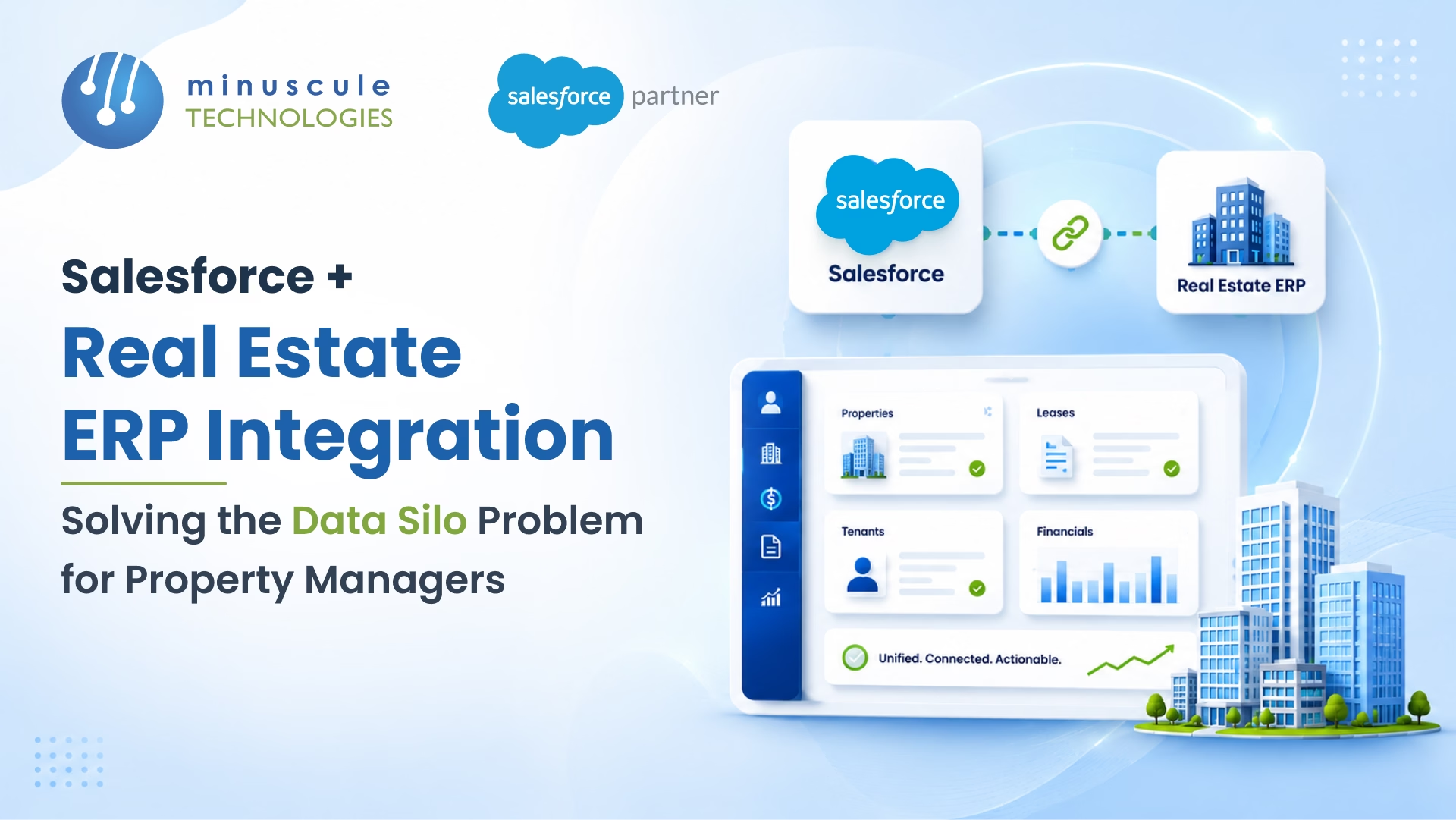
Salesforce real estate ERP integration is the process of connecting your Salesforce CRM directly to property management ERP platforms - such as Yardi Voyager, MRI Software, or RealPage - so lease data, tenant records, financial figures, and maintenance histories stay in sync across both systems without manual re-entry.
Most property management teams run two or more software platforms that never talk to each other. When your lease renewals live in Yardi, your tenant communications sit in Salesforce, and your maintenance work orders are tracked somewhere else entirely; your teams spend hours reconciling records that should be a single click away. That's the data silo problem - and it costs property managers far more than they typically estimate.
Key outcomes when you solve it:
This guide covers how the integration works, which ERP systems connect to Salesforce, what data objects need to sync, and how to plan a project that holds up in production.
A real estate ERP - think Yardi, MRI, RealPage, or AppFolio - handles the operational backbone of property management: lease accounting, rent collection, maintenance scheduling, vendor payments, and financial reporting. Salesforce handles the customer-facing side: prospect pipelines, tenant communications, deal tracking, and service cases.
The problem is that these two worlds rarely overlap cleanly out of the box. An ERP is built for accountants and operations managers. Salesforce is built for sales and service teams. When they run as separate systems, your leasing agents work off data that's two days old, your finance team exports spreadsheets to answer questions Salesforce should answer automatically, and your property managers manually update the same tenant record in three places.
The distinction matters because it determines what data needs to flow where.
Your ERP owns the source of truth for financial and operational data: lease terms, rent schedules, accounts payable and receivable, unit availability, maintenance work orders, and compliance records. Salesforce serves as the engagement layer for relationship data - contact records, communication histories, pipeline stages, and service cases - while the ERP remains the authoritative source for operational and financial records
Integration doesn't replace one system with the other. It means each system gets the data it needs, in real time, without anyone having to manually copy it across.
If you're specifically looking at the technical pitfalls of this connection, see our existing guide on the 10 most common Salesforce real estate ERP integration issues for a breakdown by failure type.
Data silos in property management aren't just inconvenient - they have measurable operational costs. According to Salesforce's research on data connectivity, teams with disconnected systems spend up to 30% of their work week on manual data tasks that integration could automate. For property managers, that number tracks.
Lease data. Your ERP has signed lease terms. Salesforce has the prospect record from before they became a tenant. Once a deal closes, that data handoff almost never happens automatically. Leasing agents are left working with stale contact data, while the ERP holds unit-level details that Salesforce needs for renewal planning.
Tenant communication. Service requests, complaints, and renewal conversations happen in Salesforce or email. Payments and balances live in the ERP. When a tenant calls about a billing issue, your service team has no visibility into their financial history without switching systems mid-call.
Financial reporting. NOI calculations, net effective rent, and occupancy rates should be dashboard metrics in Salesforce. Instead, they require a monthly ERP export, a manual clean-up pass, and an upload that's already outdated by the time leadership reviews it.
Maintenance and work orders. A tenant submits a service request through a Salesforce portal. The work order gets created in the ERP or a separate FSM tool. Salesforce never learns whether the issue was resolved. The tenant keeps following up. Your team looks unresponsive - even when they're not.
A property manager handling 500+ units can easily lose 8–10 hours per week to data reconciliation tasks across disconnected systems. Across a five-person team, that's the equivalent of a full-time position going to work that integration would eliminate. Beyond time, manual data entry introduces errors - duplicate tenant records, incorrect rent figures, missed renewal alerts - with real financial consequences.
The integration approach varies by ERP, but all these platforms have documented Salesforce connectors, native APIs, or established middleware patterns.
Yardi is the most widely used property management in ERP across commercial and residential real estate. Yardi Voyager exposes both SOAP-based web services (for core lease and financial data) and REST APIs (available in specific Voyager modules), enabling sync of lease records, unit availability, tenant financials, and maintenance work orders. Salesforce–Yardi integrations typically sync lease objects, tenants as Contacts or Accounts, unit records as custom objects, and payment status as financial summary fields. The Salesforce developer resources cover the patterns used to connect external ERP data to Salesforce for custom objects.
MRI's open API platform makes it a strong candidate for bidirectional Salesforce sync. Property managers using MRI often integrate lease accounting data into Salesforce Opportunities and sync maintenance histories into Cases. MRI's reporting objects - particularly around vacancy, exposure, and lease expirations - map naturally into Salesforce dashboards when the integration is configured correctly.
RealPage has a dedicated integration marketplace with pre-built connectors for Salesforce. The most common use case is syncing prospect and lead data from RealPage's LRO or OneSite platforms into Salesforce Sales Cloud, then pushing closed lease data back from Salesforce into RealPage once a deal closes.
AppFolio, Buildium, and Entrata all support API-based Salesforce integration, though the connector ecosystem is less mature than Yardi or MRI. These platforms are more common in residential property management - typically 50 to 500 units - where the data model is simpler, and point-to-point integrations are often sufficient.
Understanding the architecture helps you ask the right questions before committing an approach.
Point-to-point integration connects Salesforce directly to the ERP via API calls. It's fast to build and works well for smaller portfolios or single-system connections. The tradeoff is brittleness: any ERP API change breaks the integration, and there's no centralized place to monitor data flows or catch failures.
Middleware-based integration (via MuleSoft, Boomi, or similar platforms) sits between Salesforce and the ERP, managing data transformation and routing logic centrally. This is the preferred pattern for enterprise property management firms with multiple ERPs or complex transformation requirements. Middleware gives you a single location to manage field mappings, error handling, retry logic, and monitoring.
Native AppExchange connectors exist for some ERPs (particularly RealPage) and offer a faster path to integration without custom development. The limitation is coverage — they handle standard scenarios well and may not support custom data models or non-standard field mappings.
Real-Time vs. Batch Sync - What to Choose for Property Data
Not all property data needs real-time sync. A useful rule: if a delay of even a few minutes would cause an operational problem - unit availability, payment status, urgent maintenance alerts - use event-driven real-time sync. If a delay of several hours is acceptable - historical rent rolls, annual NOI figures, compliance documents - batch processing overnight is more efficient and significantly cheaper to maintain.
Here are the most common data silo problems we see in property management Salesforce deployments - and what the connected state looks like in each case.
1. Duplicate tenant records across ERP and CRM. The same tenant exists in three places: the ERP as an operational account, Salesforce as a contact from before they signed, and a spreadsheet somewhere in between. Integration with a deduplication layer - using the ERP tenant ID as an external ID in Salesforce - creates a single canonical record that both systems read from and write to.
2. Lease renewal opportunities not triggering automatically. Without integration, someone must manually identify expiring leases from the ERP and create renewal tasks in Salesforce. With integration, ERP lease expiration dates trigger automated Salesforce Flows that create renewal Opportunities, assign them to the right leasing rep, and schedule follow-up tasks at 90, 60, and 30 days out - no manual input required.
3. Financial data locked in ERP reporting. NOI, Net Effective Rent, and occupancy rates are calculated in the ERP but invisible to anyone working primarily in Salesforce. Integration surfaces these as real-time dashboard metrics, so leasing and property management teams make decisions with current numbers rather than last month's export.
4. Maintenance of visibility gap between tenants and service teams. When a tenant submits a service request in a Salesforce self-service portal, that request needs to create a work order in the ERP immediately. Without integration, the handoff is manual and slow. With it, Salesforce Cases map to ERP work orders automatically; status updates flow back in real time, and tenant-facing notifications trigger at each stage. From there, your team can scale property management with Service Cloud as case volume grows.
5. Multi-property portfolio reporting requires manual assembly. For firms managing 20+ properties across different markets, pulling out a consolidated performance view means extracting data from multiple ERP instances and stitching it together. Salesforce, connected to each ERP via middleware, becomes the single reporting layer — giving leadership a real-time portfolio dashboard without needing a data analyst to build it each month. That shared view helps executives make smarter property management decisions.
The technical complexity of Salesforce real estate ERP integration is real. These are the three issues that most often cause projects to run long or underdeliver.
Yardi's data model doesn't map Salesforce's standard objects out of the box. A "unit" in Yardi has no native equivalent in Salesforce - it needs a custom object. Lease terms in Yardi span multiple relational tables; in Salesforce map to a single custom Lease record or an Opportunity with extension fields. Getting these mappings right before writing a line of integration code is the single most important step in the project. Skipping is the most common reason integrations require expensive rework six months after go-live.
Salesforce enforces daily API call limits (calculated based on your org edition and licensed user count) and concurrent request limits. High-volume scenarios such as syncing thousands of unit records or processing bulk payment events must be designed with batch processing, bulk API, or Composite API patterns to stay within these boundaries. Planning your sync strategy - what's real-time, what's batched, what's triggered vs. scheduled - against Salesforce's API governor limits is essential before you start building. Middleware platforms handle throttling and retry logic automatically. Direct API integrations require you to build it yourself, which adds significant ongoing maintenance.
If you're migrating from a point-to-point integration to middleware or connecting Salesforce to an ERP for the first time, historical data is the biggest risk. Tenants in the system for five years have communication histories, payment records, and maintenance logs that need to migrate correctly. A phased approach - syncing net-new data first, backfilling history in a controlled second pass - reduces cutover risk and gives you a rollback point if something goes wrong.
For a deeper look at how to approach data migration in complex Salesforce environments, the Salesforce Admin blog covers data migration governance and validation patterns in detail.
Not every Salesforce implementation partner has real estate ERP integration experience. Generic Salesforce skills don't prepare a team for Yardi's data model or MRI's API behavior. Here's what matters specifically for this type of engagement:
Proven ERP connector experience. Have they done Yardi–Salesforce or MRI–Salesforce integration before? Ask for example. Ask specifically which custom objects they built, how they handled the lease data model, and what they'd do differently the second time.
Data migration capability. The integration is only as good as the data goes into it. Look for a partner with ETL tooling and real estate data cleansing experience - not just Salesforce configuration skills. Clean data before integration; don't count on integration to fix dirty data.
Middleware expertise. For anything beyond a simple two-system connection, you want a team that can design and maintain a MuleSoft or Boomi-based layer - not just write point-to-point API calls. Ask how they handle API failures, retry logic, and field mapping changes when your ERP upgrades.
Post-launch support. ERP updates break integrations. Make sure your partner offers L2/L3 support and proactive monitoring after go-live, not just project delivery. A well-built integration that nobody watches is a liability.
At Minuscule Technologies, our Salesforce integration team has delivered Salesforce–Yardi integrations for real estate firms requiring real-time lease sync, automated NOI calculations, DocuSign-based document workflows, and capital deployment pipeline tracking - all running through a single connected Salesforce layer. With Salesforce experts and a dedicated enterprise integrations practice built around real estate and logistics use cases, we design architectures that hold up as your portfolio grows.
If you're starting a real estate ERP integration or inherited a system that needs re-engineering, talk to our team for a technical assessment before you commit to an approach.
Yes. Yardi Voyager provides REST APIs that support real-time and batch data exchange with Salesforce. Common integration points include lease records, tenant contacts, unit availability, and payment summaries. These integrations typically use middleware such as MuleSoft or Boomi to handle data transformation between Yardi's relational schema and Salesforce's object model. Direct API integrations are also feasible for smaller portfolios with simpler requirements.
A real estate ERP (Yardi, MRI, RealPage) manages operational and financial data: lease accounting, rent collection, maintenance scheduling, vendor payments, and compliance reporting. Salesforce manages relationships and pipeline data: contacts, communication histories, deal stages, and service cases. Integration connects these environments, so teams work from a shared data layer rather than maintaining parallel, inconsistent records in two systems.
Project timelines typically range from 8 weeks for a straightforward point-to-point integration with a well-documented ERP API, to 6+ months for enterprise middleware implementations with complex data models, multiple ERP instances, or large historical migrations. Data model mapping and UAT tend to take longer than the actual development work.
Not necessarily. For smaller portfolios or simpler integration requirements, tools like Boomi, Celigo, or custom ETL scripts can work well. MuleSoft becomes the right choice when you're connecting multiple systems, need centralized monitoring and governance, or expect high transaction volumes that require throttling, retry logic, and operational dashboards. Salesforce Ben's integration guide covers the tradeoffs between different integration platform options in detail.
Deduplication logic should be defined in the integration layer before any records are synced. The standard approach is to assign a master tenant ID from the ERP as the external ID field in Salesforce, then use upsert operations instead of inserts. This ensures each ERP record map to exactly one Salesforce Contact on every sync. Salesforce's native Duplicate Management rules catch edge cases - particularly useful when the same tenant has records from multiple sources.
Salesforce provides enterprise-grade security including TLS-encrypted API communication, OAuth 2.0 authentication for integration connections, field-level security on synced records, and role-based access controls. A well-designed integration also limits exposure at the API level - only fields required by each system cross the integration boundary. Sensitive financial data should be restricted to specific Salesforce profiles rather than exposed org wide.
Integrating Salesforce to your real estate ERP isn't a one-time project - it's the infrastructure decision that determines whether your property management teams operate reactively or proactively. The firms that have solved their data silo problem run leaner operations, respond to tenants faster, and make portfolio decisions with real-time numbers rather than last month's export.
If your team spends meaningful time each week moving data between systems - or if your ERP and Salesforce run as separate islands - reach out to Minuscule Technologies. We've helped real estate firms connect Salesforce to Yardi, MRI, and other ERPs, and we're built for the technical complexity that comes with it.
You've seen what's possible. Now, let's make it happen for your business. Whether you need an end-to-end Salesforce solution, a complex integration, or ongoing managed services, our team is ready to deliver.

Schedule a Free Strategic Call


Plot No. 4, Sridevi Amman Street, Perumal Nagar Extension, Old Pallavaram, Chennai, Tamil Nadu 600117, India.
