
October 6, 2026
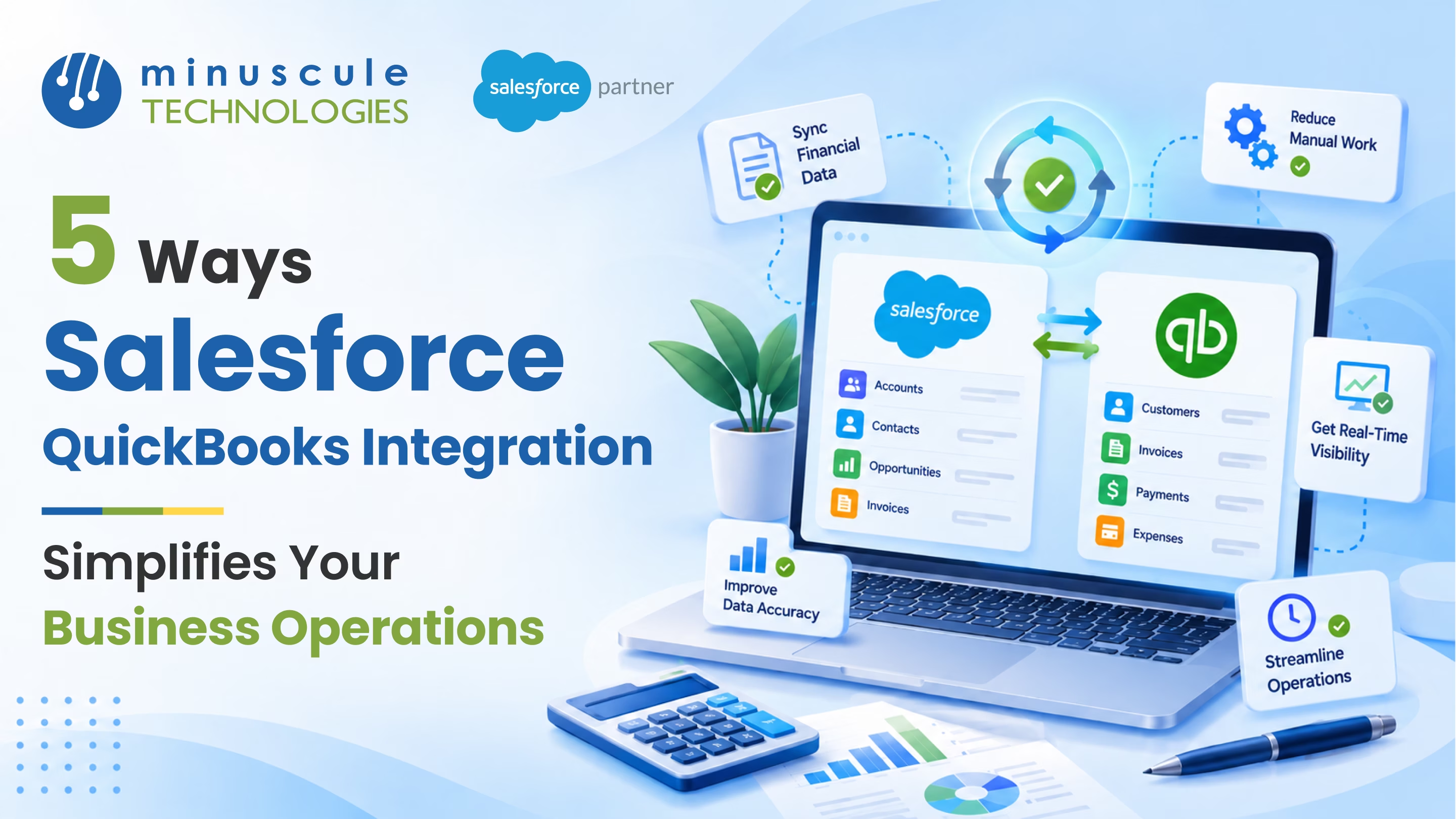
Salesforce QuickBooks integration connects your CRM to your accounting system so customer, order, invoice, and payment data flows between them on its own. Sales works in Salesforce, finance works in QuickBooks, and both see the same numbers. Here are the five biggest ways it makes daily work easier:
Picture a growing distributor at the end of a busy quarter. A rep closes a big order on Friday. On Monday, the invoice is already in QuickBooks, the customer has it, and the rep can see when it gets paid. Nobody emailed a spreadsheet. That's what a well-built Salesforce integration does for your team.
This guide walks through each of the five benefits with simple examples. It also shows how to choose a setup that fits your business.
A QuickBooks Salesforce integration, often called Salesforce QuickBooks integration, links the two apps so records sync between them. Most setups move accounts, products, orders, invoices, and payments. Some sync both ways, so a change in one system shows up in the other.
You can connect them in three common ways. AppExchange apps offer ready-made sync. MuleSoft Composer, which Salesforce recommends for QuickBooks, lets admins build flows without code. Custom API work fits complex needs. Most ready-made tools support QuickBooks Online, so check carefully if you still run QuickBooks Desktop.
For a full setup walkthrough, read our complete Salesforce QuickBooks integration guide.
This is where most teams feel the change first. With Salesforce order to invoice automation, a deal marked Closed Won can create the invoice in QuickBooks on its own. Customer details, line items, prices, and terms carry over from the opportunity.
A good Salesforce invoicing integration also sends the invoice number back to Salesforce. Reps can open the deal and see exactly what was billed. Finance no longer waits for a handoff email, and customers get invoices sooner.
Take a services firm that bills a setup fee plus monthly support. When the deal closes, the integration creates the first invoice. Many connectors can also set up the monthly bill, so no one has to remember it.
The result is a shorter path from "yes" to "paid." Fewer steps also mean fewer typos in amounts and addresses.
Reps often ask finance the same question: "Did they pay yet?" With real-time financial data sync, the answer lives right on the Salesforce account.
Open balances, due dates, and paid invoices appear next to the deal history. Before a renewal call, a rep can check for overdue bills in seconds. Account managers can spot a customer who pays late and adjust terms before the next order.
This also helps leaders. When payments flow back into Salesforce, forecasts can reflect cash that has actually arrived, not just signed deals.
Without integration, the same customer often lives twice, with different spellings and addresses. A Salesforce QuickBooks sync gives each record one home.
The key is deciding who owns what. In a Trailblazer Community discussion on QuickBooks connectors, admins share a simple rule. QuickBooks owns invoices and payments, while Salesforce owns accounts and contacts. Follow that, and you avoid duplicates.
Clean data pays off everywhere. Statements reach the right contact, reports match across teams, and audits go more smoothly.
Month-end gets easier when sales and finance data already match. With a Salesforce accounting integration, revenue in your CRM ties back to real invoices in QuickBooks.
Automated financial workflows can handle the routine steps:
So instead of a week of spreadsheet checks, reconciliation becomes a quick report review.
Reporting gets better too. You can build Salesforce dashboards that show bookings, billed revenue, and cash collected side by side. To see how this works with other tools like Xero or NetSuite, read our post on Salesforce and accounting tool integration.
Every manual handoff costs time. Sales and accounting automation removes the copy-and-paste work between the two apps.
That time goes back into selling, collecting, and serving customers. Strong CRM and accounting integration also makes it easier to grow without adding admin staff.
The right method depends on your volume, budget, and how much custom logic you need.
Two tips before you start. First, clean your data and map your fields. This Salesforce Tutorial guide to ERP integration patterns explains how order and invoice flows usually work. Second, plan for API limits and errors. Since 2025, Intuit meters some QuickBooks Online API calls through its App Partner Program, so ask your vendor how their sync handles it. This SalesforceCodex guide to integration challenges covers sync errors and API limits.
If you lean toward MuleSoft Composer, the MuleSoft Composer Basics module on Trailhead is a quick primer.
It's a connection that syncs customer, order, invoice, and payment data between Salesforce and QuickBooks. Sales and finance work in their own apps but share the same data.
Some tools support QuickBooks Desktop, but most ready-made connectors focus on QuickBooks Online. Check support before you buy.
Many connectors sync in near real time or on a short schedule. Custom builds can trigger updates the moment a record changes.
A ready-made connector can be running in days. A custom integration with complex rules usually takes a few weeks, including testing.
Not always. AppExchange apps and MuleSoft Composer are built for admins. Complex rules or high volume are where developers help most.
Salesforce QuickBooks integration swaps handoffs for one shared flow, from closed deal to paid invoice. Reps see payments. Finance sees orders. Leaders see one set of numbers. You get simpler operations without adding staff.
Minuscule Technologies builds Salesforce integrations for teams in manufacturing, distribution, real estate, and banking. Our pre-built Accelerators, like the B2B Marketplace accelerator, capture orders that flow straight into billing. Our industry Starter Packs come with ready-made flows and dashboards. That helps your Revenue Cloud implementation go live faster.
Ready to connect Salesforce and QuickBooks the right way? Book a free strategic Salesforce call with our team. We'll map the best setup for your business.
You've seen what's possible. Now, let's make it happen for your business. Whether you need an end-to-end Salesforce solution, a complex integration, or ongoing managed services, our team is ready to deliver.

Schedule a Free Strategic Call


Plot No. 4, Sridevi Amman Street, Perumal Nagar Extension, Old Pallavaram, Chennai, Tamil Nadu 600117, India.
