
May 13, 2026
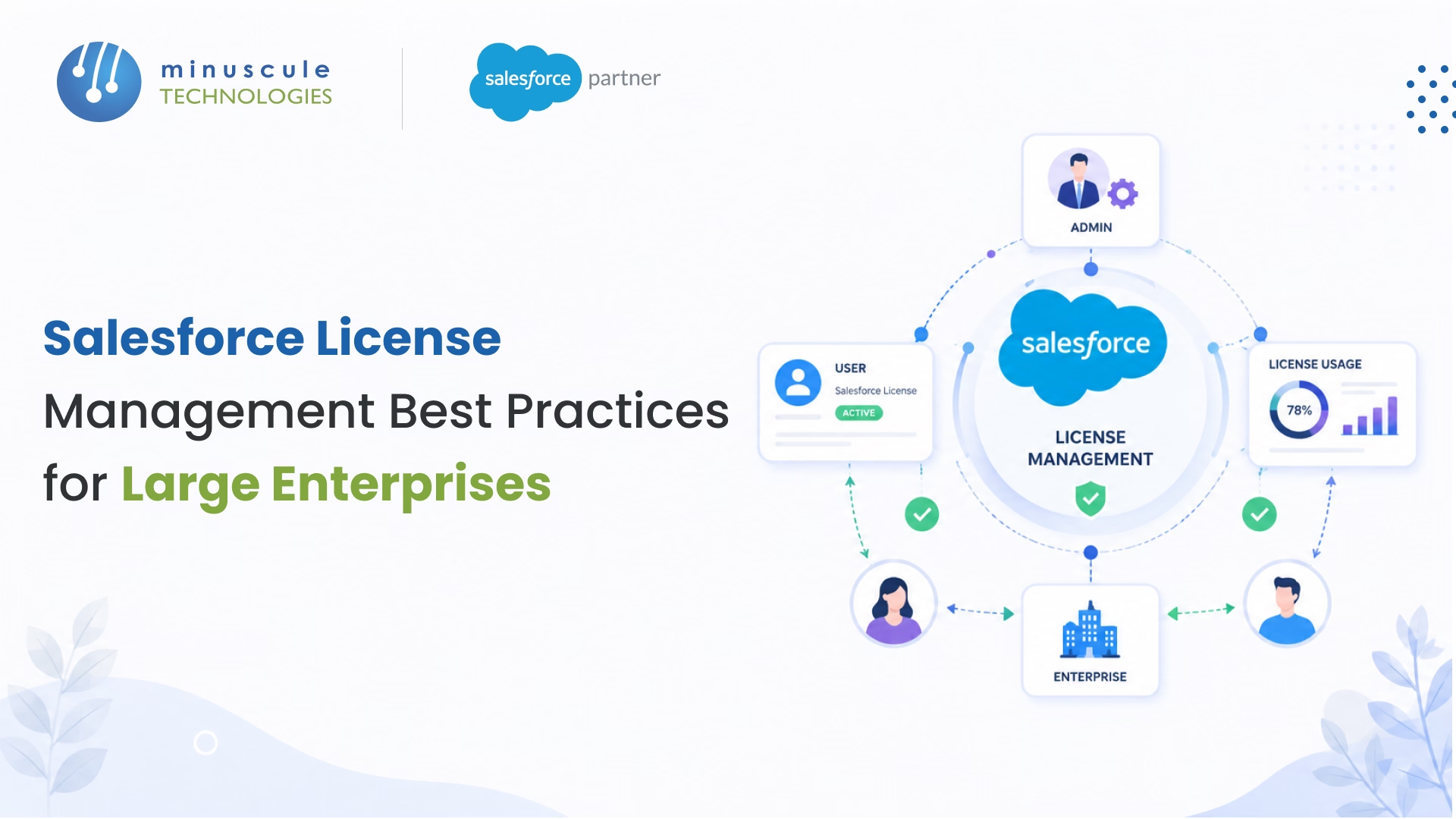
Salesforce license management is the process of tracking, assigning, optimizing, and governing Salesforce licenses across your organization to control costs, maintain compliance, and ensure every user has the right level of access. For large enterprises running multiple Salesforce orgs, this isn't just an admin task - it's a financial and security priority that can save hundreds of thousands of dollars annually.
According to industry benchmarks, the average enterprise uses less than 50% of its purchased Salesforce licenses. That gap between what you're paying for and what's actually being used represents one of the biggest line items in SaaS waste. And with Salesforce's 2026 pricing changes - including increases across Sales Cloud, Service Cloud, and the introduction of Agentforce consumption-based licensing - getting license management right has never mattered more.
This guide walks you through proven best practices for managing Salesforce licenses at enterprise scale, including audit frameworks, cost optimization strategies, and governance models that IT leaders and Salesforce admins can put into action today.
Salesforce license management covers the full lifecycle of your Salesforce licenses - from initial procurement and user assignment to ongoing monitoring, optimization, and renewal. It's about making sure every license is assigned to someone who actually needs it, at the right tier for their role, and that you're not bleeding money on seats nobody uses.
For a 50-person startup, this might mean a quarterly check-in. For a large enterprise with 2,000+ Salesforce users across multiple business units, geographies, and Salesforce orgs, it's a continuous process that touches IT, finance, HR, and business operations.
The core activities include:
When done well, Salesforce license management directly reduces your total cost of ownership while improving security posture and audit readiness.
License management isn't just about saving money (though the savings can be significant). For enterprises, the stakes are higher across several dimensions.
Salesforce is typically one of the top three SaaS spending categories for enterprise organizations. A mid-size enterprise with 1,000 Salesforce users paying an average of $150 per user per month is looking at $1.8 million annually before add-ons, integrations, or storage overages. If even 20% of those licenses are underutilized or misallocated, that's $360,000 in potential waste every year.
The problem compounds across large organizations. Large enterprises often run multiple Salesforce instances across different departments or regions. Each org accumulates its own set of unused licenses, orphaned accounts, and mismatched tiers. Without centralized visibility, finance teams can't make informed decisions about renewals.
Every active Salesforce license is a potential access point. When employees leave and their accounts stay active - which happens more often than most organizations realize - you've got orphaned credentials sitting in a system that holds customer data, financial records, and sales pipeline information.
For enterprises subject to SOX, SOC 2, HIPAA, or GDPR, auditors expect clean documentation of who has access to what, when access was granted, and when it was revoked. Manual license tracking almost always fails here.
When IT teams spend hours each week manually reconciling Salesforce user lists, pulling CSV exports, and cross-referencing with HR records, that's time not spent on strategic projects. In our experience working with enterprise Salesforce environments, we've seen IT teams reclaim 15-20 hours per month just by automating license reconciliation processes.
One of the biggest mistakes enterprises make is treating all Salesforce licenses as equal. They're not. Salesforce offers a layered licensing model, and understanding the differences is the foundation of effective license management.
These are your primary licenses that define baseline access. The main ones you'll encounter in enterprise environments:
These extend capabilities beyond a user's base license. Instead of upgrading someone to a more expensive license tier, you can add specific feature access through permission sets. This is one of the most underused cost optimization levers in enterprise Salesforce - more on this in the dedicated section below.
Feature licenses unlock specific functionality: Marketing User, Knowledge User, Flow User, and others. They're typically assigned alongside a user license and control access to particular Salesforce capabilities. The risk here is over-assignment - giving Marketing User access to your entire sales team when only five people actually use campaign management.
These are separate product licenses with their own pricing models. Marketing Cloud licenses operate on a usage-based model (contacts, sends, interactions), while Experience Cloud licenses are tiered based on login frequency and user type (customer vs. partner).
Einstein licenses - which now include Agentforce capabilities - follow consumption-based pricing, which is a newer model that requires different management approaches than traditional per-seat licensing.
We've worked with enterprises across manufacturing, BFSI, real estate, and healthcare verticals on Salesforce implementations. The license management challenges tend to follow similar patterns regardless of industry.
Large enterprises frequently operate multiple Salesforce orgs - sometimes by design (different business units), sometimes by acquisition (inherited orgs that were never consolidated). Each org has its own license pool, user list, and utilization data. Without a unified view, you're managing in silos.
We've seen cases where a global manufacturer had three separate Salesforce orgs - one for North America, one for EMEA, and one for APAC - with a combined 340 unused full CRM licenses that could have been Platform licenses instead. The annual savings from right-sizing that one issue? Over $200,000.
This is the most common source of waste. A sales operations analyst who only builds reports and dashboards doesn't need a full Sales Cloud license. A warehouse manager who checks inventory status through a custom app doesn't need CRM access. But because it's easier to assign the same license type to everyone, enterprises end up paying premium rates for basic usage.
The gap between when HR terminates an employee and when IT deactivates their Salesforce account averages 30-45 days in organizations without automated workflows. For enterprises with regular attrition, that means dozens of \"ghost\" licenses consuming budget at any given time.
Salesforce renewal cycles catch many enterprises off guard. Without accurate utilization data, procurement teams enter negotiations without bargaining power. They end up renewing the same number of licenses (or more) because they can't prove lower numbers are justified. And Salesforce's annual price increases - typically 7-10% - compound the problem year over year.
Sandbox environments, developer editions, and trial orgs created by individual teams can create \"shadow\" Salesforce instances that aren't part of the official license count but still represent risk and cost exposure.
Here's what actually works at enterprise scale, based on patterns we've seen across 75+ Salesforce projects globally.
Annual license reviews are a recipe for waste. By the time you discover 50 unused licenses in December, you've already paid for them for months. Monthly reconciliation — comparing your active license count against HR records, login data, and role assignments - catches issues in real-time.
Set up automated reports in Salesforce that flag accounts with zero logins in the past 30 days. That's your starting point for every monthly review.
Role-based licensing is more sustainable than person-based licensing. Instead of asking \"What license does John need?\", ask \"What license does a Regional Sales Manager need?\" This creates a repeatable framework that HR and IT can use during onboarding without guesswork.
Build a license-to-role matrix that maps every job title in your organization to the appropriate Salesforce license tier and permission sets. Update it quarterly as roles evolve.
Before upgrading a user to a more expensive license tier, check if a permission set license can fill the gap. In many cases, a Platform license plus a specific permission set delivers the same functionality as a full CRM license at a fraction of the cost. See the dedicated section below for a deeper breakdown.
Connect your HR system (Workday, SAP SuccessFactors, BambooHR) to Salesforce so that employee terminations automatically trigger license deactivation. This eliminates the 30-45 day gap that creates orphaned accounts and wasted spend.
If a direct integration isn't feasible, set up a daily scheduled job that compares your HR system's active employee list against Salesforce's active user list. Any mismatch gets flagged immediately.
Don't let managers assign licenses without oversight. Create a formal request process - even if it's just an approval flow in Salesforce - where new license requests are reviewed against role requirements, current utilization, and available license inventory.
This prevents the \"just give them full access\" mentality that inflates license counts over time.
A user logging in once a month to check a dashboard doesn't need the same license as someone running complex workflows daily. Track feature-level utilization: Who's using Opportunities? Who's creating Cases? Who's running Flows?
Salesforce's built-in Login History and Setup Audit Trail give you basic data. For deeper feature usage analytics, consider Salesforce Optimizer or third-party tools that track object-level engagement.
If you're running multiple Salesforce orgs that serve overlapping functions, consolidation can dramatically reduce license costs. Even partial consolidation - merging two orgs in the same region - can eliminate redundant admin licenses, duplicate data storage, and overlapping permission structures.
This is complex work that requires careful data migration and change management, but the long-term savings justify the investment for most enterprises.
Create a shared dashboard that both IT and finance teams can access. Include metrics like: total licenses owned vs. assigned vs. active, cost per license by type, utilization rate by department, projected renewal cost vs. optimized cost, and licenses approaching expiration.
When finance has visibility into license utilization, they become advocates for optimization rather than just approving renewal invoices.
Enterprises with seasonal workforce fluctuations (retail, manufacturing, field services) should negotiate flexible licensing terms that allow scaling up and down. Salesforce does offer short-term licensing options, but you have to ask for them during contract negotiation.
Similarly, if you're running a 6-month implementation project that needs temporary admin or developer licenses, build those into your contract rather than paying full annual rates.
The worst time to optimize licenses is two weeks before renewal. Start the process six months out: pull utilization data, identify right-sizing opportunities, calculate your target license count, and enter negotiations with data-backed proposals. Salesforce account executives are more likely to offer concessions when you come prepared with specific numbers.
This is one of the most overlooked optimization opportunities in enterprise Salesforce. Here's the breakdown.
A full Salesforce (CRM) license gives users access to everything - Sales Cloud, Service Cloud, all standard objects, and most features. But most users don't need all of that. A Platform license restricts access to custom objects and basic functionality, but permission set licenses can selectively add back specific features.
For example, a user who only needs access to Cases (Service Cloud) could potentially use a Platform license with a Service Cloud permission set license - saving 40-60% per user compared to a full CRM license.
The math gets compelling for large teams. If you have 200 users currently on full CRM licenses who could be moved to Platform + Permission Set configurations, and the monthly savings is $100 per user, that's $240,000 per year in recovered budget.
The catch: permission set configurations require careful planning and testing. Not every feature combination works with every base license type. Work with your Salesforce consulting partner to map out which users are candidates for this approach and test configurations in a sandbox before rolling out.
Use this checklist quarterly to keep your license environment healthy:
Salesforce contracts are negotiable - more so than many enterprises realize. Going into a 2026 renewal, here are strategies that can move the needle.
First, know your numbers cold. Before any conversation with your Salesforce account executive, have exact data on: current utilization rates by license type, your target license count (based on actual need, not historical purchases), competitive alternatives you've evaluated, and total spend across all Salesforce products.
Second, push back on automatic price escalation. Salesforce's standard annual increases of 7-10% are not set in stone. Multi-year commitments with capped escalation (3-5%) are achievable, especially if you're a large account.
Third, negotiate flex licenses. Ask for the ability to swap license types during the contract term - for example, converting unused Sales Cloud licenses to Platform licenses without penalty. Salesforce has become more flexible on this in recent years, particularly for enterprise agreements.
Fourth, bundle strategically. If you're adding new Salesforce products (Data Cloud, Agentforce, Marketing Cloud), negotiate them as part of a larger deal rather than as separate add-ons. Bundle pricing is almost always more favorable.
Finally, time it right. Salesforce's fiscal year ends January 31. Deals closed in Q4 (November-January) often come with the best discounts as reps push to hit quotas.
Salesforce's Agentforce platform - launched in late 2025 and expanded significantly in 2026 - introduces a new licensing model that enterprise teams need to plan for. Unlike traditional per-seat licenses, Agentforce uses consumption-based pricing tied to the number of conversations or actions autonomous agents perform.
This changes the license management equation in several ways:
The key takeaway: don't treat AI licensing as a separate line item. Integrate it into your overall license governance framework from day one.
Sustainable license management requires a governance structure - not just tools and dashboards. Here's a practical framework that works for enterprises.
Designate a single person (or small team) responsible for Salesforce license governance. In most enterprises, this sits in IT operations or Salesforce CoE (Center of Excellence). This owner has authority over license allocation decisions and serves as the bridge between IT, finance, and business units.
Document clear policies for: how new licenses are requested and approved, which license type maps to which role, when licenses are deactivated (based on inactivity threshold), how disputed access requests are escalated, and how often license audits run.
Monthly: utilization review and deprovisioning sweep. Quarterly: full license audit against the checklist above. Annually (6 months before renewal): deep-dive optimization analysis and contract negotiation preparation.
License management isn't just IT's job. Finance needs visibility for budgeting. HR needs integration for onboarding and offboarding. Business unit leaders need input on feature requirements. Build a quarterly review meeting with representatives from each group to align on licensing strategy.
If you need help setting up this governance framework - or if your existing license environment needs a thorough optimization - Minuscule Technologies can help. As a Trusted Salesforce Engineering Partner with 160+ Salesforce experts, we've helped enterprises across BFSI, manufacturing, real estate, and healthcare right-size their Salesforce investments
while strengthening security and compliance.
Savings vary based on org size and current waste levels. Enterprises with 500+ Salesforce users typically recover 15-30% of their annual license spend through systematic optimization. For a company spending $1 million per year on Salesforce licenses, that's $150,000 to $300,000 in annual savings.
A user license defines your baseline access level (what edition features you can use). A permission set license adds specific capabilities on top of your base license - like giving a Platform user access to Service Cloud features - without upgrading their entire license tier.
Monthly reconciliation is the gold standard for enterprises. At minimum, run a full audit quarterly. Always perform a deep-dive optimization analysis 6 months before your contract renewal date.
It depends on your contract terms. Some enterprise agreements allow license type swaps (full CRM to Platform, for example). Others require waiting until renewal. Check your contract's co-terming and flex provisions, and negotiate these terms proactively during your next renewal cycle.
Agentforce uses consumption-based pricing (per conversation or action) rather than per-seat licensing. It can reduce costs if agents replace tasks previously done by licensed human users, but unmonitored usage can also increase costs. Set usage caps and track ROI from day one.
Salesforce offers several built-in tools: the License Management App (LMA) for AppExchange partners, Setup Audit Trail for tracking changes, Login History for monitoring usage, and Salesforce Optimizer for utilization recommendations. For enterprise-scale management, most organizations supplement these with dedicated SaaS management platforms or work with a Salesforce consulting partner to build custom governance dashboards.
You've seen what's possible. Now, let's make it happen for your business. Whether you need an end-to-end Salesforce solution, a complex integration, or ongoing managed services, our team is ready to deliver.

Schedule a Free Strategic Call


