
June 8, 2026
Thursday afternoon at a regional energy utility. A lineman named Daniel finishes a fuse of disconnection at a defaulter's address. He texts dispatch: "Done at 14 Maple. Heading too next." The dispatcher - managing 26 field workers across three substations - scrolls through a group chat looking for Daniel's message. She finds it between a lunch break notice and a photo someone sent to the wrong thread. She updates the spreadsheet. Fifteen minutes later, the operations manager asks where Daniel is. She doesn't know - Daniel doesn't text again until he reaches the next site.
Meanwhile, a payment comes in from another defaulter across town. A reconnection work order needs to be done. The dispatcher checks her Excel sheet for who's closest - guesses based on the last text. She assigns it to a crew member 40 minutes away, because the technician five minutes away never texted his current location.
This is field operations with SMS as the backbone. Texts get lost, locations go stale, proof of work lives in a camera roll, and dispatchers manage crews through a group chat that wasn't built for operations.
A Salesforce dispatcher console replaces all of this. Here's how.
SMS works for personal conversations. It doesn't work for coordinating 20-30 field workers across a service territory with shifting priorities and real-time assignment needs.
Three problems make SMS unworkable at scale. First, there's no structure. A text saying "done at Maple St" doesn't update a work order, close a case, or trigger the next assignment. Someone at dispatch reads the message, interprets it, and manually updates the system.
Second, SMS provides no location intelligence. Dispatchers assign based on where they think a technician is — wherever the last text said. In a utility covering hundreds of square miles, a 20-minute-old location is useless for routing.
Third, there's no proof trail. A text saying "disconnection complete" carries no photo evidence, no timestamp tied to a work order, and no audit record. If a customer disputes the work or a regulator asks for documentation, a group chat message is the only evidence.
The dispatcher console replaces every function SMS was handling - and adds capabilities SMS never could.
It displays a live map with every technician's GPS location, updated through the Field Service mobile app. Colored pins - green for available, yellow for transit, red for on break - replace waiting for texts.
Work orders appear on a Gantt chart alongside the map. When a reconnection triggers a payment, geo-fencing and assignment rules auto-assign it to the closest qualified person based on proximity, skills, and workload.
Technicians receive assignments through the mobile app. They tap to accept, update status (en route, on site, in progress, complete), and upload photo evidence to the work order. Every change appears on the console in real time.
Dispatch runs on live data instead of stale texts. Every completed job has a timestamped, geotagged record in Salesforce.
| Factor | SMS-Based Updates | Salesforce Dispatcher Console |
|---|---|---|
| Location tracking | Last known from most recent text | Live GPS updated continuously on map |
| Work order updates | Manual — dispatcher reads text and updates spreadsheet | Automatic — technician taps status in mobile app |
| Task assignment | Text message with an address | Auto-assigned by proximity and skills, or drag-and-drop on Gantt |
| Proof of work | Photo in camera roll, maybe texted to dispatch | Photo uploaded directly to work order record in Salesforce |
| Audit trail | Group chat history — unsearchable, unstructured | Timestamped, geotagged records linked to every work order |
| Manager visibility | "Where's the crew?" calls to dispatch | Real-time dashboard with completion rates and field activity |
| Scalability | Breaks past 10–15 field workers | Handles hundreds of technicians across multiple territories |
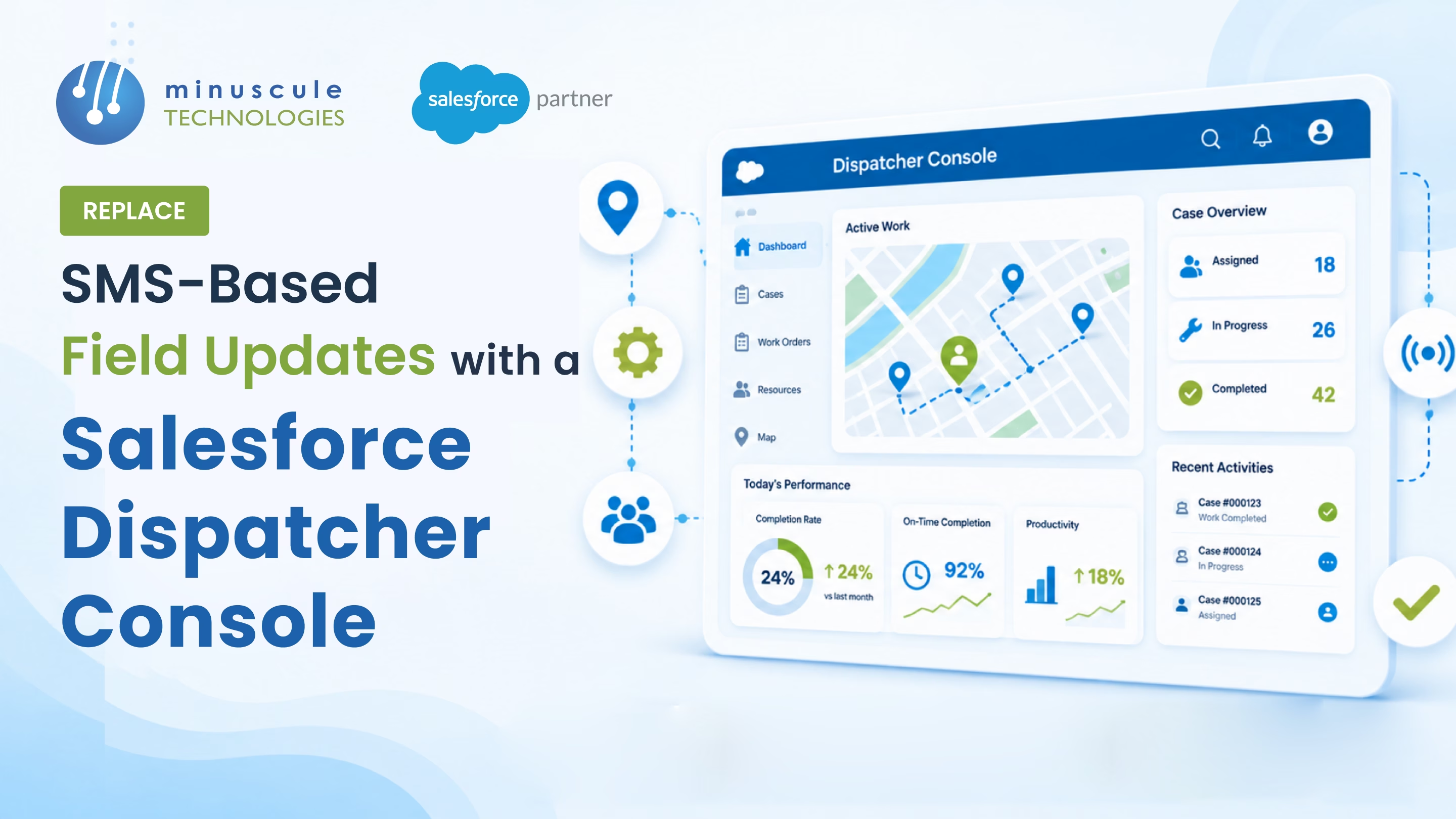
The dispatcher console is the operations hub inside Salesforce Field Service. It combines a live map with technicians at GPS locations, a Gantt chart for appointments, and a work order list — giving dispatchers real-time visibility from one screen.
Yes. Technicians using the Field Service mobile app share GPS location continuously. The console displays each technician as a color-coded pin — available, in transit, on site, or on break.
Dispatchers drag work orders onto a technician's Gantt timeline, or auto-assignment rules to route them to the closest qualified technician based on proximity, skills, and schedule capacity.
A core setup with the dispatcher console, mobile app, and GPS tracking takes 6-10 weeks. Adding geo-fencing, auto-assignment, photo workflows, and external utility integrations extends to 12-16 weeks.
That dispatcher scrolling through texts looking for Daniel's update? She's not disorganized. She's running a 26-person field operation on a tool built for birthday plans. The group chat was never designed to track locations, assign work orders, document proof, or give managers real-time visibility. It just happened to be the only option nobody replaced - until now.
Minuscule Technologies replace it with something that actually works. We're a Trusted Salesforce Engineering Partner with 125+ Salesforce engineers and 75+ successful projects - including deploying dispatcher consoles for energy utilities that replaced SMS-based field updates entirely. Real-time GPS tracking. Geo-fenced auto-assignment. Photo-documented proof of work. Location-based task routing. Case completion rates up to 24%. That's not a pitch - that's what we've already delivered.
Your field crews are out there right now, texting updates into a chat nobody's reading fast enough. Minuscule Technologies builds the Salesforce dispatcher console that turns those texts into live dashboards, automated assignments, and audit-ready records. Book a consultation with Minuscule Technologies today - and give your dispatchers the operations hub they should have had years ago.
You've seen what's possible. Now, let's make it happen for your business. Whether you need an end-to-end Salesforce solution, a complex integration, or ongoing managed services, our team is ready to deliver.

Schedule a Free Strategic Call


Plot No. 4, Sridevi Amman Street, Perumal Nagar Extension, Old Pallavaram, Chennai, Tamil Nadu 600117, India.
