We are at Dreamforce 2026, Industry Pavilion at San Francisco


May 4, 2026
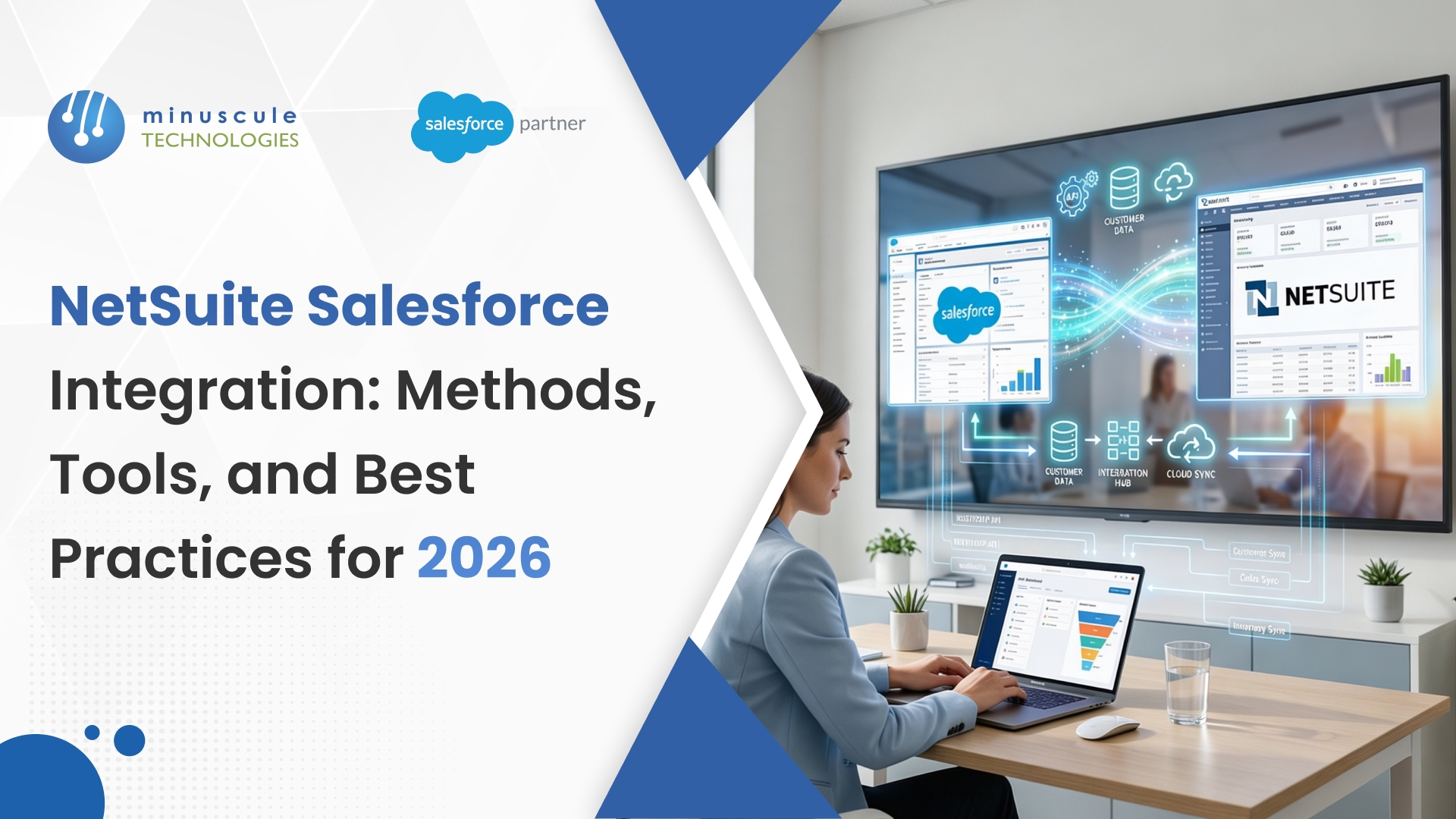
Your ERP knows the money. Your CRM knows the customer. But out of the box, they don't know each other. NetSuite Salesforce integration fixes that — it connects Oracle NetSuite's ERP with Salesforce CRM, so data moves between both platforms without anyone copying it by hand. Done well, it kills duplicate data entry. It hands sales reps live financial and inventory numbers. And it shaves days - sometimes full weeks - off the order-to-cash cycle. A 2025 Salesforce State of IT report found that teams with connected CRM-ERP systems resolved customer issues 34% faster than teams toggling between tools.
Here's what trips most teams up, though. NetSuite and Salesforce were never designed to talk to each other. They store data in different structures. They use different field names. And they answer different departments. We've seen companies wing it without a real plan. The result is almost always the same: mismatched records, finance chasing sales over order details, and a shared spreadsheet nobody trusts. (That spreadsheet always becomes the source of truth. Which is terrifying.)
This guide walks through every method, tool, and best practice for a clean Salesforce integration with NetSuite - whether you're weighing options for the first time or fixing something already broken.
In simple terms, it's the bridge between two platforms that run very different parts of your business. Oracle NetSuite handles the back office: accounting, inventory, order fulfillment, procurement. Salesforce runs your front office: leads, opportunities, support, marketing. The integration between NetSuite and Salesforce connects them, so they swap data in real time or on a schedule you define.
What does that look like day to day? Your rep opens an Account in Salesforce before a call. Right there, they see this customer has three unpaid invoices in NetSuite. Nobody told them — the data just there. Meanwhile, your finance team gets a new sales order in NetSuite at the moment a deal closes in Salesforce. No email. No form. It just shows up.
The plumbing behind this involves APIs, middleware platforms, or pre-built connectors. Each one maps objects in one system to match the other. Customer records, sales orders, invoices, product catalogs, price tiers, inventory levels — those move back and forth most often.
Without it? Your team works blindly with each other. Sales don't know about overdue payments. Finance learns about a big deal three days later. It's the classic CRM-ERP disconnect, and it slows every department it touches.
Every re-keyed order is a chance for something to go wrong. A mistyped SKU. A wrong ZIP code. A price gap that surfaces only when the invoice lands in the customer's inbox.
NetSuite and Salesforce integration wipes that risk out. Data goes in once and flows to both systems on its own. In our distribution work, a team processing around 200 orders a month saves roughly 15–20 hours every week just by ending the copy-paste. That's not a guess — we've measured it across projects.
Your reps shouldn't call the warehouse to check stock. That's the 2009 behavior.
With the two systems connected, reps build a quote in Salesforce and see live NetSuite inventory on the same screen. Available quantity, the right price tier for that customer, expected restock date — all of it. Quotes come out right on the first pass. One client — a building materials distributor with 45 reps — saw quote accuracy jump from 78% to 96% in the first quarter.
A deal closes in Salesforce. The integration fires a sales order in NetSuite on its own. That triggers fulfillment. Fulfillment triggers the invoice. Nobody taps anyone on the shoulder.
Companies that automate this flow typically cut order-to-cash time by 30–50%. Real money, moving faster.
Here's a scene that happens too often. Support sees a customer's address in Salesforce: Houston. Finance sees the same customer on NetSuite: the old Dallas office. Who's right?
Integration fixes that. Accounts in Salesforce and Customers in NetSuite stay synced — addresses, contacts, payment terms, all of them. One record. Everyone trusts it.
Salesforce's Data Cloud and Agentforce tools (both big in 2026) need clean, connected data. If your ERP data sits alone on NetSuite, your AI works with half the picture — and gives you half-baked answers.
Feed NetSuite's financial and operational data into Salesforce's AI engine, and forecasts sharpen. We've seen it most in seasonal businesses, where demand predictions improve fast.
At its core, this is object mapping — Salesforce objects matched to their NetSuite counterparts. Here's a typical map:
Bidirectional sync means edits in either system update the other. A rep fixes a phone number in Salesforce, and NetSuite updates too. It fits shared records like Accounts and Contacts — where both teams touch the same data.
Unidirectional sync is better when one system clearly owns the data. Invoices and payments flow from NetSuite to Salesforce, because NetSuite owns the books. Pipeline data flows the other way, because reps manage deals in Salesforce.
What about timing? Real-time sync fires the moment a record changes. Scheduled sync runs at set intervals — 15 minutes, hourly, daily — based on how fresh the data needs to be. Inventory counts? Update often. Price book changes? Once a day is fine.
iPaaS means Integration Platform as a Service. These cloud tools ship pre-built connectors for both platforms. You configure through a visual interface — mapping fields, setting sync rules, building error handling — with little to no code.
Both platforms expose REST APIs, so developers can build custom logic from scratch. SuiteTalk handles the ERP side. Salesforce's REST and Bulk APIs handle the CRM side.
These apps live on the Salesforce platform, via AppExchange, and plug into NetSuite. No separate middleware to manage.
When nothing off the shelf fits, build it all with Salesforce Apex and NetSuite SuiteScript. Total flexibility. Also the priciest path — and the hardest to hand off when the original developer leaves.
Tool selection is where teams stall longest. Here's how the four most popular options compare:
Celigo has the deepest NetSuite-specific connector we've worked with. Pre-built flows for order sync, inventory updates, and customer records come out of the box. Popular with eCommerce companies and distributors.
Boomi handles complex enterprise scenarios well — most of all when you're connecting five or more apps, not just two. Multi-app orchestration is where it earns its keep.
Salesforce owns MuleSoft Composer, which means tighter CRM ties and one vendor relationship. The catch: it costs more. Best for teams already deep in the Salesforce family.
Breadwinner takes the opposite path. It's a native Salesforce app — no middleware, no separate platform. For standard sync needs and the simplest setup, it's hard to beat. The trade-off is flexibility on complex transforms.
So which one? It comes down to budget, your team's bandwidth, and how many systems you plan to connect. For just these two platforms, a native app or a focused iPaaS like Celigo gives the best return. For a hub across 5–10 systems, Boomi or MuleSoft makes more sense.
Need help picking? Talk to our Salesforce integration specialists — we've connected ERP and CRM for Nasdaq-listed enterprises across manufacturing, financial services, and distribution.
Stop. Before any tool or code, answer three questions. Which departments need connected data? What records must sync? In which direction?
Write down 3–5 concrete outcomes. Not vague ones. Specific ones, like "reps see real-time inventory in Salesforce" or "closed-won deals auto-create NetSuite sales orders within 60 seconds." Scope creep kills more integration projects than bad technology. We watched a $180K build balloon to $400K because nobody pinned requirements up front.
Dirty data is the top reason a NetSuite SFDC integration blows up after go-live. Not the tool. Not the config. The data.
Audit both systems first. Hunt duplicates. Find naming drift — "IBM" in Salesforce, "IBM Corp" in NetSuite, "International Business Machines" in that one legacy record. Flag inactive records that shouldn't sync at all. Clean now. Cleaning after go-live is ten times harder.
Start from the mapping table earlier in this guide. Then document every field that syncs: its name in both systems, its data type, sync direction, and any transform rules.
A real example we hit constantly: Salesforce stores state names as full text — "California." NetSuite stores "CA." Seems small. Miss it in mapping, and you'll spend a week troubleshooting a 10-minute fix.
Match your scope, budget, and technical bench to the comparison tables above.
Still stuck? A 30-minute call with an experienced Salesforce partner save's weeks of back-and-forth. We've seen teams compare tools for two months and land exactly where one conversation would have pointed at them.
Never build an integration in production. Both platforms have sandboxes for exactly this reason.
Build in sandbox first. Test with real volumes — hundreds of records, not five. Push the edge cases: a customer with no email, an order line mapped to a discontinued product, 50 records syncing at once. Find the breaks now, not after finance depends on it.
Once sandbox checks out, deploy during a low-traffic window. Friday afternoon is not the time. (Ask us how we know.)
Set up alerts from day one — email, Slack, or a live dashboard whenever a sync fails. Don't wait for accounting to notice that 50 invoices went missing last Tuesday.
Integration changes how people work. That's the point. But if nobody tells sales, they can see inventory in Salesforce now; they'll keep calling the warehouse.
Run 30-minute training sessions per team. Ship a one-page quick reference. Name an internal integration owner who fields questions and knows where the docs live. And write those docs — in the future you will be grateful.
The problem: The two platforms think about data differently. A NetSuite "Customer" may need to map to both an "Account" and a "Contact" in Salesforce. Add custom fields and it gets messy fast.
Fix: Build a detailed mapping document before configuring anything — data types, required fields, transform rules. Then have both admins review it together, in one call. The misunderstandings from separate reviews are remarkable.
The problem: "Jon Smith" lives in Salesforce. "Jonathan Smith" lives in NetSuite. Same person — but the sync creates two records, two invoices, and one confused customer.
The fix: Pick a unique match key — email works for most B2B, or use an external ID. Dedupe both platforms before switching on the sync. Set merge rules so matches resolve on their own.
The problem: NetSuite caps API concurrency at 5–10 requests, depending on license tier. During month-end close or a big batch, the queue backs up. Requests wait — or fail quietly, which is worse.
The fix: Use bulk operations wherever possible. Push non-critical syncs to off-peak hours. Add retry logic with backoff — 30 seconds, then 60, then 120. Watch the NetSuite API dashboard. If you keep hitting limits, upgrade the tier or trim the calls.
The problem: NetSuite pricing includes customer tiers, volume discounts, contract rates, and promos. Copying that logic into Salesforce is painful. And when the systems disagree, the quote doesn't match the invoice.
The fix: Keep NetSuite as the single pricing authority. Instead of replicating logic, have the integration query on NetSuite for the right price when a rep builds a quote. Query beats replicates. It adds 1–2 seconds — and gets the price right the first time.
The problem: Someone adds a custom field to Salesforce. Someone else changes a NetSuite workflow. The sync breaks. Nobody notices until a customer calls about a missing invoice — a week later.
The fix: Treat the integration of production software, because it is. Document every connected field and rule. Add a change-management step: check integration impact before touching either system. Run quarterly health checks — or hand monitoring to a managed services partner.
A heavy equipment maker connected Salesforce pipeline data to NetSuite's demand planning in 2024. When reps updated deal stages, NetSuite adjusted procurement on its own. Within six months: 22% less raw-material overstock, and Q4 emergency purchase orders down from 14 a month to 3.
A multi-warehouse distributor with 40+ reps kept quoting out-of-stock items — about 15% of quotes had at least one. After living NetSuite inventory landed in Salesforce, that fell under 2%. No new tool to learn. The data just appeared on records reps already used.
A SaaS firm with 300+ annual contracts burned two finance days a month, creating renewal invoices by hand. After connecting Salesforce subscriptions to NetSuite for billing, invoices generated themselves. Billing errors dropped by 90%. Finance got two days back.
A mid-sized firm wanted advisors to stop flipping between systems before calls. Portfolio data from NetSuite joined relationship data in Salesforce. Call prep fell from 12 minutes to 3 — times 40–50 calls a day across the firm.
Four main ways. iPaaS platforms like Celigo or Boomi give pre-built connectors with visual setup. Direct API builds through SuiteTalk and Salesforce REST APIs give developers full control. Native Salesforce apps like Breadwinner handle standard sync inside your CRM. And full custom code with Apex and SuiteScript offers maximum flexibility at maximum cost. The right pick depends on budget, technical bench, and how tangled your data flows are.
No. Neither platform ships a first-party connector in the box. Oracle offers a NetSuite Connector, and AppExchange has several tools with a native-like feel. But out of the box, the two platforms don't know each other exists.
A native app: 1–2 weeks for standard cases. iPaaS: 2–6 weeks with config, testing, and go-live prep. Custom API or code builds: 2–6 months. The tool is rarely a bottleneck, though. Data cleanup and mapping eat the calendar. Messy data adds 2–4 weeks to any estimate.
It's the broad term for any tool bridging the two platforms. Oracle offers an official NetSuite Connector for syncing NetSuite with other apps; Salesforce included. Third-party tools from Celigo, Breadwinner, and others also get called a Salesforce to NetSuite connector. They differ in features, sync depth, and price — so always ask which one someone means.
Yes — for most standard scenarios. Celigo and Boomi use visual, drag-and-drop setup. Breadwinner and similar apps need zero code for typical sync. Complex custom mappings may still need modest scripting — SuiteScript on the NetSuite side, Apex on the Salesforce side. Hundreds of lines, not thousands.
Data mapping mismatches top the list. Then duplicates from naming drift ("Acme Inc" vs "Acme, Inc." — yes, the comma matters). API rate limits causing silent failures to come third. Ongoing upkeep rounds it out — a field change breaks the sync with no warning. Almost all of it is preventable with planning, clean data, and active monitoring.
Depends on what else you're connecting. Celigo has deeper pre-built NetSuite connectors and usually costs less — the stronger pick for a two-system link. MuleSoft (Salesforce-owned) suits enterprises connecting 8–10 apps, and it ties tighter to Data Cloud and Salesforce AI. For two systems, Celigo wins on value. For a broader architecture play, MuleSoft earns its premium.
Getting NetSuite Salesforce integration right takes more than picking a connector and flipping a switch. It takes planning, clean data, and people who know both platforms are cold.
At Minuscule Technologies, our team of 160+ Salesforce engineers have delivered over 75 enterprise integration projects — connecting CRM and ERP for Nasdaq-listed companies across manufacturing, financial services, and distribution. Whether you need help choosing the method, cleaning data before go-live, or running a fully managed integration, book a free consultation and we'll map your integration roadmap together.
You've seen what's possible. Now, let's make it happen for your business. Whether you need an end-to-end Salesforce solution, a complex integration, or ongoing managed services, our team is ready to deliver.

Schedule a Free Strategic Call


