
June 7, 2026
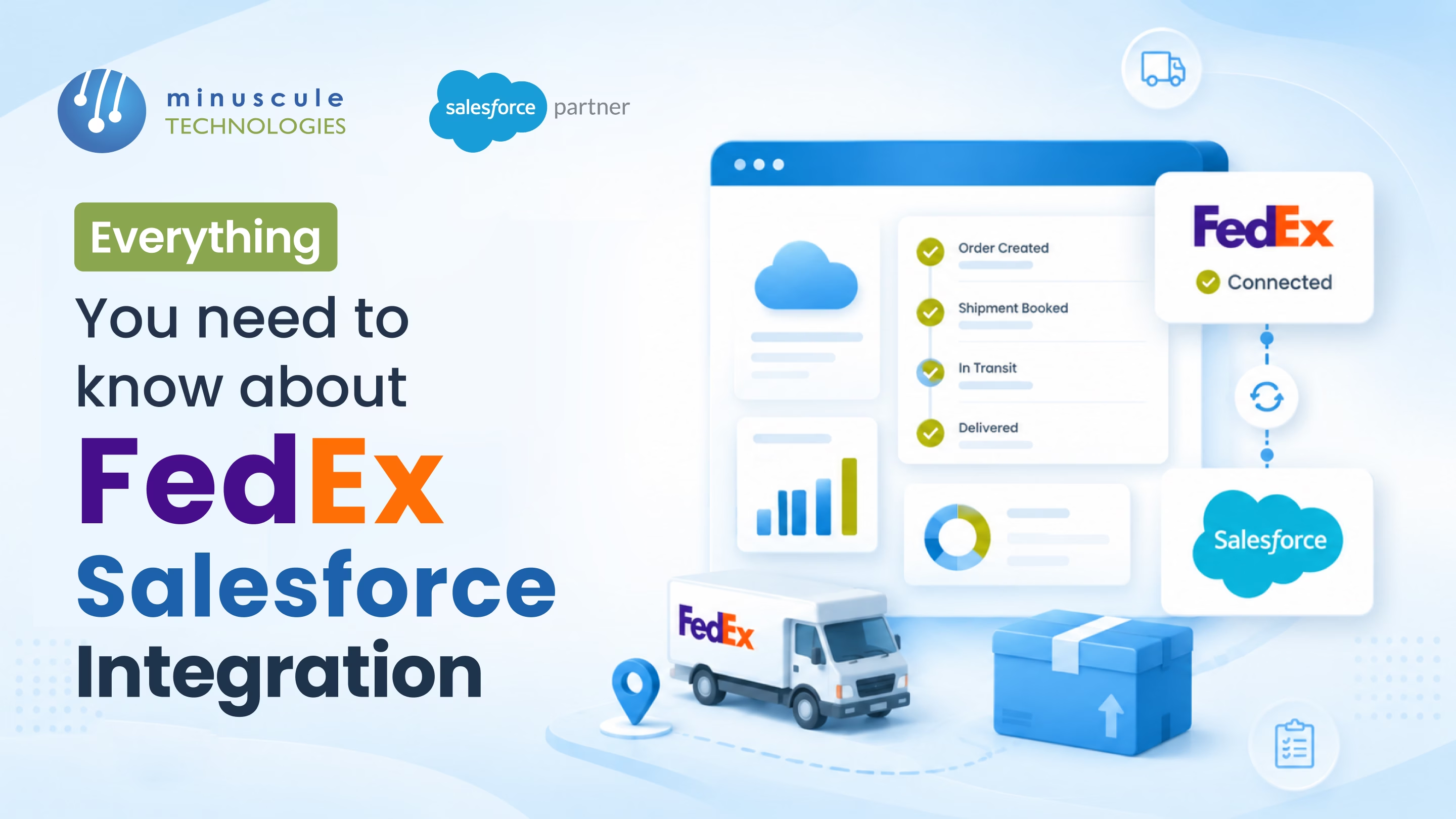
Tuesday morning. A customer calls asking where their order is. The Service Rep opens Salesforce, sees the Order shipped two days ago - that's it. No tracking number. No status. No estimated delivery. The rep logs into the FedEx portal in a separate tab, searches by reference number, finds "In Transit - last scan Memphis six hours ago." By the time the rep stitches the answer together from two systems, the customer has filed a complaint.
This isn't a FedEx problem. It's an integration problem. The shipment exists in two places - the Salesforce Order and the FedEx tracking database - and they don't talk to each other in real time. Every status query is a manual lookup. Every delivery date is a guess. Every customer call takes twice as long as it should.
The fix is a FedEx-Salesforce integration that generates the shipping label from the Order, returns the tracking number to Salesforce on the same transaction, captures status updates as the package moves through FedEx's network, and surfaces estimated delivery - all without logging into a separate portal.
Five forces complicate FedEx-Salesforce integration:
Each issue is fixable. Combined, they explain why FedEx integrations look easy at demo and break in production within a month.
The clean integration creates a structured Shipment record in Salesforce for every FedEx label. Three architectural levels every integration needs.
When the Order moves to a "Ready to Ship" status, a Record-Triggered Flow or Apex callout creates the FedEx label via the Ship API. The label PDF and tracking number return to Salesforce in seconds.
A custom Shipment object (or the standard one in Manufacturing Cloud) stores tracking number, carrier, label PDF, scheduled pickup, estimated delivery, and status — linked back to the originating Order.
Either webhook subscription (preferred) or scheduled polling pulls package status from FedEx Track API. Status changes to update the Shipment record, which fires downstream automation to update the Order and Customer Asset. Follow the full path of how Salesforce tracks every shipment to the customer asset.
Four FedEx APIs cover most integration use cases.
Generates the shipping label PDF and returns the tracking number. Called when the Order is ready to ship. Inputs include recipient address, package weight and dimensions, service level, and the FedEx account number.
Returns current package status, last scan location, estimated delivery, and full event history. Called via webhook subscription or polling. Drives Salesforce Shipment status updates. You can also manage FedEx tracking and returns with the FedEx App for Salesforce.
Returns shipping cost estimates for given package dimensions, weight, origin, and destination. Used at Quote time to surface accurate freight costs into the Pricebook.
Verifies addresses before label generation. Catches bad addresses before they become return-to-sender shipments. Returns the validated address plus any corrections.
| Shipping Surface | Manual Tracking (Legacy Anti-Pattern) | FedEx-Salesforce Integration (Target State) |
|---|---|---|
| Label generation | Rep logs into FedEx portal, types address | Order triggers automated Ship API call; label returns to Salesforce |
| Tracking number capture | Copy-pasted into Order Notes | Auto-written to Shipment record on label creation |
| Status updates | Service Rep checks FedEx portal manually | Webhook updates Shipment status in real time |
| Estimated delivery | "Should be there by Friday" — best guess | Pulled from FedEx Track API, surfaced on Order |
| Address validation | Discovered at return-to-sender | Validated before label generation via Address API |
| Rate quoting | Spreadsheet or memory | FedEx Rate API at Quote time, accurate per shipment |
| Customer visibility | "Call us to check status" | Shipment status visible in customer portal |
Five patterns that cover most FedEx-Salesforce integration use cases.
When the Order activates and Inventory is Reserved, automation calls FedEx Ship API to generate the label. Tracking number and label PDF write back to the Shipment record.
FedEx webhook subscription pushes scan events to a Salesforce endpoint. Each event updates the Shipment status (Picked Up, In Transit, Out for Delivery, Delivered, Exception).
The FedEx Address Validation API runs at Quote to save against the customer's shipping address. Invalid addresses block saves a clear error and suggests corrections.
When generating a Quote with shipping included, the Rate API returns live FedEx pricing per service level (Ground, Express, Overnight). The Pricebook reflects current freight cost, not last quarter's average.
When FedEx returns an exception status, a Service Cloud Case is auto created and routed to the customer service team with the full event history.
Five validation rules protect the FedEx-Salesforce integration.
Block label generation against any Address record that hasn't passed FedEx Address Validation. Stops returned shipments at the source.
Validate that returned tracking numbers match FedEx's format pattern. Catches integration errors where a non-FedEx number gets written to the Shipment record.
Wire a scheduled health check that verifies the FedEx OAuth token is active and refreshes ahead of expiry. Token rot is the silent killer.
Block backwards status transitions — Delivered → In Transit, for example — without a documented exception event from FedEx. Stops bad updates from corrupting Shipment history.
Enforce that the FedEx account number on the Shipment matches the business unit on the Order. Wrong account equals wrong invoice equals quarter-end reconciliation pain.
Most production integrations use four FedEx APIs: Ship (generate labels and get tracking numbers), Track (get real-time package status), Rate (get shipping cost estimates at Quote time), and Address Validation (verify addresses before label generation). Some integrations also use Pickup and Return Service APIs for less-common workflows.
Webhooks. FedEx supports webhook subscriptions that push scan events to a Salesforce endpoint in real time, which keeps Shipment status accurate without hammering the Track API. Polling works as a fallback if webhook delivery fails but shouldn't be the primary pattern.
Yes. Enterprises with multiple business units or regional billing accounts configure the integration to map Salesforce Order → FedEx account number via a custom field on the Account or Order. The integration picks the right account at label generation, so invoices reconcile cleanly.
The FedEx portal is the manual web interface a user logs into to generate labels and track packages. The FedEx Ship API is the programmatic interface that Salesforce calls to do the same thing automatically - generate labels at Order activation without anyone logging in. Production integrations use the API; the portal is the fallback when something breaks.
Manufacturers fix the manual tracking lookup problem by re-architecting the shipping layer - Order-triggered Ship API calls, FedEx webhook subscriptions for real-time status, Address Validation before label generation, and Shipment records that carry the full tracking history. This isn't a connector install; it requires Salesforce engineering across the FedEx API surface, OAuth token management, and the Order-to-Shipment chain.
Minuscule Technologies is a Trusted Salesforce Engineering Partner with 125+ Salesforce experts and 75+ projects delivered globally - including Nasdaq-listed manufacturers across heavy equipment, HVAC, automotive, and industrial sectors. We engineer FedEx-Salesforce integrations that turn every shipment into a queryable record, with real-time status that holds up under any customer call.
Connect with our enterprise architecture team and we'll review your FedEx API integration, Shipment data model, and tracking update design.
You've seen what's possible. Now, let's make it happen for your business. Whether you need an end-to-end Salesforce solution, a complex integration, or ongoing managed services, our team is ready to deliver.

Schedule a Free Strategic Call


Plot No. 4, Sridevi Amman Street, Perumal Nagar Extension, Old Pallavaram, Chennai, Tamil Nadu 600117, India.
