
April 22, 2026
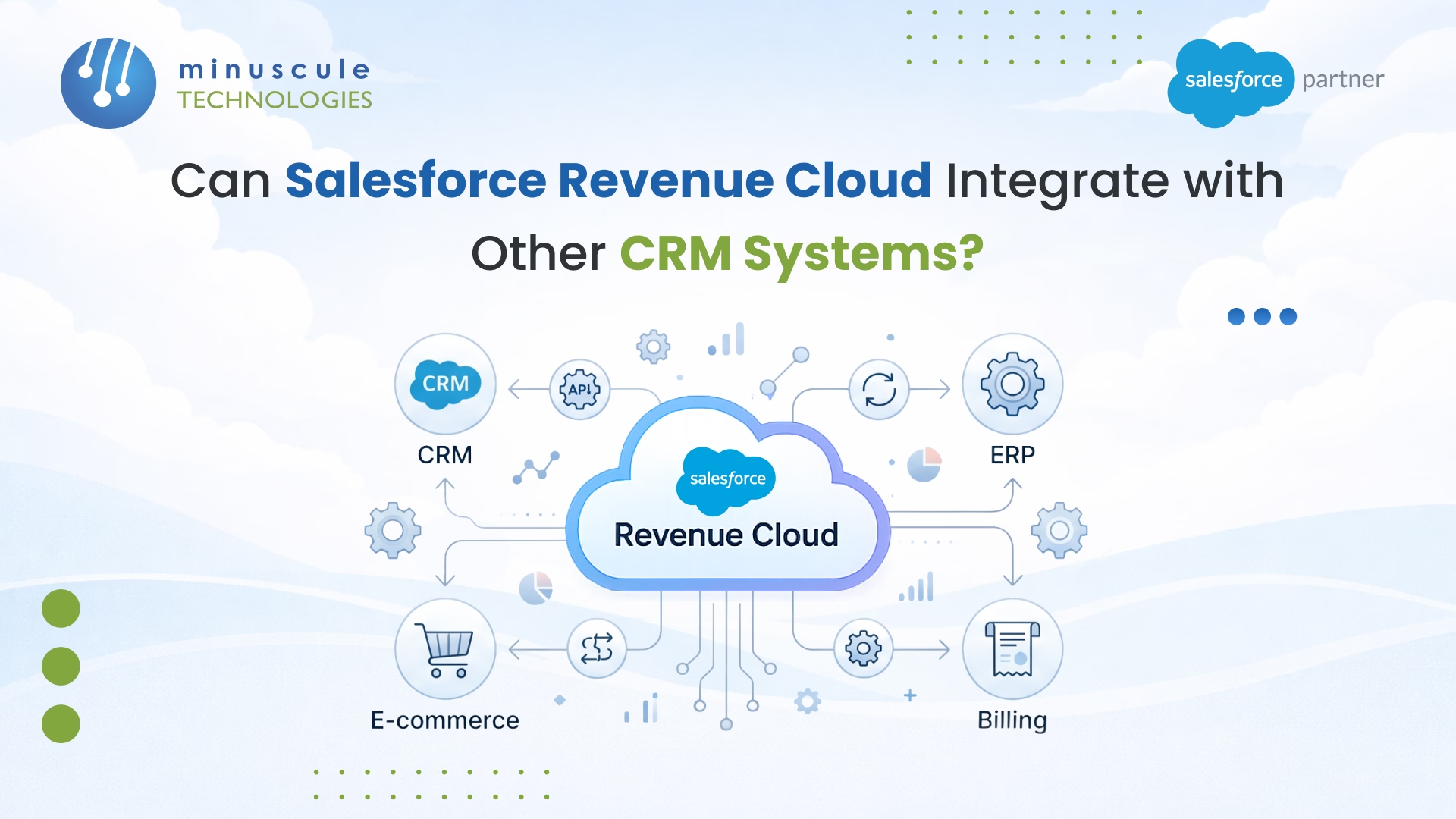
If your business is scaling rapidly, you likely rely on a complex, composable tech stack. You might use one CRM for front-line marketing and sales, and a strong ERP like Oracle NetSuite for financial fulfillment. As revenue models become more complex - incorporating subscriptions, consumption-based billing, and one-time purchases - the requirement for a unified revenue engine cannot be denied.
But what happens if you implement Salesforce Revenue Cloud within an existing, varied tech stack-especially one that already includes a third-party CRM? This is a key intersection to consider as you build your unified revenue architecture.
The short answer is yes. In 2026, Salesforce Revenue Cloud Advanced is fully built on the core Salesforce platform and features an API-first design. Let's examine what this means for integrating Salesforce Revenue Cloud with external CRMs and ERPs to build a flawless Quote-to-Revenue architecture.
Older CPQ (Configure, Price, Quote) managed packages, such as the legacy Steelbrick CPQ, often locked critical code and logic behind managed walls. This made integrations highly finicky and heavily reliant on custom Apex code.
The modern Salesforce Revenue Cloud Advanced is fundamentally different. It features a headless API architecture.
A headless revenue architecture is a system design in which the business logic for quoting, pricing, and ordering is exposed solely as modular APIs, completely decoupling the back-end processing engine from the front-end user interface.
Because of this, you do not need to replace your existing CRM. Passing data via headless APIs from an external system lets you access accurate configurations, pricing formulas, and billing schedules directly in your preferred workflow - speeding up revenue operations and ensuring uniformity across platforms.
When connecting an external CRM to Salesforce Revenue Cloud, or connecting Revenue Cloud to a downstream ERP, RevOps teams typically structure the connection around four primary business patterns: Lead-to-Order, Lead-to-Invoice, Lead-to-Payment, or Lead-to-Ledger.
To physically connect these systems, there are three proven technical patterns:
For enterprise-grade scalability, middleware is the gold standard. Services like MuleSoft, Dell Boomi, and Celigo sit between your external CRM, Salesforce Revenue Cloud, and your ERP to orchestrate multi-step data flows.
The Advantage: Middleware streamlines integration by operating complex data transformations, automatically retrying errors, and providing a single dashboard for all integration logs, reducing maintenance workload and improving process reliability.
Because Salesforce supplies robust REST APIs, developers can write custom code to pass JSON payloads directly between your external CRM and Revenue Cloud.
The Advantage: This approach delivers complete control and flexibility. Using Salesforce's Composite REST API, developers can bundle operations into a single call, decreasing data transfer time and allowing faster more responsive workflows.
Many vendors offer turnkey integration applications that provide out-of-the-box data synchronization.
The Advantage: Pre-built connectors enable rapid deployment with low technical overhead, permitting teams to quickly achieve synchronized workflows for key objects such as Accounts and Opportunities, and enjoy faster time-to-value.
Revenue reporting fails when data drifts across quotes, contracts, orders, and invoices. If your external CRM says one thing and Revenue Cloud says another, your ARR and forecasting will break.
Before integrating, IT and RevOps teams must agree on a "Master System of Record". Use the following Object Mapping Table to confirm data flows correctly:
| Category | External CRM Object | Salesforce Revenue Cloud Object | Downstream ERP Object |
|---|---|---|---|
| Company / Organization | Account | Account | Customer |
| Contact | Contact | Contact | Contact |
| Product / Catalog Item | Product | Product (Catalog must match exactly) | Inventory Item / Service Item |
| Deal / Transaction | Opportunity | Opportunity / Quote | Sales Order |
| Deal Line Item | Deal Line Item | Quote Line / Order Product | Sales Order Line Item |
Crucial Best Practice: Translate ID Keys from External CRMs, Salesforce, and ERPs into unique ID formats. To avoid creating duplicate records during synchronization retries, you must utilize External IDs. By storing your external CRM's unique ID inside a custom field in Salesforce (e.g., External_CRM_ID__c), the systems can easily cross-reference and "upsert" data cleanly.
Salesforce has deeply embedded AI into the revenue lifecycle through Agentforce Revenue Management (ARM). Those autonomous AI agents watch live data to trigger pricing adjustments reliant on usage thresholds, flag contract anomalies before renewals, and automate complex quoting.
Furthermore, the new Dynamic Revenue Orchestrator (DRO) automates complex fulfillment steps when an order is placed.
However, AI agents are only as effective as the data they are trained on. Poor integration - such as missing fields, duplicate SKUs, or improperly mapped contract terms - can lead to billing errors or workflow interruptions. Clearly mapped integration guarantees Agentforce tracks data accurately, delivering smarter automation and limiting costly errors.
Absolutely, Integrating with ERPs is common, often via MuleSoft. This allows Salesforce to handle complex bundling while the ERP acts as the system of record for the ledger.
No. Salesforce CPQ is a specific point solution meant to help sales reps configure products and generate quotes. Revenue Cloud Advanced is a more comprehensive, platform-level system that includes CPQ functionality but extends deeply into contract lifecycle management (CLM), order orchestration, billing schedules, and revenue recognition.
While Revenue Cloud works natively and seamlessly alongside Salesforce Sales Cloud, its component-based, API-first architecture lets you adopt specific modules (such as the pricing engine or catalog) independently. You can pass data via headless APIs from a third-party CRM, utilizing Revenue Cloud purely as your mid-office revenue processing engine.
Salesforce CPQ has reached its end-of-sale, meaning Salesforce is focusing its tactical innovations entirely on Revenue Cloud Advanced. Because the legacy CPQ was a managed package, integrations were frequently rigid and locked behind code walls. Transitioning to Revenue Cloud makes integrations significantly easier, as it is fully built on the core platform and uses a modern, open API framework.
Agentforce uses AI agents to monitor incoming data such as consumption metrics synced from an external platform and automatically triggers billing adjustments inside Salesforce. For example, if an integrated system reports that a customer has exceeded an API usage threshold, the agent will alert the rep and automatically adjust the billing tier, ensuring pricing aligns with the customer's live activity.
Siloed data is the primary enemy of predictable growth. When your CRM, quoting engine, and ERP fail to communicate, you face revenue leakage and inaccurate forecasting. Integrating Salesforce Revenue Cloud into your tech stack removes these bottlenecks, creating a unified flow from the initial lead to the final ledger entry.
The shift to an API-first architecture means you no longer must compromise on your existing tools to gain world-class billing capabilities. However, achieving a flawless "Lead-to-Ledger" workflow requires more than just connecting APIs; it demands expertise in data mapping and middleware orchestration. A robust integration ensures your Agentforce AI tools operate on clean data to drive automated growth.
At Minuscule Technologies, we specialize in architecting complex revenue ecosystems that bridge the gap between Salesforce and your external platforms. We engineer seamless, automated revenue engines that eliminate manual errors and accelerate cash flow.
Partner with Minuscule Technologies to build a high-performance, integrated Salesforce Revenue Cloud strategy that drives measurable success.
Connect with our Revenue Cloud Integration Specialists today to start your roadmap.
You've seen what's possible. Now, let's make it happen for your business. Whether you need an end-to-end Salesforce solution, a complex integration, or ongoing managed services, our team is ready to deliver.

Schedule a Free Strategic Call


Plot No. 4, Sridevi Amman Street, Perumal Nagar Extension, Old Pallavaram, Chennai, Tamil Nadu 600117, India.
