
April 21, 2026
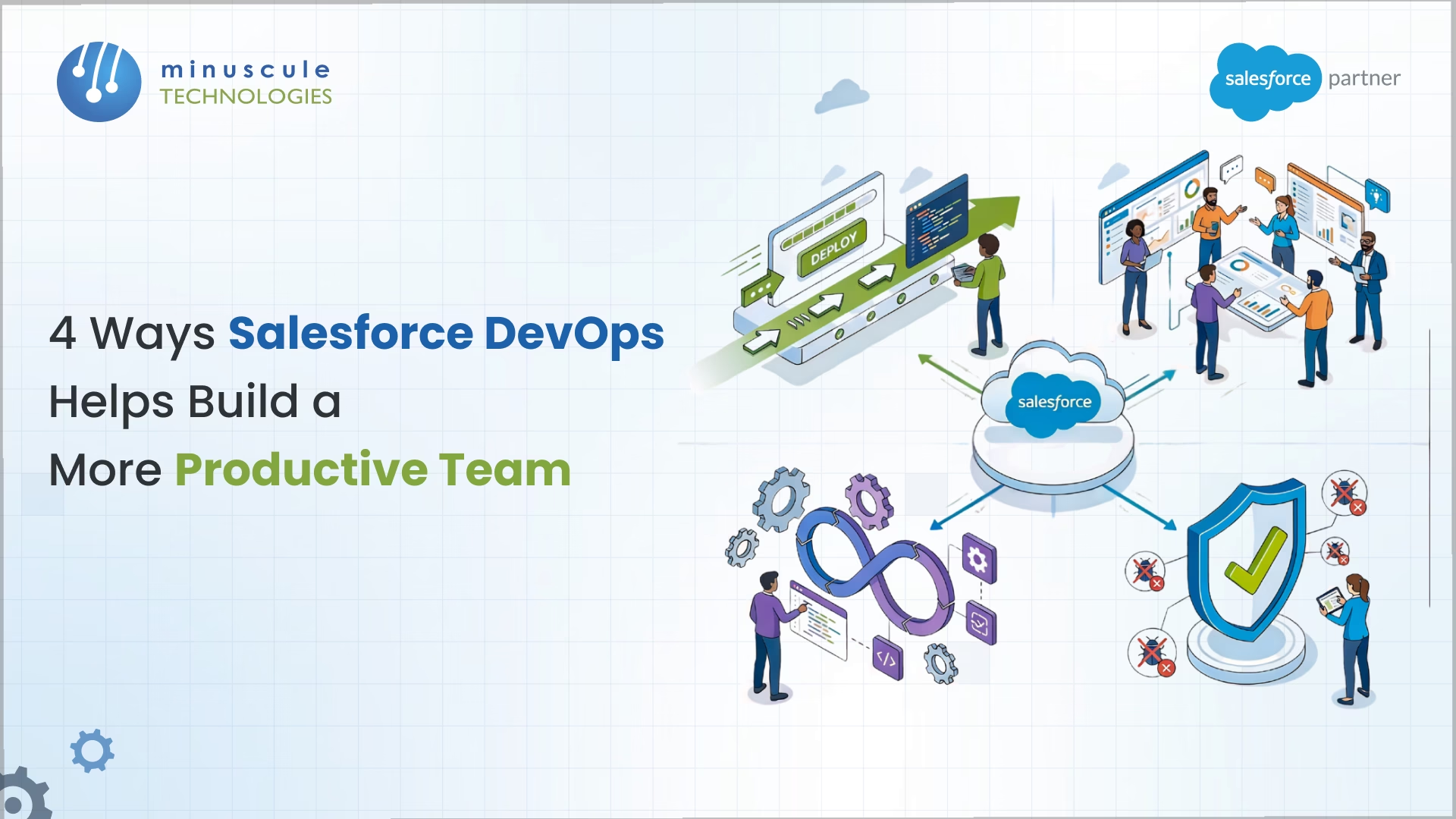
The most effective way to improve Salesforce team productivity is by adopting a comprehensive DevOps strategy that unites developers and admins. Implementing Salesforce DevOps improves productivity by automating manual deployments, managing metadata interdependencies through version control, integrating DevSecOps testing, and preventing team burnout. Top-performing DevOps teams deploy significantly faster, achieving rapid deployment times and low change failure rates.
If your Salesforce team is still depending on outdated release management tools like change sets, productivity is likely limited by slow deployments and overlapping sandbox conflicts. The transition to a modern Salesforce DevOps strategy fundamentally changes your return on investment (ROI). In fact, teams that receive frequent DevOps training report a substantial increase in their monthly Salesforce ROI.
Traditionally, moving metadata between Salesforce environments requires manual tools like change sets, which lack visibility and suffer from high deployment failure rates.
DevOps solutions eliminate these bottlenecks by automating the release pipeline. By replacing manual workflows with Continuous Integration and Continuous Delivery (CI/CD) pipelines, teams can reduce processing durations and deploy much faster. Teams on Marketing Cloud can apply the same ideas with these Marketing Cloud DevOps best practices.
The productivity gains are measurable: a vast majority of teams utilizing Salesforce DevOps now achieve deployment times of less than an hour. This massive time savings frees up developers and admins to concentrate on strategic, value-generating projects.
As Salesforce instances grow, collaborating in shared sandboxes becomes a major productivity blocker. Because Salesforce stores configuration in interconnected XML files, a simple admin change can unexpectedly break up a developer's code.
Version control - specifically Git - solves this by acting as the "source of truth." It allows teams to safely make isolated changes in feature branches before merging them.
A major productivity breakthrough is the democratization of these tools; most organizations now report that all metadata changes are built and deployed equally across their teams, creating a single process for both "clicks" (admins) and "code" (developers).
A massive productivity killer is spending hours troubleshooting bugs or dealing with security breaches in production. DevSecOps improves productivity through integrating automated security testing directly into the CI/CD pipeline.
Utilizing a "shift left" approach - testing features and security vulnerabilities earlier in the process - teams catch errors well before they reach the end user.
This guarantees that new deployments do not violate zero-trust architecture or compliance frameworks. The effect is profound, leading to a considerable decrease in change of failure rates across DevOps teams.
Unreliable release days and manual conflict resolution lead to team frustration. DevOps fosters a culture of continuous improvement, enabling teams to work productively without the stress of broken deployments. In fact, many teams now cite "preventing burnout" as a primary driver for adopting Salesforce DevOps.
Furthermore, mature DevOps practices lay the basis for AI. As businesses deploy tools like Salesforce Agentforce, DevOps provides the automation, methodologies, and testing frameworks to safely manage the complexity of AI-based configurations.
| Category | Option 1 | Option 2 | Option 3 |
|---|---|---|---|
| Best For | SMBs & fast implementations | Enterprises & complex integrations | Highly regulated industries |
| Key Strengths | Intuitive UI, one-click setup | Advanced automation, Agentia AI | Native to Salesforce, high security |
| Version Control | External Git | Native and External Git | Native branching strategies |
It refers to the elaborate web of relationships between configuration files. A single change (like deleting a field) can break validation rules, workflows, and Lightning components. DevOps tools map those dependencies to prevent failures.
Back promotions are a sync method where changes from higher environments (QA/Staging) are pushed back to lower development environments. This ensures that all developers are building the most up-to-date source of truth.
While a vast improvement over change sets, enterprise teams typically require third-party platforms (such as Gearset, Copado, or Flosum) for advanced automation, complete backups, and automated security scanning (DevSecOps).
DORA metrics (Deployment Frequency, Lead Time for Changes, MTTR, and Change Failure Rate) are the industry standard for measuring DevOps health. Tracking these helps you move from "feeling" productive to providing it with data, helping you identify specific bottlenecks in your pipeline.
Salesforce operates under a "shared responsibility model." While Salesforce secures the platform, you are responsible for the data. A DevOps strategy that includes automated backups makes certain that if a deployment or integration fails, you can restore both metadata and complex record relationships without losing critical business information.
Your Salesforce team shouldn't spend weekends fighting change sets or untangling metadata conflicts. Moving to a modern DevOps pipeline is about more than speed; it’s about giving your developers and admins the breathing room to innovate. Replacing manual stress with automated precision doesn't just drive massive ROI - it creates a happier team primed to tackle high-value projects like Agentforce.
As Salesforce complexity grows, manual methods will only continue to fail. The gap between teams that embrace CI/CD and those that lag is widening. To stay competitive, you need a strategy that handles the heavy lifting of deployments and compliance.
At Minuscule Technologies, a Salesforce Engineering Partner, we turn stagnant Salesforce environments into high-velocity engines. We don't just suggest tools; we architect branching strategies and automated workflows customized to your specific needs. Our mission is to ensure your Salesforce investment delivers real business agility.
Partner with Minuscule Technologies to move from legacy change sets to a world-class DevOps culture. Connect with our DevOps Experts today to start your roadmap.
You've seen what's possible. Now, let's make it happen for your business. Whether you need an end-to-end Salesforce solution, a complex integration, or ongoing managed services, our team is ready to deliver.

Schedule a Free Strategic Call


Plot No. 4, Sridevi Amman Street, Perumal Nagar Extension, Old Pallavaram, Chennai, Tamil Nadu 600117, India.
