
October 6, 2026
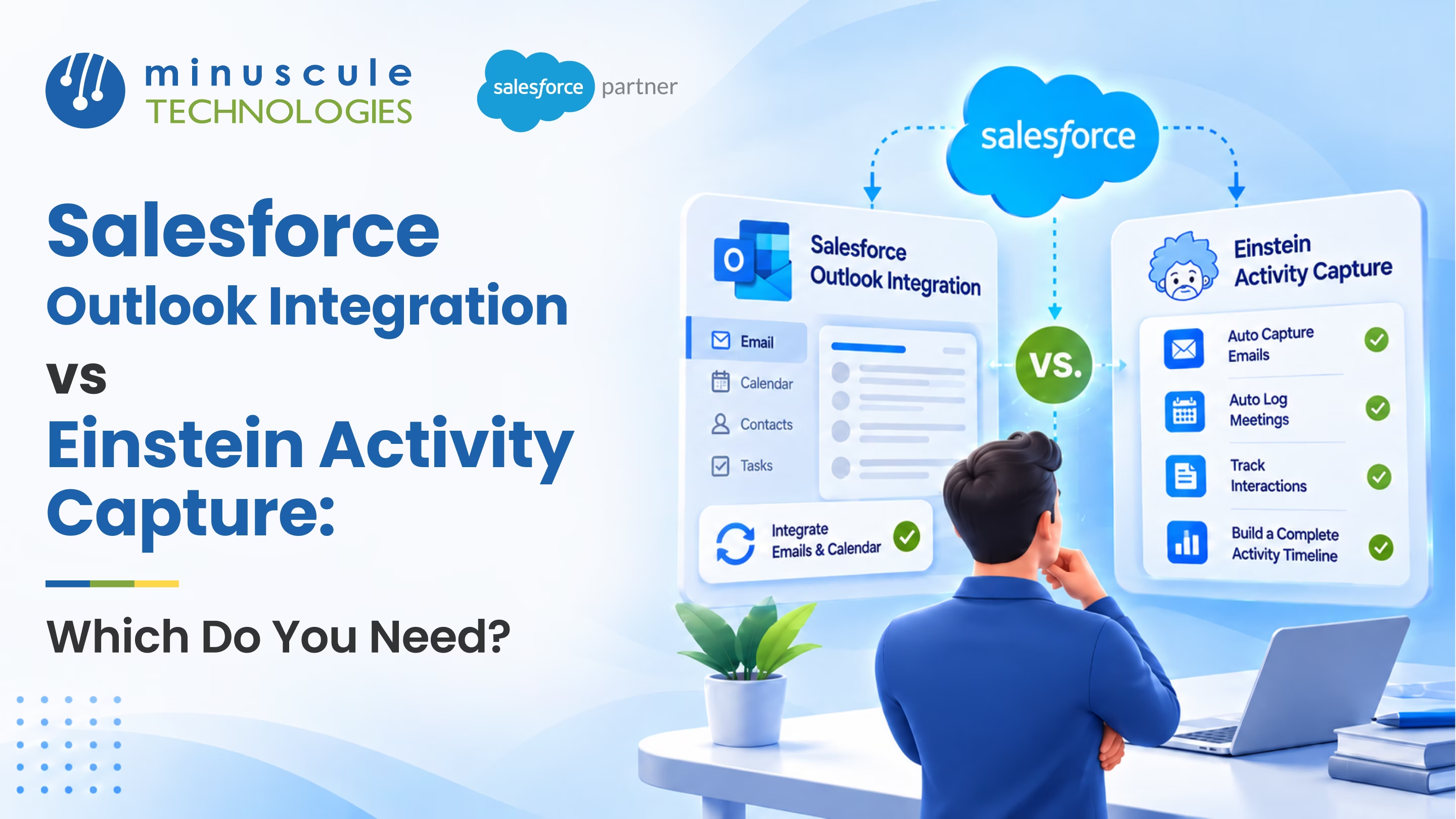
Salesforce Outlook Integration is a free add-in that puts Salesforce records inside Outlook. Reps can see deal details and log emails and meetings with one click. Einstein Activity Capture works in the background. It adds emails and events to Salesforce on its own. Most sales teams use both.
Picture a sales manager on a Monday morning. She opens her biggest deal and sees every email and meeting from the past month. Her reps didn't copy a single message into Salesforce. That's what a well-planned Salesforce email integration gives your team.
This guide compares both tools and covers the big changes to Einstein Activity Capture. It also helps you pick the right setup and roll it out.
The Salesforce Outlook Integration connects Outlook to Salesforce through a cloud-based add-in. There's nothing to install on each laptop. It works in Outlook on the web and on desktop. It also replaces the old Salesforce for Outlook plugin, which Salesforce has marked as retiring.
When a rep opens an email, the Salesforce Outlook add-in shows a side panel with matching contacts, accounts, and deals. From there, reps can:
The add-in is rep-driven. Nothing reaches Salesforce unless someone chooses to log it. For a full setup walkthrough, see our step-by-step Salesforce Outlook Integration guide.
Einstein Activity Capture (EAC) connects each user's Microsoft 365 account to Salesforce. Emails and meetings that reps send and receive land on the timeline of related records. It can also keep contacts and calendar events in sync. EAC runs in Lightning Experience and comes with many Sales Cloud editions. Admins set rules for what gets captured and which domains to skip.
For years, EAC stored emails outside standard records. That made them hard to report on. The Summer '25 release changed this with Sync Email as Salesforce Activity. It began rolling out to production orgs on July 18, 2025. Captured emails now save as standard Salesforce records. That means you can report on them, use them in Flows, and apply your own data rules. They also count toward your data storage.
Four older EAC features retire with the Spring '27 release in February 2027:
Rebuild any views that rely on these before that date. For more background, read the Salesforce Admins guide to Einstein Activity Capture.
So the real question isn't "one or the other." Outlook Integration vs Einstein Activity Capture compares two different jobs. One gives reps a Salesforce window in Outlook. The other fills Salesforce with activity on its own.
With the Outlook add-in, logging is a choice. Each record is picked on purpose. But busy reps forget, so a key email might never reach Salesforce.
With Einstein Activity Capture, logging is automatic. Every eligible client email lands on the right records. The trade-off is volume. Good Salesforce email logging rules keep timelines clean. Exclude internal domains and personal addresses, and set sharing defaults with care.
Salesforce calendar integration follows the same pattern. The add-in lets reps attach meetings by hand. EAC syncs meetings and contacts on its own, one way or both ways. Salesforce is also moving Lightning Sync customers to EAC.
Need more? Salesforce Inbox is a paid add-on with email tracking and scheduled sends.
For managers, Salesforce activity tracking is the whole point. You want to see which deals are moving and which accounts have gone quiet.
Emails logged with the add-in have always been standard records. Now EAC emails are too. So you can build dashboards by rep or deal, and start a Flow when a key contact replies.
Just rebuild any reports that use Activity Metrics or Activity 360 before Spring '27. Our Salesforce administration services team often handles this as a short project.
Not sure? If managers need every client email in Salesforce, you need EAC. If reps want to update records from Outlook, add the add-in.
Salesforce built these tools to work as a pair. The official Trailhead module on Outlook integration and Einstein Activity Capture setup shows how to turn on both.
This pairing is the heart of a modern Microsoft 365 Salesforce integration. Many admins in the Trailblazer Community discussion on Outlook for Salesforce vs. Einstein Activity Capture agree. Turn on both, then fine-tune the rules. For Teams and SharePoint, see our guide on how to integrate Salesforce with Microsoft 365.
This Forcetalks walkthrough of Einstein Activity Capture covers the setup screens. For hands-on help, our Salesforce integration services team sets up Outlook, EAC, and Microsoft 365 end to end.
It's a free add-in that shows Salesforce records inside Outlook. Reps can log emails and meetings, add records, and see deal details without leaving their inbox.
It comes with many Sales Cloud editions at no extra cost. Salesforce Inbox is a separate paid add-on. Check your edition with your account team.
Yes. Salesforce built them to work together. EAC logs activity on its own, and the add-in lets reps work in Salesforce from Outlook.
Yes. Since Summer '25, captured emails save as standard Salesforce records. You can report on them and use them in Flows.
Yes. Salesforce lists the old plugin as retiring. It points customers to the Outlook integration and Einstein Activity Capture instead.
Salesforce Outlook Integration vs. Einstein Activity Capture comes down to control and coverage. The add-in gives reps a Salesforce workspace in Outlook. EAC makes sure every client touch reaches your CRM. Using both is the clearest path to full, reportable data.
Minuscule Technologies works with sales teams in banking, manufacturing, real estate, and healthcare. Our pre-built Accelerators, such as the Field Visit accelerator, pair well with automatic meeting capture. Our industry Starter Packs come with ready-to-use activity dashboards. That helps your Sales Cloud implementation go live faster.
Ready to plan your rollout before Spring '27? Book a free strategic Salesforce call with our team. We'll map the right setup for your org.
You've seen what's possible. Now, let's make it happen for your business. Whether you need an end-to-end Salesforce solution, a complex integration, or ongoing managed services, our team is ready to deliver.

Schedule a Free Strategic Call


Plot No. 4, Sridevi Amman Street, Perumal Nagar Extension, Old Pallavaram, Chennai, Tamil Nadu 600117, India.
