
November 5, 2026
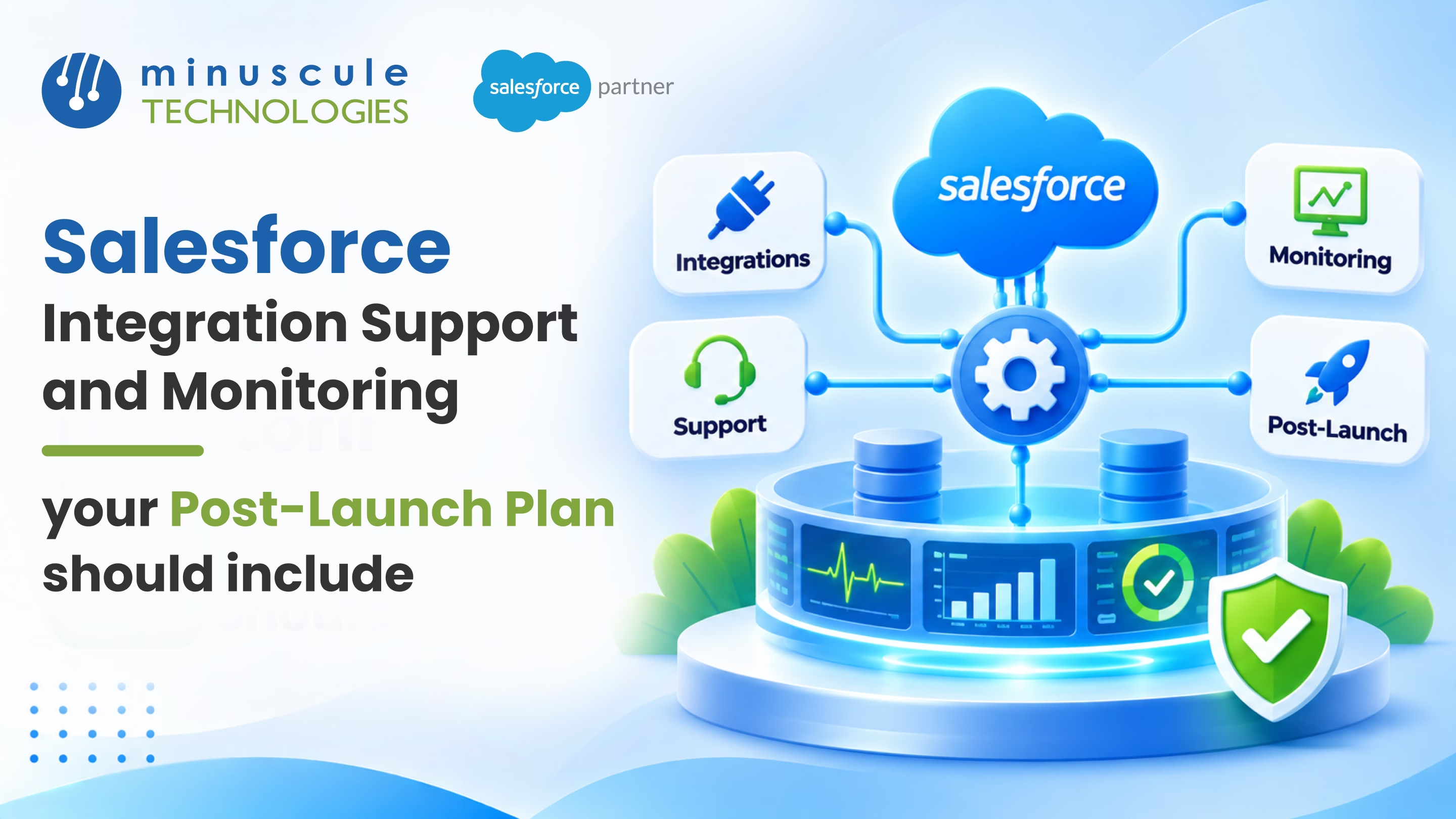
Salesforce integration connects Salesforce to your other business tools, like your ERP, billing, and phone system. Data then moves between them with no manual entry. But go-live is only the start. Every link needs support and monitoring after launch, because APIs change, limits fill up, passwords expire, and Salesforce ships three big releases each year.
A strong post-launch plan covers five things. You need a short hypercare period, daily checks, clear alerts, a fix process with owners, and a test before every Salesforce release. With those in place, small sync issues get caught early, before they grow into lost orders or upset customers. Our Salesforce integration services team builds that plan during the project, so support starts on day one.
Here's a common story. A manufacturer connects Salesforce to its ERP, and the first month runs smoothly. Then a security update rotates a certificate on the ERP side. Orders stop syncing on a Friday night, and nobody notices until sales reps open Salesforce on Monday to find stale data. This guide shows you how to build the support and monitoring plan that catches that problem in minutes, not days.
Most integrations don't fail on day one. They pass testing, go live, and work well for several weeks or even months. Then something in the surrounding systems changes, and the connection quietly stops doing its job without anyone noticing. Here are the causes our support teams run into most often:
The common thread is that integration in Salesforce is never "done." It sits between systems that keep changing, so it needs regular attention. Our post on Salesforce integration challenges and how to overcome them covers the build-time side of this. The rest of this guide focuses on what happens after launch.
Good Salesforce integration services don't end at go-live. They shift from building to running. That shift happens in two stages, and your plan should name both.
Hypercare is a short period of extra attention right after launch. The build team stays close, reviews every sync run, and fixes issues on the same day they appear. This is when real data volumes and real users expose gaps that testing missed. Plan for daily check-ins, a shared issue log, and a clear handoff date to steady-state support.
After hypercare, the integration moves into routine care. Someone still checks it every day, but the work becomes more predictable. Here's how the two stages compare:
If your integration was built by one team and will be run by another, the handoff matters most. Ask for a runbook that lists every connection, its schedule, its owner, and the steps to restart it. A good partner builds that runbook during the project, so support starts with a full picture on day one.
You can't fix what you can't see. A short, focused checklist tells your support team exactly what to watch and when to step in. Start with these four monitoring areas.
Track your daily API calls against your org's limit, and set a warning well before you hit the cap. Watch which job uses the most calls. One noisy job can block all the others. The Salesforce Admins team shares a practical way to automate your API monitoring instead of pulling event logs by hand.
Every integration should write its failures somewhere a person will see them. That could be a custom error object, a log table, or an alert channel. Track the count of failed records per run, not just whether the job finished. A job can report "success" while it quietly skips dozens of bad records. Apex Hours has a clear walkthrough of exception handling using platform events that makes these errors visible.
Keep a simple calendar of every password, token, and certificate your integrations use. Set a reminder two weeks before each one expires. Also review connected app settings when Salesforce announces security changes, since policy updates can block an app that worked yesterday.
Before each Salesforce release, run your main integration tests in a sandbox that has the new release. Do the same whenever the connected system announces an update or a new API version. During incidents, check the official Salesforce status site as well. This guide to the Salesforce Trust site explains how to read it, so your team can tell a platform outage from a problem in your own code.
Monitoring only helps if the right person hears about a problem quickly. The next step is to sort issues by how much they hurt the business, and then set a clear response for each level. Here's a simple three-level model you can adapt:
Write these levels down and share them with both the business leaders and the support team. Agree on who receives each alert, who decides on the fix, and who communicates with affected users. When those roles are clear, a Friday night failure becomes a quick fix instead of an unpleasant Monday morning surprise.
One more tip: design alerts that point to the next action, not just the problem. "Order sync failed: 42 records, missing ship-to address, see error log" is far more useful than "Job failed." Trailhead's module on optimizing Salesforce integration patterns shows how good design choices make these errors easier to trace.
Many teams treat integration support as an extra that gets done "when there's time," but that rarely works. The better approach is to give Salesforce CRM integration services their own place in your monthly support plan, with set hours and clear owners.
A typical monthly plan includes the following work:
It also helps to split ownership clearly. Your Salesforce admin can own credential renewals and user questions. Your integration support lead owns alerts, error triage, and fixes. The business owner of each system, like finance for billing or operations for the ERP, decides how bad data gets corrected. Write these names into the runbook so nobody has to guess who acts at 2:00 AM.
Keep the plan simple at first. Start with your two or three most important integrations, such as orders and invoices, and add the rest once the routine is working well. Small, steady checks beat a large plan that nobody actually follows.
If you already have a managed services partner for Salesforce, add integration support to that same deal. One team then owns both the org and the links around it. That means less back-and-forth when something breaks. Our Salesforce managed services plans include integration monitoring for this reason.
Not every team that builds a great integration is set up to run it. When you compare Salesforce integration partners, ask how they support the work after launch. Don't judge them on the build alone. A Salesforce integration partner who only does projects may hand you a working system and walk away.
Before you sign, ask any Salesforce integration consultant or firm these questions:
The answers tell you a lot. Strong Salesforce integration companies will show you real dashboards, sample reports, and a named team. Vague answers usually mean support is an afterthought. For a fuller checklist, read our guide on how to choose the right Salesforce integration partner.
Salesforce integration links Salesforce to your other business tools, such as ERP, marketing, billing, or help desk systems, so data flows between them on its own. It can use APIs, middleware, or ready-made connectors. The goal is one accurate view of each customer without any manual data entry.
Most breaks come from changes around the integration, not the integration itself. Common causes are expired passwords, API limits, vendor updates, and new Salesforce releases. Daily monitoring and alerts catch these problems early, before your users notice them.
Hypercare is a short period, often about 30 days, of extra support right after launch. During this time, the build team checks every sync run and fixes issues quickly. It ends with a formal handoff to the steady-state support team, along with a list of any open issues.
Check alerts and failed records every day, and share a health report with business owners each month. Do a deeper review every quarter to find slow jobs and unused connections. Also test your integrations in a sandbox before each of Salesforce's three yearly releases.
It depends on your team's skills and available hours. Many companies keep a Salesforce admin in-house for daily checks and use a partner for after-hours alerts, complex fixes, and release testing. A shared runbook keeps both sides working from the same instructions.
A Salesforce integration is only as good as the care it gets after launch. Plan for hypercare and set up clear monitoring. Then define your alert levels, and give support a real place in your monthly plan. Do that, and your teams keep working from the same accurate data.
Minuscule Technologies is a Trusted Salesforce Partner. We have 125+ certified experts and 75+ global projects. Our team has built and supported links to ERP, e-signature, phone, and messaging tools in many industries. Our ready-made accelerators also help you start faster. Try the WhatsApp Salesforce Accelerator for customer chats or the B2B Marketplace accelerator for dealer orders. Each one comes as a starter pack built for your industry.
Want to know where your integrations stand today? Book Your Integration Health Review. We'll map your connections, find the gaps, and build a support plan that fits your team.
You've seen what's possible. Now, let's make it happen for your business. Whether you need an end-to-end Salesforce solution, a complex integration, or ongoing managed services, our team is ready to deliver.

Schedule a Free Strategic Call


Plot No. 4, Sridevi Amman Street, Perumal Nagar Extension, Old Pallavaram, Chennai, Tamil Nadu 600117, India.
