
January 10, 2025
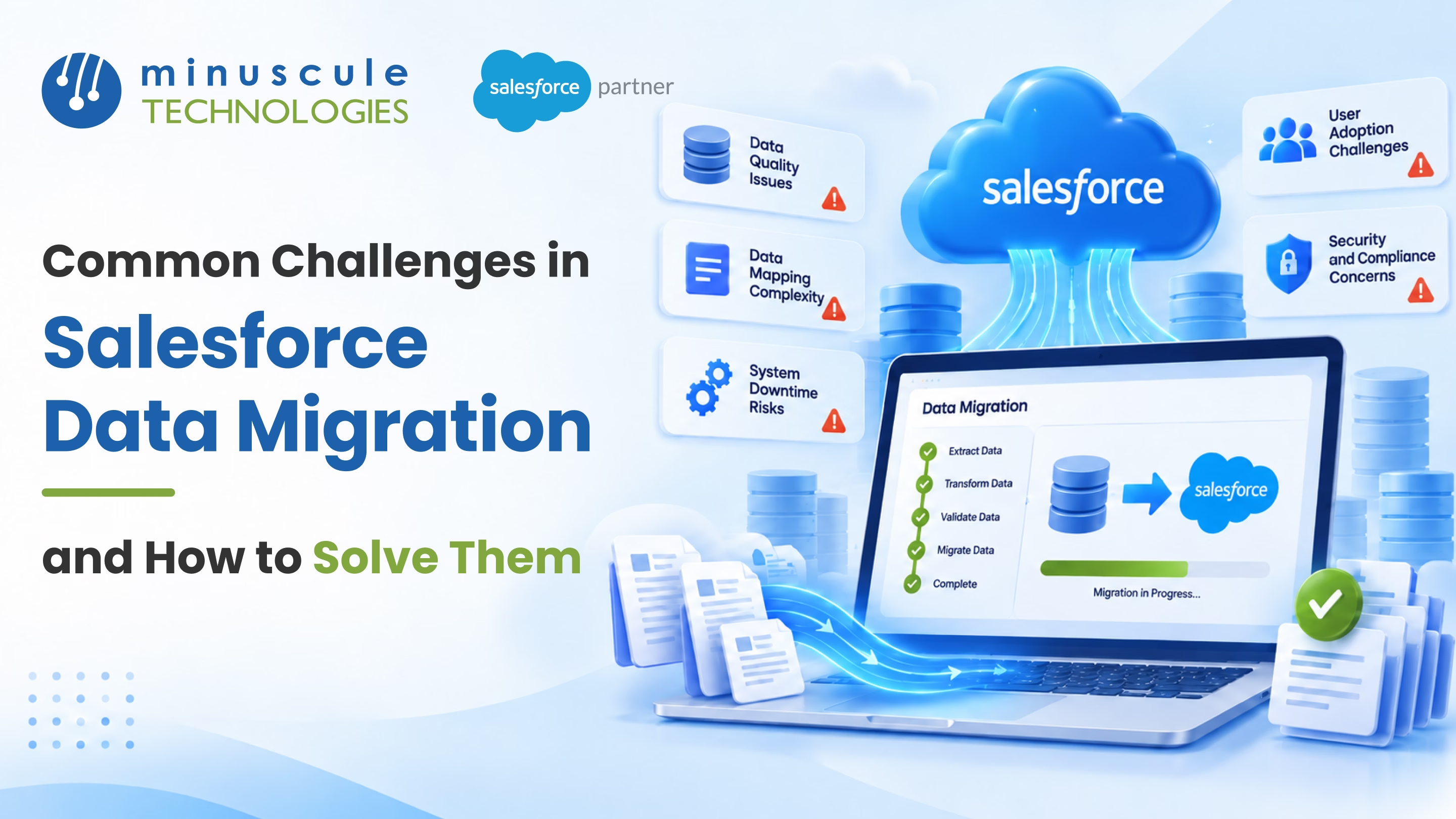
Salesforce dominates the CRM market with a 19.8% share - reason enough for businesses to keep migrating onto it. But moving data is harder than it sounds. The challenges in Salesforce data migration include mapping, quality, volume, security, and people. Industry studies say only 46% of migrations finish on time. Nearly 64% run over budget.
Knowing the pitfalls before you start protects three things: data integrity, compliance, and your go-live date. Here are the eight challenges that derail migrations most often. Each comes with the fix. For a short list of what to steer clear of, review these common data migration mistakes.
(New to the process itself? Start with ours complete Salesforce data migration guide. Then come back for the failure modes.)
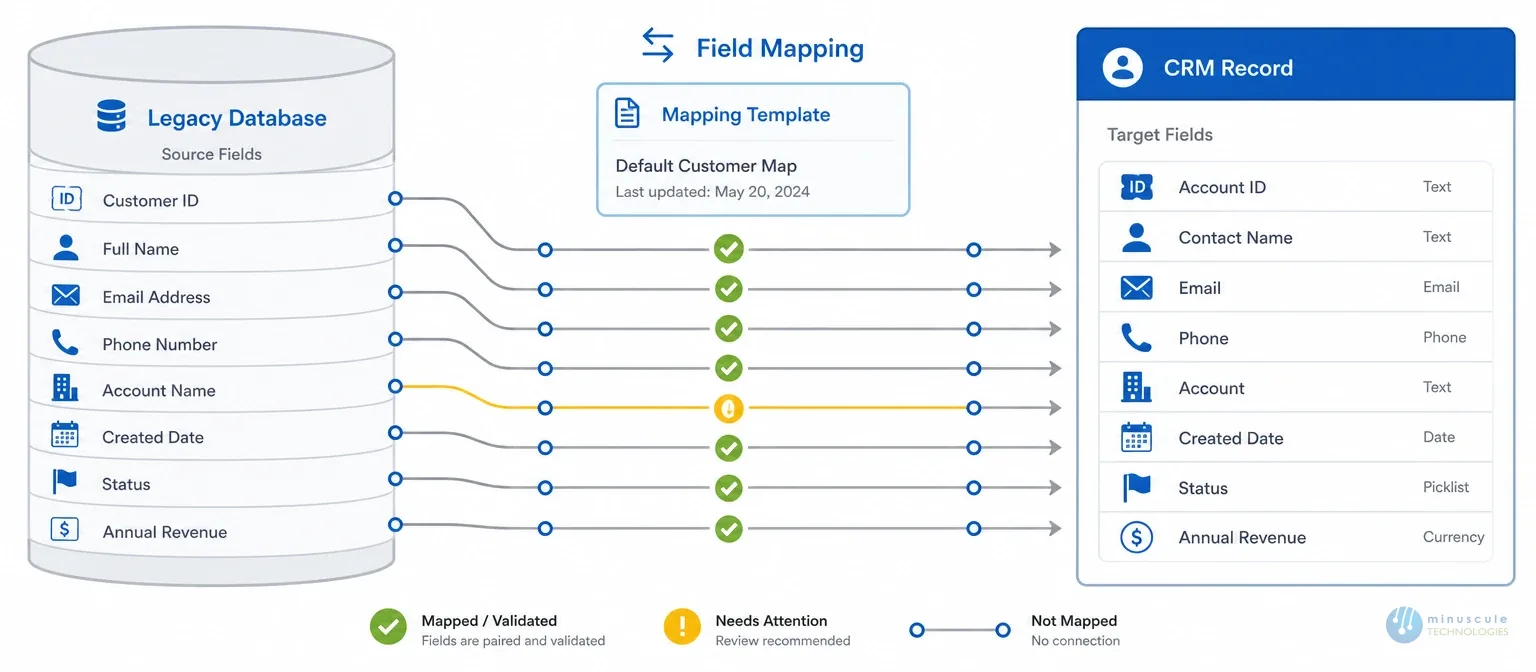
Data mapping is the bridge between legacy systems and Salesforce. It's also the step teams rush most. Skip proper planning and the damage add up. Data lands in wrong fields. Duplicates appear. Formats clash. Reports break. Errors repeat, and costs rise.
How to solve it:
Messy data means unreliable reports. Migrate duplicates and stale records, and your team inherits the fallout: lost leads, dashboards nobody trusts, and lost revenue.
How to solve it:
The bigger the dataset, the longer the load. And Salesforce's API call limits cap how many requests you can make in a window. Handled badly, big migrations blow past go-live dates and disrupt daily work.
How to solve it:
Not everyone is a Salesforce expert. Skills gaps show up fast. Errors nobody can trace. Settings are set up wrong. Too much manual work. Wasted weeks.
How to solve it: engage professional Salesforce migration services for the heavy lifting. Or start smaller - a short salesforce migration consulting session scopes the effort, picks tools, and flags risks before you commit budget. A certified Salesforce consulting partner pays for itself in avoided rework.
About 43% of organizations reported a data breach last year. Migration is a high-exposure moment. A breach exposes customer data. It triggers GDPR, CCPA, and HIPAA fines. It damages your name and costs real recovery money.
How to solve it:
A migration changes workflows. That means it changes people. Expect pushback, fear, and slow adoption unless you manage it on purpose.
How to solve it: share the benefits early. Listen to employee concerns. Involve stakeholders before decisions are hardened. Provide hands-on training. And keep support available after go-live.
Some downtime is normal. Pausing the whole business is not a problem.
How to solve it:
Skip tests and you find the errors after go-live. Missing records. Hidden compatibility issues. Slow performance in production.
How to solve it:
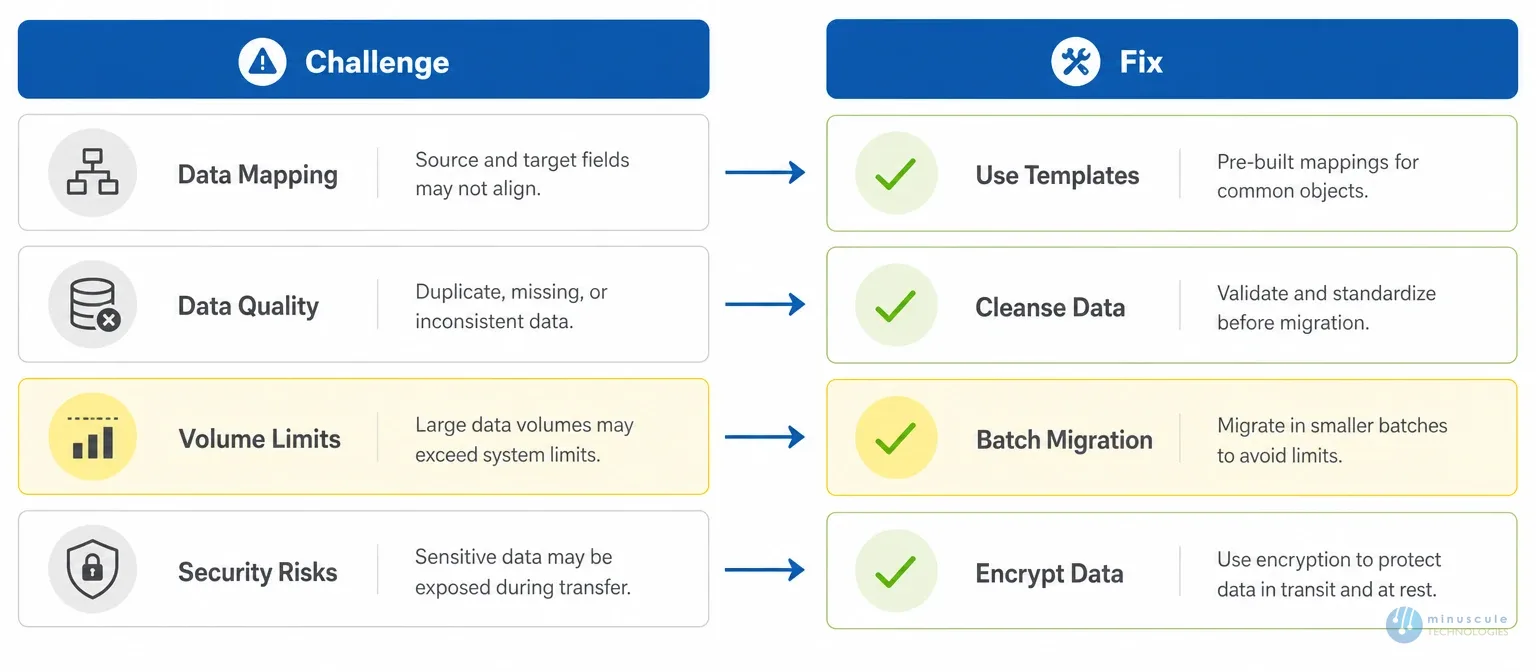
Most failures trace to preparation, not technology. Dirty source data. Rushed field mapping. No testing. The stats bear it out - under half of migrations finish on time. Every fix in this post is a preparation habit.
Export everything first. A complete backup - via the Data Export Service, Data Loader exports, or Bulk API - gives you a rollback point and a baseline to check against. Then migrate in batches. Audit record counts against the source after each one.
Hire help for the hard cases. Legacy systems with no schema docs. Org mergers. Regulated data with audit-trail rules. Or record volumes in millions. For smaller moves, you often only need a brief consulting session to validate your plan. Minuscule's Salesforce data migration services cover both.
A clean single-source salesforce migration takes 2–4 weeks with validation. Multi-system moves with compliance rules take 2–4 months. Source data quality is the biggest variable. Dirty data can double any estimate.
Every challenge on this list has a known fix. Mapping templates. Source-side cleansing. Batched loads. Export-backed rollback plans. Staged testing. Migrations don't fail because the problems are unsolvable. They fail because teams find the problems mid-flight instead of planning for them. A Salesforce data migration checklist helps you plan for each one up front.
Need help migrating your data to Salesforce? Minuscule Technologies delivers Salesforce data migration services with certified pros, tailored plans, flexible terms, and post-migration support. The track record includes MS Dynamics-to-Salesforce moves shipped without business disruption. Contact us today for a free consultation.
You've seen what's possible. Now, let's make it happen for your business. Whether you need an end-to-end Salesforce solution, a complex integration, or ongoing managed services, our team is ready to deliver.

Schedule a Free Strategic Call


Plot No. 4, Sridevi Amman Street, Perumal Nagar Extension, Old Pallavaram, Chennai, Tamil Nadu 600117, India.
