

May 19, 2026
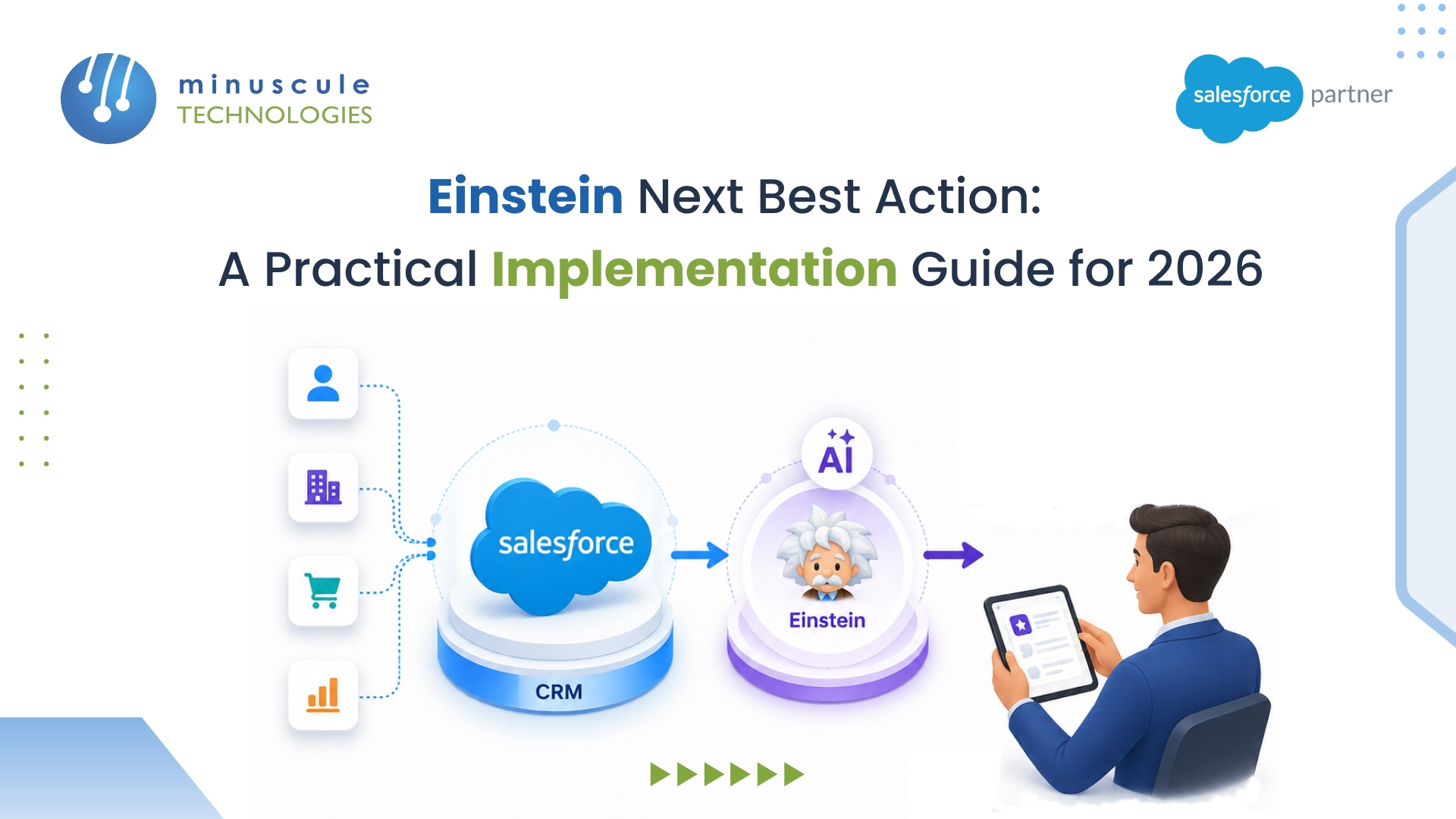
Einstein Next Best Action (NBA) is a native Salesforce feature that uses AI-driven logic, business rules, and real-time CRM data to recommend the most relevant action to sales reps, service agents, and other users - right inside the Lightning interface. According to Salesforce's own data, organizations using AI-powered recommendations see up to 30% higher conversion rates and significantly faster case resolution times.
At its core, here's what NBA actually does for your team:
If your team still relies on static playbooks or gut instinct to decide the next step with a customer, this guide walks you through exactly how to implement Einstein NBA — from architecture and setup to real-world use cases, common pitfalls, and the 2026 features that change the game.
Einstein Next Best Action is Salesforce's built-in recommendation engine that analyzes customer data, applies business rules, and optionally layers in AI predictions to surface the single best action a user should take - right when they need it.
Think of it this way: instead of a sales rep scanning through notes, dashboards, and past emails to figure out what to offer a customer, NBA does that analysis automatically and presents a clear, actionable recommendation directly on the record page.
The feature sits on three pillars:
So why not just use a validation rule or a dashboard alert? Because NBA closes the loop. Your rep hits "Accept" and a flow fires - maybe it sends an email, creates an Opportunity, updates a field, or kicks off a guided screen flow. They hit "Reject," and the system logs that interaction. Over weeks and months, that rejection data becomes gold for tuning your strategies.
NBA isn't limited to specific objects, either. Opportunities, Cases, Accounts, Contacts, Leads, custom objects - if it lives in Lightning, you can put recommendations on it. Sales Cloud, Service Cloud, Health Cloud, or any Lightning-enabled environment.
You don't need to memorize the architecture diagram, but knowing how the parts talk to each other saves hours when something breaks. So let's walk through it.
A user opens a record page - say, an Opportunity. Because you've dropped the NBA component on that page layout, the system immediately fires the linked recommendation strategy. No batch job, no scheduled delay. It happens on page load.
That strategy pulls every active recommendation record, runs your filter and branching logic against live CRM data on that specific record, and (optionally) scores each recommendation with Einstein Prediction Builder or Discovery. The survivors get ranked, and the top two or three pop up on the component card. The whole thing takes under a second.
Here's the sequence in plain terms:
Record Opens → Strategy Fires → Filters + Business Rules Run → AI Scores (If Configured) → Top Recommendations Surface → Rep Clicks Accept or Reject → Flow Executes or Feedback Gets Logged
A couple of details that trip people up early on:
That's why NBA sticks where other dashboard-level widgets don't. The data feeds the logic, the logic drives what shows up, and what shows up actually does something when you click it. It's a closed loop, not a dead-end notification.
A Recommendation is a standard Salesforce object. Each record includes these fields:
In our experience working with Salesforce implementations, keeping recommendation records clean and well-organized matters more than most teams realize. A library of 50+ poorly named recommendations becomes unmanageable within months. Use a clear naming convention from day one - something like [Object][Action][Segment] works well.
The strategy is where the intelligence lives. It's a visual canvas where you define the rules that determine which recommendations appear for which records.
Key elements you'll use in a strategy:
If you're familiar with Salesforce Flow Builder, you'll pick up strategy design quickly. The visual interface is similar, and the logic patterns are the same — conditions, loops, and data operations.
This is the front-end piece. You add it to any Lightning Record Page through the App Builder, configure the strategy API name, set the maximum number of recommendations to display, and activate the page for your target profiles or apps.
The component is lightweight, loads with the page, and doesn't require custom code. It's one of the few AI features in Salesforce that admins can deploy entirely with clicks.
Here's a practical walkthrough for setting up Einstein NBA. We'll use a sales upsell scenario as the example, but the process applies to any use case.
Einstein Next Best Action requires Salesforce Enterprise Edition or higher. Depending on your use case, you may also need Sales Cloud Einstein or Service Cloud Einstein add-ons for AI scoring capabilities.
To enable: Go to Setup → Einstein → Next Best Action and toggle it on. Make sure Lightning Experience is active in your org.
Pro tip: always enable and test in a sandbox first. NBA strategy changes can affect what every user sees across the org.
Head to Setup → Recommendations → New and start building your library. Each record represents one suggestion the system can surface to users.
What does this look like for a real B2B sales team? Something like:
Don't skip the acceptance and rejection labels - those are the button text your reps will actually see. "Send Offer" is far more actionable than the default. And make sure every recommendation has a linked flow, because records without active flows simply won't appear.
For each recommendation, create a Screen Flow or Auto-Launched Flow that executes the desired action.
For the "Premium Support Upgrade" example, your flow might:
Link each flow to its corresponding Recommendation record via the Action field. Only recommendations with active flows will appear on record pages - this is a common gotcha that trips up new implementations.
Go to Setup → Next Best Action → New Strategy. Select the target object (e.g., Opportunity).
A solid starting strategy follows this pattern:
Name your strategies clearly. Something like "Sales_Upsell_CustomerAccounts" beats "Strategy 1" when you're managing a dozen strategies six months later.
Pull up any record of your target object - an Opportunity, a Case, whatever you built the strategy for. Click the gear icon in the top right, then hit Edit Page. That drops you into Lightning App Builder.
From here, find the Einstein Next Best Action component in the left panel. Drag it onto the page wherever makes sense (the right sidebar works well for most layouts). You'll need to fill in two fields: the strategy API name and the max number of recommendations to show.
Save, then activate the page for the user profiles that should see it. One mistake we see regularly? Teams activate the page for all profiles before testing. Limit activation to a pilot group first - you can expand later.
Before rolling out, verify these scenarios:
After launch, track acceptance rates, rejection rates, and conversion outcomes using Recommendation Interaction reports. Low acceptance rates typically mean your eligibility logic is too broad or your recommendations don't match what users actually need. Iterate fast - strategy changes take effect immediately.
A wealth management firm deploys NBA on Account pages. When a client's cash balance exceeds a set threshold and their risk profile is "Moderate," the system recommends a specific fund. Advisors see this during client calls - the recommendation is contextual, backed by data, and one click triggers a proposal flow.
Service agents resolving warranty claims see an NBA prompt: the customer's product is 11 months old, and an extended warranty offer makes sense. What could have been a churn moment becomes a retention win. This is exactly the kind of scenario where Salesforce Service Cloud combined with NBA creates measurable impact.
Care coordinators using Health Cloud see NBA recommendations like "Patient hasn't completed annual wellness screening - schedule outreach." This drives proactive engagement and improves care compliance metrics.
A Customer Success Manager views an account where product usage jumped 40% in 60 days. NBA surfaces: "High-growth signal detected - start expansion conversation for additional seats." The CSM acts on the signal before the customer even realizes they need more capacity.
Property managers see recommendations 90 days before lease expiry. NBA checks occupancy rates, maintenance history, and market comparables to recommend either a renewal offer with adjusted terms or an early tenant outreach. Teams working with Salesforce integrations connecting Yardi or similar property management systems find this particularly effective.
NBA is only as good as the data it reads. If Account Type, Industry, Opportunity Stage, or other key fields are inconsistently populated, your strategies will produce inconsistent results. Run a data quality audit on every field your strategies will reference. This isn't optional - it's foundational.
Don't try to integrate Einstein Prediction Builder scores on day one. Start with rule-based strategies, establish a baseline for acceptance rates, and add AI scoring once you have enough interaction data to train models effectively. In our project experience, teams that rush into AI scoring before cleaning up their recommendation logic end up debugging two problems at once.
Showing 5+ recommendations per record is tempting but counterproductive. Decision fatigue is real. Two or three highly relevant suggestions consistently outperform a long list. Users need to trust that what they see is worth acting on.
The best strategy logic in the world fails if users dismiss every recommendation. Before building, talk to your sales reps and service agents. Ask them: "What information would genuinely help you right now on this record?" Their answers should shape your recommendation library.
Track acceptance and rejection rates per recommendation type. A recommendation with a 5% acceptance rate is telling you something - either the eligibility criteria is too broad, the timing is off, or the suggestion itself doesn't resonate. Set up dashboards for this data and review them weekly during the first month.
Recommendation records accumulate fast. Without governance, you'll end up with duplicates, outdated offers, and conflicting suggestions. Use naming conventions, assign ownership, and schedule quarterly reviews to retire stale records. This matters more as you scale.
Technical deployment is half the work. NBA changes how people work -it introduces AI-driven prompts into workflows where reps previously relied on their own judgment. That's a behavioral shift. Invest in training, communicate the "why" behind NBA, and celebrate early wins to build adoption momentum.
If you've read older guides about Einstein NBA, they'll reference Strategy Builder as the primary tool for designing recommendation logic. That's changed.
Salesforce has been migrating NBA strategy capabilities into Flow Builder, the platform's unified automation engine. As of 2025-2026, Salesforce recommends building new recommendation strategies in Flow Builder rather than the legacy Strategy Builder canvas.
What does this mean for your implementation?
For teams currently using Strategy Builder, there's no urgent migration deadline. But if you're starting fresh, build in Flow Builder. You'll get access to newer features and won't need to migrate later.
One of the most significant developments in 2026 is the intersection of Einstein NBA with Agentforce - Salesforce's autonomous AI agent framework.
Here's what's changing:
Teams that build strong NBA foundations now will be best positioned to extend into these capabilities as they mature.
Likely cause: The strategy isn't activated, the component's API name doesn't match the strategy, or the linked flows are inactive. Check all three - the most common culprit is an inactive flow.
Likely cause: Filter logic is too broad. Debug your strategy step by step and add more specific conditions. Use the Strategy Builder Preview panel to simulate output against specific records.
Likely cause: Recommendations feel irrelevant or generic. Go back to your users and ask what they'd actually find helpful. Tighten eligibility criteria and improve recommendation descriptions.
Likely cause: Strategy processes too many records before filtering. Add filter elements early in the strategy to reduce the working set before applying complex logic.
Likely cause: The Einstein Prediction Builder model isn't deployed, permission sets aren't assigned, or the field mapping is incorrect. Verify each of these in Setup.
| Dimension | Traditional CRM Approach | Einstein Next Best Action |
|---|---|---|
| Decision Source | Manual playbooks, manager judgment | AI + real-time data + business rules |
| Speed | Rep looks up info manually | Instant, in-context at point of interaction |
| Personalization | Generic scripts or broad segments | Individual-level, context-aware |
| Scalability | Degrades as team grows | Consistent across all users |
| Feedback Loop | Informal, subjective | Quantitative acceptance/rejection tracking |
| Action Integration | Separate manual steps | One-click flow execution |
| Adaptability | Updated via training sessions | Strategy logic updated centrally, instantly |
Before you start planning your NBA implementation, confirm your org meets these requirements:
The base NBA functionality (recommendation records, strategies, and the Lightning component) is available without additional Einstein licenses. AI scoring capabilities through Prediction Builder or Discovery require the Einstein add-on.
If you're unsure which licenses your org needs, a quick conversation with a Salesforce consulting partner can save you from over-purchasing or discovering gaps mid-implementation.
Einstein Next Best Action is a native Salesforce feature that uses business rules, AI models, and real-time CRM data to recommend the most relevant action to users directly on Lightning Record Pages. It works through a combination of recommendation records, strategy logic, and a Lightning component that displays suggestions.
Setup involves five steps: enable the feature in Setup, create recommendation records that define your suggestions, build flows that execute on acceptance, design a recommendation strategy with your eligibility logic, and add the NBA Lightning component to your record pages. Test across profiles before going live.
Yes, with some configuration. NBA can be deployed on Experience Cloud (formerly Community Cloud) pages. You'll need to ensure the recommendation strategy and associated flows are accessible to community user profiles, and the NBA component must be added to the relevant Experience Cloud page layouts.
Strategy Builder was the original tool for designing NBA recommendation logic. Salesforce is now migrating these capabilities into Flow Builder, which offers deeper integration with the broader automation platform. New implementations should use Flow Builder; existing Strategy Builder strategies continue to work.
No. You can run NBA entirely on rule-based strategies without any AI models. AI scoring through Einstein Prediction Builder or Discovery is optional - it adds predictive ranking but isn't required for the feature to work. Many successful implementations start with rules and add AI later.
Two to three is the sweet spot. Showing more than that creates decision fatigue and reduces action rates. Keep recommendations highly targeted and relevant rather than trying to surface every possible suggestion.
Einstein Next Best Action turns every customer interaction into an informed decision point. Instead of relying on instinct or outdated playbooks, your team gets data-backed guidance exactly when it matters. The organizations that implement it well don't just work faster - they build a repeatable, measurable advantage in how they engage customers.
At Minuscule Technologies, we've helped teams across financial services, manufacturing, healthcare, and retail deploy Einstein NBA as part of broader Salesforce consulting engagements. Whether you're starting from scratch or looking to optimize an existing implementation, our 160+ Salesforce engineers can help you design strategies that actually get used — not just deployed. Talk to our team to see how NBA fits into your Salesforce roadmap.
You've seen what's possible. Now, let's make it happen for your business. Whether you need an end-to-end Salesforce solution, a complex integration, or ongoing managed services, our team is ready to deliver.

Schedule a Free Strategic Call


