
October 13, 2026
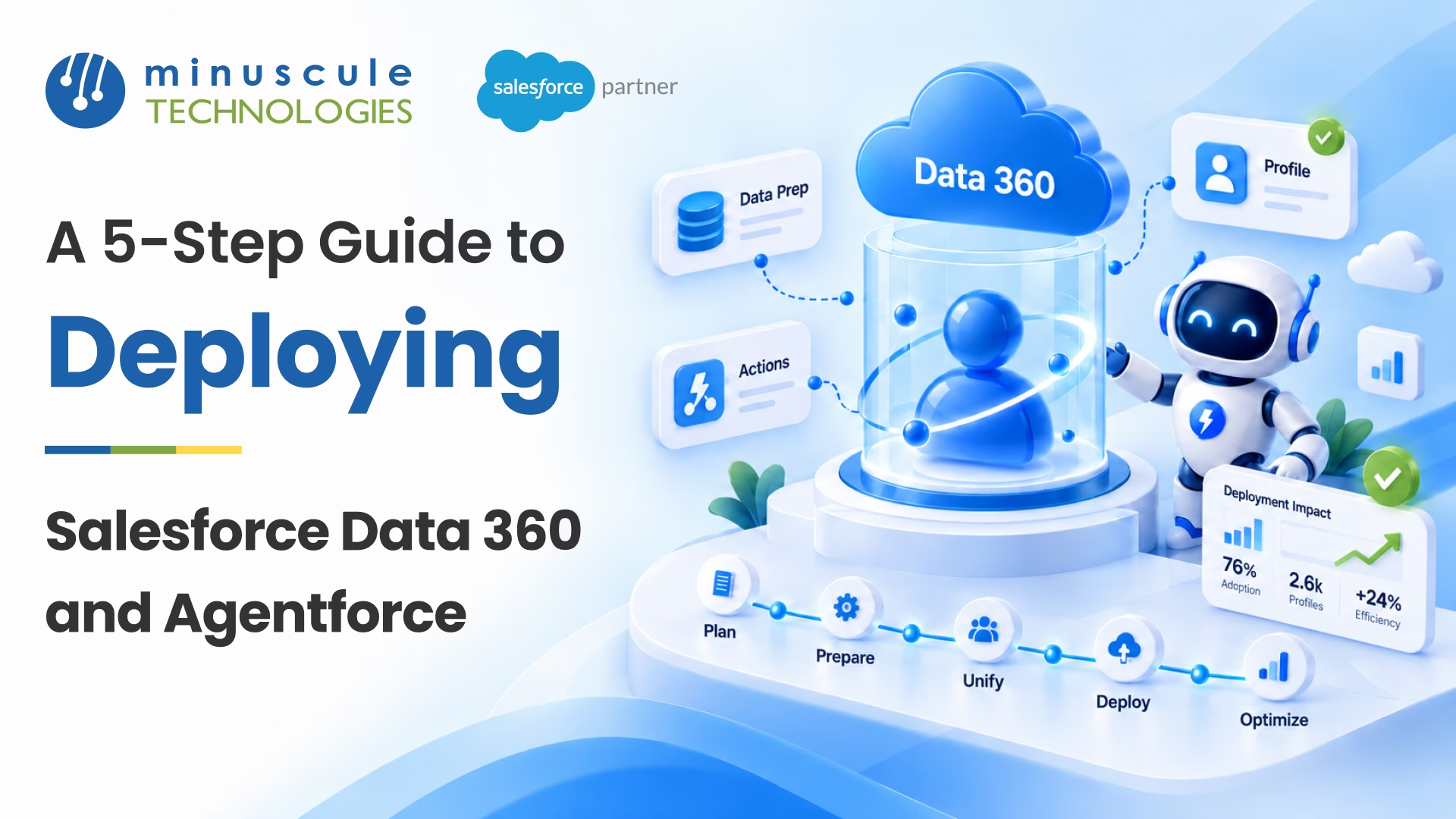
Salesforce Data 360 and Agentforce work as a pair. Data 360 (formerly Data Cloud) unifies your customer data, and Agentforce uses that data to power AI agents that answer questions and take action. To deploy them well, most teams follow five steps:
Picture a service leader who just turned on Agentforce. Her first agent sounds friendly, but it can't see order history or open cases, so it gives vague answers. Two months later, her team has linked Data 360 to the agent. Now it greets each customer by name, checks their recent orders, and solves simple requests on the spot.
This guide walks through each step, the tools involved, and the choices that matter most. If you'd like experts to handle the build, our guide to Salesforce Data 360 implementation services explains how we approach it.
An AI agent is only as helpful as the data it can reach. Data 360 gives Agentforce that data. It pulls records from Salesforce and outside systems, cleans them, and links them into one view of each customer.
Salesforce renamed Data Cloud to Data 360 on October 14, 2025. The features stayed the same, so you'll still see "Data Cloud" in some screens and older guides.
Salesforce describes two levels of Data 360 for Agentforce:
Enablement gets you started. Implementation is what makes agents useful in real conversations. Keep in mind that Data 360 features use Data 360 credits, so plan your usage early.
Grounding means an agent bases its answers on your real business data instead of guessing. Data 360 handles grounding through unified profiles, real-time data, and search tools that find the right records. This is the base for trusted enterprise AI. Your agents answer from facts you control, and the Einstein Trust Layer adds safeguards around each request.
A strong Agentforce deployment starts with a clear goal, not a long feature list.
Start with one job that's frequent, simple, and easy to measure. Good first choices include:
Write down what the agent should do, what it should never do, and when it should hand off to a person. Our post on common Agentforce challenges and how to solve them covers the pitfalls to plan around.
Next, list the data the agent needs and where it lives. Check who owns each source, how clean it is, and who should see it. Apex Hours shares a helpful list of things to consider before turning on Agentforce, from data readiness to user access.
With a plan in place, it's time for Salesforce Data 360 setup. First, provision and enable Data 360, then set up your Data 360 users and permissions.
Data 360 connectors bring data in from many places:
Each source feeds a data stream, and Salesforce data ingestion stores the records in data lake objects (DLOs). For large outside warehouses, Salesforce zero-copy data access lets Data 360 read the data where it sits. Nothing gets copied, so you avoid extra storage and keep one source of truth.
If your data lives in many systems, our guide on how to integrate Salesforce Data Cloud with MuleSoft shows one proven path for Data 360 data integration.
Next, map each DLO to a data model object (DMO). The Data 360 data model gives every source a shared structure. A "customer" or a "case" then means the same thing everywhere. This mapping makes the next step possible.
Forcetalks has a clear overview of how Salesforce Data Cloud works, including ingestion and data models.
Agents need to know who they're talking to. This step builds unified customer data in Salesforce, so each person has one complete profile.
Before you link records, clean them up. Data 360 can run batch jobs that fix formats, remove junk values, and store the cleaned data in a new DLO. Clean data leads to better matches and better answers.
Data 360 identity resolution uses rules to decide when records belong to the same person. For example, it can match on email address, phone number, or name and address. The result is a unified profile, sometimes called a Unified Individual.
This Salesforce data unification gives agents the full picture. It covers past orders, open cases, marketing activity, and more, all in one place. For tips on writing good match rules, read our post on identity resolution best practices in Salesforce Data Cloud.
Now you connect your unified data to your agents. Agentforce RAG makes this work. RAG stands for retrieval-augmented generation. In Salesforce, it means the agent first finds the right facts, then writes its answer using those facts.
The Agentforce Data Library is the simplest place to start. You add files or knowledge articles, and Salesforce sets up the search behind the scenes. Your agent can then answer questions from your own content, such as policies, product guides, and FAQs.
For deeper grounding, build search indexes on your data model objects, such as cases or unified profiles. Data 360 creates a retriever for each index. You can then call those retrievers from a prompt template in Prompt Builder.
Trailhead's module on implementing Data 360 for Agentforce walks through this flow with a sample service agent. Our guide to building RAG-powered agents with Data Cloud and Agentforce goes deeper into the setup.
The last step is Agentforce setup. This is where you build the agent, test it, and launch it.
Salesforce Agentforce configuration centers on topics and actions:
Start from a template, such as the Agentforce Service Agent, then add your topics and actions. Give the agent user a permission set that includes access to the right data objects. Our post on building Agentforce custom actions shows how to add your own.
Test every topic with real questions before you go live. Try easy questions, hard ones, and questions the agent should refuse. The Salesforce Admins blog shares five steps to test Agentforce for accuracy.
Once the agent passes, activate it and deploy it to your channels, such as your website, app, or messaging. After launch:
To decide what to measure, see our post on the top customer support metrics to monitor in Agentforce.
Here's a quick summary of the full Data 360 Agentforce integration.
A few habits make a big difference in any Salesforce Data 360 implementation:
For a closer look at the older Data Cloud setup path, see our guide on setting up Salesforce Data Cloud for Agentforce integration.
Salesforce Data 360 is the data platform that unifies customer data from many sources into one profile. Agentforce is Salesforce's platform for building AI agents. Together, Data 360 gives Agentforce the trusted data it needs to answer questions and take action.
Yes. Data 360 must be provisioned and enabled for Agentforce. Features such as the Agentforce Data Library and the Einstein Trust Layer depend on it. A full implementation adds richer customer context.
Yes. Salesforce renamed Data Cloud to Data 360 on October 14, 2025. The features stayed the same, so older guides that mention Data Cloud still apply.
Grounding means an agent bases its answers on your own business data instead of general knowledge. In Salesforce, Data 360 provides this data through unified profiles, search indexes, and retrievers.
Not always. Zero-copy data access lets Data 360 read data where it lives in supported warehouses and lakes. That way, you can use the data without moving it.
It depends on your data sources, data quality, and use case. Teams that start with one clear use case and clean data usually go live sooner. They can then add more agents over time.
Salesforce Data 360 and Agentforce deliver the most when you deploy them in order. Plan one use case, connect and unify your data, ground your agents, and then test before you launch. Each step builds on the last.
Minuscule Technologies has built on Salesforce since 2014. Our team has 125+ certified Salesforce experts and 75+ projects worldwide. Do you serve lenders? Our Loan Lifecycle Visibility accelerator tracks each loan from start to payout in Salesforce, which gives your agents clean loan data to work from. Industry Starter Packs also give your team a ready-made base to build on.
Ready to put AI agents to work on your own data? Book a Data 360 and Agentforce consultation with our team. We'll review your data, pick the right first use case, and plan a safe rollout.
You've seen what's possible. Now, let's make it happen for your business. Whether you need an end-to-end Salesforce solution, a complex integration, or ongoing managed services, our team is ready to deliver.

Schedule a Free Strategic Call


Plot No. 4, Sridevi Amman Street, Perumal Nagar Extension, Old Pallavaram, Chennai, Tamil Nadu 600117, India.
