Engineered Operating Models. Not Just Configured Systems.
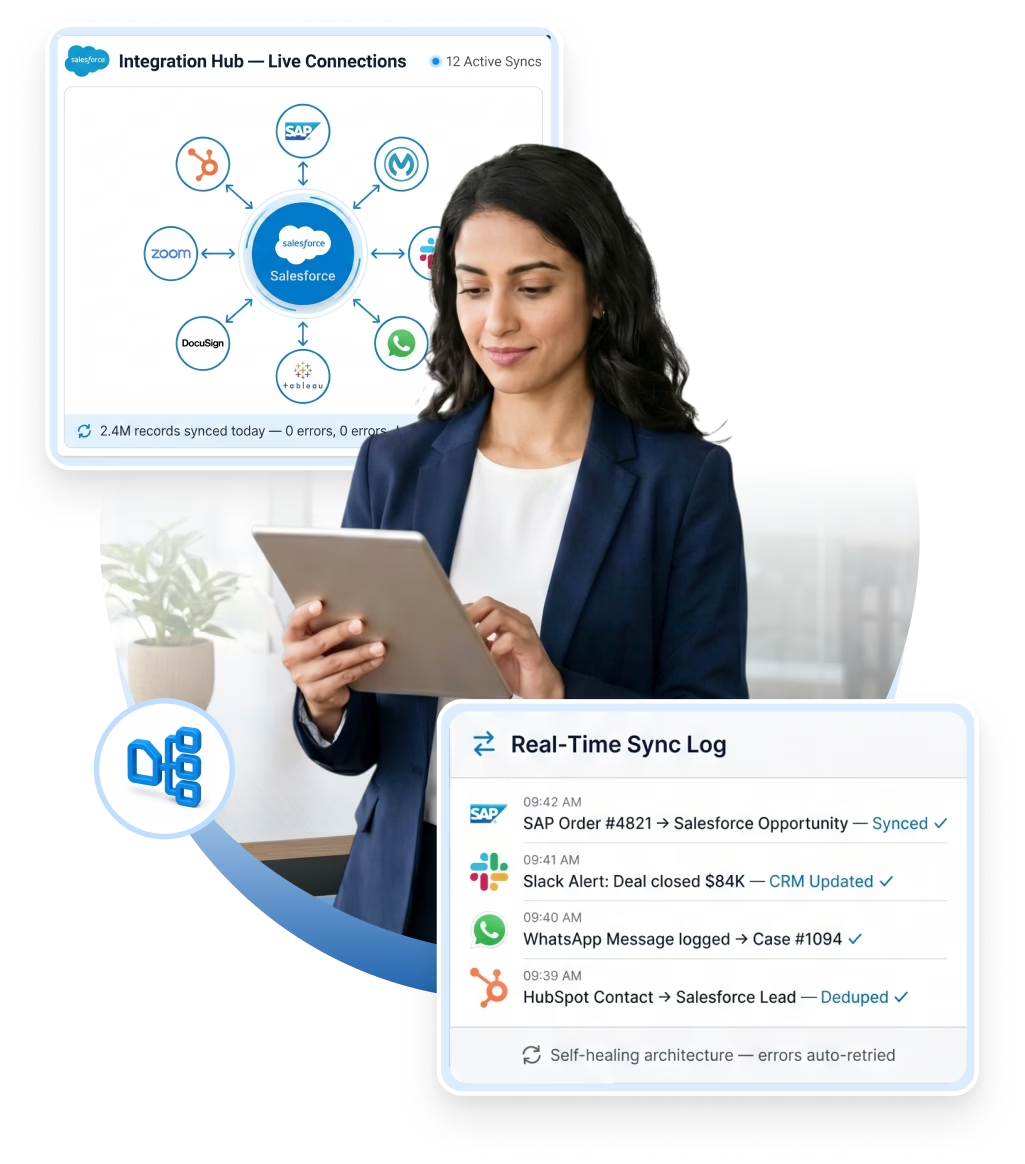
Turn disconnected systems into one real-time operation. Salesforce Integration Services from Minuscule link your CRM to ERP, marketing, databases, and AI agents. No silos. No lost data. Every integration is built for reliability, security, and self-healing recovery.


160+
Certified Salesforce Engineers
75+
Projects Delivered Globally
12+
Platforms We Integrate
24/7
Integration Support
We don't connect systems at the surface. Every Salesforce integration is built for reliability, security, and easy upkeep. We use the right design for your use case.
We use REST, SOAP, Bulk, and Streaming APIs to connect your CRM at the right level. A real-time update needs a different pattern than a nightly sync of 100,000 records. We pick the right one every time. Every Salesforce API integration includes auth, rate-limit handling, error handling, and retry logic. So when something breaks at 3am, the system recovers on its own. It never loses data in silence.
Connect more than two or three systems, and point-to-point links get hard to maintain. We design a Salesforce integration platform on MuleSoft, Azure, or another iPaaS tool. Every connection is documented, watched, and managed from one place. This is how Salesforce enterprise integration works at scale. No tangle of connections nobody understands in six months.
Some processes can't wait for a nightly sync. A loan applicant submits documents — your team needs to see them now. A technician closes a work order — the payment system must fire right away. We build event-driven Salesforce data integration with Platform Events, Change Data Capture, and webhooks. Data moves the moment it changes, not hours later. Your teams get live visibility across systems they used to check by hand.
As AI agents join your operations, they need to talk to each other. A2A integration lets them pass tasks, share context, and act together — with no hand-holding. Here's an example. A service agent spots a billing issue. It hands the case to a finance agent, which starts the refund in Salesforce. We make these AI workflows reliable, auditable, and tied to real data.
Are your integrations slow, fragile, or held together by workarounds? Then you need an audit first. Our Salesforce integration consulting reviews every connection, data flow, and point of failure. We flag what works, what's fragile, and what's breaking. Then we give you a ranked plan. You fix the right things first.
Model Context Protocol is the new standard for connecting AI agents to live data and tools. We connect Salesforce to MCP-ready AI systems. Your agents read records, update opportunities, trigger workflows, and pull context in real time. No custom APIs for every case. We're among the few Salesforce partners delivering this today.

Bidirectional, real-time sync for contacts, leads, and deals. Unites your sales and marketing teams around a single customer record.

Send and receive messages directly within Salesforce. Automatically log replies and trigger follow-up tasks to maximize engagement.

Generate and sign multi-language contracts and agreements directly in your CRM, backed by secure, centralized storage.

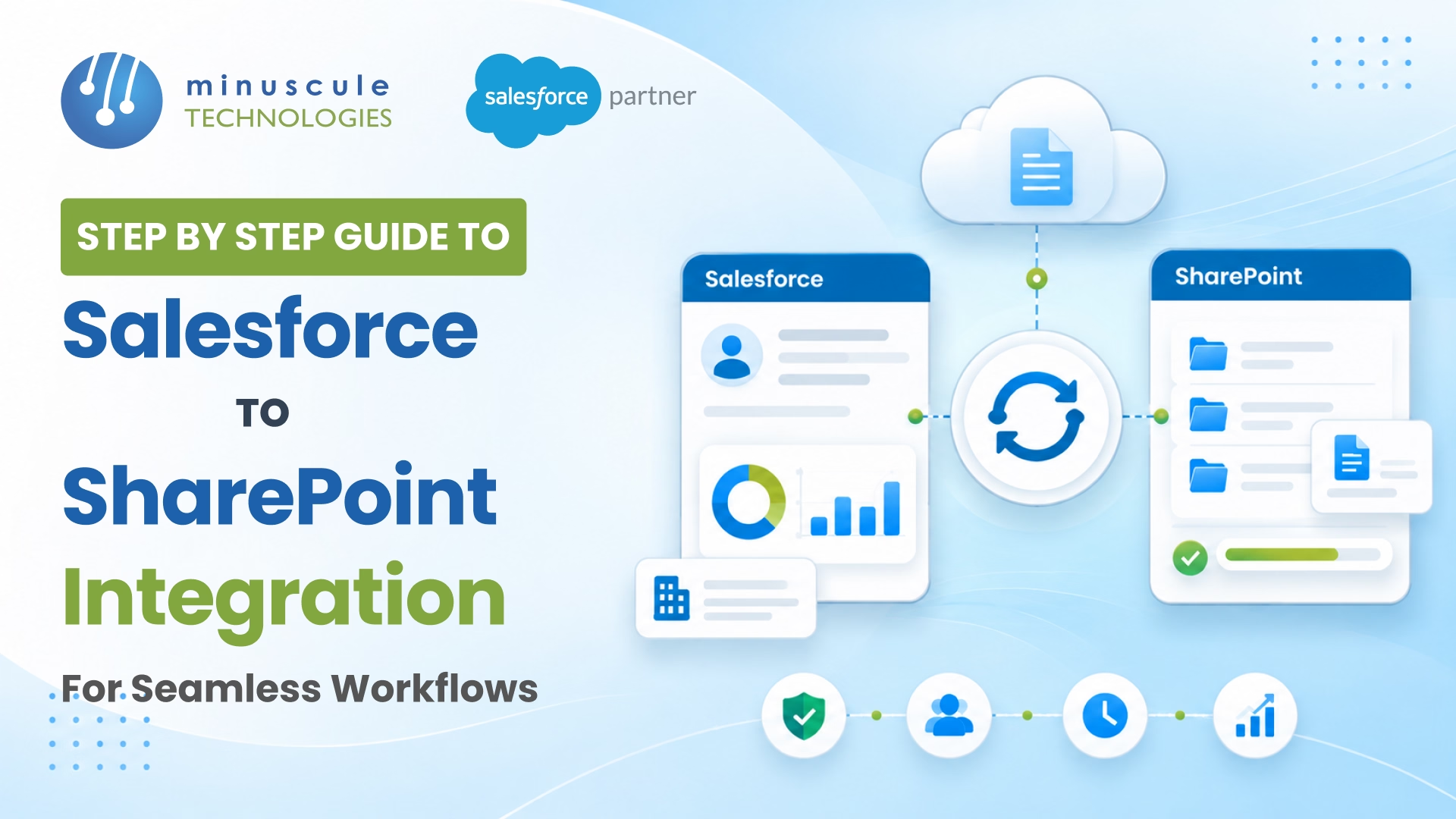
Automatically store and version all Salesforce-generated documents in SharePoint. Eliminate duplicate files and manual uploads.

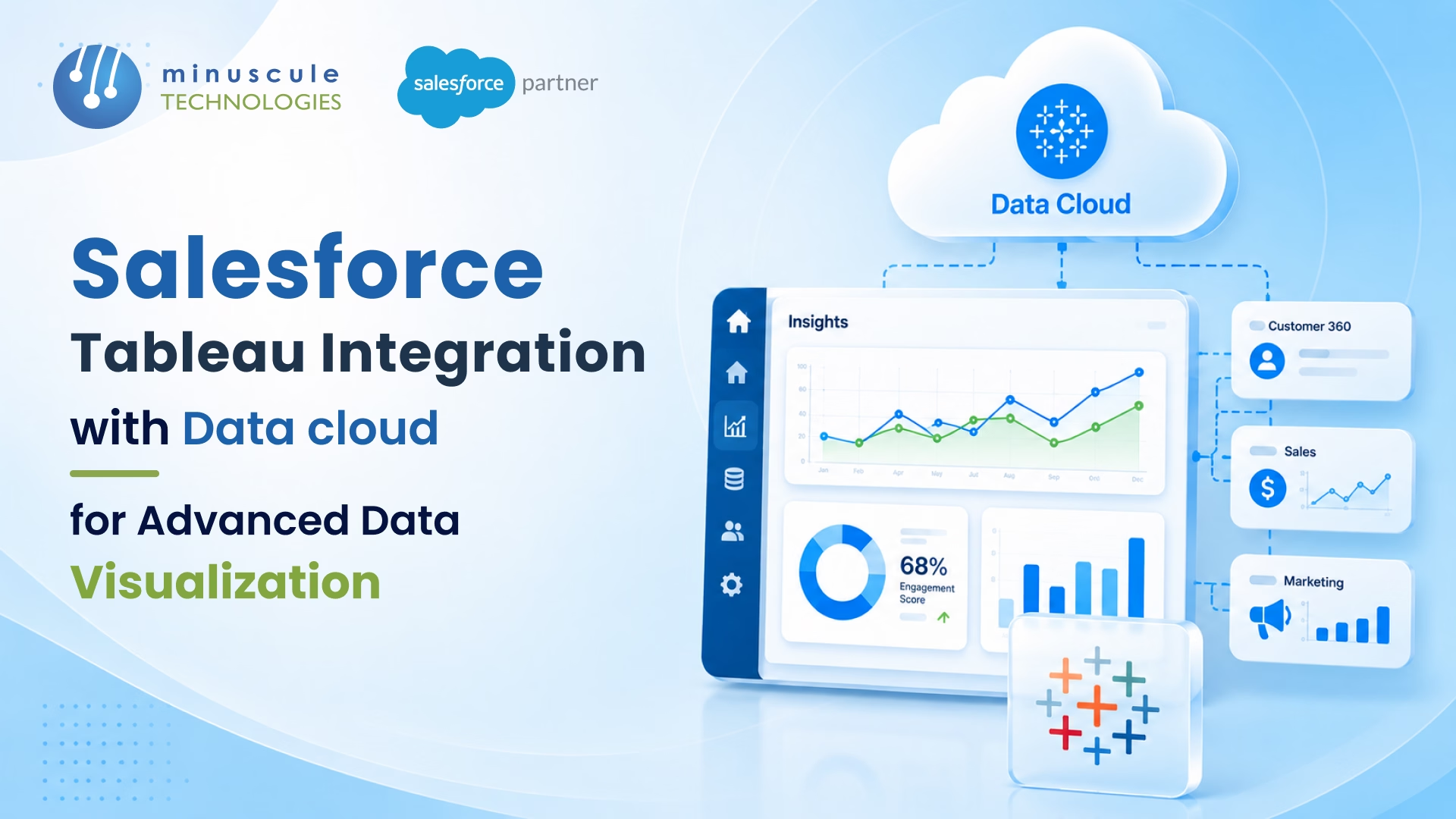
Feed live Salesforce data directly into Tableau for real-time visibility into your pipeline, support volume, and financial KPIs.

Build governed, enterprise-scale integration flows that seamlessly connect Salesforce to ERPs, legacy systems, and third-party APIs.

Sync real estate lease data, property availability, and live pricing in real time to drastically accelerate deal turnaround.

Keep HR and finance data updated in Salesforce by seamlessly syncing employee records, cost centers, and approval hierarchies.

Automatically log every email and calendar event to the right CRM record. Stop tool-toggling and capture every customer interaction.

Surface real-time deal alerts, SLA warnings, and support ticket escalations directly within the Slack channels your team already monitors.

Align your front-office CRM and back-office ERP. Automatically sync orders, inventory, and financials without manual reconciliation.

Automatically sync meeting recordings, participant info, and attendance data to Salesforce records for seamless event and compliance tracking.
Your systems should work together. Let's make that happen.
We work across every major Salesforce Cloud — not just one or two. Here's where our certified engineers have real, hands-on experience.
How We Work
Every integration follows the same process. Nothing gets missed. Nothing breaks on go-live. You always know what's happening and why.
We start by mapping the full picture. Which systems you use. What data must move, how often, and in which direction. What happens when something goes wrong. We talk to the people who use these systems daily, not just IT. The result is a clear requirements doc that covers every edge case. Most projects skip this step. That's exactly why they fail.
With your needs mapped, we design the setup. That covers the approach, the data models, security, error handling, and monitoring. You approve it before we write a line of code. If your needs change mid-project, we revisit the plan first.
We test every integration in a sandbox that mirrors production. Our QA team runs functional, load, failure, and data tests. We check what happens when the other system is down. We check missing fields. We check the same record arriving twice. You don't go live until every case passes. Our 30+ automation testing engineers make this thorough, not theoretical.
We launch with a structured release process. That means staging checks, change docs, and a rollback plan ready first. We run the first sync with full monitoring. Go-live happens in a planned window, with our engineers on standby.
Integrations aren't set-and-forget. APIs change. Systems update. Processes evolve. We provide SLA-backed monitoring and support. When something shifts on either side, we catch it and fix it before it causes a data problem. We also handle Salesforce's three yearly releases and apply updates before anything breaks.

Many partners can connect two systems. Here's what makes Minuscule different. It's why our integrations keep running long after others fail.
Self-Healing Architecture: Error handling, retry logic, and alerting come standard. If a system goes down, your data queues and catches up on its own. No lost records.
Next-Gen AI Capabilities: We offer MCP and Agent-to-Agent (A2A) integrations. You get a head start on AI adoption within Salesforce.
Zero-Handoff Delivery: The engineers who design your Salesforce application integration also build, test, and support it. You talk to the experts who know your setup.
Complete Transparency: You get full docs: data-flow diagrams, API mappings, and runbooks. You own the knowledge. No vendor lock-in.
Enterprise-Proven Expertise: 160+ certified engineers across 3 global offices, with integrations delivered across 9 industries.
One promise: Salesforce that fits your business.
09
Industries
200+
Implementations
It depends on the number of systems, the data model, and whether you need real-time or batch. A single-system Salesforce integration, like connecting your CRM to Outlook or Slack, usually takes 2 to 4 weeks. A mid-complexity project runs 4 to 8 weeks. That covers custom mapping, error handling, and testing. A multi-system Salesforce enterprise integration on middleware can take 2 to 4 months. We don't quote a generic number. We scope your project on the first call. We map systems, data volumes, and edge cases. So you get a real timeline for your setup.
The right Salesforce integration platform depends on your data volume, systems, and team skills. MuleSoft Anypoint suits enterprise setups with complex data mapping. MuleSoft Composer gives business teams no-code Salesforce application integration. Heroku Connect handles two-way Salesforce data integration with Postgres. Native REST, SOAP, and Bulk APIs work for lightweight Salesforce API integration. Dell Boomi and Informatica are strong middleware options. Zapier and Workato connect Salesforce to SaaS tools without heavy work. For multi-system setups, we design a governed Salesforce system integration with the right mix. We recommend what fits your needs and budget. Never the priciest option by default.
Salesforce runs your front office. SAP runs your back office. Without integration, teams work from stale data and re-enter it by hand. A Salesforce-SAP Salesforce enterprise integration fixes that. Reps see live inventory, pricing, and order status inside Salesforce. Order-to-cash becomes automated. A closed deal pushes into SAP for fulfillment and invoicing, with no re-entry. CPQ quoting pulls live SAP pricing. Service agents get a full customer view. Finance and pipeline data merge into one clean forecast. We build these Salesforce integration solutions with MuleSoft, REST APIs, and custom middleware. All with two-way, real-time sync.
Three tools lead the market. MuleSoft Anypoint is the most widely used. It has pre-built SAP connectors for ECC, S/4HANA, and Business One. It suits high-volume setups. SAP Integration Suite is best for SAP-first teams. It has native OData, BAPI, and IDoc support. Dell Boomi is a strong mid-market option. It offers drag-and-drop mapping and cloud-native deployment. For light sync, the Salesforce REST API with SAP Gateway OData handles point-to-point links. But it creates tight coupling that's harder to maintain as you grow. The right choice depends on your SAP version, data volume, and speed needs. Our team builds it end to end.
There are three ways to build this Salesforce application integration. Wrike's native connector syncs Opportunities, Accounts, and Cases to Wrike projects. A closed deal auto-creates a project, with no manual handoff. Middleware like Zapier, Workato, or MuleSoft handles custom mapping and two-way sync. For example, it can trigger different Wrike workflows by deal stage or size. A custom Salesforce API integration with Apex callouts gives full control. It costs more upkeep. This solves handoff delays and lost context. Sales sees project status in Salesforce. Delivery sees deal context in Wrike. We help you pick the right setup.
Most DocuSign Salesforce integration issues have a few root causes. If envelope status doesn't sync back, the DocuSign Connect endpoint or OAuth scopes are wrong. Blank merge fields mean tags are mapped to labels, not exact API names. Or the user lacks field access. "Insufficient access" errors are fixed by assigning the DocuSign Sender permission set and matching emails. Duplicate envelopes need a guard checkbox before sending. Governor limit errors need async Apex. Breakage after a release is caught by testing in a sandbox. We build DocuSign Salesforce integration solutions with proper error handling, monitoring, and release management. So these issues stay fixed.
In OmniStudio Integration Procedures, expression errors are the most common problem. Null reference errors happen when an expression points to a missing node. Fix them with null-safe checks. Wrong JSON paths return blanks. Use Preview JSON to inspect the structure and match paths. Data-type mismatches need VALUE, TEXT, or DATEVALUE conversions. List errors happen when an array is treated as one object. Loop with index notation instead. Merge-field errors from stray spaces fail in silence. Follow the exact syntax. For complex OmniStudio work, our Salesforce integration consulting team gives you development, debugging, and support.
This is one of the most important questions to ask. Most vendors don't answer it clearly. Every Salesforce integration we build includes error handling, retry logic, dead-letter queuing, and alerting. If a system goes down, data queues and retries on its own once it recovers. It doesn't vanish in silence. That's how poorly built integrations lose records unnoticed. Our monitoring catches failures in real time and alerts our team right away. For managed-support clients, we respond within a set SLA. We fix issues before they hit reports or customers. This resilience is built in from day one. It's a key reason our connections keep running when others fail.
No. Using MuleSoft for everything is a common, costly mistake. It's the right choice for enterprise-scale Salesforce integration platform work. That means many systems, complex data mapping, and strict control. But for simpler needs, that power becomes overhead. A direct Salesforce API integration or native connector is faster to build and cheaper to run. It's easier to maintain when you connect only one or two systems. Forcing MuleSoft onto a small integration adds cost and complexity for years. As part of our Salesforce integration consulting, we assess your landscape. We recommend the approach that fits your case and budget. Sometimes that's MuleSoft. Often it's not.
Model Context Protocol (MCP) is a new open standard, built by Anthropic. It defines how AI agents connect to live data and tools. In Salesforce, MCP lets AI agents read records, trigger workflows, update deal stages, and pull context in real time. No custom API code for every case. This matters because AI agents are becoming part of how businesses run. MCP keeps them reliable and maintainable. Instead of brittle one-off links, it gives agents a governed way to reach your Salesforce cloud integration layer. We're already building MCP-connected Salesforce environments. If AI is on your roadmap, getting this right now saves costly rework later.
Yes. Legacy on-premise systems are often the toughest part of any Salesforce enterprise integration. Our team handles them often. These systems may lack modern REST APIs. They may need VPN or secure gateways. They often carry poorly documented data models. We start by checking what connectivity your system supports. That could be SOAP, file-based, database-level, or a custom protocol. Then we design the Salesforce system integration that works within those limits. We build it with proper error handling and monitoring. So it stays reliable even when the legacy platform acts up. We've done this for manufacturing ERPs, banking cores, and 15-year-old HR systems.
They're two ways to do Salesforce data integration. The right choice affects speed and cost. Real-time integration moves data the moment something happens. Think a new lead, a payment, or a case update. It's essential when teams must act right away. Batch integration processes data in scheduled groups. That could be hourly, nightly, or weekly. It suits large transfers where instant sync isn't needed. We recommend real-time for customer-facing data. We recommend batch for reporting feeds, bulk updates, and legacy links. Many Salesforce integration solutions use both in one design. Real-time where speed matters. Batch where volume matters.
It can. But only if it wasn't built for release resilience, or if no one watches it. Salesforce ships three major releases a year. Some deprecate API versions or change object behavior. Either can break a fragile Salesforce integration. We build against stable, supported API versions. We design integrations to tolerate change. For managed-support clients, we add proactive release review. Before each release reaches production, we check every integration against the release notes. We flag anything affected. We validate updates in a test setup first. If something needs changing, we apply it before go-live. So your team is never caught off guard.
There are clear warning signs. The most common is data that doesn't match between systems. Records show in one tool but not another. Values disagree. Totals won't reconcile. If your team does manual fixes to correct syncs, that's lost time. It's a sign of a fragile Salesforce integration. Frequent API errors in your logs often mean records are failing in silence. Slow data loads and duplicate records are red flags too. Our Salesforce integration consulting audit is built for this. We review your full Salesforce system integration landscape. We flag every point of failure. We show you what to fix first, with a ranked roadmap.
Stories of Growth, Innovation & Trust
Dealer Performance Tracking with Automated KPI Monitoring
A global automotive manufacturer with an extensive network of dealerships responsible for sales, service, and product support....

Streamlining Lead Management for an Online Medication Management and Pharmacy Solution
Discover how Minuscule Technologies enhanced lead management for an online pharmacy, boosting efficiency and customer engagement.

Seamless Migration from MS Dynamics to Salesforce CRM
Seamless migration from MS Dynamics to Salesforce CRM by Minuscule Technologies, ensuring data integrity, smooth transition, and enhanced efficiency.
The Salesforce Pulse: Insights and Innovation
Powering Growth with
Award-Winning Salesforce Solutions
Trusted by enterprises for innovation, performance, and proven results.





You've seen what's possible. Now let's make it happen. Whether you need a full Salesforce solution, a complex integration, or ongoing managed services, our team is ready to deliver.
Schedule a Free Strategic Call