
June 28, 2026
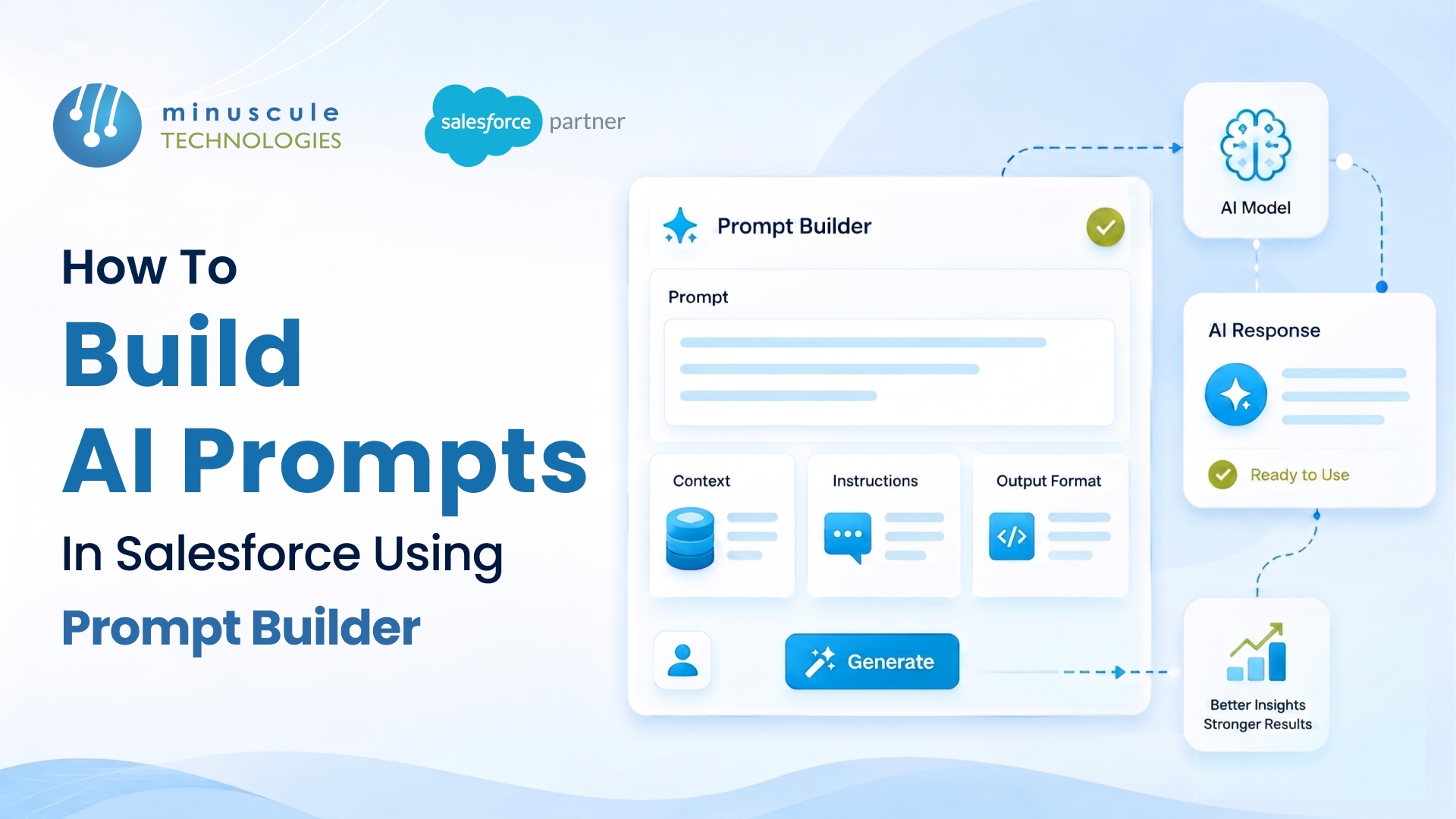
Prompt Builder is Salesforce's low-code tool for creating reusable AI prompt templates that pull in your real CRM data. You build a prompt once - say, a sales email or a record summary - ground it in live Salesforce records, and then reuse it across record pages, the email composer, Flow, and Agentforce. No data science team is required.
The shift here is simple but big. Instead of staff copying CRM data into a chatbot and pasting answers back, the prompt runs inside Salesforce with the right context already attached. That means more accurate output, less manual work, and far less risk of sensitive data leaking out.
Here's what this guide walks through:
Prompt Builder is part of Salesforce's generative AI toolset, sitting alongside Agentforce and Einstein. It lets admins and developers create prompt templates - structured instructions for a large language model - that combine plain-language guidance with merge fields from your CRM data.
Think of a prompt template as a smart fill-in-the-blank. You write something like "Draft a follow-up email to {Contact.Name} about their open case {Case.Subject}," and at runtime Prompt Builder swaps in the real names and case details before sending the request to the model. The user sees a finished, grounded draft.
Because the template lives in Setup, your admin team owns it. That keeps AI logic out of code and lets you adjust prompts as needed to change. When a prompt needs custom data or logic beyond standard fields, our Salesforce development team can extend it with Apex or Flow without abandoning the low-code approach.
Prompt Builder gives you several template types; each built for a different surface in Salesforce. Picking the right one matters, because it controls where and how the prompt appears.
Most teams start with Sales Email or Field Generation because they show value fast, then graduate to Flex templates as their use cases grow. The Salesforce Admins blog publish good examples of each type in action.
Grounding is what separates Prompt Builder from a generic chatbot. It's the process of feeding real, current CRM data into the prompt, so the model answers your records, not in generalities.
You can ground a prompt in several ways. Merge fields pull values directly from the record and its related fields. Related lists bring in child records, like all contacts on an account. Flow and Apex grounding let you fetch and shape data with logic. And for a richer context, you can ground in Data Cloud, pull unified profiles or retrieving relevant knowledge articles.
The rule of thumb: the better your grounding, the better your output. A prompt grounded in clean, connected data produces sharp results, while one fed messy or missing data produces vague ones. That's why data quality works and Salesforce integrations often come first - the prompt is only as good as the records behind it.
Here's the build sequence from a blank template to a live prompt your team can use.
The preview-and-resolve step in particular saves hours. Seeing the resolved prompt tells you whether you're grounding pulled the data you expected before any user ever runs it.
A working template depends as much on the words as the setup. A few habits consistently produce better output.
In our experience rolling out generative AI on Salesforce, teams that treat prompt writing as a skill - testing and refining, not setting and forgetting - get dramatically better results. If your team is newer to this, our Agentforce and AI services can help you design prompts that match your processes.
Every prompt you build runs through the Einstein Trust Layer, Salesforce's set of guardrails for generative AI. This matters most for regulated teams handling sensitive customer data.
The Trust Layer masks sensitive data before it reaches the model, enforces zero data retention, so prompts aren't stored by the LLM provider, scores responses for toxicity, and logs an audit trail of what was sent and returned. The practical upshot: you get the benefit of a powerful model without handing your customer data over to it permanently. Salesforces product blogs and guides on SalesforceBen cover how these controls work in more depth.
For industries like banking and healthcare, these controls are the reason AI features can be adopted at all. If you're navigating that shift, our take on the GenAI era of Salesforce consulting is a useful companion read.
Prompt Builder is used to create reusable AI prompt templates grounded in CRM data. Teams use it to draft sales emails, summarize records, generate field content, and power custom AI actions in Flow and Agentforce - all without copying data into an external chatbot.
No. Prompt Builder is a low-code tool, so admins can build most templates with merge fields and point-and-click grounding. Coding with Apex or Flow is only needed when a prompt requires custom data retrieval or logic beyond standard fields.
Grounding is feeding real CRM data into a prompt, so the model answers your specific records. You can ground using merge fields, related records, Flow, Apex, or Data Cloud, which makes the output accurate and relevant instead of generic.
Yes, when running through the Einstein Trust Layer. It masks sensitive data, enforces zero data retention with the model provider, scores output for toxicity, and keeps an audit trail, so customer data stays protected.
A Flex template is the most flexible prompt type in Prompt Builder. Unlike Sales Email or Field Generation, it isn't tied to one surface and can be called from Flow, Apex, or Agentforce, making it ideal for custom AI use cases.
Prompt Builder makes AI approachable, but the results depend on the details - clean data to ground in, prompts written for your real processes, and Trust Layer settings that fit your compliance needs. That's where Minuscule Technologies comes in. As a trusted Salesforce engineering partner with deep Agentforce and AI expertise, we help teams design, ground, and roll out prompts that get used - and that hold up under real-world data. If you're planning your first AI use case or scaling beyond a pilot, talk to our team and we'll help you build prompts that deliver.
You've seen what's possible. Now, let's make it happen for your business. Whether you need an end-to-end Salesforce solution, a complex integration, or ongoing managed services, our team is ready to deliver.

Schedule a Free Strategic Call


