
November 24, 2026
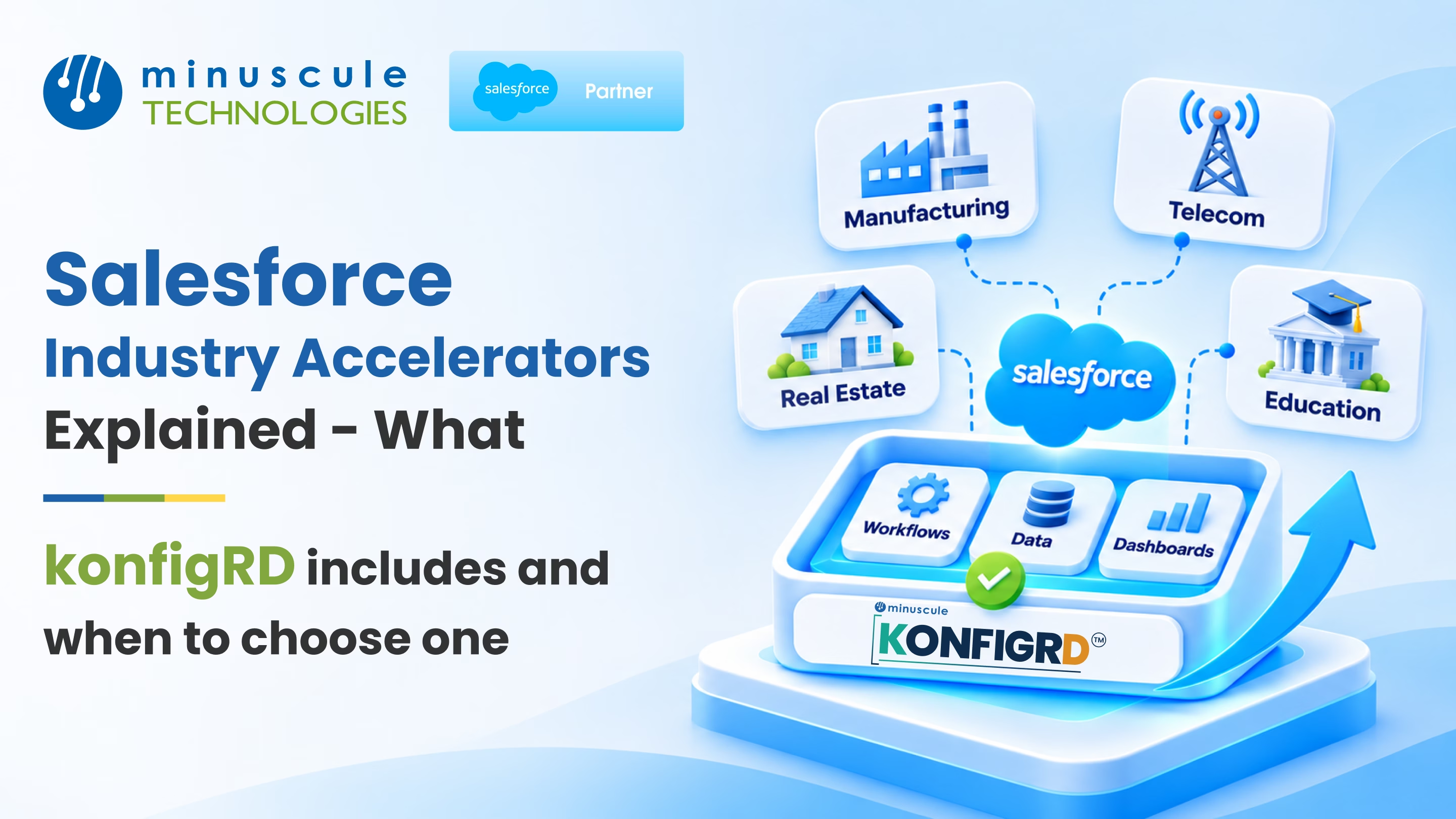
Salesforce industry accelerators are ready-made building blocks that give your Salesforce org a working start for one industry. They come with data models, workflows, dashboards, and security settings already in place. Your team starts from a setup that fits how your business runs, not from a blank org. That means a faster path to go-live, less custom code to maintain, and fewer surprises in testing.
Picture two real estate developers launching Salesforce in the same quarter. The first team spends its early months designing objects for projects, towers, and units. Then it builds booking rules from scratch. The second team starts with those pieces already working. It spends that time on what makes its business different, like broker rules and payment schedules. Both teams pay for the same Salesforce implementation services. Only one gets to user testing while the other is still drawing data models.
We built our own Salesforce industry accelerator, KonfigRD, for exactly this reason. This guide explains what accelerators are, what sits inside one, and how they compare to Industry Clouds and custom builds. You'll also see what KonfigRD includes for each industry, plus a short checklist for deciding if an accelerator fits your next project.
A Salesforce industry accelerator is a set of Salesforce parts built around the core work of one industry. It isn't a separate product that replaces Salesforce. It sits on top of the clouds you already pay for, like Sales Cloud, Service Cloud, Experience Cloud, or Field Service.
Think of it as a furnished model home. The walls, wiring, and plumbing are already done. You still choose the paint, move the furniture, and add the rooms only your family needs.
Most accelerators share one idea. Someone has solved a common industry problem many times, so they package the pattern and reuse it. A manufacturer still needs quotes, orders, warranty claims, and service visits. A college still needs to track leads, applications, sign-ups, and fees. The details change from company to company, but the backbone stays the same.
That's why accelerators help most early in a project. They swap the "design everything from zero" stage for a "review, confirm, and adjust" stage. Your business users react to something real instead of signing off on diagrams.
Buyers want results from Salesforce sooner. Long design phases tie up budgets and delay the day users see working software. Accelerators shorten that wait because the first demo comes early.
There's also an upkeep angle. Your team must test every custom object and line of Apex code with each Salesforce release. When an accelerator uses Salesforce's own tools, you carry less custom code forward.
Search for Salesforce accelerators and you'll find at least four different things with the same name. Mixing them up leads to the wrong vendor talks, so here's a quick guide.
Salesforce calls its own open source accelerators pre-built add-ons that fit its products to the needs of an industry. They're useful, but they aren't officially supported products. They also focus on education, nonprofits, and the public sector.
Partners build accelerators for many more industries. KonfigRD is one of them. We designed it, built it on the Salesforce platform, and we deliver and support it ourselves. That's the type this guide covers.
A good accelerator is more than a few page layouts. It covers the full working pattern for a business process. Here's what you should find inside.
The best accelerators come in modules. You switch on what you need now and add more later. A manufacturer might start with sales and orders, then add warranty and service in phase two. Modules also keep the org cleaner, since you don't carry unused objects around.
Many people mix up Salesforce Industry Clouds and industry accelerators. They solve related problems in different ways, and many projects use both.
Industry Clouds come with their own licenses and product roadmap. To see how each one adapts to business needs, read our guide to how Salesforce Industry Clouds are customized.
Accelerators work well in two cases. The first is when no Industry Cloud fits your process. The second is when you'd rather build on the clouds you already pay for. We built KonfigRD to add to Salesforce clouds, not replace them.
Custom builds still have a place. If your process is unlike anyone else's, an accelerator won't save much. In our experience, though, that's rarer than most teams think. Most companies are unique in a handful of areas, not across their whole org.
KONFIGRD™ is Minuscule Technologies' own product. Our team designed and built it on the Salesforce platform, shaped by what we've learned delivering Salesforce projects across industries. It isn't a reseller package or a third-party app we install for you. We own the product, we deliver it, and we support it after go-live.
Here's what that means for your org:
We built KonfigRD for four core industries. We're also adding new patterns for banks and health care. Here's what each one gets.
Factory sales teams get lead routing, quote versions, and a clean path from quote to order. Warehouse tools track goods in, pick, pack, ship, and returns. Service tools handle warranty sign-ups, cases, claims, and site visits. To see how warranty claims move through Salesforce, read how manufacturers manage installation, field service, and warranty claims in Salesforce.
We also built two AI agents for factories into KonfigRD. One sorts problems on the shop floor and drafts a fix plan for a supervisor to approve. The other takes in warranty claims and sends techs out.
Telecom tools keep network rollouts on track when many carriers share the work. They cover site checks, vendor tasks, carrier tests, sign-off steps, and service-level dashboards. We explain the thinking behind this in why telecom deployment governance needs to move beyond spreadsheets.
Real estate tools start when a lead comes in from any channel. They run through unit stock, bookings, contracts, payment plans, and move-in. A Lead Engagement Agent checks each buyer and hands them to sales with the full chat. For a closer look at one piece, see our guide to the real estate property reservation and booking system in Salesforce.
School tools cover first contact, the application, and sign-up. They also give a full view of each student, plus fee plans and staff hiring. A Student Success Assistant sums up grades and helps book meetings. We built this on the work behind our Salesforce Education Starter Pack.
For banks and health care, we're adding new AI agent patterns to KonfigRD. Think new client checks, loan steps, insurance approvals for care, and drug safety reports. In each one, a trained person makes the final call.
An accelerator changes where your time goes. You still need a plan. Because we built KonfigRD ourselves, the same team that knows the product runs your project. Every KonfigRD project follows six stages.
The mapping stage matters most. This is where we decide together what to keep and what to change. Teams that keep most of the accelerator as it is usually go live sooner. They also have less code to maintain later.
A clear scope keeps your budget free of surprises. A good partner tells you what sits outside the accelerator before you sign. With KonfigRD, we price these items on their own.
Knowing these limits early helps you compare bids fairly. A low price can look different once you add licenses, links to other systems, and data work.
An accelerator is a strong fit when most of the following are true:
A custom build may serve you better when your business model has no real peers. The same goes when an Industry Cloud already covers your needs and you pay for it anyway.
The accelerator is only half the value. The other half is the team that knows how to bend it without breaking it. That's easiest when the people who built the product also run your project. Look for a partner who can show the accelerator running and will write down every change you make.
Use these questions in your next vendor call.
For a broader partner checklist, read our guide on the 10 key things to consider when choosing the right Salesforce partner.
Salesforce industry accelerators are ready-made sets of Salesforce parts built for the core work of one industry. They come with data models, workflows, dashboards, and access rules. They run on the clouds you already pay for and give your project a working start.
It depends on who builds them. Salesforce's own open source accelerators are free, but Salesforce doesn't support them as products. Partner products like KonfigRD come with setup work, so the cost depends on your scope and the systems you link.
No. You buy Industry Clouds from Salesforce. Partners build accelerators on top of Salesforce. An accelerator can run on standard clouds when no Industry Cloud fits, and it can also add to one you already use.
Yes. You can change fields, workflows, screens, and rules to match how you work. Keep changes to what makes your business different. A shorter change list means less to test each time Salesforce ships an update.
It depends on how many modules you need, how much data you move, and how many systems you link. Accelerators cut the design phase short because users see working screens early. Your partner should set a timeline after the mapping stage, not before.
KonfigRD is our own product at Minuscule Technologies, and we built it on Salesforce. It runs inside your Salesforce org and uses the licenses you already have. Our team builds it, sets it up, and supports it.
KonfigRD has four core industries. They are manufacturing, telecom, real estate, and education. We're also adding AI agent patterns for banks, health care, and life sciences.
Salesforce industry accelerators don't replace a good plan. They change where your planning time goes. Your team skips the basics and spends its time on the work that sets you apart. That shift gets your users working in Salesforce sooner.
Minuscule Technologies has been a Trusted Salesforce Partner since 2014, with 20+ years in software engineering. Our 125+ certified Salesforce experts have finished 75+ projects around the world. We took what we learned and built it into our own product. KONFIGRD™ puts our Accelerators and Starter Packs in one place on Salesforce. It's ready for factories, telecom, real estate, and schools.
Want to see how KonfigRD maps to your processes? Book a 15-minute discovery call with the team that built it. We'll walk through your current setup, show the modules that fit, and flag what would need custom work.
You've seen what's possible. Now, let's make it happen for your business. Whether you need an end-to-end Salesforce solution, a complex integration, or ongoing managed services, our team is ready to deliver.

Schedule a Free Strategic Call


Plot No. 4, Sridevi Amman Street, Perumal Nagar Extension, Old Pallavaram, Chennai, Tamil Nadu 600117, India.
