Salesforce DocuSign integration links DocuSign e-signatures to your Salesforce CRM. You create, send, sign, and store contracts right inside Salesforce. We build salesforce and docusign integration flows that handle contracts in 15+ languages. They cut quote time by 12%. And they keep every signed file audit-ready. A team of 160+ certified experts builds it all.




Salesforce and docusign integration turns CRM data into signed contracts. Your team never leaves Salesforce. Reps make quotes, send deals, and close them from one record. Customers sign the way they like. That can be email, SMS, WhatsApp, or a portal. Each signed file then syncs back to Salesforce on its own.
You need this because manual paperwork slows sales. Legal teams dig for the right template. Reps waste hours emailing PDFs. Audit season turns into a scramble. Docusign and salesforce fix all three. You get stage-based sending, live signature tracking, and full audit trails.
At Minuscule Technologies, we are more than consultants. We are engineering partners. We bring 160+ Salesforce experts. We hold ISO 9001 certified processes. And we have 10+ years in cloud work. We are your full partner for salesforce integration with docusign. We design, build, and run flows that move real KPIs.
Salesforce and docusign integration gives you four clear wins. Every sales, legal, and ops leader wants them.

Simplified Agreement Management
Every deal lives in Salesforce. That covers sales contracts, loans, leases, NDAs, and vendor forms. Reps, legal, and finance see one file. They see one status and one version. No more email threads. No more shared-drive hunts.

Error Reduction and Compliance
Auto-filled fields cut typing errors. Access rules, audit trails, and tamper-proof seals guard each signed file. They keep it GDPR, HIPAA, and eIDAS compliant. So it holds up in court, in audits, and with regulators.

Faster Approvals and Signatures
Stage-based rules send a file the moment a deal is ready. Customers sign by email, SMS, WhatsApp, or portal. They pick what suits them. In one project, this cut quote time by 12% for a healthcare tech client.

Smooth Workflow Automation
Docusign and salesforce integration fires the next steps for you. That includes deal updates, payment asks, orders, and renewal alerts. One signature starts the next 10 steps. And none of them need a manual handoff.
We split our salesforce docusign integration work into three parts. These are document creation and e-sign, contract lifecycle, and audit. Every part comes from real client work. That includes leases in 15+ languages and loan letters. It also includes healthcare CPQ deals and dealer quote-to-order flows.
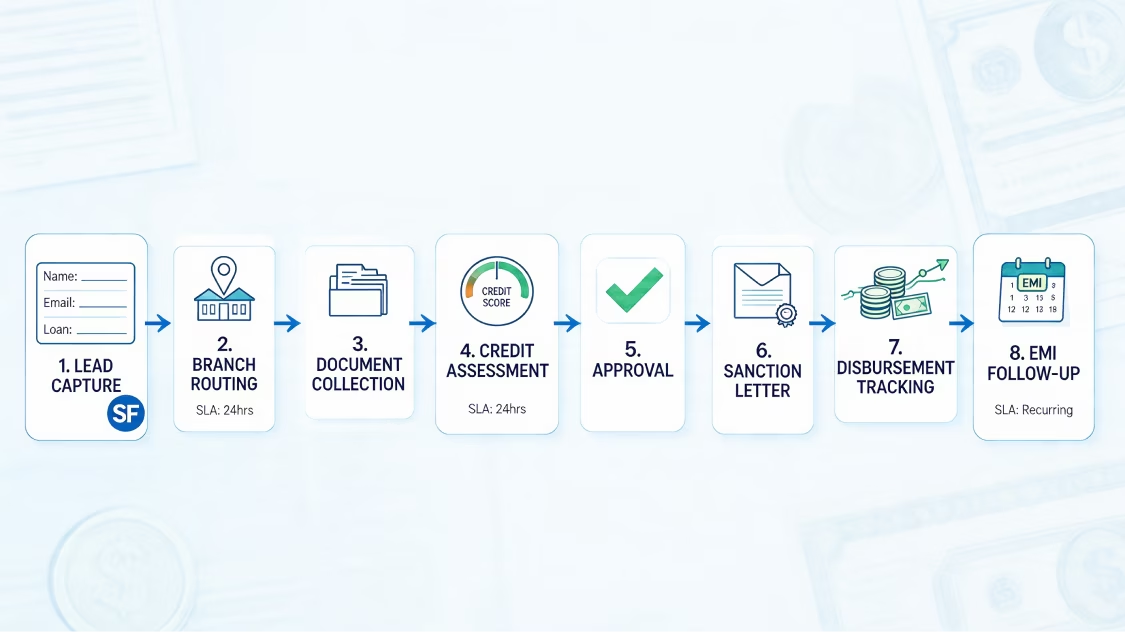
We build template-based file flows. They pull Salesforce data into branded DocuSign templates. That data can come from the Opportunity, Account, Contact, or a custom object. In one job, Opportunity data made lease files for a global real estate firm. We stored each file in one place through SharePoint.
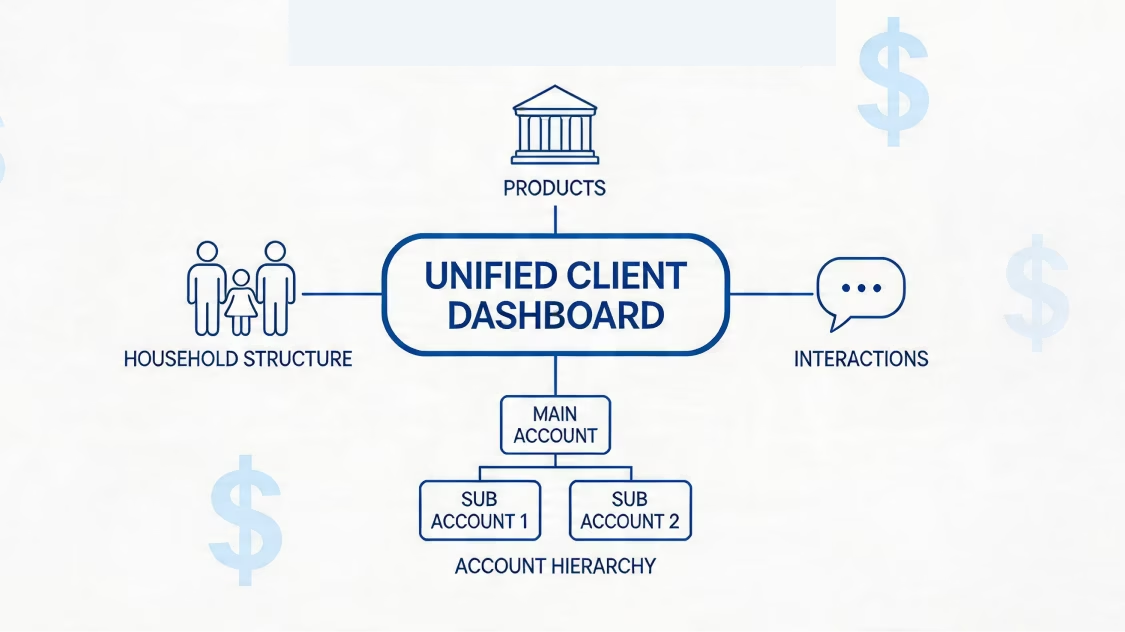
We build multi-language flows. They make contracts, forms, and loan letters in the customer's own language. In one project, we made DocuSign leases in 15+ languages for a global real estate firm. That cut the big legal teams once needed to check each file.
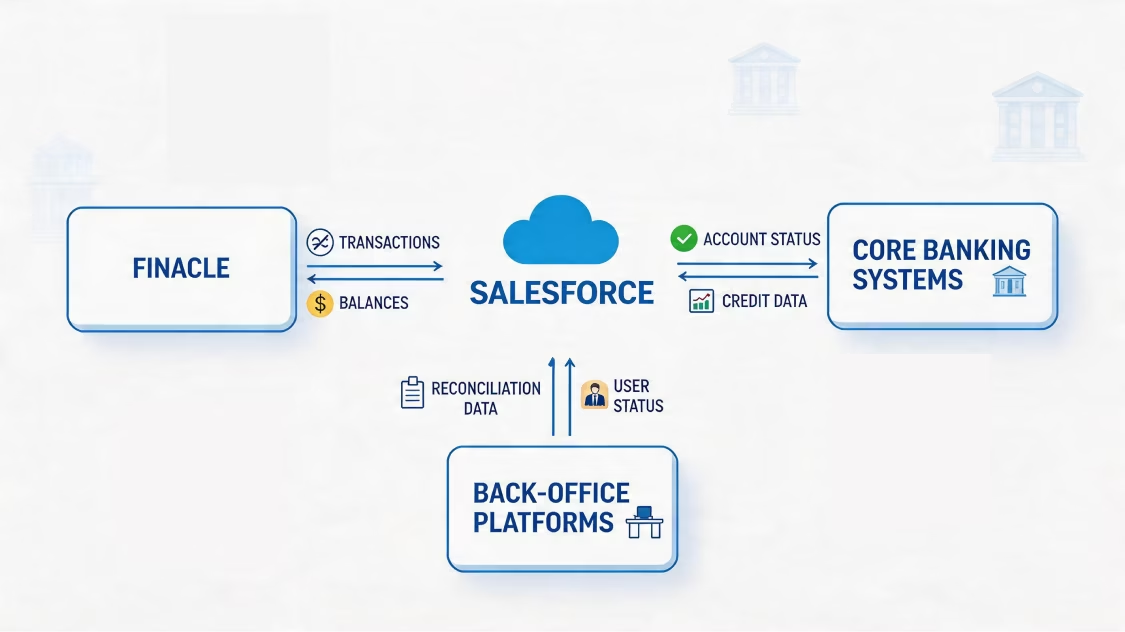
We set up stage-based DocuSign steps in Salesforce. When a deal hits the right stage, the right file goes to the right signer. It happens on its own. We built loan letters for a top bank this way. We also built quote-to-order flows for a global equipment maker.
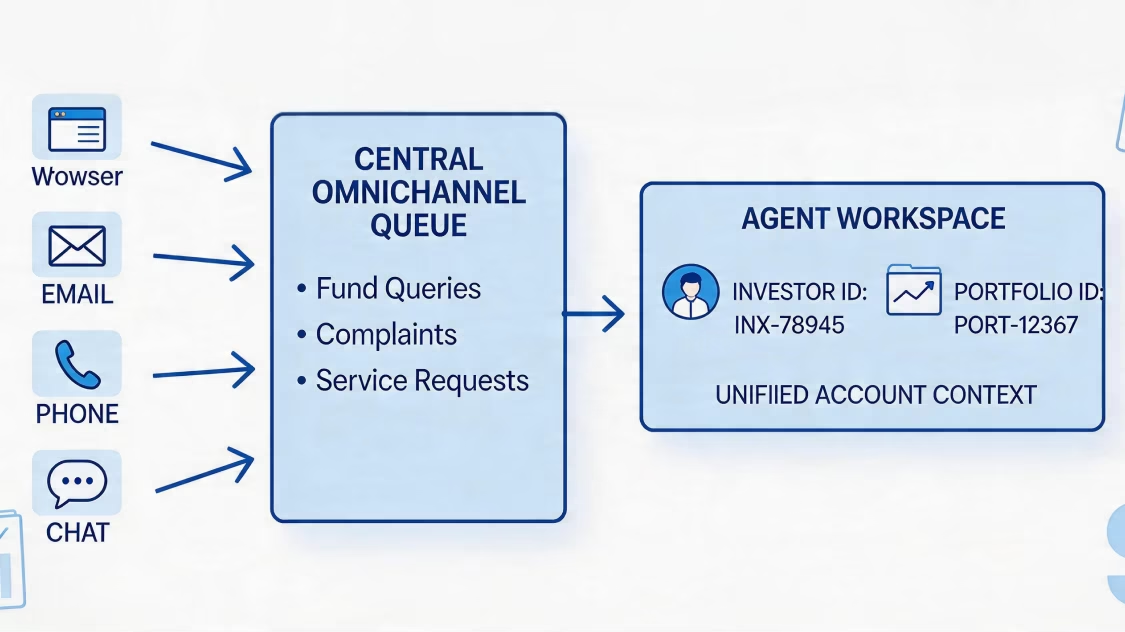
We set up DocuSign signing on email, SMS, WhatsApp, and portals. We meet customers where they are. Sign status syncs back to Salesforce right away. It updates when a file is signed, refused, or expired.
We link DocuSign for Salesforce with Salesforce CPQ. This closes the quote-to-cash loop. We make quotes in CPQ, send them to sign, and update the deal when done. We did this for a healthcare tech client. It cut quote time by 12%.
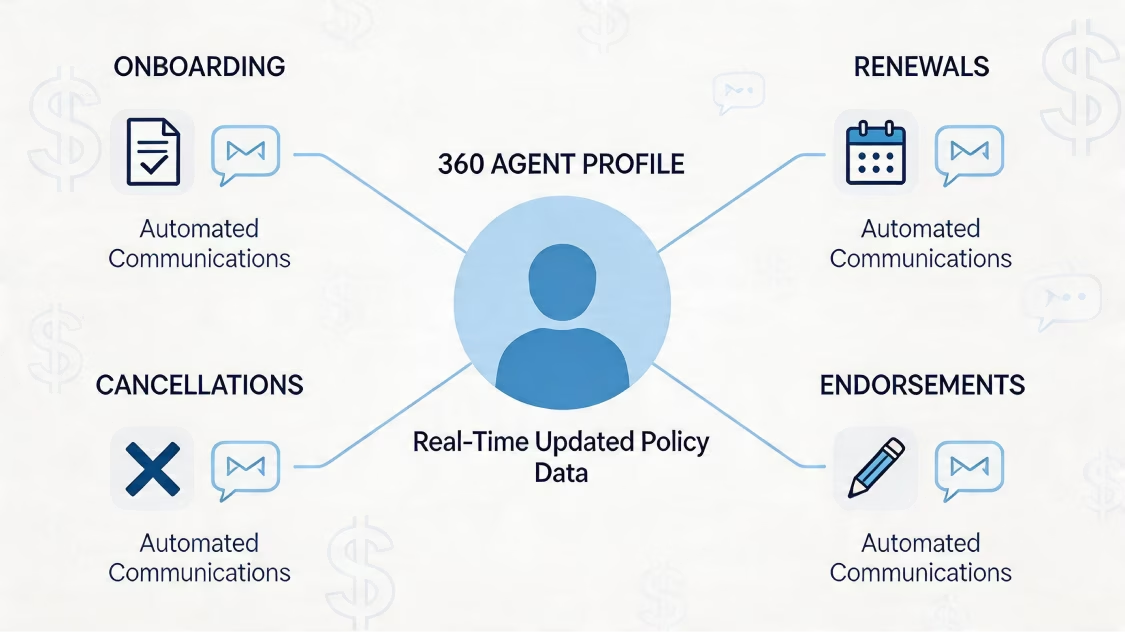
We build one template library inside Salesforce. It has version control, smart logic, auto-filled fields, and sign-off steps for updates. So sales, legal, and ops all use one current set.
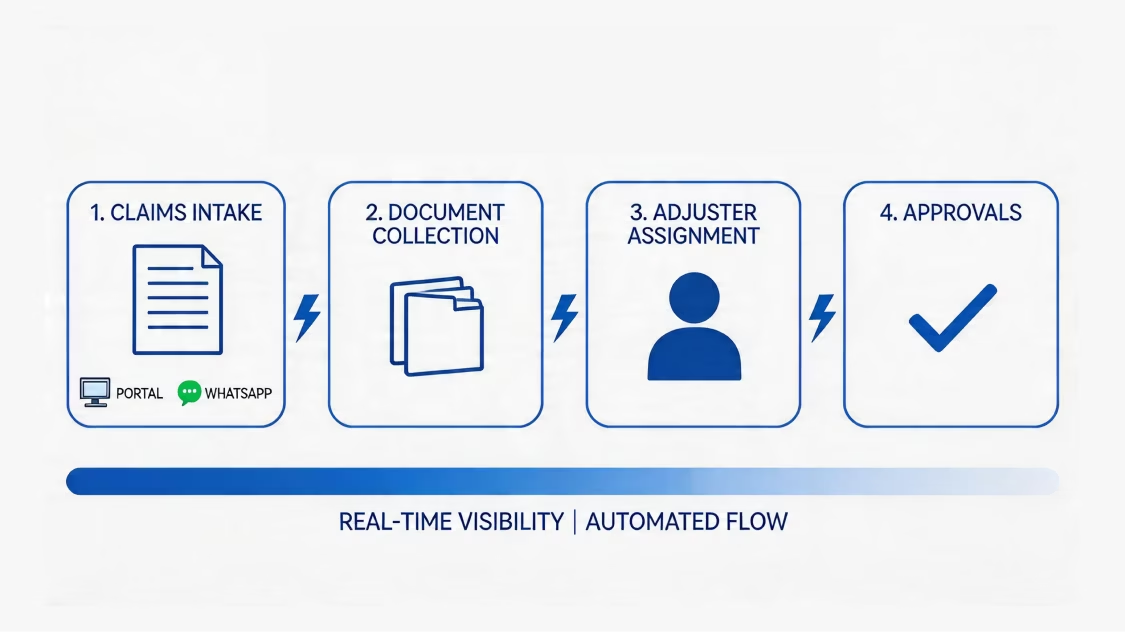
We build one true home for your files. It joins DocuSign, SharePoint, and Azure storage. We did this through Azure for a global real estate firm. Each signed file sits in one place you can audit. And extra copies across teams go away.

We set up sign-off steps before a file goes out. That means legal, finance, and exec review. Sign-offs run in Salesforce or DocuSign CLM. Each one logs who signed off, and when.
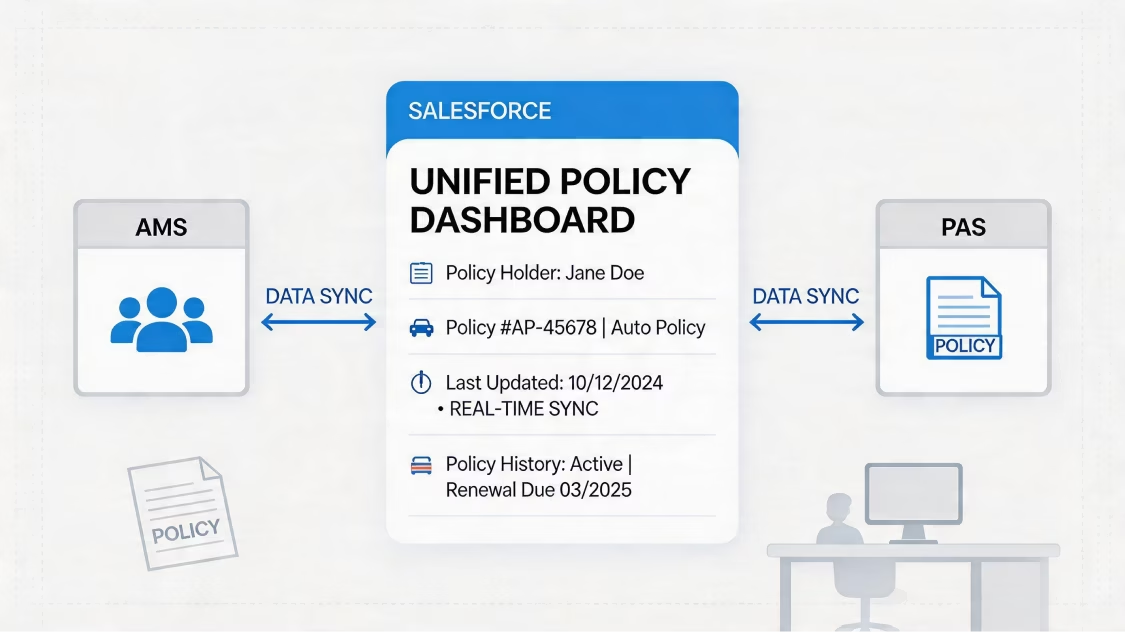
We build renewal and expiry flows. They flag end dates, send renewal files, and nudge account owners. So customers stay close, renewals get caught, and revenue stays steady.
We build bulk-send flows for big jobs. These include mass renewals, policy runs, partner forms, and new-hire packs. Our setups send hundreds of files per batch. And we track every one.

We set up docusign and salesforce integration to meet GDPR, HIPAA, and eIDAS rules. That covers where data lives, consent, encryption, and erase rights. This matters most for BFSI, healthcare, and cross-border teams.
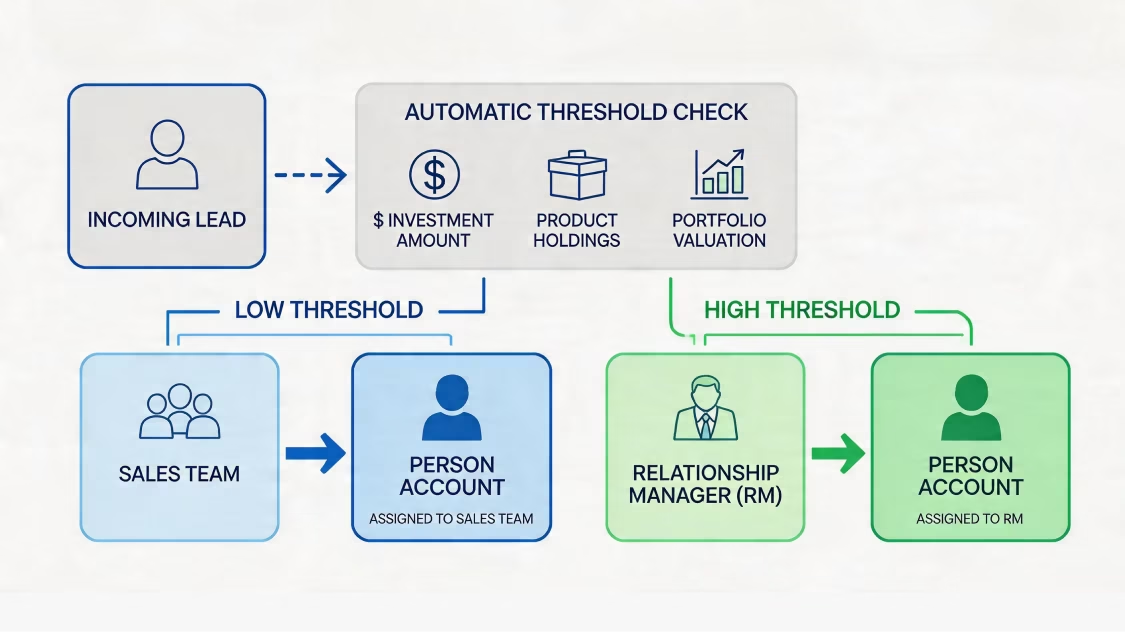
We build Trust Layer access rules. These set sharing rules, roles, and field-level security. So only the right users can see, send, or sign a file. We built OTP checks for contact changes. And we set role-based access for service teams, managers, and dealers.
We log a full audit trail. We track each send, view, sign, refusal, and field change. Each log holds a time stamp, an IP, and a user name. Logs flow into Salesforce. They also feed dashboards in CRM Analytics and Tableau.
We set file-keeping rules that match your laws. That includes auto-delete after set dates and where-to-store rules. It also covers erase-on-request steps. So files stay safe from signing to end of life.
We turn on DocuSign's tamper-proof seals and sign-off certificate. We also switch on digital fingerprints. So you can prove each signed file in court, in audits, or with regulators.
Every salesforce docusign integration has its own size and scope. We back four proven paths. We pick the right one from your data size, custom needs, and linked systems.
Salesforce docusign integration drives every file-based flow in your business. Here is what we have built, and what we can build for you.
Quote-to-Cash & Sales Contracts
We make quotes from Salesforce CPQ. We route e-signs and update the deal after signing. This closes the revenue loop in days, not weeks.
Real Estate Lease & Property Documents
We make multi-language leases, tenant forms, and transfer papers. Each one pulls from Salesforce and gets signed by all sides. And each sits in one true home.
NDAs, MSAs & Partner Agreements
We handle MSAs, NDAs, and partner contracts. Each one is made, routed, signed, and stored. And none of it needs a manual handoff.
Healthcare Consent & Patient Forms
We make HIPAA-safe consent forms, care approvals, and patient deals. Each pulls from patient records. And each is stored safely.
Field Service Job Completion & Sign-Offs
We catch on-site sign-offs on mobile. That includes job certificates and work-order approvals. Each uses in-app DocuSign signing.
Loan Agreements & Sanction Letters
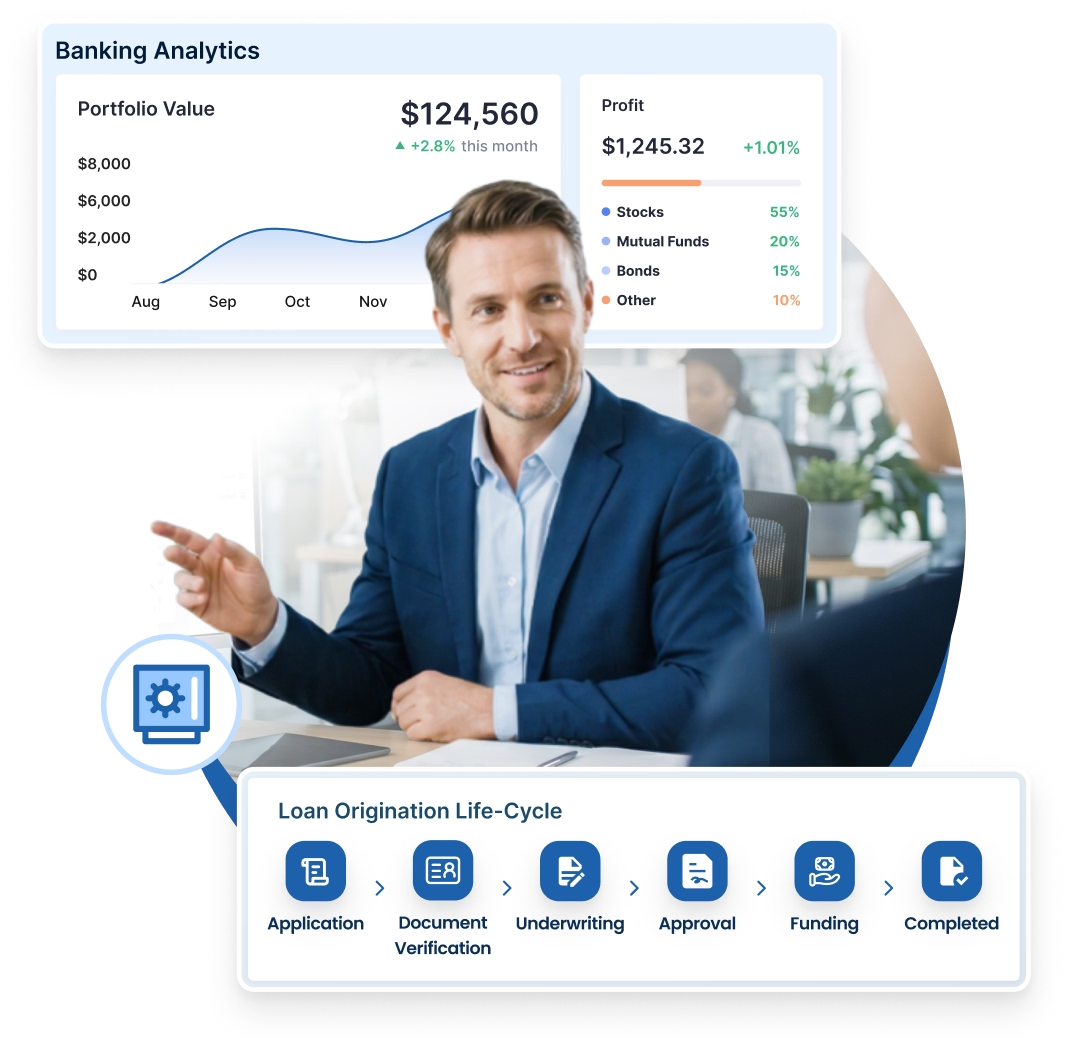
We make stage-based loan files in banking flows. That includes sanction letters, KYC forms, and payout deals. Each is made and signed on its own.
Insurance Policy Issuance & Renewals
We make policy files, beneficiary forms, and renewal deals. A policy event in Financial Services Cloud fires each one.
Employment Offers & HR Onboarding
We send offer letters, work contracts, NDAs, and onboarding packs. New hires get them with a full audit trail.
Vendor Contracts & Procurement Documents
We handle buying contracts, vendor forms, and supplier deals. Each is routed for multi-step sign-off before signing.
How We Work
Every salesforce docusign integration project runs on our 8-step method. We have honed it across 75+ Salesforce projects.


160+ Salesforce-Certified Experts: Certified consultants, architects, LWC and Apex engineers, and integration pros, all with deep DocuSign skill.
75+ Global Salesforce Projects Delivered: Live work for Nasdaq-listed firms and global brands across BFSI, Manufacturing, Real Estate, Healthcare, Aviation, Energy, and Education.
ISO 9001 Certified: Top-grade quality checks on every DocuSign job, from first call to managed support.
Proven Multi-Language Work (15+ Languages): Real work making leases in 15+ languages for a global real estate firm, with each contract kept compliant.
Multi-Industry DocuSign Skill: BFSI loan letters, real estate lease flows, factory quote-to-order flows, and healthcare CPQ deals, proven in regulated fields.
Multi-Cloud Salesforce Skill: Joined-up skill across Sales Cloud, Service Cloud, Financial Services Cloud, Experience Cloud, Revenue Cloud (CPQ), Field Service, and Agentforce.
Accelerators for Faster Launch: Our own LWC UI libraries, DevOps toolkits, and data-quality tools cut time and risk.
One promise: Salesforce that fits your business.
09
Industries
200+
Implementations
One partner, all clouds. Our expertise ensures each Salesforce product delivers maximum ROI.


Business analysis, roadmap creation, architecture design.


Greenfield setups, best-practice configurations, clean deployments.

Zero-loss transfers, deduplication, AI-ready harmonization.

Custom Apex, Lightning components, platform solutions.

ERP connectivity, API development, system unification.

User management, security, compliance, governance.

Workflow automation, custom objects, process optimization.

24/7 monitoring, proactive maintenance, continuous optimization.
Whether you start with the native AppExchange package or need custom Apex, MuleSoft, or DocuSign CLM deployment — our team is ready to build salesforce and docusign integration that moves your KPIs.
Talk to a Salesforce DocuSign Architect