
October 12, 2026
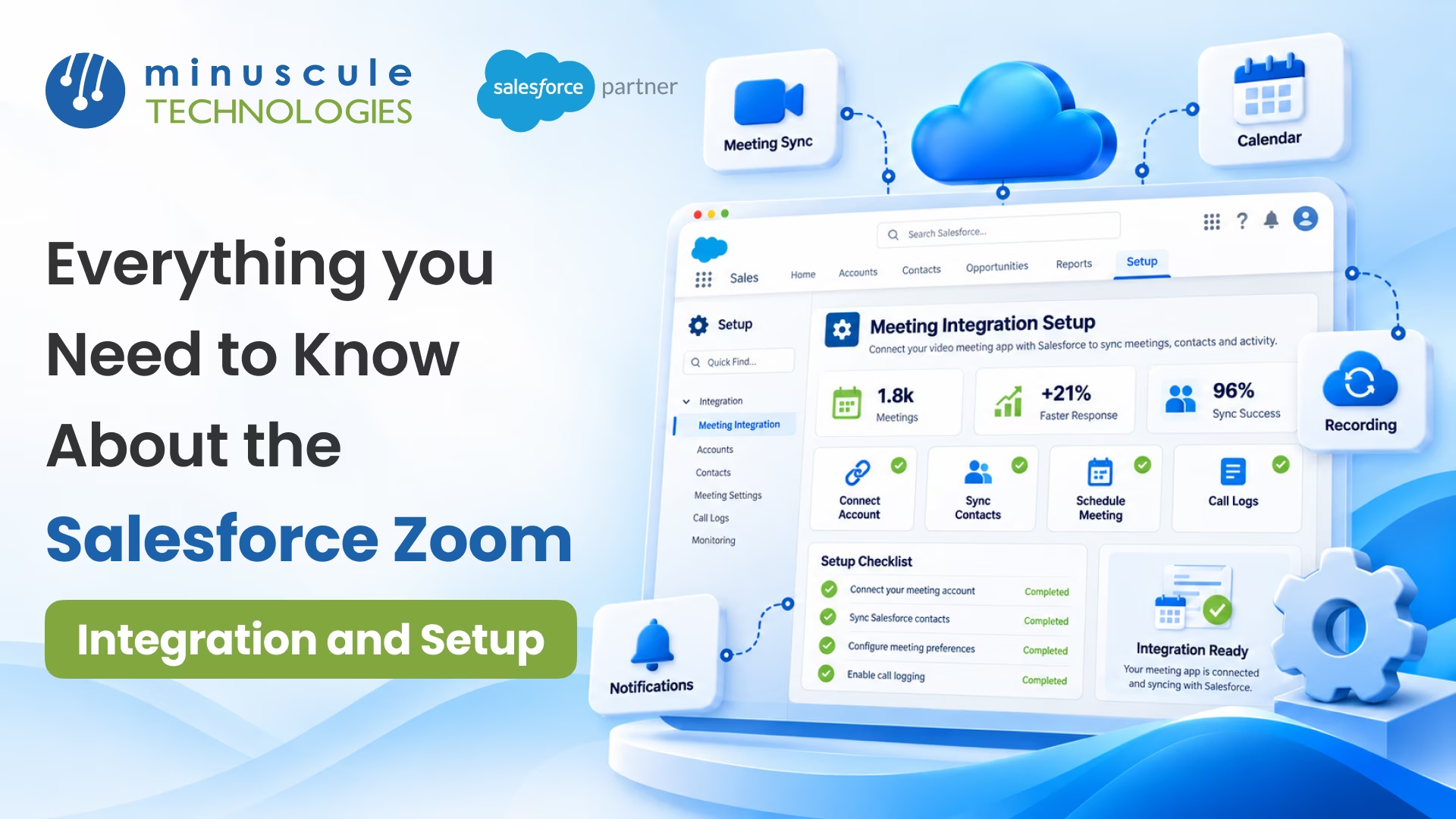
Salesforce Zoom integration connects Zoom Meetings and Zoom Webinars to Salesforce through the Zoom for Salesforce Lightning app. Reps can schedule meetings from Salesforce records, and meeting details sync back automatically. Webinar registrants and attendees can flow straight into Salesforce campaigns and leads. With the integration in place, you can:
Picture a marketing manager who runs a monthly product webinar. Before the integration, she exported the registrant list after each event and asked sales ops to import it. Now every registrant lands in a Salesforce campaign as they sign up. Reps see who attended and follow up the same afternoon, while interest is still high.
This guide covers what the integration does, what you need to set it up, and how to turn meetings and webinars into pipeline. If you'd like expert help, our Salesforce integration services team can plan and run the setup with you.
Salesforce Zoom integration links your Zoom account to your Salesforce org. Video meetings and webinars then become part of your CRM data. The official connector is the Zoom for Salesforce Lightning app, available on the Zoom for Lightning AppExchange listing.
The app supports several Zoom products. Each one solves a different problem:
Most teams start with Meetings and Webinars, since those touch sales and marketing every day. You can add Phone or Contact Center later.
Why does this matter? Without the Zoom Salesforce integration, meeting links sit in calendars, and webinar lists sit in spreadsheets. Reps log calls by hand, if they log them at all. Marketing waits days to hand off webinar leads. With the integration, every meeting and webinar adds to the customer record automatically.
This also improves Salesforce activity tracking. Managers can see which accounts have regular meetings, which deals have gone quiet, and which webinars bring in real buyers.
For a broad overview of every Zoom product in Salesforce, see our Zoom Salesforce integration guide for 2026.
A little prep keeps your Salesforce Zoom setup smooth. Zoom's guide to configuring Zoom Webinars with the Salesforce Lightning app lists the main requirements. Here's what to check first.
On the Zoom side:
On the Salesforce side:
Before you start:
Handling these items up front prevents the most common setup issues. It also makes training easier, since every user starts with the same settings.
Here's the high-level flow to integrate Zoom with Salesforce. Menu names can change between releases, so follow Zoom's latest guides for exact clicks.
After these steps, reps can schedule meetings, and marketers can run webinars from Salesforce.
For more detail, our guide to configuring Zoom Scheduler with the Salesforce Lightning app walks through the meeting setup screen by screen. If your service team wants Zoom Virtual Agent too, see our guide to setting up Zoom Virtual Agent and Zoom Meetings in Salesforce.
Most small and midsize teams can finish the basic setup in a short project. The bigger work is deciding which settings to turn on and training your teams to use them.
For sales teams, the meeting features save the most time each day.
Reps can create a Zoom meeting straight from a Salesforce event. The app adds the meeting link to the invite and ties the meeting to the right lead, contact, or opportunity. Reps can also start an instant Zoom meeting when a customer wants to talk right away.
According to Zoom's guide to using Zoom Meetings with the Salesforce Lightning app, you can sync meeting details from Zoom into the Salesforce event. These include actual start and end times, participant names and count, and duration. Many of these details sync after the meeting ends.
That means Zoom meeting records in Salesforce show the actual meeting, not only the plan. Managers can trust the activity history when they review deals.
If your team uses Zoom AI Companion, its meeting summary can sync to the Zoom meeting record in Salesforce. Zoom says the summary can sync automatically when the meeting ends, or users can sync it manually. Reps get a quick recap without writing notes, and the next person on the account can catch up fast.
Together, these features turn every customer call into usable data. That's the core of sales meeting automation: less admin for reps and better context for everyone else.
For webinars, the Zoom webinar integration with Salesforce helps marketing and sales work as one team.
When you turn on the right setting, the app creates a new Salesforce campaign for each new webinar. Marketing no longer builds campaigns by hand, and every webinar shows up in campaign reports.
Zoom's webinar setup guide describes two settings that drive lead capture:
New prospects become leads as soon as they register. The app also ties existing contacts to the campaign, so you can see which customers attend.
The Add to Webinar button lets reps register leads or contacts from Salesforce. Zoom notes that the list view button can register up to 10 records at a time. It's a quick way for sales to invite key prospects personally.
The app also syncs webinar details, registrants, panelists, and attendees from Zoom. The AppExchange listing notes that engagement data like polls and Q&A can sync too. Reps can open a lead and see which questions the prospect asked before they call.
Here's how the pieces fit together in a typical webinar program.
This workflow links Zoom webinar lead capture to real sales work. Marketing sees which webinars lead to meetings and deals. Sales gets warm leads with context, not a cold list.
You can add Salesforce workflow automation on top. For example, a flow can assign webinar leads to reps by region. It can also create a follow-up task for each engaged attendee. Our team also builds follow-up management that sets reminders after each meeting or visit, so no lead goes cold.
To connect more marketing data to sales, read our post on how Marketing Cloud connects ads, email, and CRM into one revenue view.
A few habits keep your Zoom data accurate in Salesforce.
Keep emails matched. Make sure each user's Zoom email matches their Salesforce email. Mismatches are a common cause of missing meetings.
Sync after the meeting ends. Many meeting details reach Salesforce only after the call. If a field looks empty, use the sync option on the event after the call.
Know which fields sync. Zoom publishes a full list of fields synced by the Salesforce Lightning app. Share it with your admin before you build reports.
Watch for duplicates. Webinar lead creation can add many new records. Turn on duplicate rules in Salesforce so the same person doesn't appear twice.
Route leads quickly. Use assignment rules so webinar leads reach the right rep fast.
Train by role. Show reps how to schedule and sync meetings. Show marketers how campaigns and lead capture work.
Review quarterly. Check sync errors, duplicate leads, and adoption. Zoom and Salesforce both update often, so review release notes too.
Start small. Turn on meeting sync and webinar campaigns first. Add lead creation and extra products once the first steps run cleanly.
These steps keep your customer meeting tracking reliable. Clean data means better reports, better forecasts, and faster follow-up.
Salesforce Zoom integration connects Zoom Meetings, Webinars, and other Zoom tools to Salesforce through the Zoom for Salesforce Lightning app. Users can schedule meetings from records and sync meeting details. Webinar registrants can also flow into Salesforce campaigns.
Install the Zoom for Salesforce Lightning app from AppExchange. Assign the Zoom permission sets and turn on the Zoom products you need in Zoom Admin for Lightning. Each user then authorizes the connection. Last, add Zoom fields and buttons to your page layouts.
Yes. Zoom builds and supports the Zoom for Salesforce Lightning app, the official connector. On AppExchange, it's listed as Zoom for Lightning. It supports Zoom Meetings, Webinars, Events, Phone, and Contact Center.
Yes. Turn on the Create new Lead setting, and the app makes a lead for each new registrant, attendee, and panelist. Registrants can also join the webinar's campaign on their own.
Meetings scheduled from Salesforce link to the right event and record. Start and end times, attendees, and duration can sync from Zoom, often after the call ends. AI Companion summaries can also sync when the meeting is over.
Zoom's setup guides list Salesforce Enterprise or Unlimited with admin rights. You'll also need a Zoom Pro, Business, or Enterprise plan. Webinar hosts need Webinar add-on licenses.
The best Salesforce Zoom integration does more than add a meeting button. Webinars become leads, and meetings become logged activity. Every customer talk turns into data your team can act on.
Minuscule Technologies has built on Salesforce since 2014. Our team has 125+ certified Salesforce experts and 75+ projects worldwide. Our WhatsApp Salesforce Accelerator helps reps follow up with webinar leads on WhatsApp, right from Salesforce. Industry Starter Packs also give your team a ready-made base for sales and marketing.
Ready to connect Zoom and Salesforce the right way? Book a Salesforce Zoom integration consultation with our team. We'll review your meeting and webinar steps, pick the right settings, and plan a clean rollout.
You've seen what's possible. Now, let's make it happen for your business. Whether you need an end-to-end Salesforce solution, a complex integration, or ongoing managed services, our team is ready to deliver.

Schedule a Free Strategic Call


Plot No. 4, Sridevi Amman Street, Perumal Nagar Extension, Old Pallavaram, Chennai, Tamil Nadu 600117, India.
