
October 10, 2026
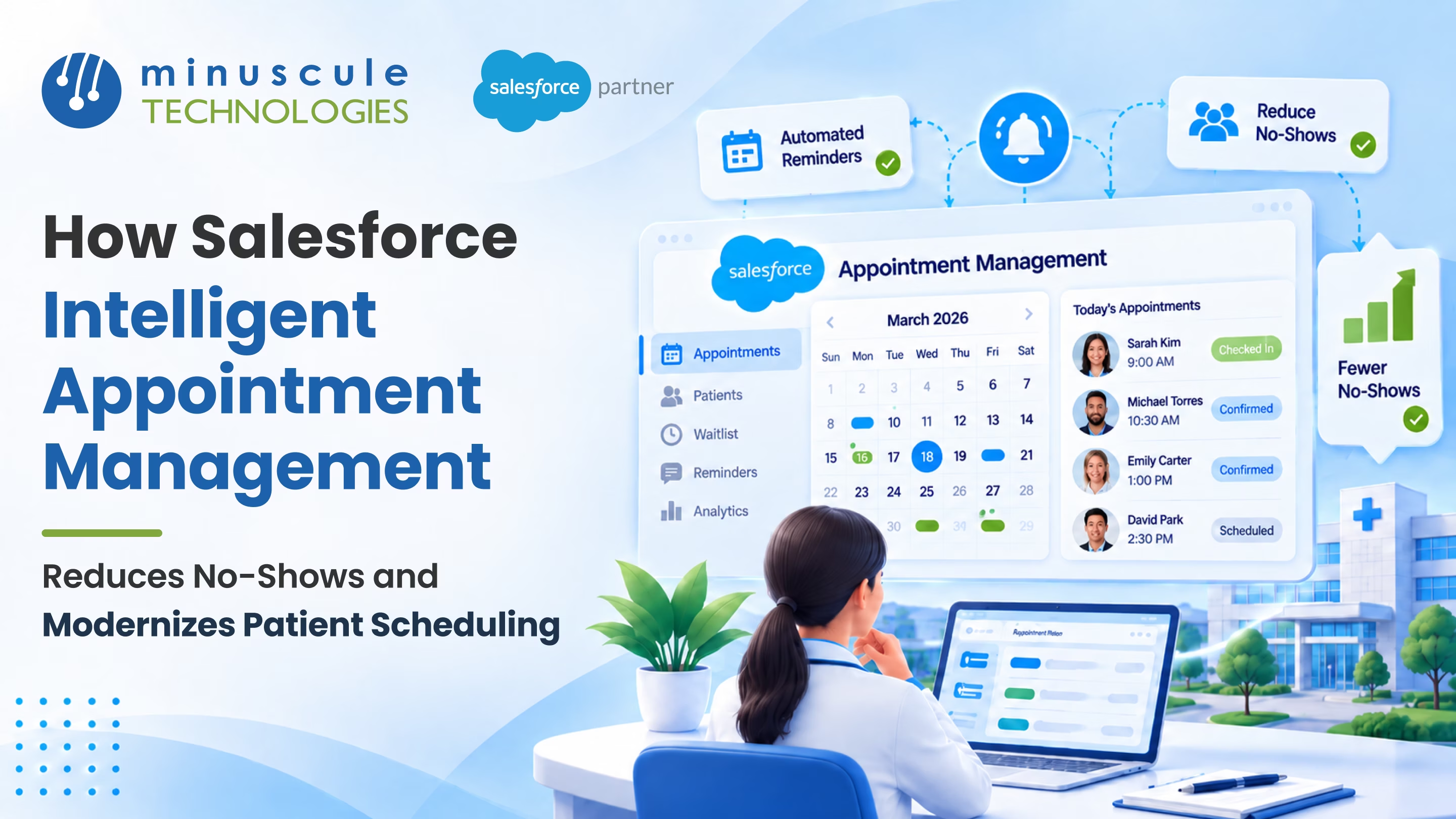
Salesforce Intelligent Appointment Management is a scheduling tool in Salesforce Health Cloud. It brings available appointment slots from Salesforce Scheduler and, through an integration, from your EHR into one Health Cloud console, so staff and patients can book the right visit fast. With CRM Analytics, it can also surface times each patient is more likely to keep, helping reduce no-shows. With it, you get:
Picture a busy Monday at a hospital call center. A patient calls to book a cardiology follow-up. The agent checks three systems, puts the caller on hold twice, and still books a slot that clashes with the patient's work hours. The patient never shows up. With a connected Salesforce integration, that same call takes two minutes, and the patient gets a time that fits.
This guide shows how the tool works and how it cuts no-shows. It also shows how to roll it out step by step.
Salesforce Intelligent Appointment Management (IAM) is the appointment scheduling experience in Health Cloud. It works on top of a scheduling engine (Salesforce Scheduler or a connected EHR) so staff and patients see available slots in one place.
IAM works with two kinds of back-end systems. It can use Salesforce Scheduler, or it can link to your EHR. With an EHR, an integration (for example, MuleSoft or a custom API connection) retrieves available slots, books the appointment in the EHR, and keeps a matching appointment record in Salesforce. Your EHR remains the system of record for the schedule.
Since it lives in Health Cloud, IAM uses the same patient record (typically a Person Account) your care teams already use. Our post on how Health Cloud improves patient data management explains why that matters. For a hands-on tour, the Trailhead module on Intelligent Appointment Management walks through the main features.
Most health systems still book visits across separate tools. Each clinic may run its own calendar, and call center staff often switch between screens. That slows every call and leads to booking mistakes.
Here's how traditional patient scheduling software compares with IAM.
The gap is clear. Old tools record appointments. IAM helps you fill them with patients who show up.
Every missed visit leaves an empty slot that another patient could have used. IAM tackles no-shows in three simple ways.
IAM can use CRM Analytics to predict which days and times a patient is most likely to attend. Say a patient often misses early visits. The scheduler sees better times first. That small nudge helps patients pick times that fit their lives.
Using Flow, Health Cloud can send automated email confirmations and reminders. With appointment reminder automation, no one has to make reminder calls by hand. Text and WhatsApp reminders need a messaging channel such as Salesforce Messaging or Marketing Cloud, and two-way replies (confirm, cancel, reschedule) require additional configuration. Collect patient consent before you send texts, and keep health details out of message content. To reach patients on the apps they already use, see our WhatsApp Salesforce Accelerator.
When a patient cancels, the slot becomes available again (for EHR-based scheduling, once the cancellation syncs). Schedulers can offer it to another patient who needs a sooner visit; automated waitlist backfill requires custom setup. Fewer slots go to waste, and patients get care faster.
Beyond no-shows, IAM changes how patients and staff experience scheduling.
Patients can book online as guests without long forms. Patient self-scheduling through an Experience Cloud site works day and night. This Salesforce Admins guide to Scheduler and Experience Cloud shows how healthcare teams set it up with flows.
Call center agents and care teams work from one screen. They see the patient's current and past doctors, plus available slots. Simple guided flows ask a few questions. Then they point staff to the right visit type and doctor. That's healthcare scheduling automation that saves time on every call.
Booking is only the start. Patient engagement automation can send prep steps, intake forms, and follow-up surveys for each visit. AI agents can help too, as we explain in our post on Agentforce for patient engagement and care coordination.
A phased rollout keeps risk low and wins staff trust early. Follow these steps:
Small setup details matter. In one Trailblazer Community discussion on IAM, an admin found that open slots didn't appear until each practitioner's service resource was added as a member of a service territory. Testing with real visit types catches issues like this early.
For a broader view of what Salesforce can do for providers, see 8 ways Salesforce helps providers improve patient care. And if you'd like a deeper look at the scheduling engine, this Forcetalks overview of Salesforce Scheduler covers the basics.
Salesforce Intelligent Appointment Management is a Health Cloud feature that brings appointment slots from Salesforce Scheduler and, through an integration, from EHR systems into one console. Staff and patients can book, reschedule, and track visits in one place.
With CRM Analytics attendance predictions set up, it suggests times each patient is most likely to keep. Combined with automated reminders and easy rescheduling, fewer slots go empty.
Yes. Patients can self-schedule online as guests through an Experience Cloud site. They only share the details needed to book the visit.
No. Through an integration, it can connect to your EHR, pull available slots, and send bookings back. Your EHR remains the system of record for the schedule.
A first phase with a few visit types can often go live within a few months. Larger rollouts add clinics and visit types over time.
Salesforce Intelligent Appointment Management gives your team one place to book, remind, and reschedule. Patients get times that fit their lives. Your clinics see fewer empty slots.
Minuscule Technologies helps hospitals and clinics set up Health Cloud scheduling. We connect it to the systems they already use. Our pre-built Accelerators, like the WhatsApp Salesforce Accelerator, make reminders easy to answer. Our healthcare Starter Packs come with ready-made booking flows and dashboards. That helps you go live faster.
Ready to cut no-shows and make booking easier for patients? Book a free strategic Salesforce call with our team. We'll map the first scheduling journey to improve.
You've seen what's possible. Now, let's make it happen for your business. Whether you need an end-to-end Salesforce solution, a complex integration, or ongoing managed services, our team is ready to deliver.

Schedule a Free Strategic Call


Plot No. 4, Sridevi Amman Street, Perumal Nagar Extension, Old Pallavaram, Chennai, Tamil Nadu 600117, India.
