
November 26, 2026
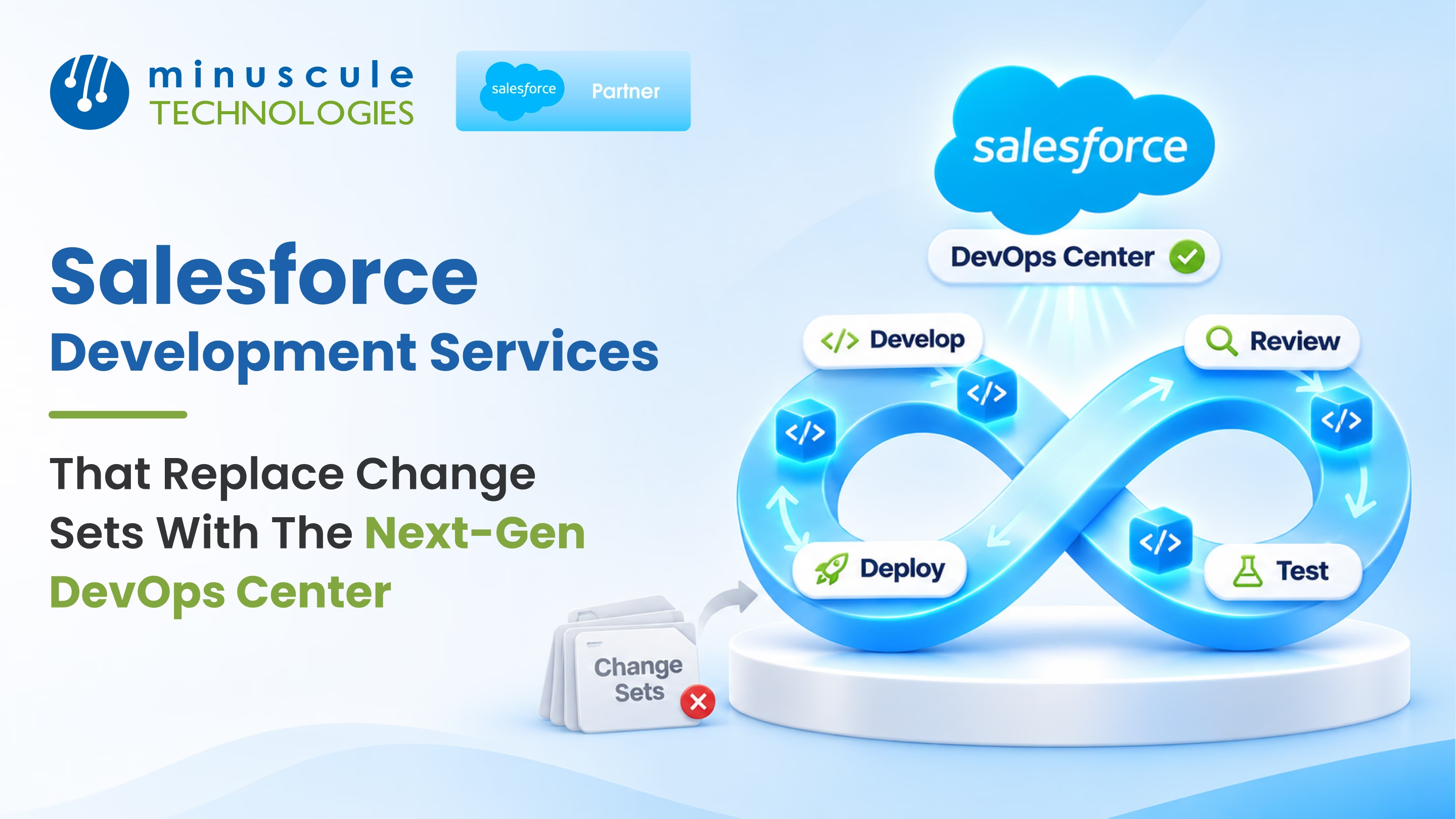
Salesforce development services now include DevOps work that moves your team off change sets. The new path is Salesforce Lifecycle Center, the new name for the next-generation DevOps Center. It keeps each change in source control and tracks your edits for you. It also moves work through a visual pipeline. The tool comes with Salesforce at no extra cost. So the real work is the setup, the pipeline plan, and team training.
Most teams can make this move in a few clear steps. Our Salesforce development services team plans the pipeline, links your repository, and runs the first releases with you.
Picture a release manager on a Thursday night. She is building a change set by hand, one field at a time. With Lifecycle Center, the same release is a list of work items. Each one is already tracked and tested, and she promotes it with a click. This guide shows how to get there, step by step.
Salesforce DevOps services set up how your team builds, tests, and ships changes. The goal is simple. Each change should be tracked, checked, and easy to ship.
Salesforce DevOps consulting services start with how you ship today. A consultant maps how changes move, who signs off, and where things break. Then they plan a pipeline that fits your team and how often you ship.
Salesforce application lifecycle management follows a change from idea to live. That means planning, building in a sandbox, testing, and release. Done well, no one has to guess where a change is or who made it.
Salesforce source control management keeps your metadata in a Git repo. That repo becomes the one source of truth. You can see who changed what and when. You can also look back at past versions.
Salesforce Lifecycle Center is the new name for the next-generation DevOps Center. Salesforce calls it an AI-powered tool you use with clicks. It helps you plan, track, and ship changes. This Trailhead introduction to Lifecycle Center is a good first read for your team.
The first DevOps Center was a managed package that you had to install. Lifecycle Center is built into the platform instead. You turn it on in your hub org, and your team can use it right away. Key features include:
Salesforce Ben's guide on what to know before using the next-generation DevOps Center walks through these changes in more depth.
Salesforce DevOps Center GitHub integration is where the pipeline starts. Lifecycle Center links to GitHub or Bitbucket Cloud. It makes and manages branches for you, so admins don't need to learn Git commands. Developers can still use their own tools and commit straight to the repo. For a deeper look at GitHub workflows, see our guide to Salesforce DevOps automation with GitHub Actions.
Salesforce change sets have been the default way to move changes for years. They are free and simple. But they were built for one person moving a few parts at a time.
Teams look for a Salesforce change sets alternative when releases get busy. With change sets, a missed field can fail a deployment late at night. Two admins can also change the same object and never know it. There's no record of what shipped, so audits take longer.
Lifecycle Center is a strong step up, but it has gaps. It has no one-click rollback, so a bad release is fixed forward. It doesn't back up your data or metadata. It works best with one main pipeline. Today it connects only to GitHub and Bitbucket Cloud, not GitLab or Azure DevOps. Also, change sets have not been formally retired, so both still work.
A Salesforce Lifecycle Center implementation, also called a Salesforce DevOps Center implementation, follows a clear order. Each step builds on the last, so your live org stays safe.
Salesforce DevOps pipeline setup usually follows these steps:
Apex Hours has a helpful overview of Salesforce DevOps Center for admins who want to practice first.
A Salesforce change sets migration doesn't convert old change sets. There's no import button. Instead, you build the pipeline once. Then all new work starts as a work item. Most teams finish open change sets first, then switch. That way, nothing gets lost in the middle.
A Salesforce DevOps Center migration matters if you already use the first version. Salesforce now treats Lifecycle Center as the main path, and new installs of the old package are no longer offered. A partner can move your projects, pipelines, and repository links to the built-in version.
Salesforce deployment automation cuts out the manual steps between a finished change and a live release. It's the next step after source control.
Salesforce CI/CD implementation runs tests each time someone commits a change. You find problems in hours, not days. Many teams pair Lifecycle Center with GitHub Actions for this. Our post on Salesforce CI/CD best practices covers the habits that keep pipelines healthy.
Salesforce automated deployments move changes on a set schedule or with one click. Release managers can promote work from the Lifecycle Center screen. They can also use the Salesforce CLI. Either way, Git records each step.
Salesforce release management services plan what ships and when. They set release dates, sign-offs, and test rules. They also plan for the three Salesforce releases each year. For more ideas, see our Salesforce release management best practices.
A Salesforce DevOps implementation partner should know the tools and your business. Use this checklist when you compare partners:
Lifecycle Center has no extra license cost. Partner costs depend on how many orgs, teams, and tools you have. Ask each partner for a cost range by phase, not a fixed quote. To avoid common traps, read our post on Salesforce DevOps pitfalls and solutions. The Salesforce Admins blog on change and release management with DevOps Center also helps admins prepare.
Salesforce development services build and release the custom parts of your Salesforce org. That includes Apex code, Flows, screens, and links to other tools. Today, they also cover DevOps work, like source control and a release pipeline.
Yes. Lifecycle Center is the new name for the next-generation DevOps Center. It's built into Salesforce, so you no longer install a package.
The tool comes at no extra cost for Salesforce customers. You still need a GitHub or Bitbucket Cloud account. Setup and training costs depend on your team and orgs.
Change sets still work today, and Salesforce hasn't formally retired them. But Salesforce points teams to Lifecycle Center as the modern path. Moving early gives your team time to learn it.
Not today. It connects to GitHub and Bitbucket Cloud. Teams on other tools often use a third-party DevOps platform or a custom CI/CD pipeline.
Change sets got many teams this far, but they don't track or protect your work. Lifecycle Center gives you source control, tracked changes, and a clear pipeline. It comes at no extra license cost. With a good plan, your team can switch and keep shipping on time.
Minuscule Technologies has been a Trusted Salesforce Partner since 2014. We have 125+ certified experts, 75+ global projects, and 24/7 support across US time zones. Our accelerators also ship through the same pipeline. The WhatsApp Salesforce Accelerator helps with customer chats, and Loan Lifecycle Visibility helps lenders. Each comes as an industry starter pack, so your team builds on proven work.
Ready to retire change sets for good? Book Your DevOps Strategy Call. We'll review your current releases and map the right pipeline. Then we'll share a cost range for your needs.
You've seen what's possible. Now, let's make it happen for your business. Whether you need an end-to-end Salesforce solution, a complex integration, or ongoing managed services, our team is ready to deliver.

Schedule a Free Strategic Call


Plot No. 4, Sridevi Amman Street, Perumal Nagar Extension, Old Pallavaram, Chennai, Tamil Nadu 600117, India.
