
June 8, 2026
End of the month at a subscription services company. The sales team has 23 open quotes waiting to go out. Each one requires a rep to pull the customer's subscription tier, check promotional pricing, calculate prorated charges for mid-cycle upgrades, add one-time fees, and format everything into a PDF. The rep sends it for approval. The manager is in calls until 4 PM. The quote sits overnight.
Meanwhile, finance is buried. Monthly invoicing takes 4-5 days - matching subscription records to billing amounts, adjusting for cancellations, and reconciling numbers that never line up because sales quoted one price and billing shows another.
By the time the quote reaches the customer, three days have passed. A competitor sent theirs in 20 minutes. The deal doesn't close - not because the product was wrong, but because the process was too slow.
Salesforce CPQ fixes this by automating configuration, pricing, and quoting, so reps generate accurate quotes in minutes. Here's how.
Manual quoting isn't just slow -- it's expensive and error-prone. Every quote touch multiple system: the CRM for customer data, a spreadsheet for pricing, email for approvals, and a template for the final document. Each handoff introduces delays and risks.
Three problems compound. First, pricing errors. Reps calculating discounts and prorated charges manually make mistakes. A 15% discount on the wrong line item doesn't surface until the invoice arrives - and then the customer disputes it.
Second, approval of bottlenecks. Manager approval for discounts above threshold means an email in a queue. If the approver is traveling, the quote will wait a day.
Third, inconsistent pricing. Without a controlled catalog, two reps can produce different prices for the same configuration. One uses last quarter's rate card. The other applies to a discount that expired two weeks ago.
When quotes don't match billing records, monthly invoicing turns into a reconciliation project - 4-5 days instead of hours.
Salesforce CPQ automates three stages that manual quoting handles separately: product configuration, pricing calculation, and quote generation.
The approval workflow fires in parallel. A quote needs approval of lands in the manager's Salesforce queue with a mobile notification. Review, approve, notify - often within the hour instead of overnight.
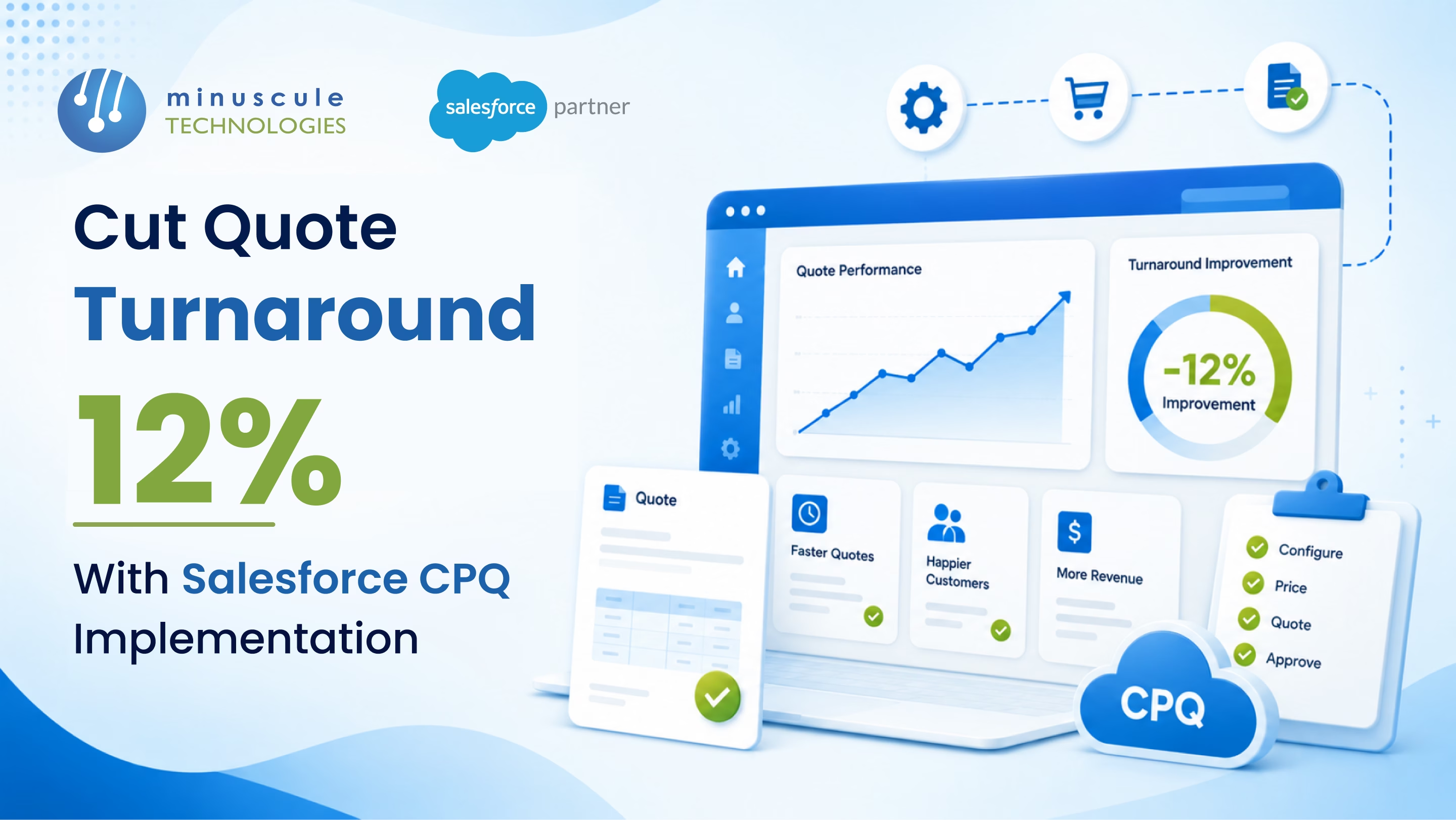
Quotes that took 2-3 days now go out the same day. That 12% turnaround reduction translates directly into faster deal closure and fewer lost opportunities.
| Factor | Manual Quoting | Salesforce CPQ |
|---|---|---|
| Quote creation time | Hours to days — multiple systems, manual calculations | Minutes — guided flow with automated pricing |
| Pricing accuracy | Error-prone — wrong discounts, missed fees, stale rates | Rules-based — always current catalog pricing |
| Approval process | Email chain, waits for manager availability | Automated routing with mobile notifications |
| Quote document | Manual formatting in Word or a spreadsheet | One-click branded PDF from Salesforce |
| Discount control | Rep applies whatever seems right | Guardrails enforce margin thresholds automatically |
| Invoice reconciliation | 4–5 days monthly to match quotes to billing | Near zero — quote and invoice pull from same source |
| Quote turnaround | 2–3 days average | 12% faster — most quotes same-day |
Salesforce CPQ (Configure, Price, Quote) is a sales tool built on the Salesforce platform that automates product configuration, pricing calculation, and quote document generation. It ensures reps quote the right products at the right price with approved discounts — all from one interface.
CPQ eliminates manual steps: guided selling replaces product lookups, automated pricing replaces spreadsheet calculations, and approval workflows replace email chains. Each step that used to take hours now takes seconds.
Yes. CPQ manages subscription tiers, renewal pricing, mid-cycle upgrades and downgrades, prorated charges, and multi-year contracts. It calculates recurring and one-time charges automatically based on the subscription model you configure.
A standard CPQ implementation with product catalog setup, pricing rules, discount controls, and quote templates takes 8-12 weeks. Complex implementations with multi-currency support, advanced approval chains, and ERP integration extend to 14-20 weeks.
That subscription company from the intro? They didn't lose the deal because the product was inferior. They lost it because it took three days to tell the customer what it would cost. The competitor who quoted in 20 minutes didn't have a better product - they had a better process.
Minuscule Technologies builds that process. We're a Trusted Salesforce Engineering Partner with 125+ Salesforce engineers and 75+ successful projects - including CPQ implementations that reduced quote turnaround by 12% for subscription-based businesses. We've delivered guided product configuration, automated pricing with discount guardrails, one-click quote generation, and billing alignment that eliminated days of monthly reconciliation work.
Your reps are building quotes in spreadsheets right now while competitors send theirs from Salesforce in minutes. Minuscule Technologies implements Salesforce CPQ that turns days into same-day delivery. Book a consultation with Minuscule Technologies — and stop losing deals to a process that should have been automated years ago.
You've seen what's possible. Now, let's make it happen for your business. Whether you need an end-to-end Salesforce solution, a complex integration, or ongoing managed services, our team is ready to deliver.

Schedule a Free Strategic Call


Plot No. 4, Sridevi Amman Street, Perumal Nagar Extension, Old Pallavaram, Chennai, Tamil Nadu 600117, India.
