Salesforce Outlook Integration is a Microsoft 365 add-in that connects Outlook and Salesforce. It puts a Salesforce side panel inside Outlook — so reps can view, log, and update Salesforce records without leaving their inbox.
The integration syncs emails, calendar events, and contacts between the two systems. When paired with Einstein Activity Capture, the sync becomes fully automatic — no manual logging needed.
Important Note on the Current Landscape:
Salesforce has retired the old Salesforce for Outlook desktop add-in (full retirement as of December 2023).
The modern replacement has two parts:
1. Outlook Integration (Side Panel) — a lightweight Microsoft 365 add-in that shows a Salesforce panel inside Outlook. Works on Outlook for Windows, Mac, Web, and Mobile.
2. Einstein Activity Capture — a background sync engine that automatically logs emails, meetings, and contacts to Salesforce. No manual clicking required.
Together, these two features do everything the old Salesforce for Outlook did — plus more. If your team is still using the retired add-in, you need to migrate.
Sales reps spend 60% of their day inside Outlook. Emails, meetings, and contacts happen there — not in Salesforce.
The problem? All of that customer interaction stays trapped in inboxes. Salesforce shows a half-empty picture. Managers cannot see what is really happening with deals. Reps waste hours on duplicate data entry that they should be spending on selling.
Here is what breaks without proper Outlook integration.

Manual Data Entry Kills Selling Time
Reps copy email content, meeting notes, and contact details from Outlook into Salesforce by hand. Most teams lose 5–8 selling hours per rep, per week, to this admin work.

Poor CRM Hygiene
Half the contacts, activities, and meetings never make it to Salesforce. Your pipeline reports are based on partial data. Forecasts miss by 20–30%.
No Activity Visibility for Managers
Managers cannot answer "how many touches did we make on this account last quarter?" without asking each rep manually. Coaching becomes guesswork.

Lost Email Context
Critical emails about deal risks, competitor mentions, and buying signals sit in personal inboxes. Nobody else on the team can see them. Deals slip through the cracks.

Low User Adoption
Reps who have to switch tabs, log emails manually, and update Salesforce fields three times a day give up. They stop using Salesforce. Your CRM investment stops paying back.
Pick one service or a full end-to-end setup. Every project comes with a certified Salesforce + Microsoft 365 engineer, a single point of contact, and documented handover.
Salesforce Outlook Integration is not just email logging. It is a full connection layer between your inbox and your CRM.
Bi-Directional Sync
Emails, calendar events, and contacts flow both ways. Add a meeting in Outlook, and it appears in Salesforce. Log a contact in Salesforce, and it shows up in Outlook.
View and Edit Salesforce Records Inside Outlook
The side panel shows related Salesforce records for every email — account details, open opportunities, recent cases, contact history. Edit fields directly from Outlook.
Activity Capture Analytics
Einstein Activity Metrics dashboards show email activity, meeting counts, response rates, and deal engagement patterns. Managers finally see what is happening on every account.
Mobile Compatibility
Full side panel on Outlook Mobile. Reps can log emails, view Salesforce records, and add contacts from their phone.
Security and Compliance Controls
Field-level sync rules, admin-controlled sharing, GDPR-friendly consent management, and Salesforce Shield-compatible logging. Critical for BFSI and Healthcare teams.
Log Emails and Attachments
One-click email logging to any Salesforce record — lead, contact, opportunity, case, or custom object. Attachments come with the email, up to 25 MB per file.
Create Records From an Email
Turn any email into a new lead, contact, opportunity, task, or case. Field mapping happens automatically based on your Salesforce setup.
Microsoft 365 Support
Works with Outlook for Windows, Mac, Web, and Mobile (iOS and Android). Runs inside Microsoft 365 Enterprise, Business, and Exchange Online.
Contact and Lead Matching
Smart matching between Outlook contacts and Salesforce records. When a rep gets an email from a known Salesforce contact, the side panel opens with the full record — no manual search.
Features are the "what". Outcomes are the "why". Here is what changes for your business once the sync is live.
Reps stop avoiding Salesforce when they no longer have to leave Outlook to use it. Most teams see adoption jump within 30 days of Outlook Integration go-live.
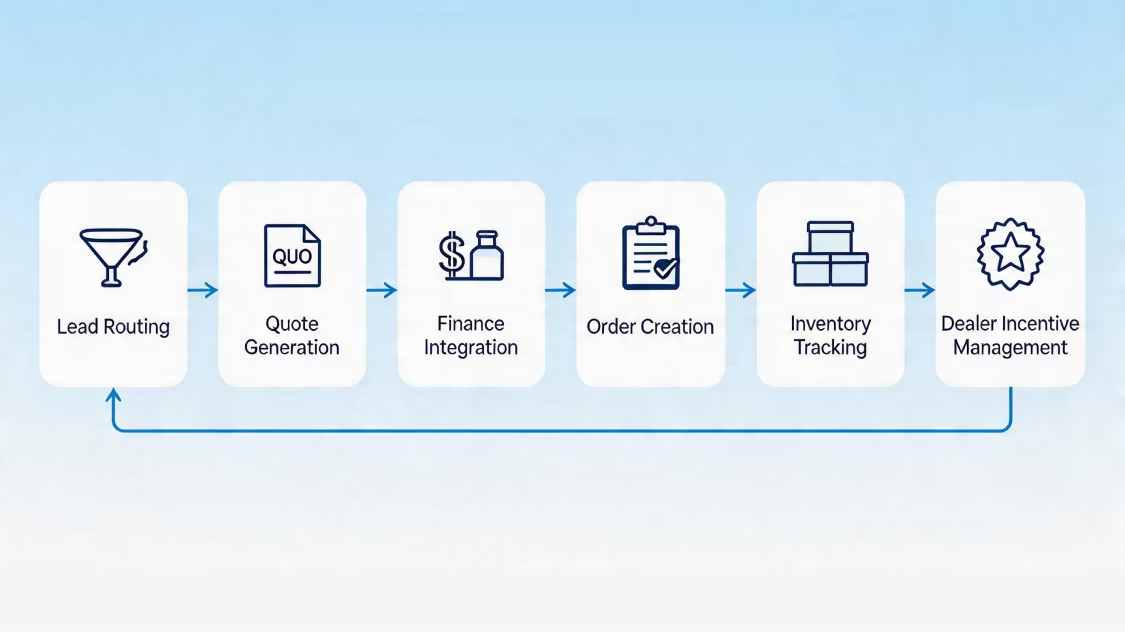
Every email, meeting, and contact touch gets logged. Salesforce shows the full picture — no more half-empty accounts or missing activity history.
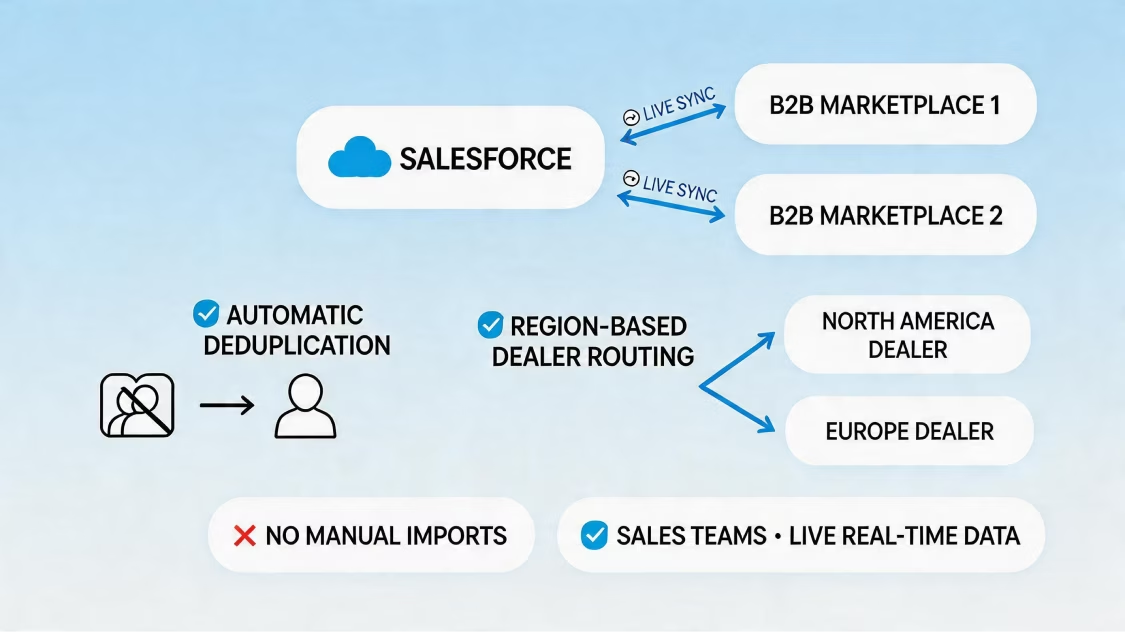
No more manual email logging, meeting notes, or contact data entry. Reps spend that time on outbound, follow-ups, and deal work.
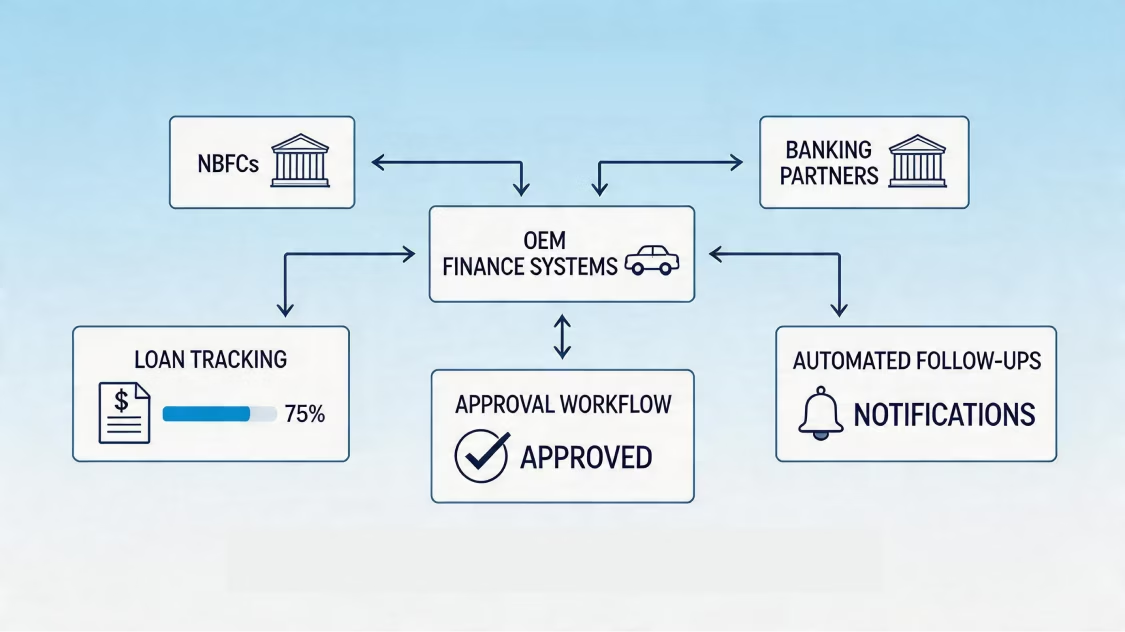
Einstein Activity Metrics dashboards show every touch on every account. Managers stop guessing and start coaching on real numbers.
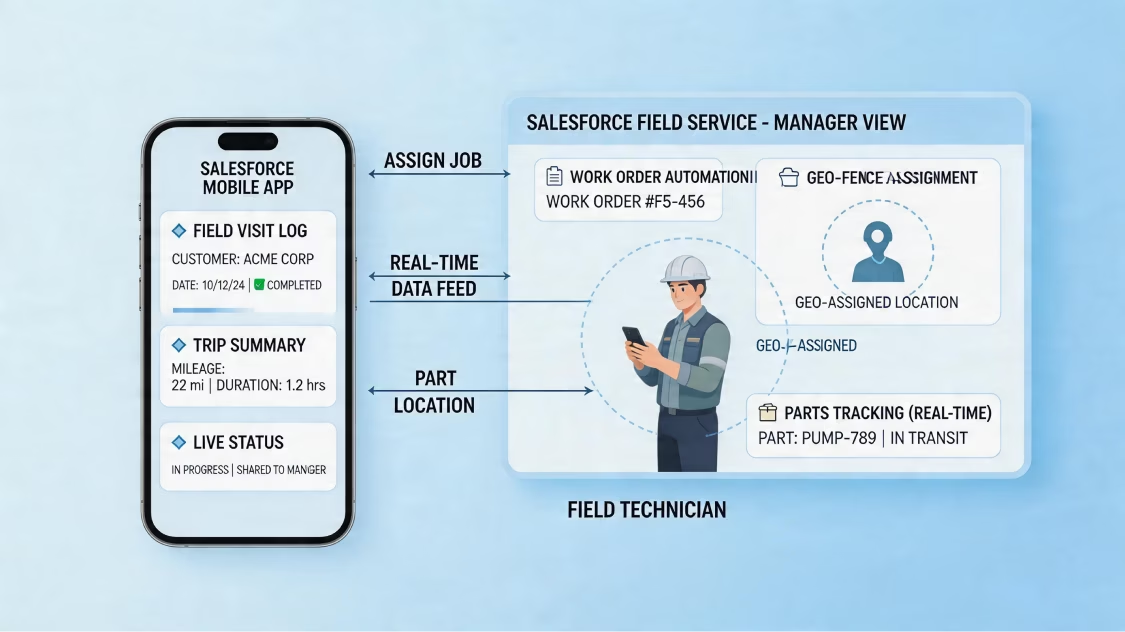
New reps see the full email, meeting, and contact history for every account they inherit. Ramp time drops by 30–40%.
Forecasts based on real activity data — email volume, meeting counts, response rates — beat forecasts based on rep-entered opportunity stages every time. Most teams see forecast accuracy improve by 15–25%.
How We Work
An integration without a process leads to bad sync rules, angry reps, and endless support tickets. Our process gets you live in 2–4 weeks with zero disruption.

We work across every major Salesforce Cloud — not just one or two. Here's where our certified engineers have real, hands-on experience.


Certified in Salesforce AND Microsoft 365: Our engineers hold Salesforce Admin, Sales Cloud Consultant, and Microsoft 365 Certified certifications.
You get one team that handles both sides of the integration — no vendor ping-pong.
Setup in 2–4 Weeks — Not 2–4 Months: Most vendors take a full quarter to go live. Our proven 6-step process gets your team live in 2–4 weeks.
Migration Experts From Retired Salesforce for Outlook: We have migrated 30+ teams off the retired Salesforce for Outlook add-in to the modern Outlook Integration + Einstein Activity Capture setup — with zero data loss.
Custom LWC Side Panel Development: For teams that need more than the standard panel, we build custom Lightning Web Components inside Outlook — deal trackers, quote builders, account intel widgets.
Adoption-First Approach: Every implementation comes with live training, role-based videos, and in-app guidance. We track adoption metrics for the first 90 days.
Industry-Ready Playbooks: We have integrated Outlook with Salesforce for Manufacturing, Automotive, BFSI, Healthcare, Real Estate, Aviation, Energy, and Education clients.
ISO 27001 Certified: Your email content, contact data, and sync credentials stay protected. Critical for BFSI, Healthcare, and enterprise clients with strict compliance rules.
Post-Launch Managed Services: Every implementation comes with 30 days of hypercare. Optional Managed Services with SLA-backed support after that.
One promise: Salesforce that fits your business.
09
Industries
75+
Implementations

Business analysis, roadmap creation, architecture design.


Greenfield setups, best-practice configurations, clean deployments.

Zero-loss transfers, deduplication, AI-ready harmonization.

Custom Apex, Lightning components, platform solutions.

ERP connectivity, API development, system unification.

User management, security, compliance, governance.

Workflow automation, custom objects, process optimization.

24/7 monitoring, proactive maintenance, continuous optimization.
Tell us about your team size, your current Outlook + Salesforce setup, and your top integration goals. We will send you an Outlook Integration plan with milestones, hours, and a fixed price — in 48 hours.
Talk to a Salesforce Outlook Integration Architect