Transform Your Contract Lifecycle with Salesforce and DocuSign
Contracts are at the heart of every customer, partner, supplier, and service relationship. Yet in many enterprises, the process between creating an opportunity and executing a contract still involves disconnected systems, manual document preparation, email-based reviews, complex approval processes, and limited visibility into contract status.



125+
Certified Salesforce Engineers
75+
Projects Delivered Globally
17+
Years in Business
24/7
Support Available

Minuscule Technologies helps organizations integrate DocuSign CLM and DocuSign eSignature with Salesforce to create connected, automated, and scalable agreement processes.
Our expertise combines Salesforce engineering, DocuSign integration, workflow automation, API development, document generation, and enterprise integration to help organizations transform contract processes from initial request through execution and ongoing lifecycle management.
Salesforce → Contract Generation → Review → Approval → eSignature → Execution → Repository → Renewal
Whether you are implementing a new DocuSign solution, extending an existing Salesforce integration, or addressing challenges within an established DocuSign CLM environment, Minuscule can help design, integrate, customize, troubleshoot, and optimize your solution.
Minuscule provides engineering and integration capabilities across the DocuSign and Salesforce ecosystem.
Minuscule provides engineering and integration capabilities across the DocuSign and Salesforce ecosystem.
Contract request and initiation
Document generation
Template-driven contract creation
Contract review
Approval workflows
Negotiation and redlining
Version management
Signature orchestration
Contract storage and retrieval
Amendments and renewals
Contract metadata management
Post-execution processes
Integrate digital signature capabilities directly into enterprise business processes, including:
Salesforce-triggered envelope creation
Template-based envelope generation
Dynamic signer and recipient configuration
Sequential and parallel signing
Embedded signing experiences
Multi-party signature workflows
Envelope status synchronization
Completed-document retrieval
Event-driven processing
Authentication and authorization
Error handling and exception management
Connect Salesforce customer and commercial data directly with the contract lifecycle.
Account → Opportunity → Quote → Contract → Approval → Signature → Activation → Renewal
This allows sales, legal, finance, procurement, and operations teams to work from a connected process rather than moving information manually between CRM, documents, email, and signature platforms.
Salesforce often contains the information required to create a contract:
Account, contacts, addresses, legal entities and customer classifications.
Opportunity, products, quantities, pricing, discounts and commercial terms.
Contract type, effective dates, renewal terms, payment conditions and service commitments.
Deal size, discount thresholds, business unit, geography and risk conditions.
Minuscule can use this information to drive DocuSign CLM and eSignature processes automatically.
A typical integrated lifecycle can look like:
The objective is to reduce duplicate data entry while keeping Salesforce and DocuSign synchronized throughout the agreement lifecycle.
Salesforce Opportunity

Contract Request
Dynamic Document Generation
Business & Legal Review
Approval Workflow
Customer Negotiation
DocuSign eSignature
Signed Agreement
Salesforce Status Update
Contract Repository
Renewal / Amendment
Enterprise contracting rarely follows a single linear workflow.
Different agreements can require different documents, reviewers, approvers, clauses and signatories depending on factors such as:
Contract value
Customer type
Geography
Legal entity
Product or service
Discount level
Contract risk
Non-standard terms
Business unit
Regulatory requirements
Minuscule helps translate these business rules into configurable contract workflows. For example:
Generate → Manager Approval → Customer Signature
Generate → Sales Approval → Finance Approval → Legal Review → Customer Signature
Generate → Legal Review → Negotiation → Executive Approval → Signature
The result is a contract process that reflects the organization’s actual governance requirements.
Implementing CLM is not simply a matter of installing a product. Enterprise environments introduce complex integration, document, workflow, security, data and operational requirements. Our engineering approach focuses on resolving these challenges.
Challenge
The signer is not always known when the template is created. The correct signer might depend on:
Customer account
Contract value
Legal entity
Geography
Opportunity owner
Partner organization
Contract type
Some contracts also require several internal and external parties to sign in a specific sequence.
Our Approach
We dynamically determine recipients and signing order from Salesforce and business rules. For example:
Salesforce Opportunity
Sales Director
Customer Authorized Signatory
Partner
Final Executed Agreement
Challenge
Many organizations already have DocuSign CLM but encounter challenges as their implementation grows. Typical symptoms include:
Workflows unexpectedly failing
Workflow configuration becoming difficult to maintain
Templates becoming overly complex
Incorrect Salesforce data appearing in contracts
Documents failing to generate
Signers receiving incorrect documents
Authentication failures
Integration failures after user or configuration changes
Difficult-to-maintain custom logic
Limited operational visibility
Manual workarounds introduced over time
Our Approach
Minuscule can perform an architecture and implementation review across:
Salesforce Configuration
Integration
CLM Workflow
Templates
eSignature
API / Authentication
Error Handling
Operational Monitoring
The objective is not simply to resolve an individual incident, but to identify its underlying architectural or configuration cause.
We split our salesforce docusign integration work into three parts. These are document creation and e-sign, contract lifecycle, and audit. Every part comes from real client work. That includes leases in 15+ languages and loan letters. It also includes healthcare CPQ deals and dealer quote-to-order flows.
We build template-based file flows. They pull Salesforce data into branded DocuSign templates. That data can come from the Opportunity, Account, Contact, or a custom object. In one job, Opportunity data made lease files for a global real estate firm. We stored each file in one place through SharePoint.
We build multi-language flows. They make contracts, forms, and loan letters in the customer's own language. In one project, we made DocuSign leases in 15+ languages for a global real estate firm. That cut the big legal teams once needed to check each file.
We set up stage-based DocuSign steps in Salesforce. When a deal hits the right stage, the right file goes to the right signer. It happens on its own. We built loan letters for a top bank this way. We also built quote-to-order flows for a global equipment maker.
We set up DocuSign signing on email, SMS, WhatsApp, and portals. We meet customers where they are. Sign status syncs back to Salesforce right away. It updates when a file is signed, refused, or expired.
We link DocuSign for Salesforce with Salesforce CPQ. This closes the quote-to-cash loop. We make quotes in CPQ, send them to sign, and update the deal when done. We did this for a healthcare tech client. It cut quote time by 12%.
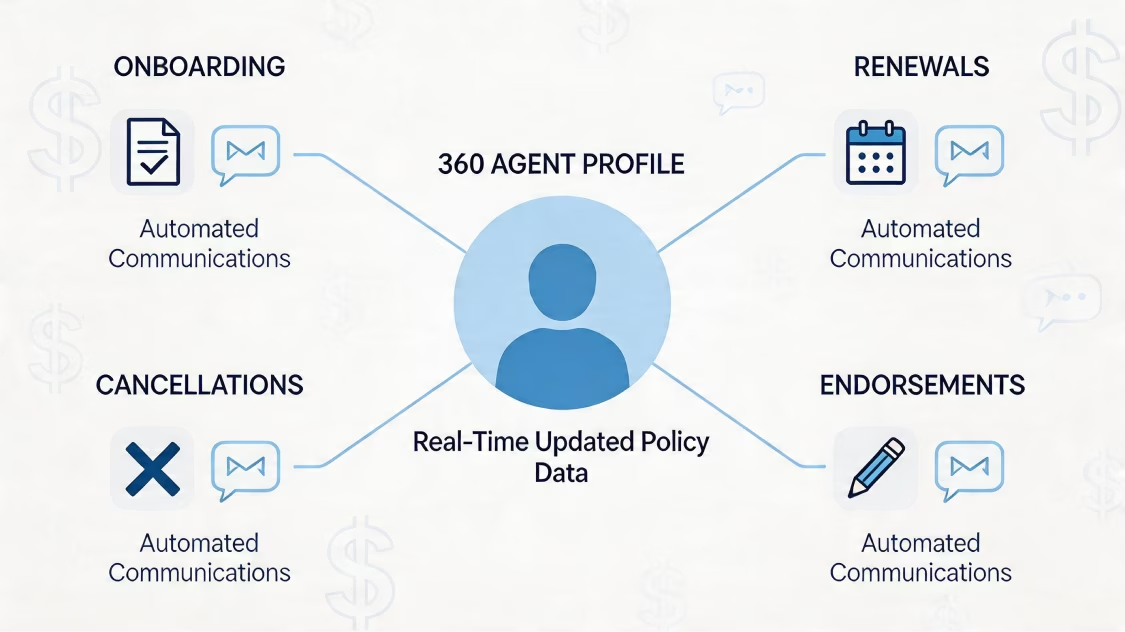
We build one template library inside Salesforce. It has version control, smart logic, auto-filled fields, and sign-off steps for updates. So sales, legal, and ops all use one current set.
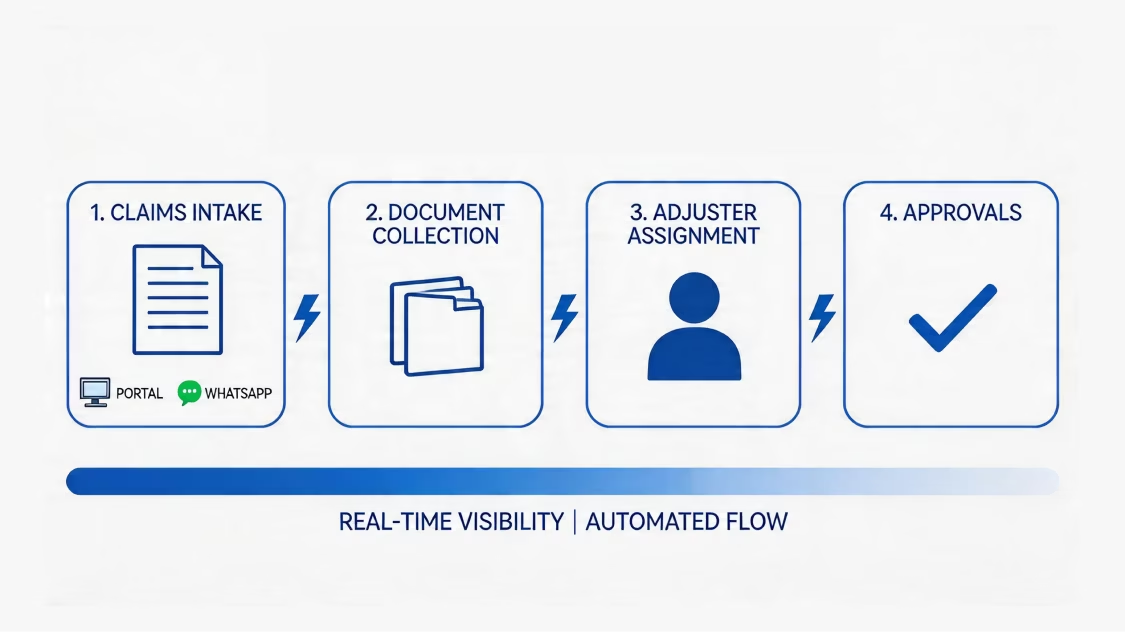
We build one true home for your files. It joins DocuSign, SharePoint, and Azure storage. We did this through Azure for a global real estate firm. Each signed file sits in one place you can audit. And extra copies across teams go away.

We set up sign-off steps before a file goes out. That means legal, finance, and exec review. Sign-offs run in Salesforce or DocuSign CLM. Each one logs who signed off, and when.
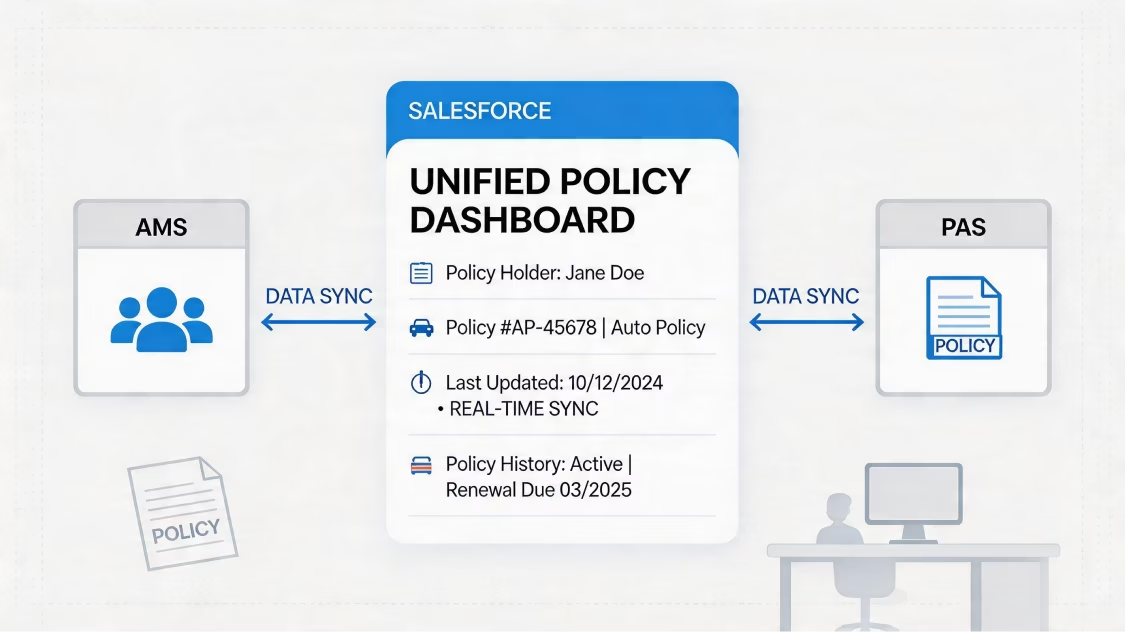
We build renewal and expiry flows. They flag end dates, send renewal files, and nudge account owners. So customers stay close, renewals get caught, and revenue stays steady.
We build bulk-send flows for big jobs. These include mass renewals, policy runs, partner forms, and new-hire packs. Our setups send hundreds of files per batch. And we track every one.

We set up docusign and salesforce integration to meet GDPR, HIPAA, and eIDAS rules. That covers where data lives, consent, encryption, and erase rights. This matters most for BFSI, healthcare, and cross-border teams.
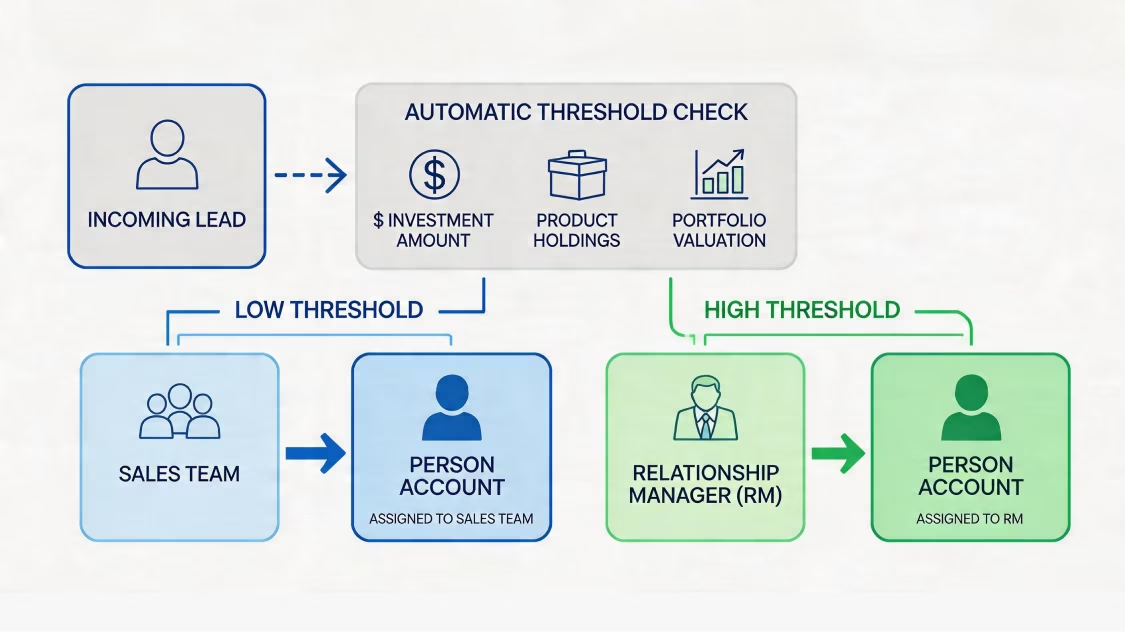
We build Trust Layer access rules. These set sharing rules, roles, and field-level security. So only the right users can see, send, or sign a file. We built OTP checks for contact changes. And we set role-based access for service teams, managers, and dealers.
We log a full audit trail. We track each send, view, sign, refusal, and field change. Each log holds a time stamp, an IP, and a user name. Logs flow into Salesforce. They also feed dashboards in CRM Analytics and Tableau.
We set file-keeping rules that match your laws. That includes auto-delete after set dates and where-to-store rules. It also covers erase-on-request steps. So files stay safe from signing to end of life.
We turn on DocuSign's tamper-proof seals and sign-off certificate. We also switch on digital fingerprints. So you can prove each signed file in court, in audits, or with regulators.
Every salesforce docusign integration has its own size and scope. We back four proven paths. We pick the right one from your data size, custom needs, and linked systems.
Salesforce docusign integration drives every file-based flow in your business. Here is what we have built, and what we can build for you.

Quote-to-Cash & Sales Contracts
We make quotes from Salesforce CPQ. We route e-signs and update the deal after signing. This closes the revenue loop in days, not weeks.

Real Estate Lease & Property Documents
We make multi-language leases, tenant forms, and transfer papers. Each one pulls from Salesforce and gets signed by all sides. And each sits in one true home.
NDAs, MSAs & Partner Agreements
We handle MSAs, NDAs, and partner contracts. Each one is made, routed, signed, and stored. And none of it needs a manual handoff.
Healthcare Consent & Patient Forms
We make HIPAA-safe consent forms, care approvals, and patient deals. Each pulls from patient records. And each is stored safely.
Field Service Job Completion & Sign-Offs
We catch on-site sign-offs on mobile. That includes job certificates and work-order approvals. Each uses in-app DocuSign signing.

Loan Agreements & Sanction Letters
We make stage-based loan files in banking flows. That includes sanction letters, KYC forms, and payout deals. Each is made and signed on its own.

Insurance Policy Issuance & Renewals
We make policy files, beneficiary forms, and renewal deals. A policy event in Financial Services Cloud fires each one.
Employment Offers & HR Onboarding
We send offer letters, work contracts, NDAs, and onboarding packs. New hires get them with a full audit trail.
Vendor Contracts & Procurement Documents
We handle buying contracts, vendor forms, and supplier deals. Each is routed for multi-step sign-off before signing.
How We Work
Every salesforce docusign integration project runs on our 8-step method. We have honed it across 75+ Salesforce projects.


160+ Salesforce-Certified Experts: Certified consultants, architects, LWC and Apex engineers, and integration pros, all with deep DocuSign skill.
75+ Global Salesforce Projects Delivered: Live work for Nasdaq-listed firms and global brands across BFSI, Manufacturing, Real Estate, Healthcare, Aviation, Energy, and Education.
ISO 9001 Certified: Top-grade quality checks on every DocuSign job, from first call to managed support.
Proven Multi-Language Work (15+ Languages): Real work making leases in 15+ languages for a global real estate firm, with each contract kept compliant.
Multi-Industry DocuSign Skill: BFSI loan letters, real estate lease flows, factory quote-to-order flows, and healthcare CPQ deals, proven in regulated fields.
Multi-Cloud Salesforce Skill: Joined-up skill across Sales Cloud, Service Cloud, Financial Services Cloud, Experience Cloud, Revenue Cloud (CPQ), Field Service, and Agentforce.
Accelerators for Faster Launch: Our own LWC UI libraries, DevOps toolkits, and data-quality tools cut time and risk.
One promise: Salesforce that fits your business.
09
Industries
75+
Implementations
One partner, all clouds. Our expertise ensures each Salesforce product delivers maximum ROI.


Business analysis, roadmap creation, architecture design.

Greenfield setups, best-practice configurations, clean deployments.

Zero-loss transfers, deduplication, AI-ready harmonization.

Custom Apex, Lightning components, platform solutions.

ERP connectivity, API development, system unification.

User management, security, compliance, governance.

Workflow automation, custom objects, process optimization.

24/7 monitoring, proactive maintenance, continuous optimization.
Whether you start with the native AppExchange package or need custom Apex, MuleSoft, or DocuSign CLM deployment — our team is ready to build salesforce and docusign integration that moves your KPIs.
Talk to a Salesforce DocuSign Architect