

September 24, 2026
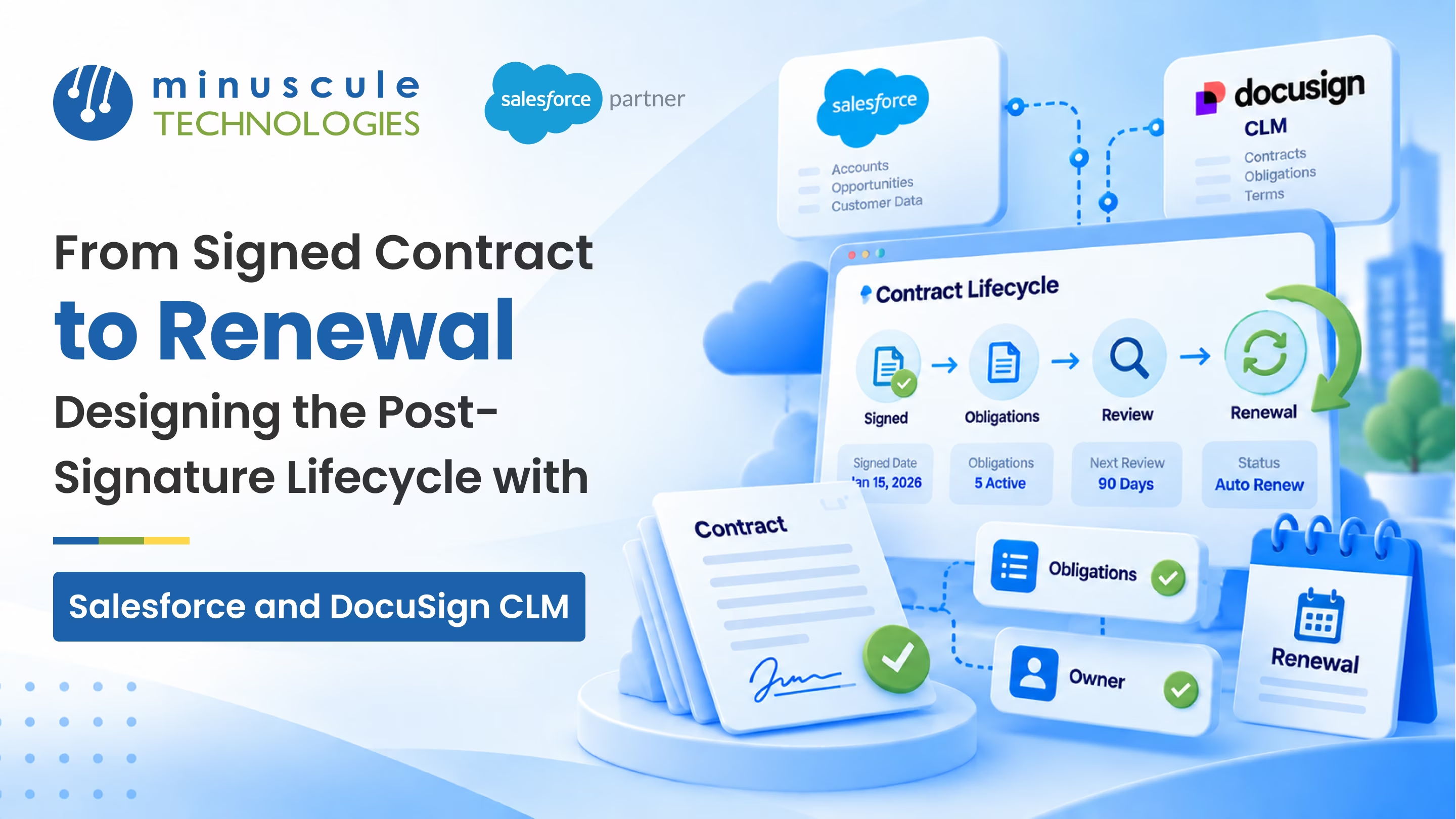
Contract renewal management is the work of steering a signed contract throughout its whole life, so the renewal lands on time and on your terms. Signing isn't the finish line. It's the start of a stretch where obligations come due, dates matter, and a renewal quietly approaches. Handle that stretch well, and renewals feel routine. Miss it and you learn a contract lapsed only after the customer has already moved on. In Salesforce and DocuSign CLM, this post-signature lifecycle can mostly run on its own, once you set it up on purpose.
Good contract renewal management keeps track of the things a signed PDF can't:
Picture a two-year agreement that renews automatically unless someone opts out 60 days before it ends. The signer moves on, the record sits untouched, and the opt-out window passes unnoticed. Now you're locked into terms nobody meant to keep, or scrambling to unwind them. That's the kind of expensive surprise a real post-signature process prevents. This guide walks through what happens after signing, the stages from a signed contract to renewal, how to set up renewals that never catch you off guard, and how to keep it all tidy in Salesforce and DocuSign CLM.
Contract renewal management is everything that keeps a signed agreement working for you until it renews or ends well. Most contract projects pour their energy into getting signature: drafting, approvals, negotiation, and the signing itself. That's the visible half. The quieter half begins the moment the ink dries, and it's where a lot of value is won or lost.
After signing, a contract still has a life. Payment terms kick in. Service commitments come due. Price escalators trigger on set dates. And somewhere down the line, a renewal or expiration is waiting. In Salesforce, the signed contract becomes a live record with dates, related obligations, and reminders. In DocuSign CLM, the executed document sits in a repository with its metadata and version history. The two together give you a full picture of the post-signature contract lifecycle, so nothing important hides inside a PDF. For a grounding in the revenue side of this, the write-ups on Salesforce Ben are a useful reference.
The payoff is simple. When every signed contract has its key dates and duties tracked, renewals stop being fire drills. That steadiness matters most for teams that live on recurring agreements, from a real estate group managing lease renewals to a lender tracking loan terms over years.
It's not that teams don't care about renewals. It's that the moment of signing feels like a win, and attention moves to the next deal. The signed contract drops into a folder, and the obligations inside it become invisible until something forces them back into view.
A few reasons the post-signature stage slips:
The good news is that each of these is fixable with a bit of structure. When the signed contract becomes a living record with owners, dates, and reminders, the post-signature stage stops depending on someone's memory. That structure is what turns renewals from scramble into a routine.
The journey from signature to renewal follows a predictable path. Naming each stage makes it clear what should happen and where it lives across Salesforce and DocuSign CLM.
| Stage | What happens | Where it lives |
|---|---|---|
| Execution | Contract is signed and stored | DocuSign CLM repository |
| Activation | Key dates and terms captured | Salesforce contract record |
| Obligations | Duties and milestones tracked | Salesforce tasks and reminders |
| Amendments | Changes captured and re-signed | Both, kept in sync |
| Renewal | Review, requote, and re-sign | Salesforce, then DocuSign CLM |
Each stage hands off to the next. A signed document in DocuSign CLM becomes a live record in Salesforce, that record drives obligation reminders, and those reminders build toward a renewal that's teed up well before the deadline. Miss one handoff and the chain breaks quietly, which is exactly how contracts lapse.
Most renewal problems trace back to one thing: the work started too late. The fix is to capture the right data at signing and let Salesforce do the remembering. Here's a practical way to build it.
The moment a contract is executed, record its start date, end date, renewal date, and any opt-out or notice window on the Salesforce contract record. These dates are the fuel for every reminder that follows. If they only live in the PDF, nothing can act on them. Pulling them from DocuSign CLM into structured Salesforce fields is the single most valuable step in the whole process.
Turn the duties inside the contract into tracked items: a quarterly report due, a service level to meet, and a price review on a set date. Each becomes a task or milestone with an owner and a due date, so it surfaces on time instead of hiding in clause seven. The automation guides on Apex Hours walk through building these reminders with flow.
Set the renewal process to begin well before the end date, often 90 or 120 days out, so there's time to review, requote, and negotiate. An early alert to the account owner, plus a task to start the renewal, turns a looming deadline into a planned motion. For auto-renewing contracts, the alert should fire before the opt-out window closes, not after.
When terms change mid-life, capture the amendment as a linked change, re-sign it in DocuSign CLM, and update the dates on the Salesforce record. Keeping the amendment tied to the original contract means the renewal later reflects the real, current terms rather than the version first signed.
The whole post-signature lifecycle depends on the two systems agreeing. Salesforce holds the deal, the dates, and the reminders. DocuSign CLM holds the executed document and its history. If they drift apart, a renewal can fire off the wrong end date, or a signed amendment can go unrecorded in the CRM.
Keep the handoff clean with a few habits. Let DocuSign CLM own the document and push key metadata, like the executed date and version, back to Salesforce. Let Salesforce own the dates and reminders that drive action. When a contract is amended or renewed, make sure both sides update together, so the record a rep sees always matches the document legal signed. The learning paths on SaaSGuru and the walkthroughs on Salesforce Geek are handy if your team is building these skills in-house.
Hold your current setup against this list. Each unchecked box is a place where a renewal could slip.
Most teams don't build all of this at once. Start with capturing dates and firing renewal alerts, because those two alone prevent the costliest surprises.
It's the practice of managing a signed contract through its full life, so the renewal happens on time and on good terms. It covers capturing key dates, tracking obligations, handling amendments, and starting renewal work early. The goal is that no contract lapses or auto-renews by accident.
Because that's where recurring revenue and risk actually live. A signed contract carries duties, dates, and a renewal that all play out after signing. Ignoring that stage leads to missed obligations, surprise autorenewals, and lapsed deals, all of which are avoidable with a bit of structure.
Store the opt-out or notice window as a date field at signing, then set an alert to fire before that window closes. Give the contract to a named owner who gets the reminder. That way, a decision to renew or exit is made on purpose, not by a deadline slipping past.
Let DocuSign CLM hold the executed document, its versions, and clause-level history. Let Salesforce hold the dates, obligations, reminders, and the link to the deal. Push key metadata from DocuSign CLM into Salesforce fields so the CRM can act on it.
Usually, 90 to 120 days before the end date, and earlier for large or complex contracts. Starting early leaves room to review performance, requote, and negotiate without a last-minute rush. The right lead time depends on how long your renewals normally take to close.
The best renewal is the one you saw coming months out, reviewed calmly, and closed on your terms. That only happens when the post-signature lifecycle is built on purpose: dates captured at signing, obligations tracked, renewals triggered early, and both systems tell the same story. Do that, and the stretch between signature and renewal stops being a blind spot and becomes a steady, revenue-protecting routine.
We've built exactly this kind of contract renewal management for one of the world's largest US commercial real estate firms, where thousands of leases renew on staggered dates, and early alerts plus tracked obligations turned renewals from a scramble into a schedule. If your contracts run through lending or origination, our Loan Lifecycle Visibility accelerator is a ready-to-deploy starter pack that brings this kind of stage-by-stage tracking and alerting to banking and financial services teams. As a Trusted Salesforce Engineering Partner, we tune each starter pack to your contract mix, so you go live faster with renewals already under control.
Want to see where your own contracts could slip? Book a Salesforce contract lifecycle review with our team, and we'll map your post-signature gaps and hand you a prioritized plan to close them.
You've seen what's possible. Now, let's make it happen for your business. Whether you need an end-to-end Salesforce solution, a complex integration, or ongoing managed services, our team is ready to deliver.

Schedule a Free Strategic Call


