

September 25, 2026
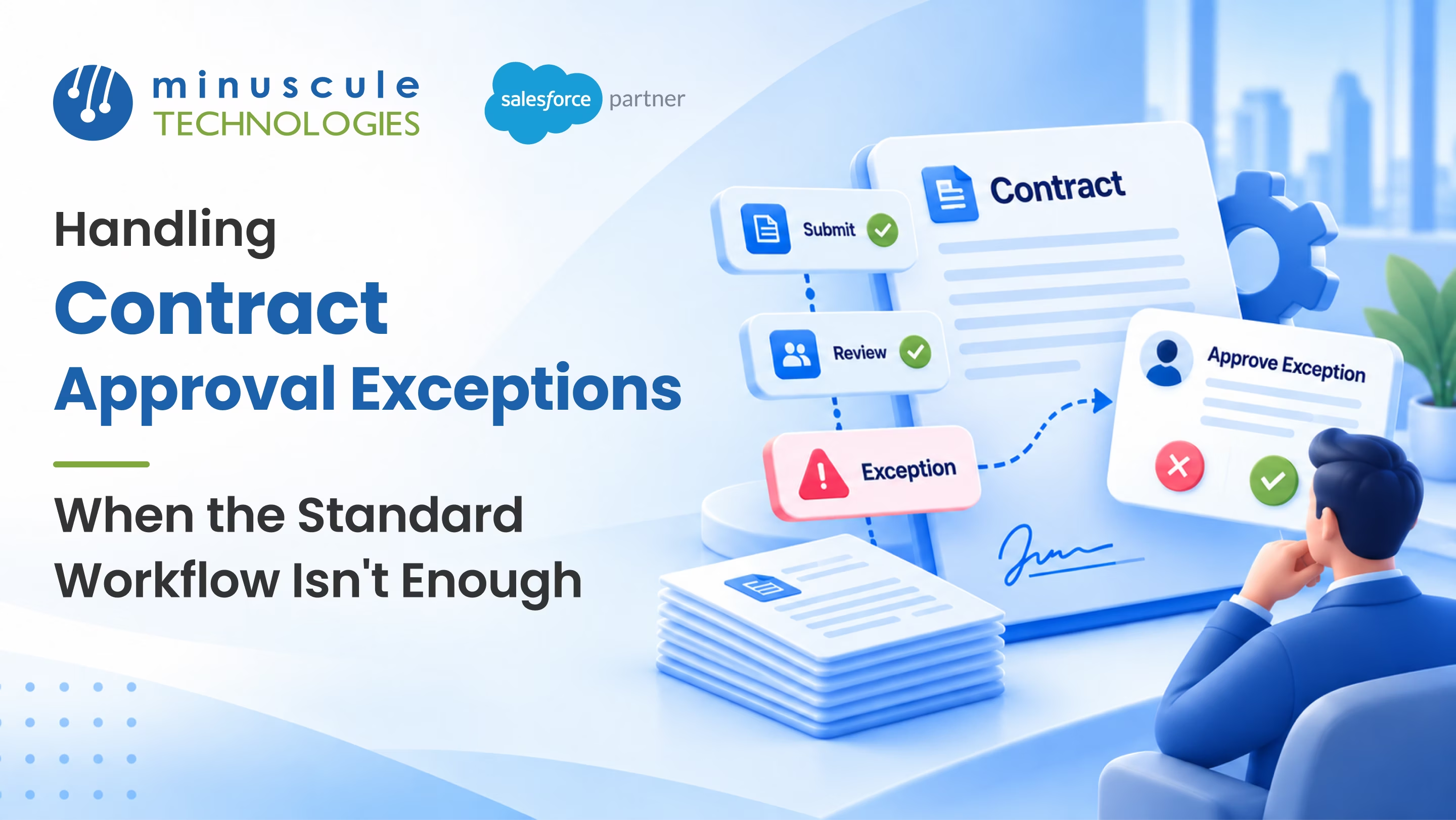
Contract approval exceptions are the deals that don't fit your normal approval path, the ones that need an extra sign-off, a faster route, or a judgment call the standard workflow can't make on its own. A rush deal that can't wait for a vacationing approver. A one-off discount no rule anticipated. A contract that technically qualifies for auto-approval but clearly shouldn't. Every approval process meets these sooner or later. The teams that handle them well have a plan for the exception, not just for the rule.
A solid approach to contract approval exceptions gives you:
Picture a large deal that lands the Friday before quarter-end. The approver it's routed to is out for a week, the standard process has no backup, and the deal sits frozen while the customer waits. A rep starts emailing VPs directly; someone approves it over chat, and now there's no record of who signed off or why. That's what a missing exception path looks like in practice. This guide covers what contract approval exceptions are, where standard workflows fall short, the main types and how to handle each, and how to build clean exception handling in Salesforce.
Contract approval exceptions are cases where the standard approval workflow can't reach a good outcome on its own. A normal process handles the deals you planned for: the right dollar thresholds, the expected approvers, the usual terms. An exception is anything that falls outside those assumptions and needs a different route, an extra reviewer, or a human decision the rules don't cover.
These aren't failures of your process. They're a normal part of any approval system, because the real world produces deals no rule set fully predicts. The question isn't whether exceptions will happen. It's whether your workflow catches them gracefully or leaves people to improvise. When exceptions are handled inside the system, with a defined path and a record, you keep both speed and control. When they're handled over email and chat, you lose the audit trail and open the door to mistakes. The approval-process guidance on Salesforce Admins is a good foundation before you design the exception paths on top.
Handled well, exceptions become a managed part of the flow rather than a scramble. That control matters most for teams with high-stakes, non-standard deals, from a real estate group approving unusual lease terms to a lender weighing a credit exception.
A standard approval workflow is built around the deals you expect. It shines on the common path and struggles the moment reality steps outside it. Knowing the usual gaps helps you design them on purpose.
Here are the situations that most often break a standard workflow:
| Situation | What breaks | What's needed |
|---|---|---|
| Approver is away | The deal freezes with no backup | Delegation or auto-reassignment |
| Genuine rush deal | Normal timing is too slow | A fast-track path with extra logging |
| Unusual terms | No rule matches the deal | Escalation to a senior approver |
| Auto-approve, but risky | A weak deal slips through | A manual hold with a reason |
| Approver disagrees | The deal stalls with no next step | A recall-and-revise path |
Every row here is predictable, even though the specific deal isn't. That's the useful insight: you can't foresee which contract will be the exception, but you can foresee the handful of ways exceptions show up and build a path for each.
Most exceptions fall into a few recognizable types. Handling each one with a defined response keeps your process calm when the unusual deal arrives.
Some deals need a more senior reviewer than the rules assign, either because the terms are unusual, or the value is high. An escalation path lets an approver push the decision up a level, or triggers that jump automatically when a deal crosses a risk threshold. The key is that escalation is a built-in route, not a rep guessing which executive to email.
Occasionally someone with authority needs to approve outside the normal rules. That's fine, as long as it's controlled. Require a reason for every override and save it to the record, so the decision is transparent later. An override without a logged reason is just a gap in your audit trail waiting to be questioned.
When an approver is out, the deal shouldn't wait for their return. Delegation lets them hand approvals to a backup ahead of time, and auto-reassignment can move a request after it sits too long. Community threads on the Salesforce Trailblazer Community cover practical setups for both.
Sometimes a contract needs to change after it's already in review. A recall path lets the submitter pull it back, fix the terms, and resubmit cleanly, rather than approving something wrong and fixing it later. Patterns for this are well covered on Forcetalks.
Salesforce gives you the tools to handle contract approval exceptions inside the platform, so nothing must happen over email. The aim is a defined route for each exception type, with a record at every step. Here's a practical build order.
Use time-based actions so a request that sits unactioned for a set period escalates or reassigns automatically. This one setting solves the most common exception, the stuck approval, without anyone having to notice it manually. A deal waiting for two days can move to a backup on its own.
Create an override action that a senior role can use but require a reason field before it saves. That keeps the flexibility leaders need while preserving the audit trail compliance needs. The declarative tutorials on SFDCStop show how to build these checks without code.
Turn on delegated approver settings so anyone who approves deals can name a backup before they go out. Pair it with auto-reassignment as a safety net for the times they forget. Together, these keep a single absence from freezing a pipeline.
Write each exception to a custom object or a field on the record: what type it was, who handled it, and why. That log is what turns exceptions from a blind spot into a source of insight, because it shows you which rules keep getting bypassed and why.
Exceptions are healthy in small numbers and a warning sign in large ones. If half your deals need an exception, the standard rules are wrong, not the deals. A few habits keep exceptions where they belong.
The goal isn't zero exceptions, which is impossible, but a small, well-handled few. When a recurring exception shows up three times, that's a signal to update the rule, so it stops being an exception at all. Handled this way, your approval process gets smarter over time instead of accumulating workarounds.
They're deals that fall outside your standard approval workflow and need a different route, an extra reviewer, or a human decision the rules don't cover. Common examples are rush deals, unusual terms, and cases where an approver is away. Handling them inside the system keeps both speed and a clear record.
Use delegated approvers so each reviewer can name a backup and add time-based auto-reassignment as a safety net. If a request sits too long, it moves to the next person automatically. That way, a single absence never stalls the pipeline.
Yes, when they're controlled. Limit overrides to senior roles and require a reason that saves to the record every time. The risk isn't the override itself; it's an override with no logged explanation. A clear reason keeps the audit trail intact.
There's no fixed number, but a rising exception rate is the signal to watch. If the same exception appears again, your standard rules probably need updates. Track the rate as a metric and act when it climbs.
Mostly, yes. Approval processes, time-based actions, delegated approvers, and flows cover escalation, reassignment, and controlled overrides declaratively. A custom object for the exception log is a small addition that makes the whole thing measurable.
No approval process is complete until it knows what to do when the rules don't fit. When escalation, overrides, delegation, and recall are built-in routes with a record at each step, an odd deal on a Friday afternoon becomes a handled case instead of a scramble of emails. Build the exception paths once, log what flows through them, and use that log to keep the exceptions rare.
We've built exactly this kind of exception handling for one of the world's largest US commercial real estate firms, where unusual lease and sale terms regularly fall outside the standard rules, and clear escalation and override paths kept every one of them moving with a full record. If your contracts run through lending or origination, our Loan Lifecycle Visibility accelerator is a ready-to-deploy starter pack that brings this kind of exception-aware routing and alerting to banking and financial services teams. As a Trusted Salesforce Engineering Partner, we tune each starter pack to your approval rules, so you go live faster with the edge cases already covered.
Want to find the gaps in your own approvals? Book a Salesforce approval review with our team, and we'll map where deals get stuck and hand you a prioritized plan to fix it.
You've seen what's possible. Now, let's make it happen for your business. Whether you need an end-to-end Salesforce solution, a complex integration, or ongoing managed services, our team is ready to deliver.

Schedule a Free Strategic Call


