

January 7, 2026
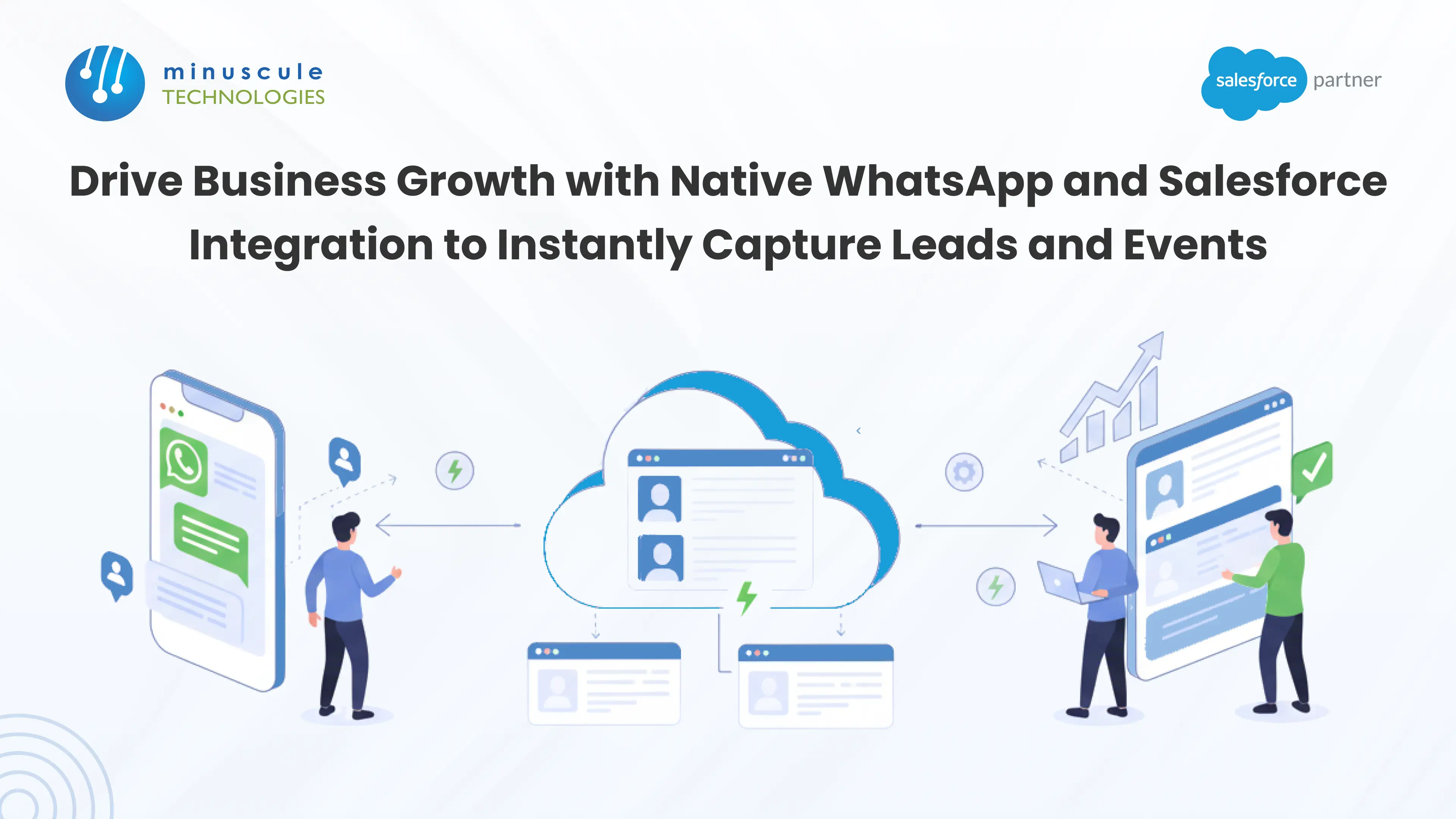
Salesforce WhatsApp integration connects the WhatsApp Business Platform to your Salesforce org, so every inbound message can create or update a lead, log to a contact, and trigger automated follow-up - without manual data entry. It runs on the WhatsApp Business API, and you can set it up through native Salesforce channels, an AppExchange connector, or a custom build.
Your customers already live on WhatsApp. They use it for family, friends, and - more and more - for buying. Yet most sales teams still copy those chats into the CRM by hand, or never log them at all. That gap costs you leads.
This guide covers how the integration actually works, the four ways to build it, setup steps, pricing, and the compliance rules that decide every project.
Salesforce WhatsApp integration is a two-way connection between WhatsApp and Salesforce CRM. Inbound and outbound WhatsApp messages sync with Salesforce records, so conversations become structured CRM data instead of chat history trapped on someone's phone.
Done right, salesforce integration with whatsapp lets you create leads from new inquiries, log every message to the right contact, send templated updates, and route conversations to the correct rep - automatically. This is the core of a modern whatsapp crm integration: the channel your customers prefer, wired directly into your system of record.
A CRM is only as good as the data in it. When WhatsApp chats stay outside Salesforce, three problems show up fast.
Manual entry eats selling time. Reps who message clients all day rarely stop to log each chat. The ones that don't get logged simply vanish from your pipeline.
Managers lose visibility. If a promise lives in a rep's personal WhatsApp, no one else can see it. That's the "shadow IT" problem - business data sitting on personal phones instead of the corporate CRM.
Follow-ups slip. Without automated capture, hot inquiries wait in an inbox while the buyer moves on. Speed-to-lead drops, and so does close rate.
A proper whatsapp integration salesforce setup fixes all three. Conversations log themselves, managers see the full history, and follow-ups fire on their own.
Before you pick a tool, understand the plumbing. Every real integration runs on the WhatsApp Business Platform (the Business API) - not the free consumer app.
The free WhatsApp Business app is built for small shops running one phone. It doesn't connect to a CRM at scale and has no automation layer.
The WhatsApp Business API (also called the Business Platform) is the enterprise channel. It supports automation, multiple agents, chatbots, and CRM integration. Any whatsapp for salesforce project needs it. You'll set up a Meta Business Account, verify your business, create a WhatsApp Business Account (WABA), and register a phone number. Meta's WhatsApp Business Platform docs walk through the account structure.
Three rules from Meta shape every WhatsApp integration:
These rules aren't red tape - they're the difference between a compliant rollout and a blocked number.
There's no single "connect WhatsApp" button. You choose a path based on how you sell and support.
Salesforce's native WhatsApp channel lives in Service Cloud through Digital Engagement. Agents handle WhatsApp conversations in the console, with Omni-Channel routing and full case context. Best when support and sales both work WhatsApp threads and you want everything inside Salesforce.
Marketing Cloud adds WhatsApp as an outbound channel for campaigns and journeys - event invites, reminders, and promotions at scale. Best for marketing-led outreach and automated journeys.
Tools like Twilio, 360 SMS, WATI, and Gupshup offer packaged whatsapp for salesforce connectors, often with chatbots and quick setup. Best for fast rollouts and teams that want pre-built automation without heavy engineering.
For complex routing, custom-object logging, or full control, build directly on the WhatsApp Business API using Apex callouts, Platform Events, and Flow optionally orchestrated through MuleSoft. Best for enterprises whose needs outgrow packaged tools. This is where Salesforce integration engineering pays off.
| Method | Best for | Effort | Cost model |
|---|---|---|---|
| Digital Engagement (Service Cloud) | Agent-led support + sales chats | Moderate | Salesforce add-on + Meta fees |
| Marketing Cloud | Outbound campaigns and journeys | Moderate | Marketing Cloud license + Meta fees |
| AppExchange connector | Fast rollout, chatbots, SMB–mid | Low–moderate | Vendor subscription + Meta fees |
| Custom / API-led | Complex routing, custom objects, full control | High | Build + maintenance + Meta fees |
A prospect messages "I'm interested in pricing." The integration reads the intent, creates a Lead record, and pings the sales team - in seconds. No rep has to type anything.
Run WhatsApp opt-in flows for webinars or field events. Registrations write straight to Salesforce campaigns, and templated reminders go out before the event to lift attendance. See how a machinery maker tracked trade show leads in Salesforce.
Every chat is transcribed and stored on the matching Salesforce record. That kills the shadow-IT risk - the conversation lives in the CRM, not a personal phone. Any manager or agent can see exactly what was promised.
WhatsApp carries images, video, and audio. A field technician can snap a photo of a broken part and attach it to the Salesforce record through the chat - useful for field service and claims.
Use Salesforce Flow to build routing logic without a developer. For example: if a customer is a VIP, route the WhatsApp thread to a manager. Leads, opportunities, and events can be automated on the fly.
The exact clicks vary by method, but the WhatsApp Business API foundation is the same:
Steps 3 through 6 are where most projects stall. A short scoping session with a Salesforce consulting team saves weeks of trial and error.
Budget for two layers - Meta and Salesforce.
| Cost layer | What you pay for | Notes |
|---|---|---|
| Meta / WhatsApp | Messaging fees by conversation category (marketing, utility, authentication, service) | Meta has been shifting toward per-message pricing — confirm the current model before you budget |
| Salesforce native | Digital Engagement or Marketing Cloud licensing | Add-on to your existing Service or Marketing Cloud |
| AppExchange connector | Vendor subscription (per user or per message) | Sits on top of Meta fees |
| Custom build | One-time build + ongoing maintenance | Best TCO at high volume or complex logic |
The free WhatsApp Business app costs nothing but won't integrate with Salesforce - so it isn't an option for a real whatsapp crm integration.
WhatsApp is a permission-based channel. Stay on the right side of it:
Yes. You can connect WhatsApp to Salesforce natively through Digital Engagement (Service Cloud) or Marketing Cloud, through an AppExchange connector, or through a custom build on the WhatsApp Business API.
Yes. Salesforce supports WhatsApp as a native channel in Service Cloud Messaging (Digital Engagement) and in Marketing Cloud. Both use the WhatsApp Business API underneath.
For CRM integration, yes. The free WhatsApp Business app doesn't connect to Salesforce at scale. The Business API adds automation, multi-agent handling, and CRM syncing.
Yes. With Platform Events and Salesforce Flow, an inbound message can create a Lead, match it to an existing record, and notify a rep automatically.
You pay Meta's messaging fees plus your Salesforce or connector licensing. Meta's pricing model has been changing, so confirm the current rates before budgeting.
Yes - through Marketing Cloud or a connector, using pre-approved templates and respecting each recipient's opt-in.
It is when you follow Meta's opt-in and template rules and store conversations in Salesforce. Add Salesforce Shield for encryption and monitoring in regulated sectors.
WhatsApp is where your buyers already are. The only question is whether those conversations become CRM data or disappear. A well-built salesforce whatsapp integration turns casual chats into leads, logged history, and automated follow-up - so reps stop chasing forms and start closing.
Connecting these systems takes a partner who understands both the WhatsApp Business API and Salesforce architecture. At Minuscule Technologies, a Trusted Salesforce Engineering Partner, we do exactly that. Our pre-built WhatsApp Salesforce Accelerator turns every WhatsApp chat into a visible part of your CRM pipeline.
Stop chasing forms and start closing deals. Schedule a free strategic call to map your WhatsApp integration.
You've seen what's possible. Now, let's make it happen for your business. Whether you need an end-to-end Salesforce solution, a complex integration, or ongoing managed services, our team is ready to deliver.

Schedule a Free Strategic Call


Plot No. 4, Sridevi Amman Street, Perumal Nagar Extension, Old Pallavaram, Chennai, Tamil Nadu 600117, India.

