

February 23, 2026
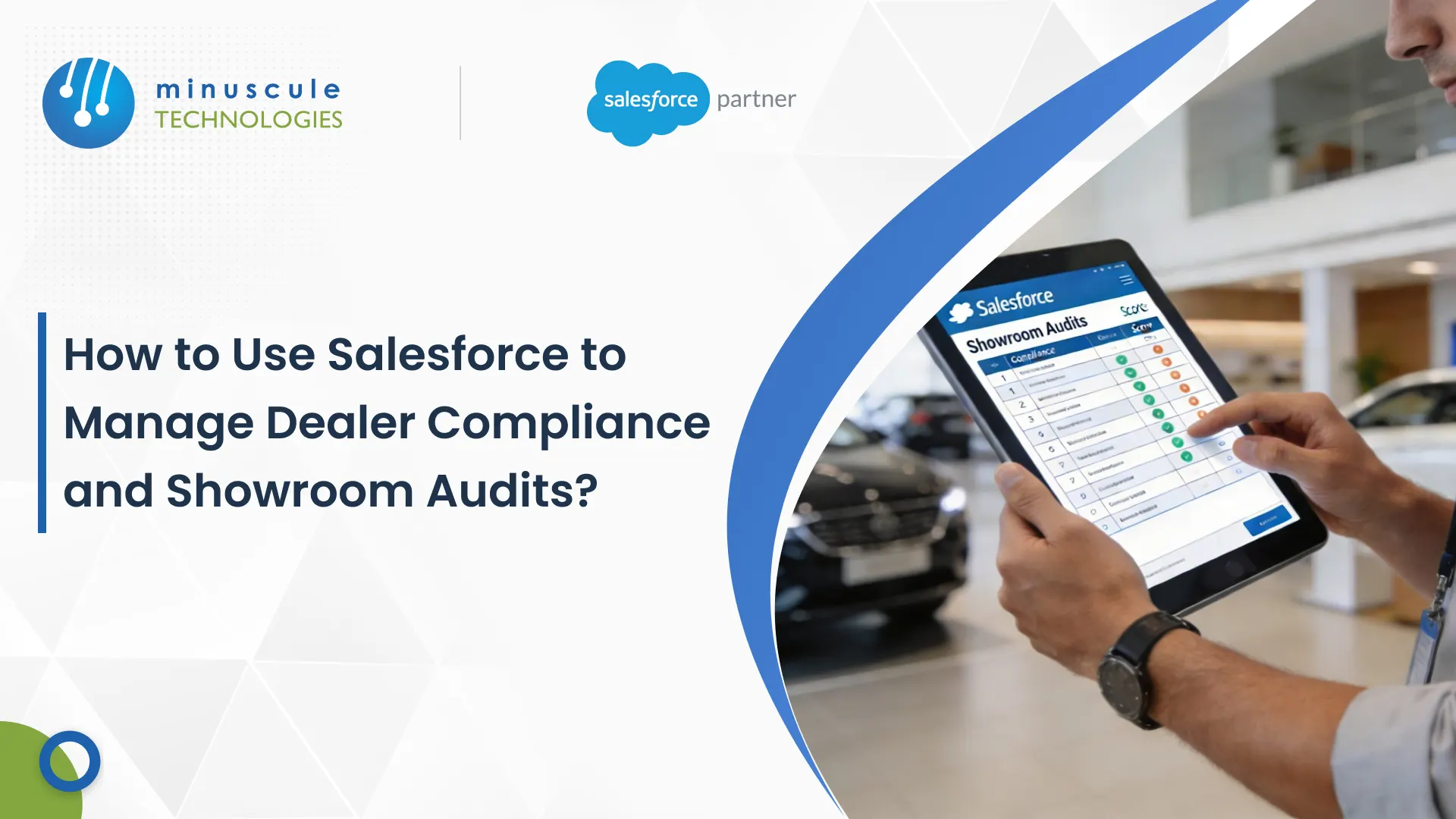
To manage dealer compliance and showroom audits in Salesforce, you swap spreadsheets and email for a mobile audit app: a field manager runs a standardized checklist on a phone or tablet, attaches photo evidence, and syncs every result to a central Salesforce record tied to that dealer. Leadership sees scores, trends, and problem stores in real time—no more waiting on a monthly report.
For automotive and manufacturing brands, every showroom is a promise to the customer. Confirming that a flagship city store and a small rural outlet both hold the same standard is hard when the check lives in a spreadsheet. Our Salesforce Accelerator for Standardized Audits adds this process to your org through a focused Salesforce implementation, not a build-from-scratch project.
When audits run on email and spreadsheets, leadership can't see what's happening as it happens. That black-box approach creates real risk.
Compare the two approaches side by side and the gap is obvious.
| Capability | Manual audits (Excel + email) | Salesforce audit accelerator |
|---|---|---|
| Reporting speed | Stale by the time it's compiled | Real time as each audit syncs |
| Photo evidence | Lost in email attachments | Attached to the audit record |
| Audit history | Scattered files, no trend | Full history on every dealer |
| Access control | Everyone sees everything | Role-based; dealer sees only their own |
| Corrective actions | Chased over side emails | Logged and tracked to closure |
| Offline use | Not possible | Capture offline, sync later |
A digital audit follows a clear path. Each step lives in Salesforce, so nothing falls through the cracks.
Community groups such as the Trailblazer Community are full of teams running this same pattern for retail and field inspections.
The accelerator turns a static spreadsheet into a fast, transparent process. These are the pieces that do the work.
| Feature | What it does | Business benefit |
|---|---|---|
| Unique branch codes | Ties each audit to one dealer location | A single source of truth per store |
| Photo evidence | Auditors upload photos into the report | Visual proof of brand consistency |
| Role-based access | Limits data to each user's role | Dealers see only their own results |
| Instant alerts | Notifies leadership on a failed check | Fix issues now, not next month |
| Offline capture | Collects data with no signal, syncs later | Works in any showroom |
| Trend dashboards | Rolls scores into native reports | Spot dealers improving or slipping |
Every dealer gets a unique branch code, so each audit attaches to the correct location. That gives you one clean source of truth per store instead of a folder of look-alike files. Configuration guides like SFDCStop show how to model this kind of parent-child data cleanly in Salesforce.
One person's idea of "clean" differs from another's. Auditors upload photos straight into the report, so leadership sees exactly what the auditor saw. That's visual proof of brand consistency, not a subjective note.
Security matters. Role-based access means people see only the data their job needs. A dealer sees their own reports; a regional manager sees every store in their territory. Keeping this data connected to your other records is a matter of clean Salesforce integration.
When an audit is submitted with a failed check, the system notifies leadership right away. You fix the problem now instead of discovering it in a monthly meeting. Walkthroughs on Salesforce Tutorial cover the flow and notification setup behind alerts like these.
Catching a problem is only half the job. Each failed item can open a corrective action with an owner and a due date, so the fix is tracked, not forgotten. Because every score lives in Salesforce, native dashboards roll them into trends—you can see which dealers are climbing and which need a visit. Learning resources like SaaSGuru are handy if your team is new to Salesforce reports and dashboards. To reward your top dealers fairly, our incentive management accelerator keeps payouts accurate.
An audit rollout is quick, but it still deserves engineering discipline. Start with discovery and a checklist design workshop, build in a sandbox, pilot with one region, then release to the full network in stages. Keeping the accelerator versioned and governed afterward is where our managed services team helps, so new questions and reports ship through a real release process rather than edits in production.
It's a pre-built package that plugs into Salesforce. It lets you start using a specific capability—like standardized audits—far faster than building it from scratch.
You model the checklist as records: an audit template with weighted questions and pass/fail items. The accelerator ships with this structure, so you adjust questions instead of building the data model yourself.
Yes. The Salesforce mobile app can capture answers and photos offline, then sync to the cloud once the device is back online.
Consistent showrooms build customer trust, and trust drives repeat sales. Moving off paper also saves hundreds of hours of back-office work and gives leaders data they can act on.
Yes. Every audit, score, photo, and corrective action stays on the dealer's record, giving you a full history for compliance and coaching.
Brand consistency is how companies build long-term trust. Moving off messy spreadsheets to a transparent Salesforce process gives you real control of the network. As your strategic engineering partner, Minuscule Technologies helps you standardize checks, prove compliance with photo evidence, and manage dealers with confidence. Talk to us and let's engineer a better way to run your audits.
You've seen what's possible. Now, let's make it happen for your business. Whether you need an end-to-end Salesforce solution, a complex integration, or ongoing managed services, our team is ready to deliver.

Schedule a Free Strategic Call


Plot No. 4, Sridevi Amman Street, Perumal Nagar Extension, Old Pallavaram, Chennai, Tamil Nadu 600117, India.

