

February 24, 2026
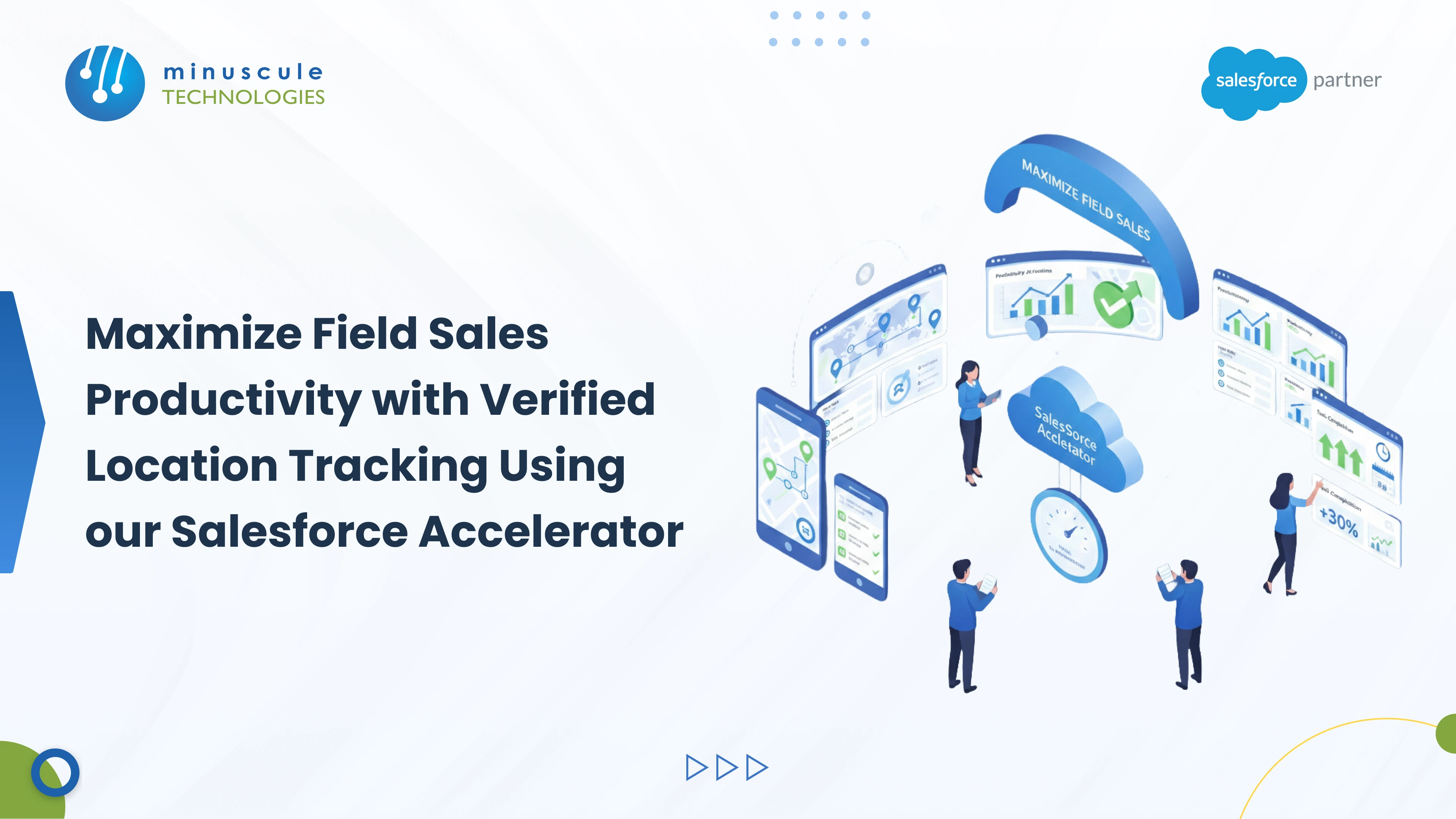
Salesforce field sales tracking uses your reps' mobile GPS, wrapped in custom Lightning Web Components (LWC), to record a verified check-in and check-out at every customer visit—capturing the time, location, and duration straight into Salesforce. That turns "did the rep actually show up?" from a guess into a timestamped record your managers can trust.
For a distributed sales team, the space between the head office and the field can feel like a black box. You set the visit plans and the targets, but confirming that reps actually reached each account is hard. Our Salesforce Accelerator for Field Sales adds this verified location layer to your existing org in weeks, not months.
The field sales accountability gap
When tracking is manual or lives outside your CRM, accountability slips. Managers end up guessing whether visits happened or why the numbers are soft. Three problems show up again and again.
This is more than GPS dots on a map. The accelerator records a clean set of signals for every visit, so managers work from proof instead of self-reported notes.
The location layer sits inside the Salesforce Mobile App, so reps work in one place. A custom LWC handles the geolocation capture. Developer walkthroughs such as Salesforce Geek show how LWC reads device coordinates, and the accelerator builds on that same foundation.
A custom LWC captures the exact moment a rep arrives and leaves. The system stamps arrival and departure time, so the length of every customer interaction is tracked on its own. No manual entry, no rounding, no guesswork.
Reps don't spend their evenings typing visit reports. The solution builds a trip summary at the end of each day, rolling every visit and route into one record. Reps get their time back, and managers get an instant read on daily productivity.
Because the data lands in Salesforce, it feeds native reports and dashboards. Track visits per rep, average time on site, and plan-versus-actual coverage without exporting anything. Community threads on Forcetalks show how teams turn this raw visit data into coaching conversations.
You have three real paths to field sales tracking, and they differ most on cost and where your data lives. Here's how they stack up.
The native LWC accelerator keeps every visit record inside your own org, so there's no second system to license or sync. For deeper design patterns, Salesforce Codex covers LWC and data-model choices worth reviewing before you commit.
Tracking people's location carries real responsibility. Get consent right and be clear about what you collect and why. Track work hours and customer visits, not a rep's every move on personal time.
Write a plain policy, have reps acknowledge it, and limit who can see raw location data. Admin best-practice guides like Salesforce Admins are a good reference for setting field-level security and sharing on sensitive records. Done well, tracking protects reps too—verified proof of presence backs them up when a visit is questioned.
A field tracking project is short, but it still needs engineering discipline. A typical rollout runs through discovery, a sandbox build of the LWC and data model, a pilot with one region, then a staged production release. Our Salesforce implementation team scopes each phase so you see value from the pilot before a full launch.
After go-live, the work shifts to tuning dashboards and adoption. Keeping the accelerator versioned and governed is where our managed services team helps, so new fields and reports ship through a real release process instead of edits in production.
Salesforce reads mobile GPS through a custom Lightning Web Component. When a rep taps "Check-In," the component captures their coordinates and timestamps the entry on the Salesforce record.
It's a pre-built package that adds tracking and reporting features to your existing Salesforce org. You deploy advanced field management faster than building it all from scratch.
Yes. The Salesforce mobile app can capture check-in details on the device and sync them to the cloud once the rep is back online.
In most places, yes, when you track during work hours and get clear consent. Rules vary by state and country, so confirm your policy with legal before you launch.
Salesforce Maps is a licensed native product with broad routing features. A custom LWC accelerator gives you a focused check-in and tracking layer inside your org, usually at a lower total cost for teams that mainly need verified visits.
Field sales management works best with a balance of trust and verification. As your strategic engineering partner, Minuscule Technologies gives you real-time visibility into every visit, automated reporting that frees your reps from paperwork, and verified accountability that keeps your strategy on track. Talk to us and let's engineer a more productive, accountable field team.
You've seen what's possible. Now, let's make it happen for your business. Whether you need an end-to-end Salesforce solution, a complex integration, or ongoing managed services, our team is ready to deliver.

Schedule a Free Strategic Call


Plot No. 4, Sridevi Amman Street, Perumal Nagar Extension, Old Pallavaram, Chennai, Tamil Nadu 600117, India.

