
January 22, 2026
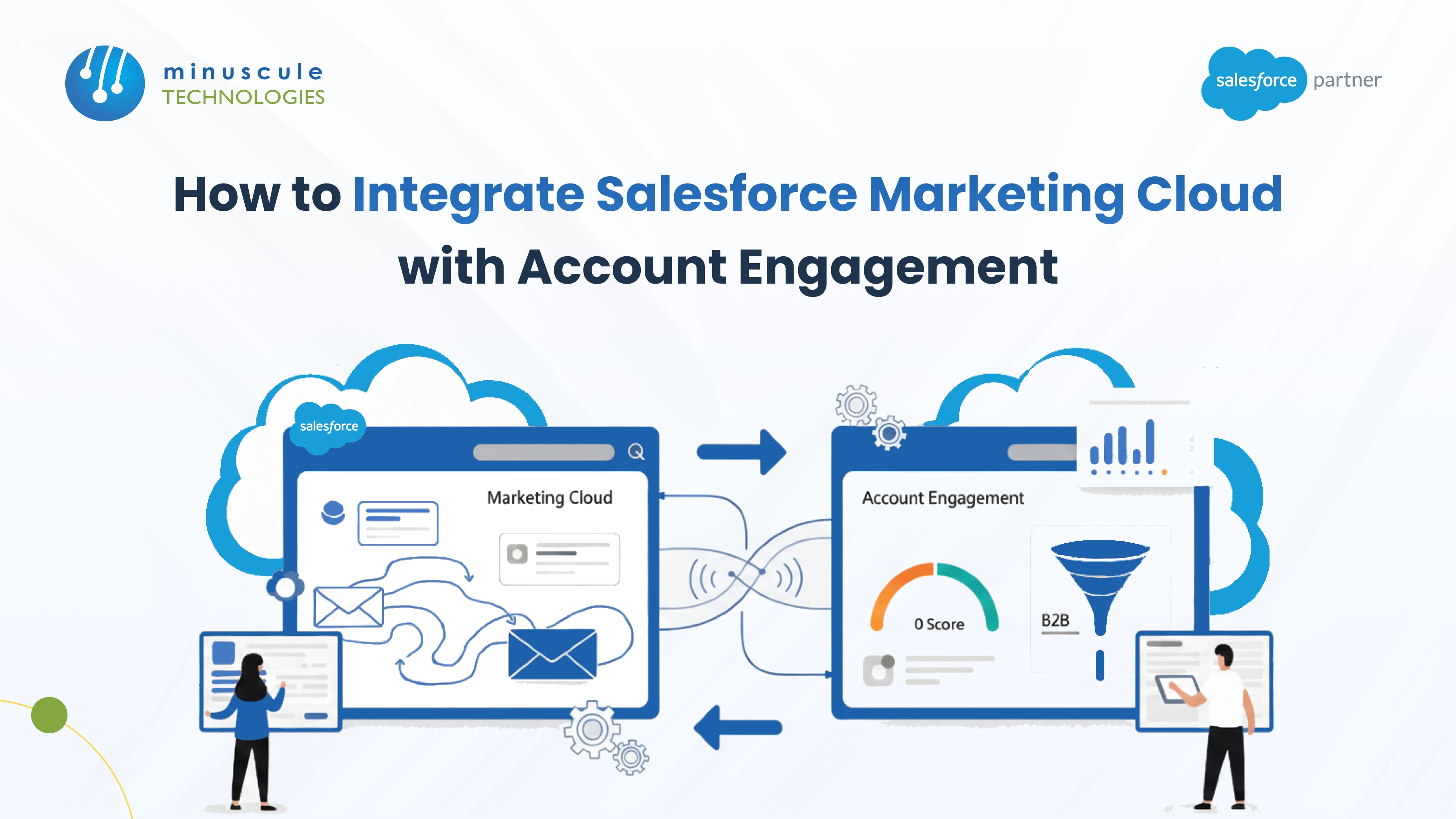
There is no native point-to-point connector between Marketing Cloud Engagement and Marketing Cloud Account Engagement. To integrate them you use one of three patterns: Salesforce CRM as the shared hub, where each platform syncs to Leads and Contacts and data passes through the middle; Data Cloud as the hub, unifying both into one profile; or API and middleware, for specific real-time flows the other two cannot cover.
Most teams should use the CRM hub. It is the supported path, both platforms already have connectors to it, and it forces you to solve the problem you actually have, which is deciding which system owns which record. The harder work is not the plumbing. It is reconciling two different identity models, keeping consent consistent in both places, and protecting one sending reputation across two senders.
These are two separate platforms with separate histories. Marketing Cloud Engagement came from ExactTarget and is built for B2C scale and multi-channel journeys. Marketing Cloud Account Engagement came from Pardot and is built for B2B lead scoring, nurture, and sales alignment. Learn why Marketing Cloud matters for omnichannel marketing.
Each has a mature connector to Salesforce CRM. Account Engagement syncs prospects against Leads and Contacts. Marketing Cloud connects to CRM through Marketing Cloud Connect. Neither ships a supported connector that speaks directly to the other.
That absence is easy to verify. Search for guidance on connecting them and you find community threads rather than product documentation, including a Trailblazer discussion where the top answer starts by reframing the question. That reframing is the correct instinct. "How do I connect these two systems" is usually the wrong question, and "which system owns this record, and what needs to reach the other one" is the right one.
Worth noting for planning purposes: Salesforce's own answer to this overlap is convergence rather than integration. The newer core-platform marketing editions exist partly because running two separate marketing platforms is a problem Salesforce would rather you did not have. Factor that into anything you build.
Pick the pattern before you touch a connector setting.
| Pattern | How Data Moves | Best For | Main Limitation |
|---|---|---|---|
| Salesforce CRM as hub | Each platform syncs to Leads and Contacts; CRM fields carry data across | Almost everyone; it is the supported path | Sync latency; CRM field sprawl |
| Data Cloud as hub | Both platforms feed one unified profile | Orgs already investing in Data Cloud | Added cost and modeling effort |
| API and middleware | Direct calls orchestrated by MuleSoft or similar | Specific real-time flows only | You own the maintenance forever |
Both platforms already sync to CRM, so use that. Account Engagement writes prospect activity and scores to the Lead or Contact. Marketing Cloud reads and writes through Marketing Cloud Connect. A field updated by one becomes visible to the other.
Two rules make this work. Designate one system of record per data type, and write it down. And use purpose-built CRM fields for the handoff rather than overloading fields that something else already depends on.
Accept that this is near real time at best. Connector syncs are not instant, so do not design a journey that assumes a score written seconds ago is already available on the other side.
If you are already building on Data Cloud, it is the better long-term answer. Both platforms become sources feeding one unified profile, and identity resolution happens once in a place designed for it rather than being improvised in CRM fields.
This is more work and more cost, and it earns that back when you have more than two systems to reconcile. Getting the model right is the whole job, which is why a properly designed Data Cloud foundation matters more than the connector configuration on either end.
Both platforms have APIs, so you can build direct flows. Reserve this for cases where the CRM hub genuinely cannot meet a requirement, such as a real-time trigger that cannot wait for a sync cycle.
The cost is permanent. Every point-to-point integration you build is something your team maintains through both platforms' release cycles. Treat it as a deliberate integration architecture decision with an owner, not a quick script.
This question deserves asking out loud, because the honest answer is sometimes that you should not be running both.
| Your Situation | The Call | Why |
|---|---|---|
| Genuinely separate B2B and B2C lines of business | Integrate | Different motions, different teams, different tooling needs |
| One audience, two platforms from an acquisition | Plan to consolidate | You are paying twice to solve one problem |
| B2B with a long nurture cycle and sales handoff | Account Engagement is likely enough | Scoring, grading, and CRM alignment are its core strengths |
| High-volume consumer messaging across channels | Marketing Cloud is likely enough | Built for scale and multi-channel orchestration |
| Both, but neither team will give theirs up | Integrate, with a written ownership split | The tooling is not the problem; the boundary is |
| Starting fresh with no incumbent | Evaluate the newer core-platform editions | Salesforce's own direction is convergence, not two stacks |
The fifth row is the most common reality, and it is fine. Two platforms with a clear boundary work better than two platforms with a clever integration and no boundary. For background on where each platform's strengths genuinely lie, Salesforce Ben has solid comparative coverage of Account Engagement.
This is where integrations break, and it has nothing to do with connectors. The two platforms think about people differently.
| Concept | Account Engagement | Marketing Cloud Engagement | How To Reconcile |
|---|---|---|---|
| The person record | Prospect, keyed on email | Subscriber and Contact, keyed on subscriber key | Use the CRM record ID as the shared key wherever possible |
| Duplicate handling | Email address is effectively the identity | Subscriber key can allow multiple records per email | Decide the rule once; enforce it on the CRM side |
| Segmentation | Lists, dynamic lists, scoring and grading | Data extensions and SQL queries | Do not try to mirror segments; sync the underlying attributes |
| Engagement data | Prospect activities and score | Tracking data in data extensions | Summarize to CRM fields rather than syncing raw events |
| Business unit boundary | Account Engagement business units | Marketing Cloud business units | Map them explicitly; the two hierarchies are unrelated |
The last row causes real damage. The two platforms both use the phrase business unit for different structures, and assuming they correspond is how a European campaign gets sent from a North American sending configuration. Draw the mapping on paper before anyone configures anything.
The fourth row is the discipline that keeps this maintainable. Do not attempt to replicate every click and open across platforms. Summarize what the other side needs into a small number of CRM fields, such as a score band or a last-engaged date, and sync those. Teams that try to mirror raw event data end up with sync failures and storage bills rather than insight.
This is the part that carries legal risk, and it is the most common serious defect we find in these setups.
Each platform maintains its own subscription state. Someone who unsubscribes from a nurture email in Account Engagement has not necessarily unsubscribed in Marketing Cloud, and unless you deliberately connect those states, they will keep receiving mail from the other platform.
| Consent Question | The Risk If Unhandled | What To Do |
|---|---|---|
| Where does opt-out truth live? | Two platforms disagree; opted-out people get mail | Make CRM the single source of consent truth |
| Does an unsubscribe propagate both ways? | Compliance exposure from the second platform | Sync opt-out state bidirectionally and test it |
| Whose preference center do people see? | Contradictory choices captured in two places | Pick one preference center; link to it from both |
| Are B2B and B2C consents the same thing? | Wrong consent basis applied to the wrong audience | Model them as separate permissions, not one flag |
| Can you prove consent for a given send? | No defensible answer during a complaint | Log consent source and timestamp on the CRM record |
Test the opt-out path across both platforms before launch, in exactly the way you would test a send path. Unsubscribe from a Marketing Cloud email and confirm the person is suppressed in Account Engagement, then do the reverse. This is a fifteen-minute test that prevents the kind of problem that arrives as a letter.
One preference center, linked from both platforms, is the cleanest design. Two preference centers means two records of what someone chose, and the newer one is not always right. Community discussion in the Trailblazer Community is where most of the practical patterns for this get worked out.
Both platforms will happily send from your domain, and your domain has one reputation.
Three things follow. Authentication records need to cover both sending services, so audit SPF, DKIM, and DMARC alignment for each. Use distinct tracker or link domains per platform so you can tell which system generated a click. And watch your bounce and complaint rates as a single combined number, because mailbox providers do.
The failure mode worth naming: an aggressive B2C campaign from one platform damages the reputation your B2B nurture depends on, and the B2B team has no visibility into why their deliverability dropped. Subdomain separation helps contain that, and it is far easier to set up before both platforms are live than after.
Running both platforms means owning two automation tools that do overlapping things. Decide who owns what, or you will build the same nurture twice.
| Capability | Give It To | Reason |
|---|---|---|
| Lead scoring and grading | Account Engagement | Purpose-built, and sales already consumes it |
| Long B2B nurture with sales alerts | Account Engagement | Engagement Studio plus CRM alignment |
| High-volume consumer campaigns | Marketing Cloud | Built for volume and channel breadth |
| SMS, push, and app messaging | Marketing Cloud | Native multi-channel capability |
| Transactional and operational email | Marketing Cloud | Purpose-built API for one-to-one sends |
| Event-driven journeys across channels | Marketing Cloud | Journey Builder handles multi-channel branching |
| Landing pages and forms for lead capture | Account Engagement | Form handlers feed scoring directly |
Write this split down and circulate it. The most expensive outcome of running both platforms is not licensing; it is two teams building overlapping automations that mail the same person twice.
Where personalization is the reason someone wants to duplicate capability, look at what each platform already offers before building a bridge. Our overview of Einstein for Marketing Cloud covers the AI features on that side, and introductory material on Salesforce Tutorial and SFDC Fanboy is useful for teams getting oriented in both platforms at once.
No. Each platform connects to Salesforce CRM with its own connector, and CRM acts as the shared hub. There is no supported point-to-point connector between the two marketing platforms, which is why most credible guidance routes data through CRM or Data Cloud.
No. Marketing Cloud Engagement came from ExactTarget and targets B2C scale and multi-channel journeys. Marketing Cloud Account Engagement came from Pardot and targets B2B lead scoring, nurture, and sales alignment. They share a brand family, not a codebase.
Run both when you have genuinely separate B2B and B2C motions with different teams. Plan to consolidate when both are serving one audience, usually the result of an acquisition, because you are paying twice to solve one problem and reconciling data for no gain.
Identity, not plumbing. Account Engagement treats email address as identity while Marketing Cloud uses a subscriber key, and the two platforms use the term business unit for unrelated structures. Map those explicitly before configuring anything.
Not by default. Each platform holds its own subscription state, so an opt-out in one does not stop mail from the other unless you deliberately sync consent through CRM. Make CRM the single source of consent truth and test the opt-out path in both directions.
Yes, if they send from the same domain. Audit authentication for both sending services, use separate tracker domains so you can attribute clicks, consider subdomain separation, and monitor bounce and complaint rates as one combined figure.
Integrating Marketing Cloud with Account Engagement is less a connector project than a governance one. The supported route is Salesforce CRM as the hub, with Data Cloud as the stronger long-term option and middleware reserved for the few flows neither can cover.
What determines success is the unglamorous work around it. One system of record per data type. An explicit map between two identity models and two unrelated business unit hierarchies. Consent truth in one place, tested in both directions. Authentication and reputation managed as one domain rather than two independent senders. And a written split of which platform owns which capability, so nobody builds the same nurture twice.
At Minuscule Technologies we start with that boundary document, then build the integration to serve it. Talk to our marketing architecture team about mapping your two platforms before you connect them, including an honest view on whether you should be running both.
You've seen what's possible. Now, let's make it happen for your business. Whether you need an end-to-end Salesforce solution, a complex integration, or ongoing managed services, our team is ready to deliver.

Schedule a Free Strategic Call


Plot No. 4, Sridevi Amman Street, Perumal Nagar Extension, Old Pallavaram, Chennai, Tamil Nadu 600117, India.
