
January 10, 2026
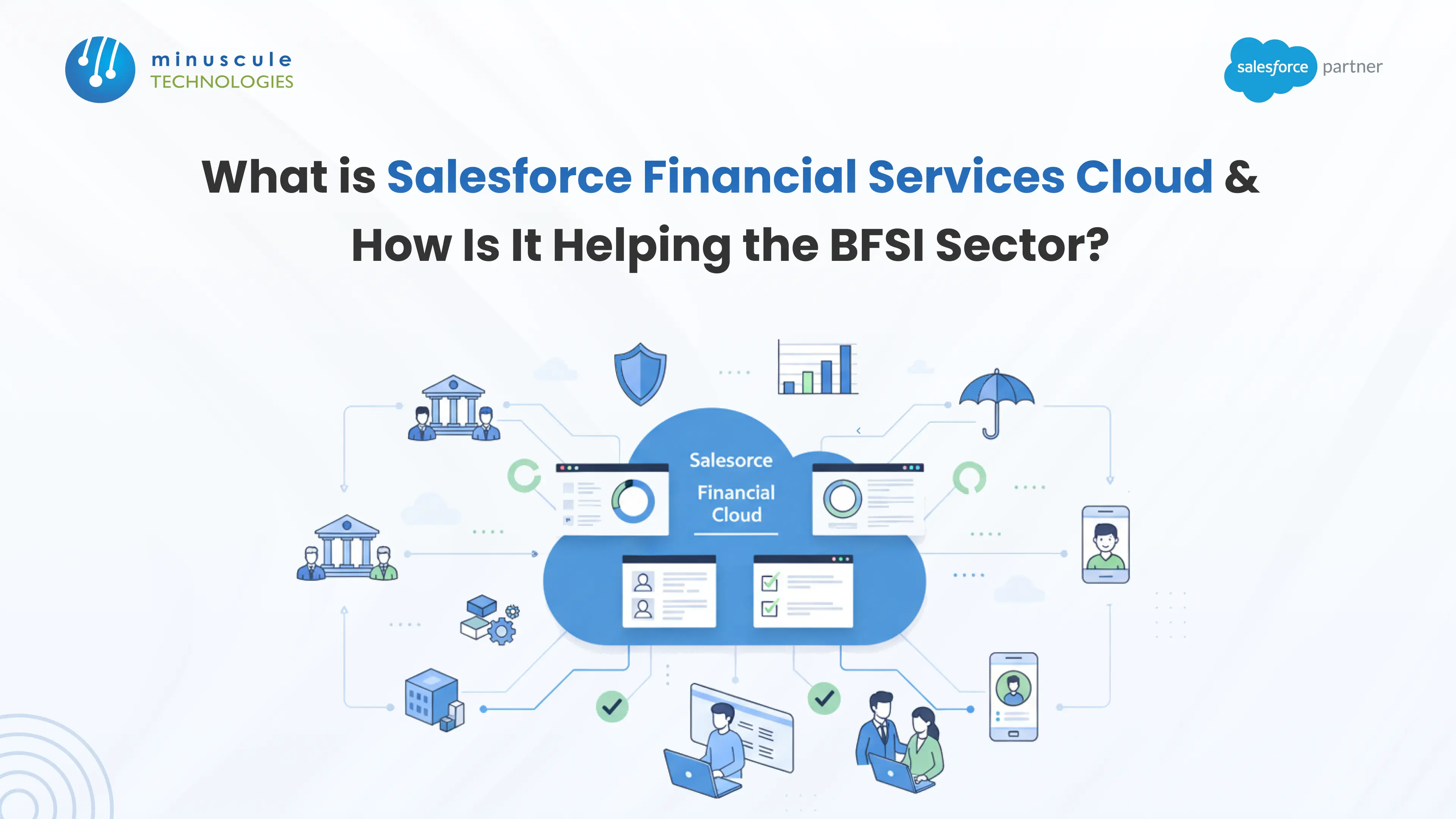
Salesforce Financial Services Cloud (FSC) is a CRM built only for banks, insurers, wealth firms, and lenders. It ships with financial data models, compliance tools, and household views ready on day one. For the BFSI sector, it closes the gap between old core systems and what clients now expect.
Picture a relationship manager's morning. Client data sits in one system. Loan status sits in another. Compliance checklists live in a spreadsheet. Meanwhile, the client gets generic emails from a bank that has known them for ten years. A well-planned Salesforce Financial Services Cloud implementation ends that struggle. It puts every client, account, and task on one screen. And it does so without ripping out your core banking system.
Keep reading to learn what FSC includes, how it differs from Sales Cloud, what it costs, and the eight steps to set it up right the first time.
Salesforce Financial Services Cloud is a CRM platform built on Customer 360 for banks and other financial firms. You may also see it called SFDC Financial Services Cloud or Salesforce FSC.
Here is the backstory. For years, banks bought the general Sales Cloud. Then they spent heavily reshaping it for finance. Salesforce saw that gap. It acquired industry technology (formerly Velocity) and built a ready-made product instead.
The result: industry data models, workflows, and compliance tools that work out of the box. Financial services cloud serves retail and commercial banking, wealth management, insurance, mortgage and lending, and fintech teams. Faster setup means faster returns - with far less custom code.
Sales Cloud is a strong all-purpose CRM. FSC is the same engine, plus everything a bank would otherwise build by hand.
| Capability | Sales Cloud | Financial Services Cloud |
|---|---|---|
| Data model | Generic leads, accounts, and opportunities | Financial accounts, policies, households, and underwriting objects built in |
| Client view | Individual contact records | Household groups with combined assets and relationship maps |
| Industry features | Requires custom development | Commercial banking pipelines, policy administration, and referral tracking are native |
| Compliance | General security controls | KYC data structures, compliant data sharing, and audit-ready tracking |
| Best fit | General B2B and B2C sales teams | Banks, insurers, wealth managers, lenders, and fintechs |
Building these structures inside Sales Cloud would take months of paid custom work. With FSC, they are the starting point - not the finish line.
Standard systems treat customers as single records. FSC's Household data model shows clients in context. An advisor sees spouses, children, and their combined assets in one view. That is a big win for teams using Salesforce for financial advisors and private bankers.
The Actionable Relationship Center (ARC) goes further. It maps links between people and businesses. Rachel, a client, connects to a trust, a business entity, and a lawyer named Ivan. If Ivan also represents a large firm, the system flags a referral chance your team would have missed.
FSC tracks Life Events and Business Milestones. Bankers stop blasting generic offers. Instead, they see when a client gets married, buys a car, or changes jobs. A new child on record? Suggest an education savings plan that week. That timing turns a vendor into a trusted partner.
Action Plans handle repeat work. Opening a savings account or processing a loan triggers a document checklist — driver's license, tax forms. The system assigns each task to the right team member. Document tracking then confirms each upload and approval. That speeds up mortgage files and insurance claims. Want to push automation further? Study real Flow examples on Automation Champion.
Financial data demands strict protection. This is where Salesforce for finance teams stands apart. Salesforce Shield adds Platform Encryption, which masks data so it cannot be stolen. Event Monitoring catches odd activity, such as strange logins. Built-in tools support KYC and GDPR rules from day one.
Your core banking system still holds the money. FSC sits on top of the engagement layer. Balances update in real time after each deposit. Through integration tools like MuleSoft, FSC connects to credit bureaus for instant loan checks. It also links to outside portfolio analysis platforms.
Financial services cloud pricing follows a per-user, per-month model, billed annually. License fees are only part of the budget. Plan for setup and training as well.
| Cost Component | Typical Range (USD) | Notes |
|---|---|---|
| FSC Enterprise license | ~$300 per user/month | Core FSC features for most mid-size institutions |
| FSC Unlimited license | ~$475 per user/month | Advanced support, sandboxes, and platform limits |
| Implementation services | $25,000 – $150,000+ | Varies with integrations, data volume, and compliance scope |
| Training and adoption | $3,000 – $15,000 | Role-based training for advisors, agents, and admins |
Prices change. Confirm current figures with Salesforce before you budget. The bigger point: a focused rollout with pre-built components pays for itself fast. You gain faster onboarding and fewer manual tasks. To track that payoff, learn how to measure the value of Salesforce FSC.
A Salesforce Financial Services Cloud implementation succeeds or fails in the planning. Follow these eight steps.
Mid-size rollouts take 8–12 weeks. Complex, multi-country programs can run 4–6 months.
Dirty data. Old records poison the new system. Clean before you migrate - always.
Over-customization. Start with native features. Add custom code only where the business case is clear.
Low user adoption. Advisors ignore tools that feel forced. Involve them early and train by role. Stuck on a technical wall? The Salesforce Stack Exchange community is a reliable place to find answers. Hubs like Forcetalks share real-world FSC lessons too.
Integration of blind spots. Core banking connections need real-time testing under load. Budget time for it.
It gives banks, insurers, and wealth firms one platform to manage clients, households, financial accounts, and compliance. Teams use it to tailor service and cut manual work.
Licenses run about $300–$475 per user per month, billed annually. Setup adds $25,000–$150,000+ based on scope. Confirm current pricing with Salesforce.
Most mid-size firms go live in 8–12 weeks. Large, multi-system programs take 4–6 months.
Yes, in most cases. The pre-built financial data models and compliance tools cost far less than building the same features on Sales Cloud from scratch.
Salesforce financial cloud technology helps the BFSI sector do two things at once. It cuts manual work, and it makes each client's interaction more personal. It turns financial data into action. Bankers, insurers, and wealth managers serve clients before problems appear — not after.
The platform's power depends on the quality of its rollout. That is where Minuscule Technologies comes in. We are Trusted Salesforce Engineering Partners. We never start from zero. Our proprietary Accelerators — including Loan Lifecycle Visibility for lenders — plus Starter Packs and pre-built components cut rollout time and cost. Our tailored frameworks keep your data secure, your integrations clean, and your compliance airtight.
Ready to see what FSC can do for your institution? Contact Minuscule Technologies for a free consultation with our BFSI Salesforce specialists.
You've seen what's possible. Now, let's make it happen for your business. Whether you need an end-to-end Salesforce solution, a complex integration, or ongoing managed services, our team is ready to deliver.

Schedule a Free Strategic Call


Plot No. 4, Sridevi Amman Street, Perumal Nagar Extension, Old Pallavaram, Chennai, Tamil Nadu 600117, India.
