
January 8, 2025
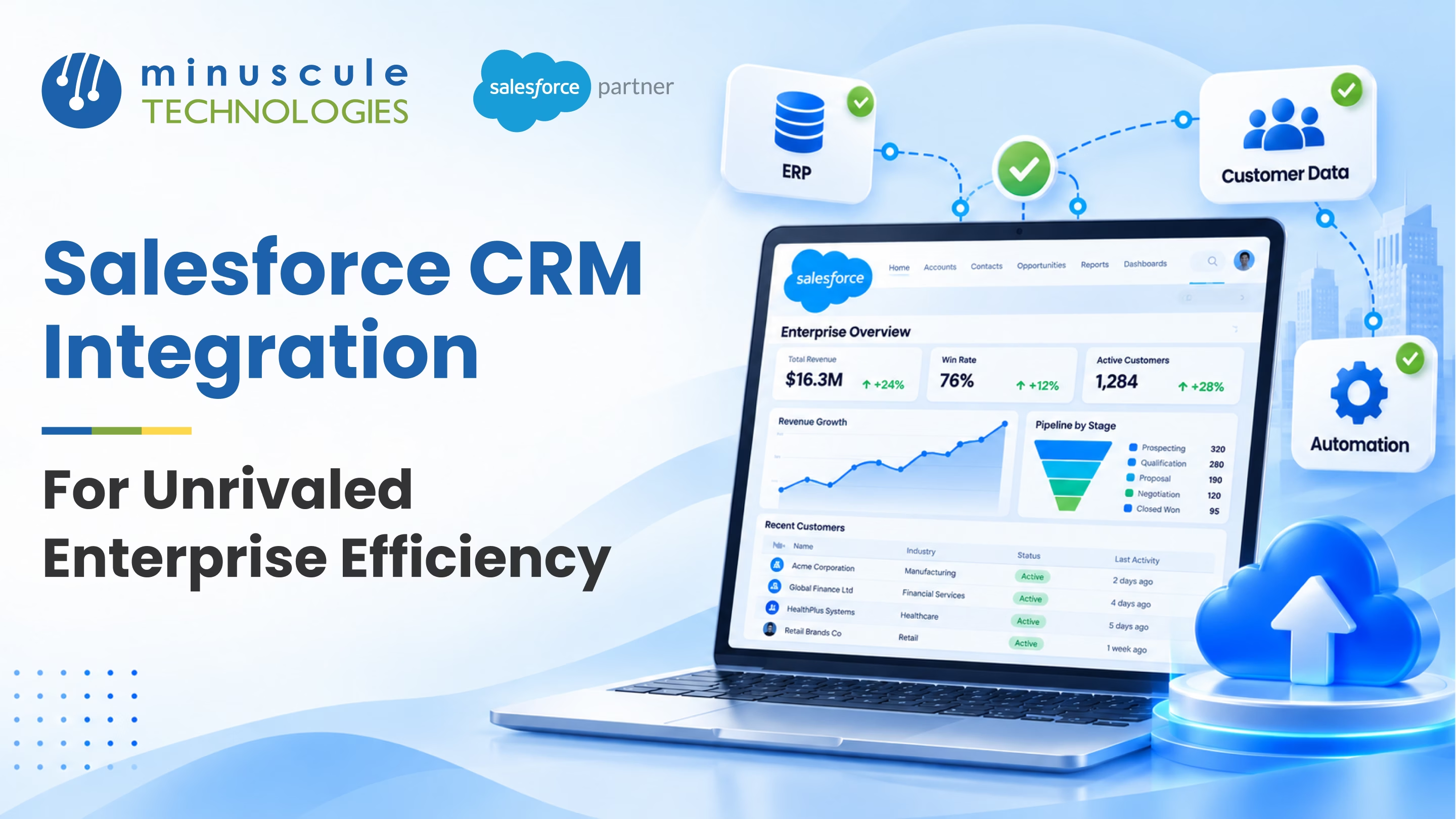
Salesforce CRM integration is the work of connecting Salesforce to the other systems your business runs on, so data flows between them automatically and every team works from the same information. You link Salesforce to your ERP, marketing, support, and finance tools using APIs, middleware, or ready-made connectors, then keep those connections synced and secure. Done well, it gives you one accurate view of each customer and far less manual data entry across the company.
This guide covers what Salesforce CRM integration is, the methods and patterns that make it work, the tools enterprises rely on, what to plan before you start, the common challenges and how to solve them, and the best practices that keep everything running as you grow.
Salesforce CRM integration connects Salesforce with your other business systems so they can share data and trigger actions in each other. Instead of reps copying orders from your ERP into Salesforce by hand, or support agents flipping between five tabs, the systems talk to each other and keep the same records current on both sides. A help desk is a common place to start, as our guide to integrating Zendesk with Salesforce shows.
The payoff is a single, trusted view of the customer. When Salesforce, your ERP, and your support desk all read and write the same data, sales sees real order history, service sees open invoices, and marketing reaches real people. Good Salesforce integration services turn a stack of disconnected apps into one connected system your whole enterprise can rely on.
Integration pays off because most enterprise work crosses system boundaries. A single order might touch your CRM, ERP, billing, and shipping tools. When those systems are connected, the handoffs happen on their own, and people stop rekeying the same data in three places.
The wins compound quickly. Teams get a 360-degree customer view instead of scattered notes. Sales process automation moves leads to the right owner the moment they qualify. Reports pull from one clean source, so leadership plans on real numbers. And because clean data moves between systems automatically, your operational efficiency climbs without adding headcount.
Integration also sets up the rest of your roadmap. AI features, unified analytics, and self-service portals all depend on connected, consistent data underneath. Get the plumbing right, and every project after it moves faster.
There is no single way to connect Salesforce. The right method depends on how much data you move, how fast it needs to sync, and how much custom logic sits in between. Most enterprise integrations use a mix of the three families below.
| Integration Method | Best For | Trade-off |
|---|---|---|
| APIs (REST and SOAP) | Custom, real-time connections and full control | Needs developer time to build and maintain |
| Middleware / iPaaS | Connecting many systems through one hub | Platform cost, but far easier to scale |
| Native and AppExchange connectors | Standard tool-to-tool links with little or no code | Less flexible for unusual requirements |
Salesforce ships with a full set of APIs, and they are the foundation of most custom integrations. The Salesforce REST API is the go-to for web and mobile apps and lightweight, real-time calls. The Salesforce SOAP API suits strongly typed, server-to-server work and older enterprise systems. There are also Bulk API for large data loads and streaming options for event-driven updates. Clear developer references on Salesforce Developers lay out each API and when to use it.
When you are connecting several systems, point-to-point links get hard to manage fast. Middleware, also called an integration platform or iPaaS, sits in the middle and routes data between systems through one hub; Salesforce's own platform, MuleSoft, is a common example. It handles mapping, data conversion, error handling, and retries in one place, which keeps your architecture clean as you add more systems.
Many tools offer prebuilt connectors, so you do not have to write code at all. Salesforce Connect surfaces outside data inside Salesforce without copying it, connected apps handle secure OAuth access for external services, and the Salesforce AppExchange lists ready-made integrations for common platforms. For standard tool-to-tool links, a connector is often the fastest, most reliable route.
Beyond the method, it helps to pick the right integration pattern for each connection. A pattern is simply the shape of the data exchange: whether it happens in real time or in batches, and which system starts the conversation. Salesforce's integration patterns guidance on Trailhead breaks these shapes down in detail. Matching the pattern to the job is what keeps an integration fast and stable.
| Integration Pattern | What It Does | Example |
|---|---|---|
| Request and reply | Salesforce asks another system and waits for an answer, in real time | Live credit or inventory check during a sale |
| Fire and forget | Salesforce sends data and moves on without waiting | Notify a fulfillment system of a new order |
| Batch data sync | Large sets of records sync on a schedule | Nightly ERP-to-CRM account and invoice update |
| Remote call-in | An outside system reads or writes Salesforce data | A portal creating cases in Salesforce |
| Data virtualization | Outside data shows inside Salesforce without being copied | Viewing ERP order history on the account page |
Most enterprises run several of these at once. A real-time Salesforce integration might use request and reply for a live credit check, while a nightly batch data sync keeps your ERP and CRM aligned on thousands of records. Community walk-throughs on Apex Hours show how these patterns look in practice with real Salesforce code.
The right tool depends on your systems and your team's skills. Some are full integration platforms, some are single-purpose connectors, and some are the native Salesforce features you already own, and our roundup of the best Salesforce integration tools compares the leading options side by side. The table below lays out the ones enterprises reach for most.
| Tool | Type | Best For |
|---|---|---|
| Salesforce REST / SOAP APIs | Native Salesforce | Custom, code-based real-time integrations |
| Salesforce Connect | Native Salesforce | Showing external data without copying it |
| MuleSoft | Middleware / iPaaS | Large, multi-system enterprise landscapes |
| Workato | Middleware / iPaaS | Low-code workflow automation across apps |
| Jitterbit | Middleware / iPaaS | Fast, no-code data sync between systems |
| ERP connectors (e.g. SAP) | Prebuilt connector | Syncing finance and order data with the CRM |
| DocuSign | AppExchange connector | E-signature and document flows inside Salesforce |
MuleSoft is a common choice for large, multi-system landscapes, while lighter iPaaS tools like Workato and Jitterbit suit faster, low-code needs. SAP and other ERP connectors keep finance and operations data aligned with the CRM; if you are weighing that link specifically, see our guide to integrating Salesforce with ERP systems.
A little planning up front saves a lot of rework later. Before you connect anything, settle the questions below so the build matches your business, not just the systems. Newer companies can follow this Salesforce integration process for a new business.
Start with the outcome, not the tool. Decide what the integration should achieve, such as fewer manual handoffs or a single customer record, and check that it lines up with your wider business goals. Clear goals keep the scope focused and make success easy to measure.
List exactly which systems, objects, and fields are in scope, then map how a field in one system matches a field in the other. Precise data mapping is what lets records from different sources line up cleanly and keeps your data consistent after the connection goes live.
Decide how each system authenticates, what data crosses the wire, and who can see it. Use OAuth and named credentials rather than stored passwords, encrypt data in transit, and keep the integration inside your compliance rules. Salesforce integration security is easier to build in now than to bolt on later.
Plan for the data volumes you expect a year from now, not just today, so the design holds up as you grow. Then test in a sandbox with real-world data, check both the happy path and the error cases, and validate that records match on both sides before you go live.
Integrations run into the same handful of problems again and again. Knowing them ahead of time lets you design around them instead of firefighting later. The table below pairs each common challenge with a practical fix.
| Challenge | Why It Happens | How to Solve It |
|---|---|---|
| Duplicate or mismatched records | No clear system of record between apps | Set one source of truth per field and map data precisely |
| Slow or failing syncs at volume | Design not built for large data loads | Use Bulk API or batch patterns and test at real scale |
| Broken connections after updates | Hard-wired, tightly coupled links | Route through APIs and middleware for loose coupling |
| Security and access gaps | Stored passwords and over-broad access | Use OAuth, named credentials, and least-privilege access |
| Silent data loss | No error handling or monitoring | Log every exchange, retry safely, and alert on failures |
None of these are reasons to avoid integrating. They are simply the details a good design accounts for from the start. Strategy guides on Salesforce Ben are a useful reference for weighing tools and approaches before you commit.
The methods and tools get you connected. These best practices keep the connection healthy as your systems and data grow.
Decide which system is the source of truth for each piece of data, and let the others follow it. When both sides can edit the same field freely, you get conflicts and overwrites. A clear system of record keeps your data consistent everywhere.
Assume a sync will fail sometimes, and plan for it. Log every exchange, retry safely, and alert someone when a record does not make it across. Visible monitoring turns a silent data gap into a quick fix.
Route data through APIs and middleware rather than hard-wiring one system into another. Loose coupling means you can swap or upgrade a system later without rebuilding every connection, which protects the investment as your stack changes.
As connections add up, a documented integration architecture keeps them from turning into a tangle. Standard patterns, naming, and reusable services make each new integration faster and safer than the last, and give your team one clear map of how data moves. When a connection also needs the Salesforce side reshaped to fit a workflow, planned Salesforce customization keeps that change deliberate rather than ad hoc.
Minuscule Technologies helps enterprises across banking, manufacturing, healthcare, real estate, and aviation connect Salesforce to the systems that run their business. The work starts with an integration assessment that maps your systems, data flows, and goals, so you get a clear picture of what to connect and in what order.
From there, the team designs the architecture, builds the connections with APIs, middleware, or connectors, and sets up the security, error handling, and monitoring that keep them dependable. Because the team comes from an engineering background, large, high-volume integrations are handled with sandbox testing, staged rollouts, and clear data mapping, so nothing breaks when the connection goes live.
The result is a connected enterprise your teams can trust. Sales, service, and finance work from the same data, processes run without manual handoffs, and your reporting draws on one clean source. Ongoing Salesforce managed services keep the integrations healthy as your systems and data grow, so the connected experience keeps fitting how your teams actually work.
It is the process of connecting Salesforce to your other business systems, such as ERP, marketing, and support tools, so they share data automatically. The goal is one accurate view of the customer and far less manual data entry.
There are three main methods: Salesforce APIs (REST and SOAP) for custom, real-time connections, middleware or iPaaS for routing data between many systems, and native or AppExchange connectors for standard, low-code links.
The Salesforce REST API is lightweight and ideal for web, mobile, and real-time calls. The Salesforce SOAP API is strongly typed and suited to server-to-server work and older enterprise systems. Many orgs use both, plus the Bulk API for large data loads.
No. MuleSoft is a powerful option for large, multi-system landscapes, but you can integrate with native APIs, connected apps, or other middleware. The right choice depends on how many systems you connect and how much logic sits between them.
Most teams use middleware or a prebuilt ERP connector to sync accounts, orders, and invoices between the ERP and Salesforce. Clear data mapping and a defined system of record for each field are what keep the two sides consistent.
It depends on scope. A single connector can go live in days, while a multi-system, real-time integration takes weeks of design, build, and testing. Planning goals, scope, and data mapping up front is what keeps the timeline predictable.
Use OAuth and named credentials instead of stored passwords, encrypt data in transit, limit which fields cross the wire, and keep access on a need-to-know basis. Building security in from the start is far easier than adding it later.
Salesforce CRM integration turns a set of disconnected apps into one system your teams can trust, with less manual work and a real view of every customer. You do not have to build it alone. Minuscule Technologies maps your systems, designs the architecture, and builds the connections that keep your data flowing and secure. Talk to our Salesforce integration experts today, and let's connect your enterprise for good.
You've seen what's possible. Now, let's make it happen for your business. Whether you need an end-to-end Salesforce solution, a complex integration, or ongoing managed services, our team is ready to deliver.

Schedule a Free Strategic Call


Plot No. 4, Sridevi Amman Street, Perumal Nagar Extension, Old Pallavaram, Chennai, Tamil Nadu 600117, India.
