

August 25, 2025
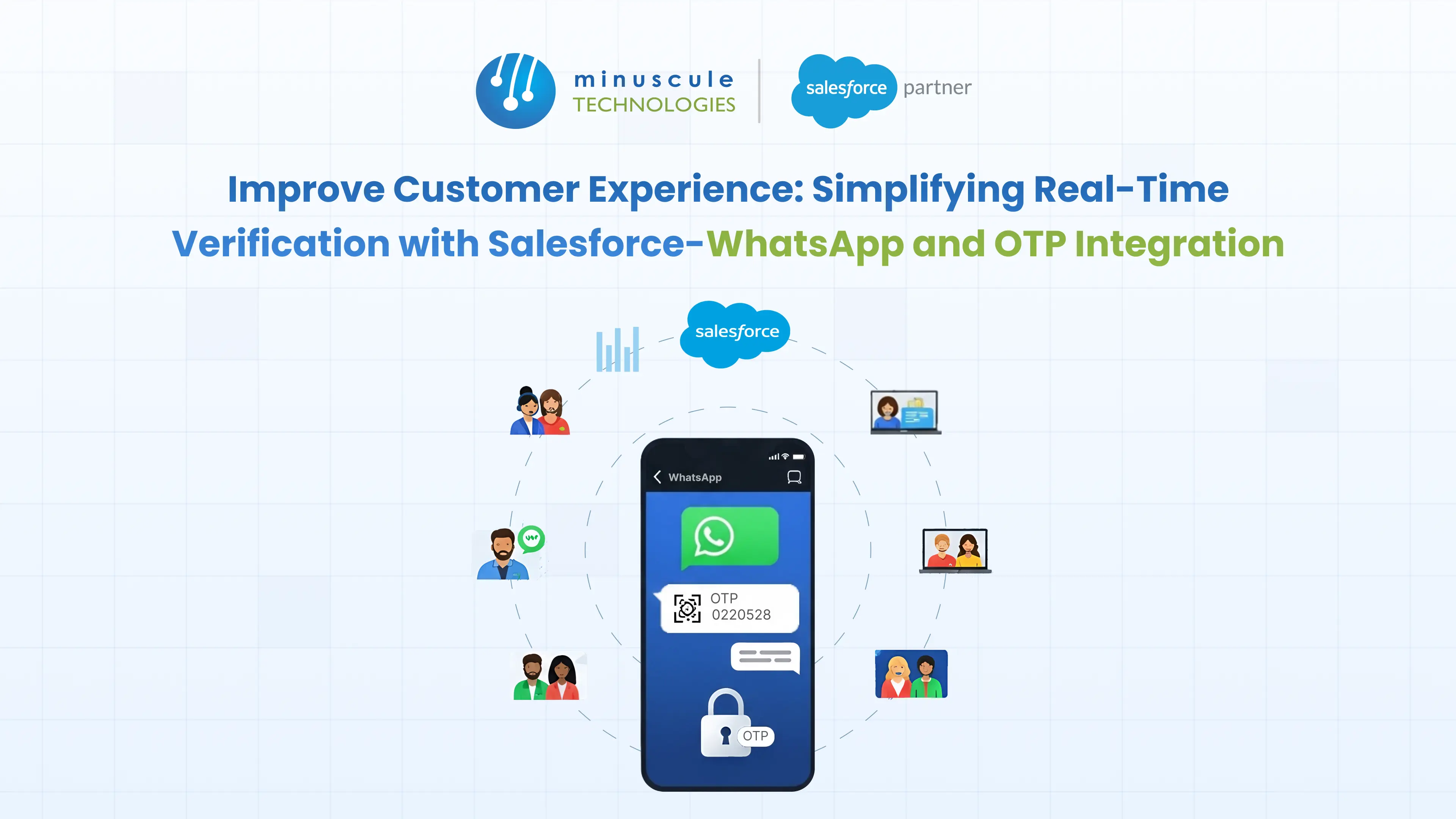
Salesforce WhatsApp OTP integration sends one-time passcodes over WhatsApp to verify a user's identity, with the whole flow - code generation, delivery, and validation - driven from Salesforce. It replaces slow, costly SMS and email codes with instant, encrypted verification on an app your customers already trust.
Picture a customer entering their details to finish a signup. The SMS code never arrives, or lands five minutes late. They give up, and you lose the account. Now picture the same code arriving instantly on WhatsApp, one tap to autofill, done. That's the difference this integration makes.
This guide covers how the flow works, how to build it in Salesforce, and the security and cost trade-offs behind it.
It's a verification flow where Salesforce generates a one-time passcode and delivers it through the WhatsApp Business API instead of SMS or email. The customer enters the code (or taps to autofill it), and Salesforce checks it against a stored value before letting them proceed. See how we used OTP checks to secure customer data updates for an equipment maker.
Because it runs on the WhatsApp Business Platform, this is a specialized form of salesforce whatsapp integration - one focused on authentication rather than chat. It gives you instant, branded, encrypted verification tied directly to your CRM records. For teams already planning a broader rollout, see our Salesforce WhatsApp integration guide for the full channel picture.
Old-school OTP methods struggle with speed, cost, and reach. Here's how the three channels compare.
| Factor | WhatsApp OTP | SMS OTP | Email OTP |
|---|---|---|---|
| Delivery speed | Instant over data | Fast, but carrier-dependent | Slower; can hit spam |
| Transport security | End-to-end encrypted | Exposed to SIM-swap and interception | Phishing-prone |
| Global reach | Any internet connection | Blocked or delayed in some regions | Universal but low-trust |
| Cost | Low authentication rate | Expensive for international | Low |
| User experience | Familiar app, one-tap autofill | Manual copy-paste | Switch to inbox |
| Branding | Verified business sender | Generic shortcode | Varies |
WhatsApp doesn't make verification bulletproof - no channel does. But it removes SMS-specific weak spots like SIM-swap interception, and it lands faster in regions where SMS is unreliable.
The pattern is the same whether you build it native or through a partner:
WhatsApp has a dedicated authentication template category built for OTPs. It gives you three delivery styles:
These templates follow fixed formatting rules and need Meta's approval before they go live. Meta's WhatsApp authentication template docs spell out the requirements.
You have two realistic routes, and the right one depends on your team.
| Build path | Best for | Effort |
|---|---|---|
| AppExchange connector / BSP | Fast rollout, low-code teams | Low–moderate |
| Cloud API + Apex callout | Full control, custom objects, complex logic | Higher |
The core setup steps:
Steps 3 to 6 are where a custom build earns its keep. Our Salesforce development team builds these flows with security baked in.
These matter most in regulated sectors. For financial services, WhatsApp OTP adds a fast, auditable verification layer without the cost of international SMS.
WhatsApp is a permission-based channel, and OTPs touch sensitive data. Build with these rules in mind:
This is where a proper whatsapp crm integration beats a bolt-on tool: consent, codes, and verification history all live inside Salesforce, ready for audit.
Track these from day one to prove the switch paid off:
| Metric | What it tells you |
|---|---|
| Verification success rate | % of codes entered correctly on the first try |
| Delivery rate | % of OTPs delivered vs. sent |
| Time-to-verify | Seconds from request to confirmation |
| Onboarding drop-off | % abandoning at the verification step |
| Cost per verification | WhatsApp cost vs. your SMS baseline |
| Failed / fraud attempts | Repeated failures signaling abuse |
Set a baseline before launch, then re-measure at 30 and 90 days. Lower drop-off and cost per verification is your ROI story.
Yes. Salesforce generates the code in Flow or Apex and sends it through the WhatsApp Business API using an approved authentication template, then validates the user's entry.
It removes SMS-specific risks like SIM-swap interception and travels over encrypted transport. No channel is fully immune, so pair it with short expiries and rate limits.
Yes. OTP verification needs the Business API (Cloud API or a BSP) and an approved authentication template. The free WhatsApp Business app can't do it.
You pay Meta's authentication-category messaging fee, which is often lower than international SMS. Meta's pricing has been changing, so confirm current rates before budgeting.
Yes. An AppExchange connector or BSP handles delivery with low-code setup. A custom Apex build is only needed for complex routing or custom-object logic.
Build a resend option and a fallback channel (like SMS) for users without WhatsApp, plus clear retry limits to stay secure.
Real-time verification builds trust at the exact moment a customer decides whether to continue. A well-built salesforce whatsapp otp integration makes that moment fast, secure, and fully tracked in your CRM - so you cut drop-off and fraud at once.
Connecting these systems takes a partner who knows both the WhatsApp Business API and Salesforce architecture. At Minuscule Technologies, a Trusted Salesforce Engineering Partner, we design secure verification flows and full Salesforce integrations. Our WhatsApp Salesforce Accelerator gets you live faster.
Schedule a free strategic call to map your WhatsApp OTP verification flow.
You've seen what's possible. Now, let's make it happen for your business. Whether you need an end-to-end Salesforce solution, a complex integration, or ongoing managed services, our team is ready to deliver.

Schedule a Free Strategic Call


Plot No. 4, Sridevi Amman Street, Perumal Nagar Extension, Old Pallavaram, Chennai, Tamil Nadu 600117, India.

