
January 9, 2026
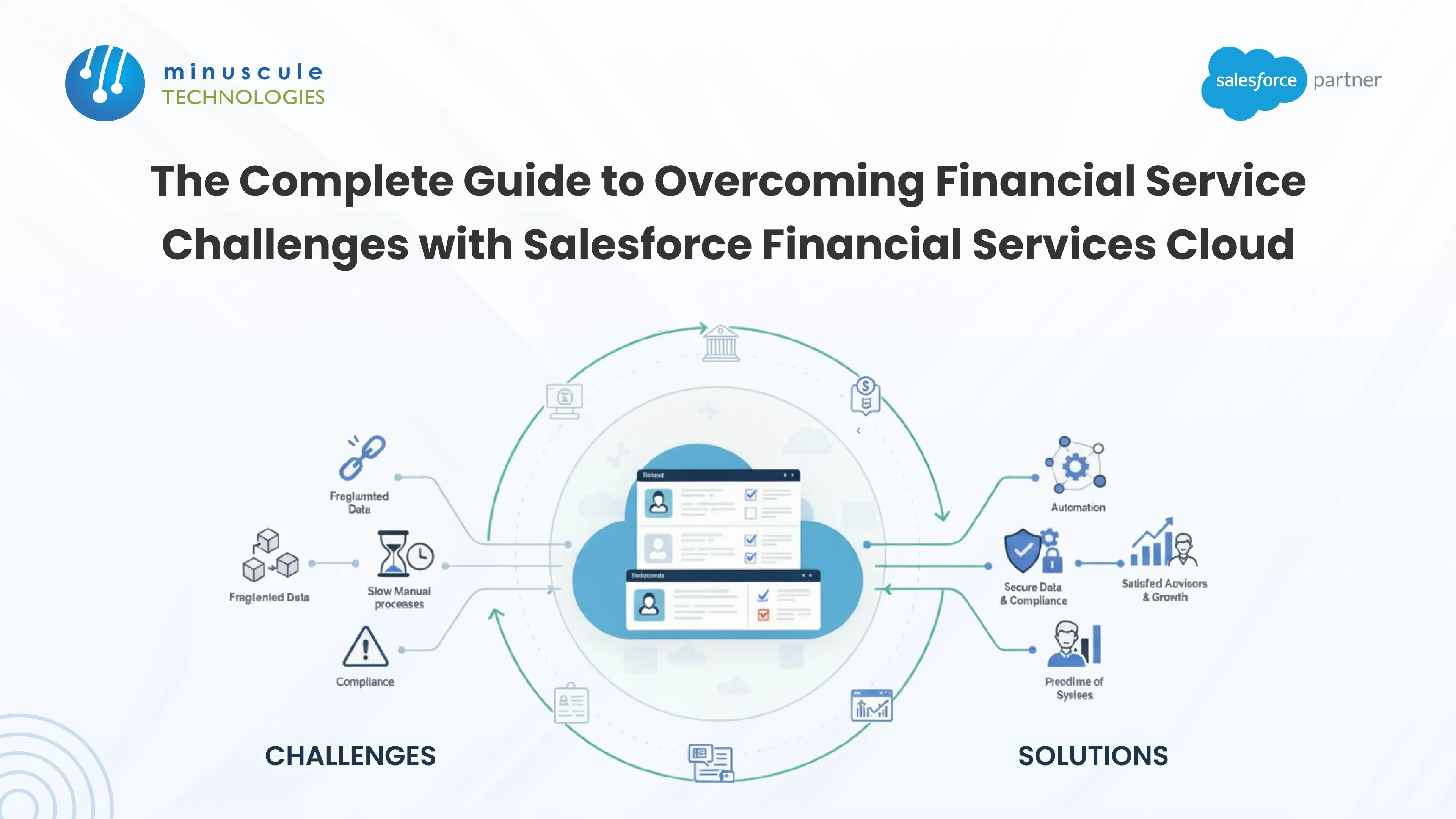
Banks and wealth firms run on trust. That trust breaks when they can't see the full client picture in one place. A well-planned Salesforce Financial Services Cloud implementation fixes this. It helps banks, wealth teams, and insurers link data trapped in separate systems.
An account manager at a regional bank saw this happen. A ten-year client left for a rival. The reason wasn't bad service or better rates. Two teams at the bank never talked about a big cash event. The lending team never saw it. The wealth team never heard about it. This is the real cost of split-up financial data. It means missed money. It means upset advisors. And it means clients who feel like account numbers, not people.
This guide covers what Salesforce FSC does. It covers the five biggest implementation challenges financial firms face. You'll get a clear rollout roadmap, real pricing facts, and answers to common questions. Keep reading to learn how to plan an implementation that lasts past year one.
Salesforce Financial Services Cloud is a CRM made for banking, wealth, and insurance teams. A plain CRM doesn't fit how financial firms work. Salesforce financial services cloud uses data built for financial firms: households, business groups, financial accounts, and multi-party approvals.
At its core, financial services cloud pulls data into a single hub. That includes core banking platforms, custodial accounts, and loan tools. Advisors get a full financial picture instead of a broken one. Conversations move from quick sales to real client bonds.
Some vendors use the old short name: SFDC Financial Services Cloud. Others just call it Salesforce Financial Cloud. Both names mean the same product — a financial services data model built on the core Salesforce platform.
Ready to see if it fits your firm? Our Salesforce Financial Services Cloud consulting team can map your current systems against the FSC data model. We do this before you commit to a rollout.
This mix-up is common in financial services IT. Sales Cloud is a plain CRM. Salesforce FSC rebuilds that model for banks and other regulated firms.
| Aspect | Salesforce Financial Services Cloud | Salesforce Sales Cloud |
|---|---|---|
| Data model | Pre-built for households, financial accounts, holdings, and securities | Generic accounts, contacts, and opportunities |
| Mapping relationships | Actionable Relationship Center (ARC) shows multi-party household and business links | Basic account hierarchy only |
| Compliance tooling | Built-in tools for financial records and audit trails | Requires custom setup or add-ons |
| Onboarding automation | Action Plans built for forms and approvals | Generic task and workflow automation |
| Best fit for | Banks, wealth managers, insurers, lenders | General B2B/B2C sales teams |
Choosing between the two comes down to one question. Does your firm run on households and strict financial rules? Or does it run on plain sales deals? Most banks, lenders, and wealth teams fit best with FSC.
Salesforce financial services tools aren't one-size-fits-all. FSC's data model flexes across three main groups:
Does your team already use Salesforce for finance work like lending or treasury? FSC builds on that base. It doesn't replace it. The core platform stays the same. Only the data model changes to fit your industry. For a wider view, see how to use Salesforce to power your financial services.
FSC's Financial Data Model gives you pre-built objects. These cover Financial Accounts, Holdings, and Securities. Most plain CRMs don't have this link. Layered on top sits the Actionable Relationship Center (ARC). ARC turns messy household and business links into one live chart. Advisors can read it at a glance. Teams setting up this data model for the first time often check Salesforce Geek's setup guides for field-level help.
Action Plans handle the repeat parts of onboarding. This covers forms, approvals, and status checks. New clients don't have to send the same paperwork three times.
Einstein adds smart predictions on top of the data model. It flags Life Events, like a home purchase or a business sale. Then it surfaces a Next Best Action. Advisors act first instead of waiting.
Salesforce Shield adds field-level encryption, usage tracking, and auto audit trails. This is the top-tier security layer financial firms need. It helps meet auditor checks without building security from scratch. Teams that want more detail on Shield setup can check Jitendra Zaa's guide to platform encryption.
A client's checking account, mortgage, and investments often sit in three separate systems. No single advisor sees the full picture. FSC's Financial Data Model pulls those pieces into one household view. Cross-sell chances stop slipping away unseen. Fixing separate systems is rarely a Salesforce-only job. It starts with mapping core banking, custodial, and loan systems. Teams map these systems before setting up a single FSC object.
Hands-on, form-heavy onboarding drives drop-off. Clients drop off before the deal even starts. Action Plans swap repeat paperwork for auto forms and approvals. This cuts the friction that causes drop-off. Lenders can use the same approach to simplify loan origination with FSC.
US banks and insurers answer to a stack of rules. The Gramm-Leach-Bliley Act (GLBA) covers data privacy. FINRA and SEC record rules apply to wealth and brokerage work. State privacy laws, like the California Consumer Privacy Act (CCPA), add more rules. Old-school compliance checklists can't keep pace. Salesforce Shield's auto audit trails and field-level encryption turn compliance work into a standing process, not a scramble.
Without smart insight, advisors react to requests instead of guessing ahead. Einstein AI flips that script. Its Life Events and Next Best Action tips surface the right talk. The client never has to ask first.
Wealth and business banking ties involve networks. Trustees, co-signers, and business partners are part of that network. A flat CRM record can't show it. ARC shows those networks in one live chart instead of a dozen separate records.
A strong financial services cloud implementation depends on the right order. Here's the order that works.
Get clear before you set up anything. Are you solving for onboarding speed, more cross-sell, or less compliance risk? Each goal points to a different setup order. Our guide shows how to map FSC features to financial value for each goal.
Legacy system data is almost always messier than you'd expect. Plan your data move from the core banking or policy admin system first. Do this before FSC setup starts. Poor data in means poor outcomes out, no matter how well the platform is set up.
Pick "Super Users" in each team. They drive adoption and run training for their role. FSC rollouts fail more often from adoption gaps than technical ones. Building a training path for Super Users helps adoption stick past week one. Many teams use tools like SaaSGuru's Salesforce training for this.
This is where most plain rollouts fall short. Financial services projects carry old tech debt from legacy systems and custom links. They also carry DevOps rules and needs. A setup-only fix doesn't solve any of this. An engineering-led partner links your systems and sets up auto rollouts. You get a custom implementation plan instead of a one-size-fits-all setup. Our Salesforce managed services team builds those guardrails in from day one. We don't bolt this on after launch.
Yes. FSC runs on Sales Cloud's platform. It swaps the plain data model for one built for households, financial accounts, and strict financial rules.
Financial services cloud pricing changes by edition and user count. Contact Salesforce or a partner for exact rates.
Timing depends on how hard the data move is. Most mid-size projects run several months from day one to go-live. Legacy core banking links can stretch that timeline.
Yes, through middleware and system links. This is often the hardest tech piece of the project. It's also why engineering-led implementation partners matter. Admins handling that shift day-to-day can check Salesforce Codex's admin guides for support.
Banks, wealth firms, insurers, and lenders use it. In short, any firm handling strict financial data at scale can gain from it.
For financial services firms, client ties aren't just a growth number. They're the base the whole business runs on. A well-planned Salesforce Financial Services Cloud implementation makes that base stronger. It turns split-up data, slow onboarding, and old-school compliance checklists into one linked, audit-ready system. Advisors stay ahead. Clients stay loyal. The payoff isn't just smoother work - it protects revenue and your good name at the same time.
Getting there takes more than switching on ARC and Action Plans. It takes a partner who knows financial services rules and legacy system links. That partner also needs to know how banking, wealth, and insurance teams work day to day. The right partner weighs tech depth, data safety, and real post-launch support against your exact rollout goals.
That's where Minuscule Technologies fits. We're a trusted Salesforce engineering partner. We bring deep BFSI know-how to every project. We handle Financial Services Cloud from start to finish: setup, system links, auto-tools, and adoption help. Where a proven fit exists, our own Accelerators and Starter Packs get you live faster and cleaner than a from-scratch build. Ready to turn your client ties into a real edge? Schedule a free strategic Salesforce call, and we'll map the right path for your firm.
You've seen what's possible. Now, let's make it happen for your business. Whether you need an end-to-end Salesforce solution, a complex integration, or ongoing managed services, our team is ready to deliver.

Schedule a Free Strategic Call


Plot No. 4, Sridevi Amman Street, Perumal Nagar Extension, Old Pallavaram, Chennai, Tamil Nadu 600117, India.
