

January 2, 2026
Salesforce for manufacturing works best here. Scattered marketplace data should drive a decision. It's not just a data point. That's where Tableau earns its place in this stack. Tableau turns CRM, ERP, and marketplace activity into dashboards your team can read at a glance, instead of a spreadsheet ignored until month-end. Picture a manufacturer selling across IndiaMART, Amazon Business, and a direct portal. Your team sees which channel converts best, not just which one feels busiest.
Your customers get products from many places. They compare specs on IndiaMART. They strike bulk deals on Alibaba. They also check stock on your own portal. But these channels often work in silos. That means your team is in the dark. A sales rep may have to check another system just to find a customer's order history. An inventory manager may guess stock levels across platforms. That's not just wasted time - it's leaking revenue. This is "Data Blindness." In the modern Industry 4.0 landscape, it is a liability you cannot afford.
That's what this article fixes. We'll walk through the full setup: Sales Cloud, MuleSoft, Einstein, and Tableau working together. You'll see how manufacturers unify every marketplace inquiry into one controlled Salesforce record. We'll also cover the technical and business questions IT and sales leaders ask before signing off on a build like this. By the end, you'll know which pieces you need and in what order to deploy them.
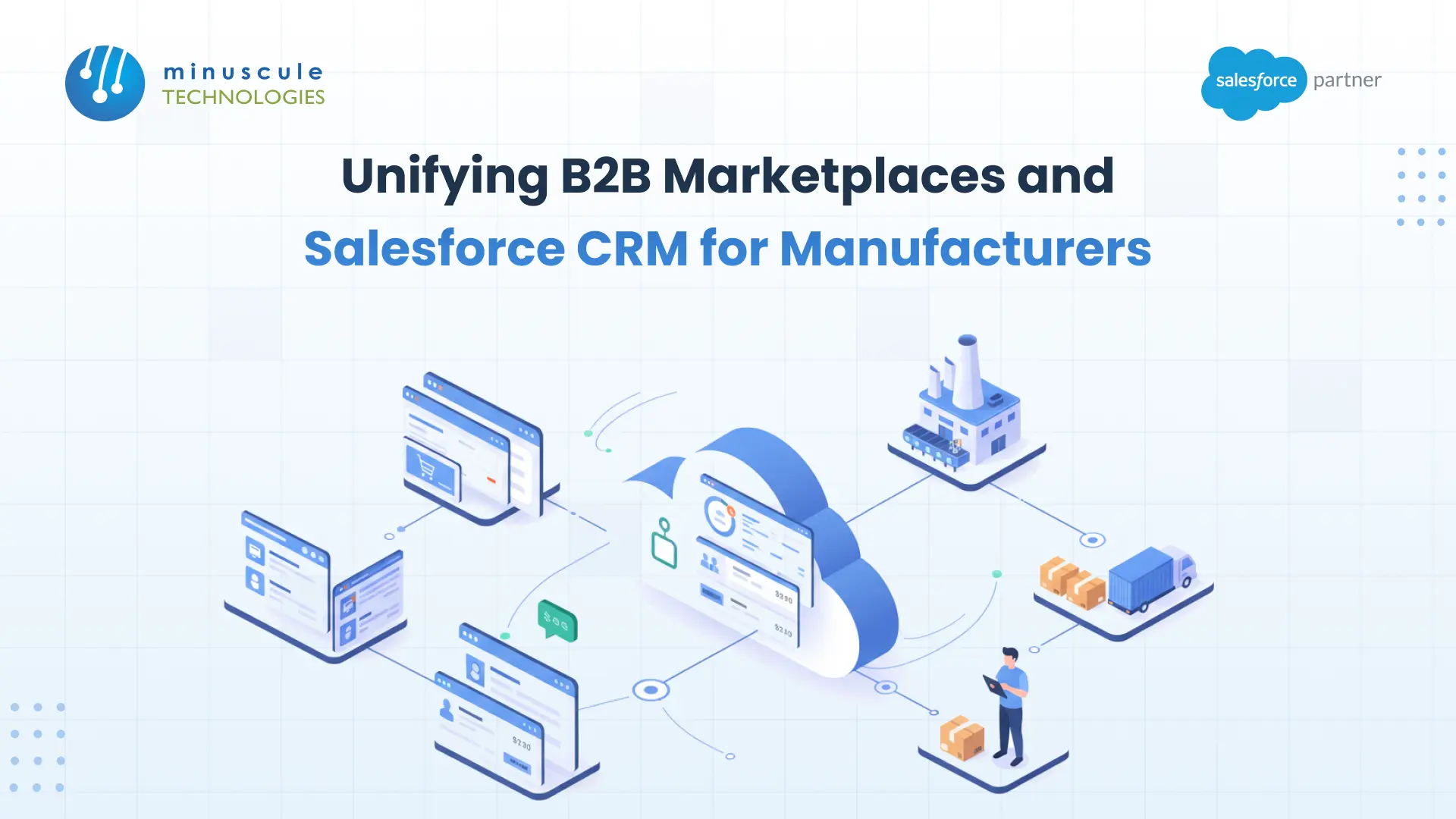
Unifying B2B marketplaces creates a digital thread. It connects outside sales channels - IndiaMART, Amazon Business - with your internal CRM (Salesforce) via an integration layer (MuleSoft/APIs). This setup turns raw external data into a customer 360 profile. It lets manufacturers automate lead intake, sync inventory, and tailor pricing plans from a central command center.
Manufacturing sales cycles differ a lot from retail, per Salesforce and B2B best practices. They involve long-tail decision-making, negotiated pricing, and recurring contracts. The link between Salesforce and manufacturing has shifted. It's no longer a nice-to-have add-on. It's now a core need for competing on speed and data accuracy.
How do high-performing manufacturers do this? Here is the standard pattern. We deploy it for clients looking at Salesforce for manufacturing industry needs.
Every Salesforce manufacturer rollout we've run starts with the same question: where does the data live? Get that answer right, and the rest of this setup falls into place. Want more detail on how to wire the integration layer? Salesforce Developers and MuleSoft's own documentation on Trailhead are both solid starting points.
For teams building or running this kind of setup long-term, Apex Hours runs regular sessions on integration patterns. Salesforce Admins is a good resource too. It covers the day-to-day side of keeping automation and data quality healthy after go-live.
MuleSoft isn't required, but we suggest it for enterprise scale. It offers pre-built connectors and strong API management. For smaller setups, Minuscule Technologies can deploy custom REST or SOAP API integrations or lightweight middleware instead.
This is a "Lead-to-Order" setup. Once Salesforce confirms an order, it passes to an Order Management System (OMS) or an ERP (like SAP or Oracle) for physical fulfillment. That keeps one smooth digital thread from click to ship.
Yes. Salesforce maps "Lead Source" and "Lead Source Detail" fields during intake. This gives you precise credit and ROI tracking per channel.
The gap between a marketplace lead and a closed deal in your CRM is where your profit margin disappears. For manufacturers, the future doesn't belong to those with the most sales channels. It belongs to those who control their data. You need more than a software rollout. You need an engineered revenue architecture that turns chaos into clarity.
Minuscule Technologies helps manufacturers turn scattered marketplace data into one controlled Salesforce record. We don't build this from a blank canvas. Instead, we deploy pre-built Accelerators and Starter Packs tailored to manufacturing data models. That means your MuleSoft integration layer, Einstein lead scoring, and Tableau dashboards run on proven, tested parts, not custom code written from scratch.
Don't just implement Salesforce. Engineer a revenue machine. Partner with Minuscule Technologies, your trusted Salesforce Engineering Partner. Together, we'll build an ecosystem where every marketplace inquiry becomes a loyal, long-term contract.
You've seen what's possible. Now, let's make it happen for your business. Whether you need an end-to-end Salesforce solution, a complex integration, or ongoing managed services, our team is ready to deliver.

Schedule a Free Strategic Call


