

November 4, 2025
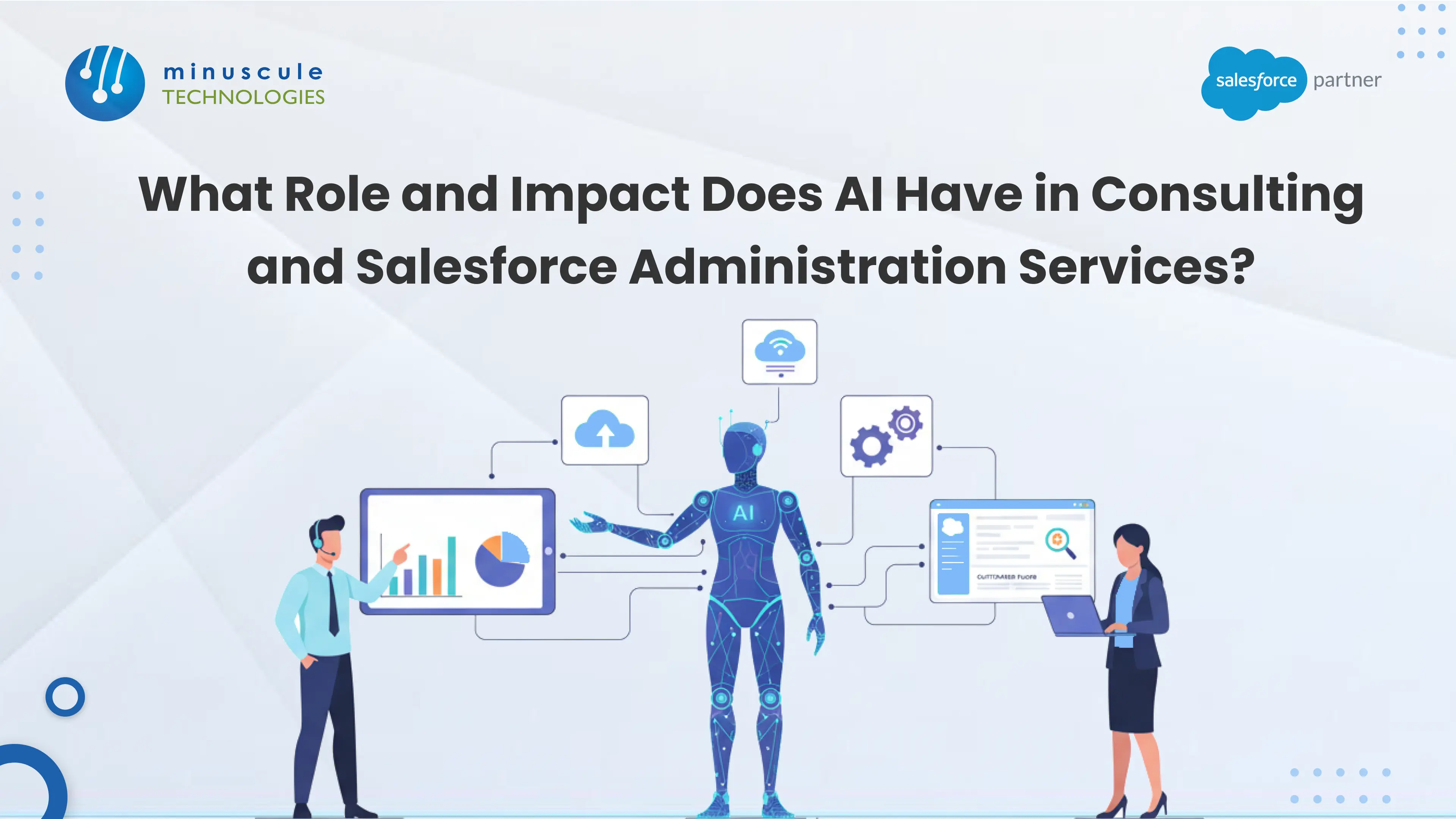
AI now does real admin work. It creates users, drafts reports, suggests fields, and sums up case notes. But it does not decide which changes to allow. That line — between doing and approving — is where Salesforce Administration Services is changing in 2026. Most articles on this topic never draw it.
Salesforce research says nearly half of IT leaders doubt their data is ready for AI. More than half do not trust their AI safety controls. Every vendor quotes those numbers. Few explain what a control looks like. So teams switch on agents and hope for the best. Then an agent creates a record nobody approved. The audit trail names a system user, not a person. Compliance asks who changed the field, and nobody knows. That is not an AI failure. It is an old governance gap that AI made visible.
This article is for the person choosing what to automate. You get a task-by-task split of admin work. You get the three jobs to keep human. You get the five conditions to meet before an agent gets admin rights. And you get the audit-trail trap, plus the credentials your team now needs. Read the first table before you let any agent change your org.
Start with the work, not the theory. Salesforce groups these features under Agentforce today. Here is how a normal admin day splits once you turn them on.
| Task | Who Does It Today | Who Should Do It | What to Watch |
|---|---|---|---|
| Create and remove users | Admin, by hand | Agent, from an HR trigger | Removal must be instant, not batched |
| Reset passwords, unlock accounts | Admin, on request | Agent, self-service | Check identity before the reset |
| Draft a report or dashboard | Admin, from a request | Agent drafts, admin publishes | Agent filters often miss record-type scope |
| Add a field to an object | Admin | Agent proposes, human approves | Never let an agent deploy metadata alone |
| Change a permission set | Admin | Human only | Widest blast radius of any edit |
| Change sharing rules | Admin | Human only | One bad rule exposes every record |
| Bulk load or delete data | Admin | Human only | No undo at volume |
| Sum up case notes | Nobody, usually | Agent | Check the summary against the source |
| Triage and route cases | Admin-built rules | Agent | Watch for quiet misroutes on edge cases |
One rule explains the whole table. An agent can do work you can undo. Anything you cannot undo stays human. That rule settles most of this debate.
The table shows something else too. A salesforce administrator does not lose the job here. They lose the ticket queue. The requests that filled a Tuesday get absorbed. What replaces them is approval, design, and review. That work is harder, worth more, and far less dull. Our Salesforce administration services practice names those approval gates in the contract, rather than assuming them.
Three rows above are marked human only. Each deserves a reason, because someone will push to automate them.
Permission and profile changes. A permission set grants access to data. An agent that can widen access can widen it too far. Nobody reports the problem, because nobody complains about seeing extra. This is the highest-risk edit in a Salesforce org.
Sharing rules and role hierarchy. Same logic, bigger surface. One bad criteria-based rule can expose a whole object to a whole org. The failure is invisible by design.
Bulk data work. There is no real undo on a 200,000-record delete. Even a correct update against the wrong filter means a restore from backup. Any good salesforce admin treats these with care. An agent has no sense of care.
The link between all three is not difficulty. Agents handle them fine. The link is that each one either cannot be undone, or hides when it goes wrong. Those are the moments human judgment earns its cost. You can follow how other practitioners draw this line in the Trailblazer Community.
Sooner or later, someone will ask to raise an agent's access. Five things should be true first.
The agent has its own identity. Not a shared integration user. Not a borrowed admin login. Its own user record, profile, and permission set. Everything below depends on this.
Its access matches the task. If the agent creates users, give it user creation. Do not give it Modify All Data because that was quicker to set up. A salesforce system administrator profile handed to an agent is not a setting. It is an open liability.
Metadata changes go through approval. An agent that proposes a field is useful. An agent that deploys one has broken change control. Send agent-built metadata through the same review your Apex gets.
A kill switch exists and someone can reach it fast. Named owner. Written step. Tested at least once. A switch nobody has tried is a belief, not a control.
Someone understands the Einstein Trust Layer settings. Masking, grounding scope, and retention decide what leaves your org. One person on the team should explain the current setup without opening a doc. Practitioner walkthroughs on this run often at Apex Hours.
Teams that skip these five meet them again in an incident review. Our Salesforce Agentforce services work treats them as step one. Adding guardrails to live agents costs far more than building them in.
This one will surprise you. None of the four leading articles on this topic mention it.
When an agent changes a record, the trail logs the agent's user. Not the person who asked. Not the person who approved. If your agent runs under a shared login, LastModifiedBy stops telling you anything. Every agent action points to the same name.
That bites in three real moments. An auditor asks who approved a change, and the trail names a system user. A contract value gets disputed, and nobody can show who authorized the edit. A bad change needs a rollback, and you cannot tell which of forty agent actions caused it.
Three fixes, best first:
Give each agent its own user. One agent, one login. Now the trail at least names the capability that acted.
Log the human who asked. Capture the trigger in a custom field or platform event. The platform will not do this for you.
Turn on Field Audit Trail where it counts. Money fields. Access-related fields. Anything an auditor will ask about. Standard history retention is too short for a compliance review.
A salesforce platform administrator should answer one question for any agent action: who changed this, and who said yes. If the answer needs a guess, the trail is not working. The same care applies to data tools — our post on Data Loader security risks every admin should know covers that exposure.
All of this changes what a consulting engagement delivers.
The old engagement delivered configuration. You described a process. A salesforce consultant built it. You tested it. It shipped. The deliverable was a working thing.
The new engagement delivers a set of limits. Which tasks an agent may do. Where the approval gates sit. What gets reviewed each week. Who holds the kill switch. The value sits in what it prevents, not what it produces.
That is a harder sell and a more useful one. Anyone can switch on Agentforce. The setup is not the hard part. The hard part is knowing that sharing rules stay human while password resets do not — and defending that call to a CISO.
So judge salesforce consulting services by a new question. Not "can you build it." Ask "what should we not automate, and why." A firm that answers with a feature list has not done this work before.
Two things follow for buyers. Engagements become ongoing, because guardrails need tuning as agents hit new edge cases. And review work starts at go-live rather than ending there. Our sibling post on how AI is transforming Salesforce consulting partners covers the partner's side of this shift.
Salesforce has built credentials for this work. They map onto the roles above. Your certification search volume runs near 20,000 a month, so demand is real. Almost nobody sequences them.
| Credential | What It Proves | Who Needs It |
|---|---|---|
| Salesforce Administrator | Core setup and the security model | Every admin; comes before the rest |
| Advanced Administrator | Complex automation, data, troubleshooting | Admins running a large org |
| AI Associate | AI basics, ethics, and data readiness | Anyone touching AI decisions |
| AI Specialist | Einstein features and prompt templates | The admin who owns agent setup |
| Agentforce Specialist | Building, testing, and governing agents | Whoever answers for what agents may do |
| Business Analyst | Requirements, process mapping, stakeholders | The consultant choosing which tasks agents get |
Order matters more than volume. Take the Administrator credential first. AI setup sits on the security model and makes no sense without it. Then AI Associate, so the whole team shares a vocabulary. Then AI Specialist and Agentforce Specialist for whoever holds the controls.
One warning. A badge proves knowledge, not judgment. A certified salesforce administrator with an Agentforce badge and no incident scars may still hand an agent Modify All Data. The exam never punished it. So pair every certification with supervised sandbox work. Prep paths are covered well by SaaSGuru, and Salesforce Ben tracks how employers are valuing these credentials.
Guardrails decay without checks. Run these four every week while agents are live.
Agent action volume by type. A spike in one category usually means an edge case is getting hit again and again, and handled badly.
Approval queue age. If agent-proposed changes sit for days, your gate has become a bottleneck. Someone will route around it.
Permission set changes. Every change, whoever made it. This is the widest surface in the org. It deserves a weekly look.
Agent count. If the number went up and nobody knows why, you have agent sprawl. It builds the same way unused fields do.
None of this needs new tools. A salesforce crm administrator can build all four from standard reports in an afternoon. Reading them weekly is what separates a governed org from a documented one. Where in-house capacity is thin, our Salesforce managed services practice owns that review.
Add two more once the first four become habit. Check that agent-created records name the human who asked. And test the kill switch each quarter.
Scope usually covers users and permissions, data quality, reports and dashboards, automation upkeep, release readiness, and security review. Salesforce admin services now often include agent setup and approval-gate design too. Ask whether that sits in scope or bills separately. It is a real share of the work today.
No, but it reshapes the job. AI takes work you can undo: user setup, password resets, report drafts, case summaries. It does not take permission changes, sharing rules, or bulk data work. Those cannot be undone, or they hide when wrong. The role moves from doing requests to approving and reviewing them.
Yes, more than before. The salesforce admin certification covers the security model, data model, automation, and reporting. Agentic features sit on top of all four. You cannot govern what an agent does to a permission set without knowing permission sets. Take it first, then add AI Associate and Agentforce Specialist.
Yes, and more urgently. Someone must decide what an agent may do and review what it did. A certified salesforce administrator brings the security-model know-how that makes those calls easy to defend. Orgs that skipped this learned it during their first agent incident.
Administration is the daily work: users, data, reports, automation. Managed services is a contract that wraps administration with release management, monitoring, and build capacity. Salesforce administrator services can be bought on their own. Managed services implies an SLA and a longer term. Our post comparing in-house admin against outsourced administration services breaks down which model fits which org.
Four questions. Which admin tasks should we not automate, and why. How will agent-built metadata get reviewed. What will our audit trail show for agent actions. Who holds the kill switch after you leave. A salesforce consulting company that answers all four with specifics has done this before.
Usually, for governance. A salesforce crm consulting company selling five other platforms tends to treat AI governance as a setup step, not a design job. Look for teams that can name gates they built and things they refused to automate.
Inventory first. List every active agent and integration user. Check what each one can do. Most orgs find at least one login with far more access than its job needs. Fix that before you enable anything new. Tightening a quiet org takes a morning. Doing it after an incident takes a project.
The real question was never whether AI replaces admins. It is which decisions stay human, and whether anyone wrote them down. Minuscule Technologies works as a Salesforce engineering partner, not a staffing line item. We build agent guardrails, tighten over-permissioned orgs, and untangle automation that grew for years with no review gate.
Three things shape our delivery. Our Accelerators and Starter Packs ship ready-made parts — scoped agent permission sets, approval-gated deployment, audit-trail extensions, and review dashboards. Our Agentic DevOps practice runs Flows, permission sets, and agent config through AI-assisted CI/CD. So a privilege change becomes a reviewable deployment, not a click in production. And our re-engineering work retires unused automation before we add anything new. That is what sets the better salesforce consulting firms apart: they hand you capability with a boundary around it.
Book a free AI governance review. We will list every agent and integration login in your org, flag the ones with too much access, and give you a task-by-task automation split with the gates named. It takes about a week, with no obligation. The findings are yours either way. Schedule your strategic Salesforce call and find out what your agents can already do that nobody approved.
You've seen what's possible. Now, let's make it happen for your business. Whether you need an end-to-end Salesforce solution, a complex integration, or ongoing managed services, our team is ready to deliver.

Schedule a Free Strategic Call


