Most teams use HubSpot for marketing and Salesforce for sales. The problem starts when the two do not share data. Our HubSpot Salesforce integration fixes that. We keep both platforms in sync in real time, so your marketing and sales teams work from one clear view — and every lead moves forward without falling through the cracks.






Your marketing data lives in HubSpot. Your sales data live in Salesforce. When the two do not connect, your revenue team works with half the picture. Leads go cold. Deals lose context. Reports miss the full story.
A strong Salesforce integration with HubSpot fixes that. It links both platforms into one trusted system. Your marketing, sales, and operations teams all work from the same data.
At Minuscule Technologies, we do more than flip a native sync switch. We engineer the integration the right way. That means clean field mapping, conflict resolution, de-duplication logic, and automation built for how your business runs.
We have taken HubSpot SFDC integration to production for firms in Manufacturing, BFSI, Healthcare, and more — without the data mess that usually follows.
We handle every layer of integration. Whether you need a one-way salesforce to hubspot integration or a full two-way sync, we design the flow around your data. Our work runs from the first lead form to closed-won revenue.
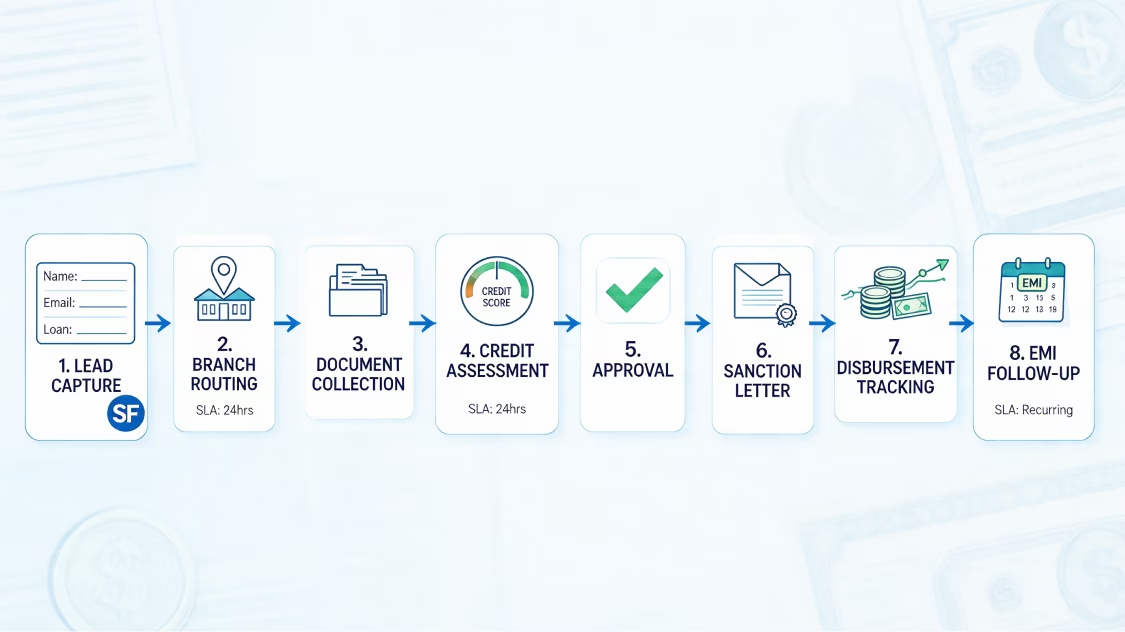
A prospect fills out a HubSpot form. That lead hits Salesforce right away — correctly mapped, correctly owned, and ready for follow-up. No manual exports. No waiting.
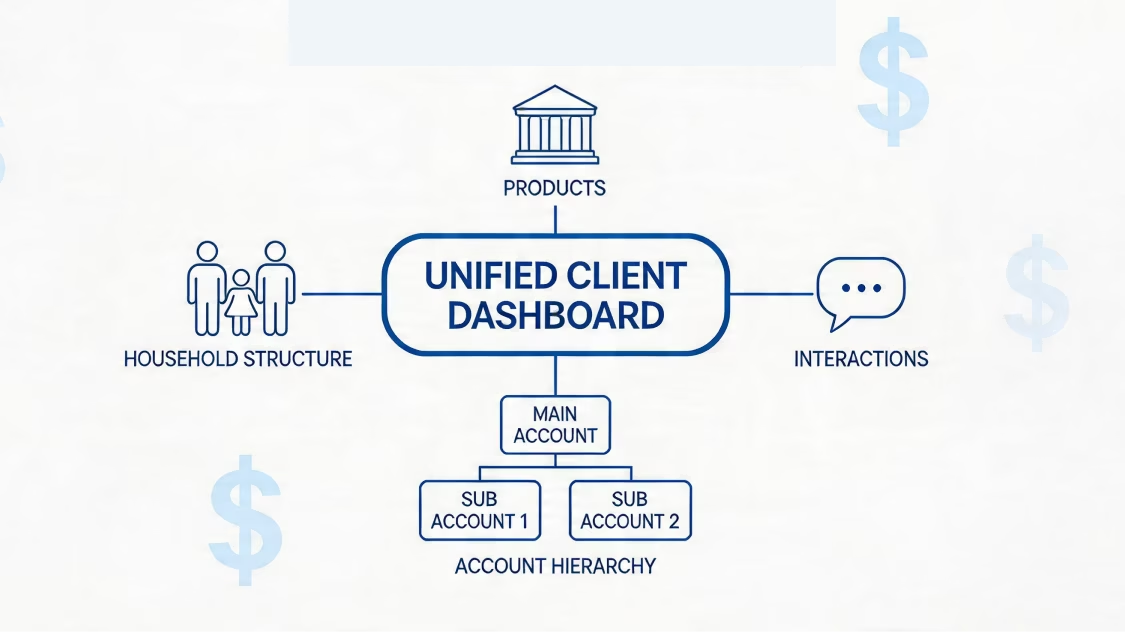
HubSpot scores the lead. Salesforce gets it when it is ready. We sync lead scores in real time. We also set up clean MQL-to-SQL handoff rules, so your sales team only touches qualified leads.
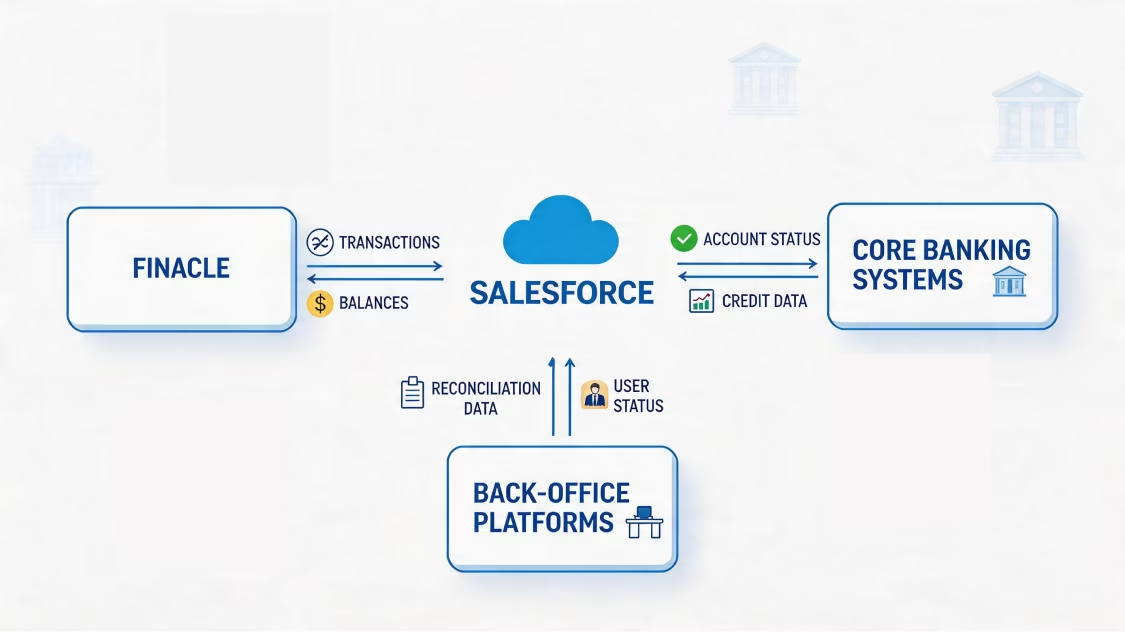
We set up routing logic so every new lead goes to the right rep. Rules can be based on territory, industry, lead source, or any custom rule your team follows.
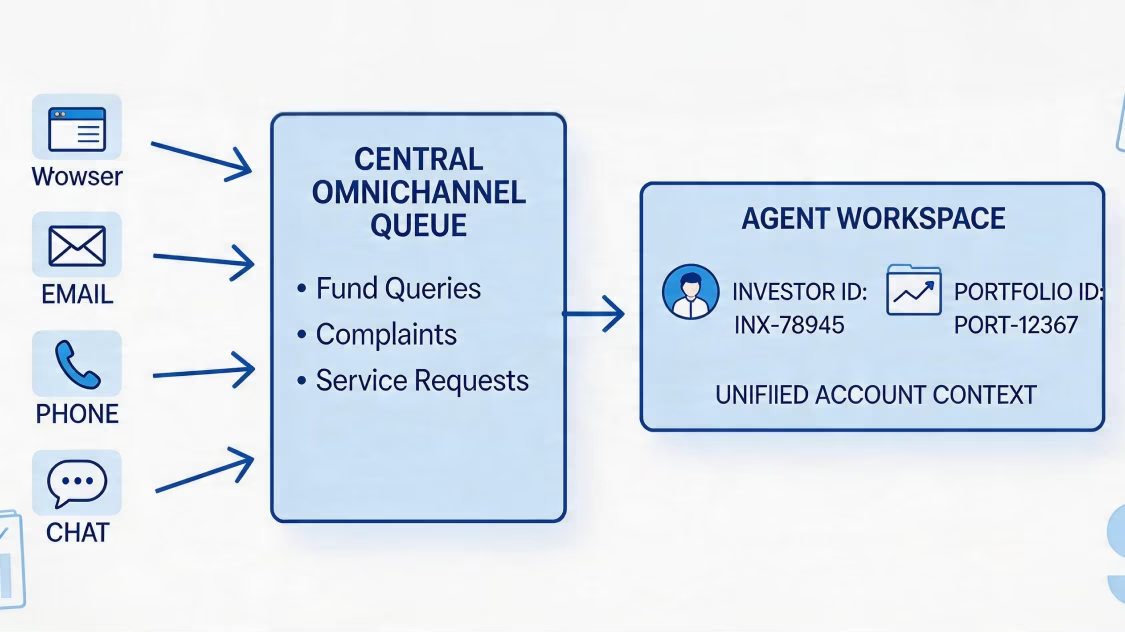
Duplicate records break reporting and waste rep time. We build de-duplication logic that checks both systems before it creates a new record. Your database stays clean from day one.
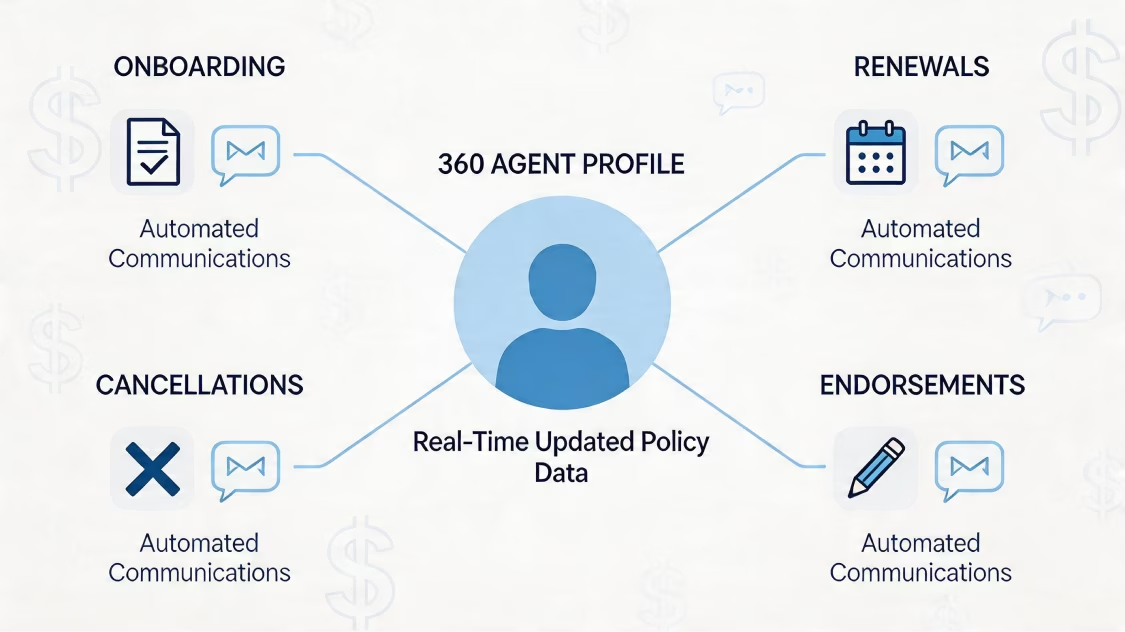
Changes made in HubSpot show up in Salesforce. Changes made in Salesforce show up in HubSpot. Your teams work in the tool they prefer, with no data gaps.
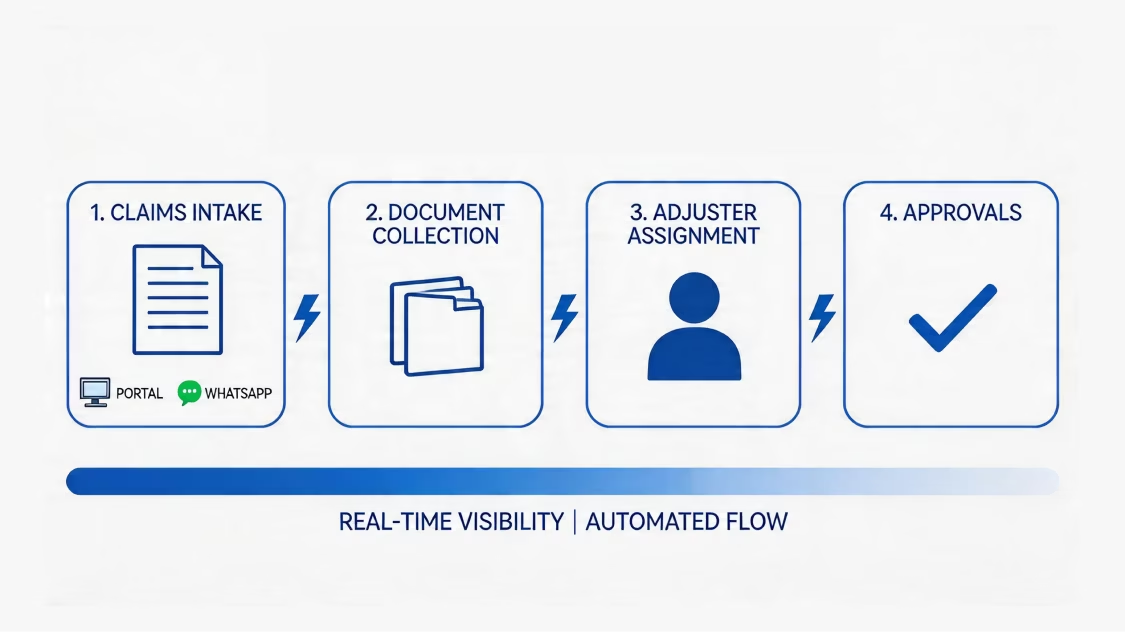
We map standard fields and custom fields with care. Nothing gets lost, misplaced, or overwritten during sync.

Sometimes both systems update the same field at once. Our conflict rules decide which value wins. We also document rollback playbooks, so your team can recover fast if something goes wrong.
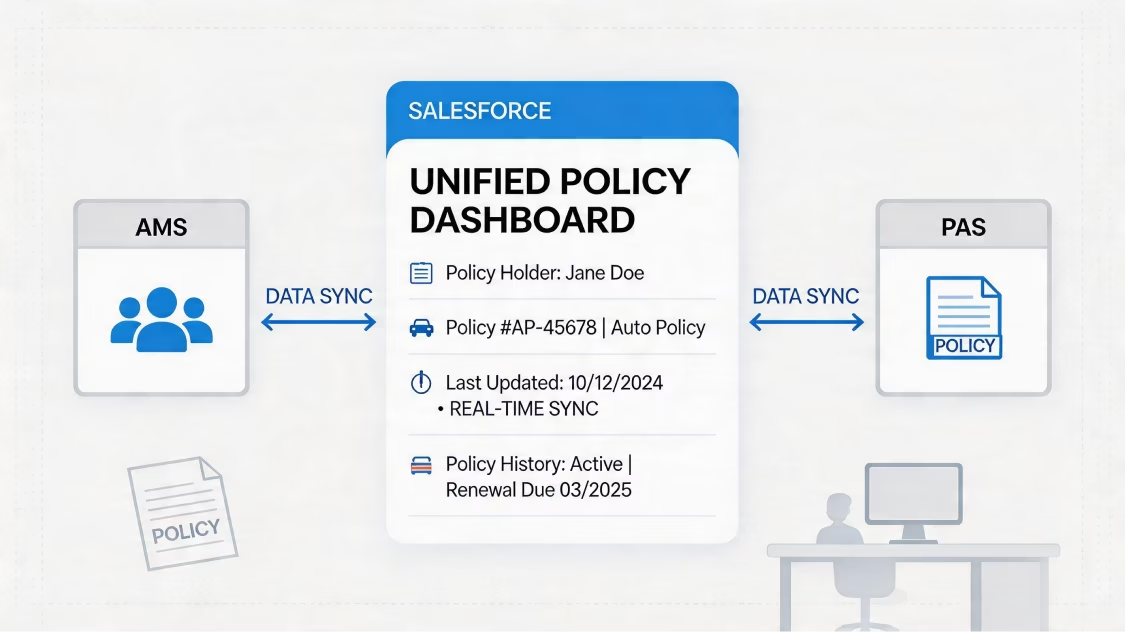
Not every contact belongs in both systems. We set up inclusion lists so only the right records sync. This cuts noise, protects data quality, and keeps your CRM clean.

HubSpot deals and Salesforce opportunities stay in sync. Your marketing team can see where their leads ended up. Your sales team keeps context mid-cycle.
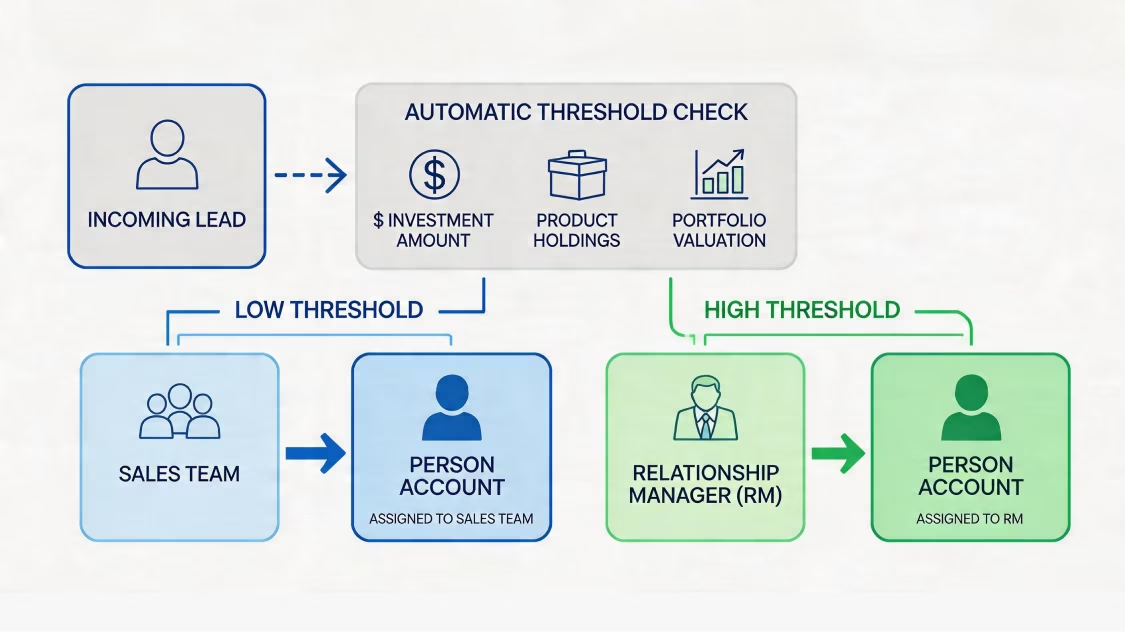
Different stage names. Different pipeline logic. We translate your HubSpot deal stages to Salesforce opportunity stages with care, so neither system loses its structure.
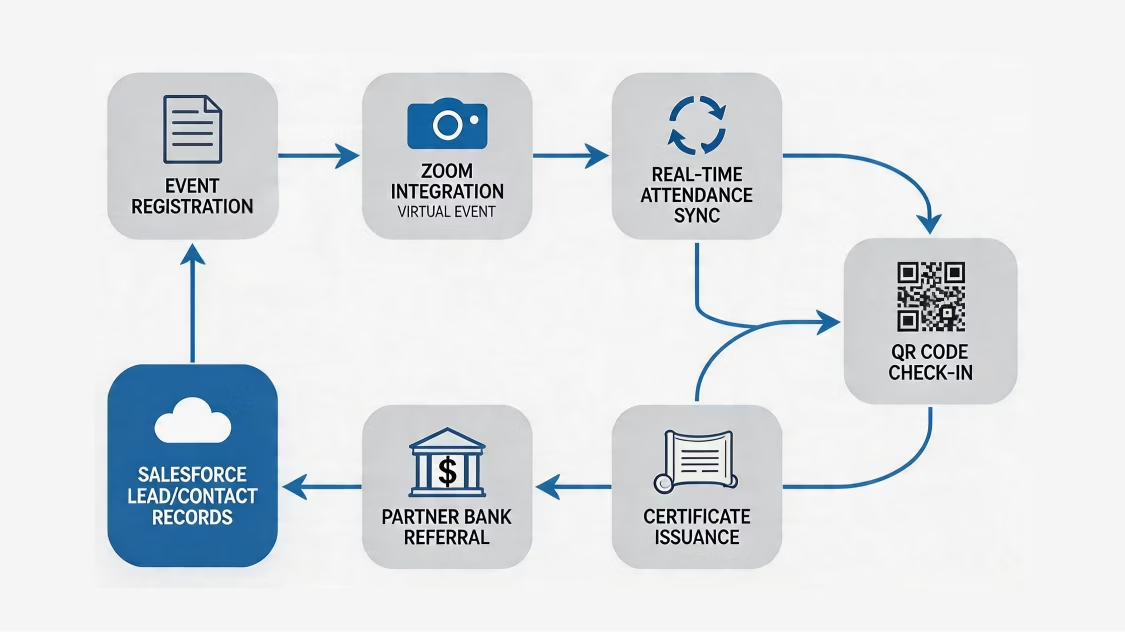
We close the loop between marketing activity and Salesforce revenue. Every closed deal traces back to its origin. You know exactly what is working.
We sync HubSpot deal data with Salesforce CPQ. This connects your quoting, approval, and billing steps — with no manual handoffs or re-entry.
Whether you are starting fresh or fixing a broken sync, here is what we bring to the table.
How We Work
We follow a structured six-phase process. That way, nothing gets missed and every go-live is clean.

When HubSpot and Salesforce work together, your whole revenue operation gets sharper.

Revenue Clarity Across the Funnel
See exactly how marketing activity connects to closed revenue. No manual stitching. No guesswork in your reports.

Scalable Automation Infrastructure
An integration built the right way grows with you. As your data and team grow, the system keeps up — without constant rework.

Reduced Manual Work
Stop asking your team to copy data between systems. Automated sync handles the movement. Your people focus on work that needs human attention.

Stronger AI and Reporting
When HubSpot data feeds Salesforce cleanly, you unlock better Einstein AI insights, Agentforce automations, and reporting that reflects reality.

There are a lot of integration providers. Here is what makes us different.
Certified HubSpot and Salesforce Experts: Our team holds active HubSpot and Salesforce certifications. You work with people who know both platforms at a technical level, not just a surface one.
Custom API Development: The native connector works for standard use cases. For complex needs — custom objects, proprietary data models, multi-org setups — we build direct API integrations that handle what the connector cannot.
End-to-End Automation: We do more than connect the two systems. We automate the workflows around them — lead routing, lifecycle updates, deal creation, and notification triggers. You get an integration that truly cuts manual work.
Secure and Reliable Solutions: Every integration we build follows Salesforce and HubSpot security best practices. Data transfers are encrypted, access is scoped, and audit logs are in place. Your data stays safe on both sides.
Support and Maintenance: We stay with you after go-live. Our managed service team monitors your integration, handles updates, and resolves issues before they affect your business.
One promise: Salesforce that fits your business.
09
Industries
75+
Implementations
One partner, all clouds. Our expertise ensures each Salesforce product delivers maximum ROI.

Most HubSpot Salesforce integration projects fail not because the tools don't support it — but because the integration was set up without a clear data strategy.
Talk to our integration team