

May 9, 2025
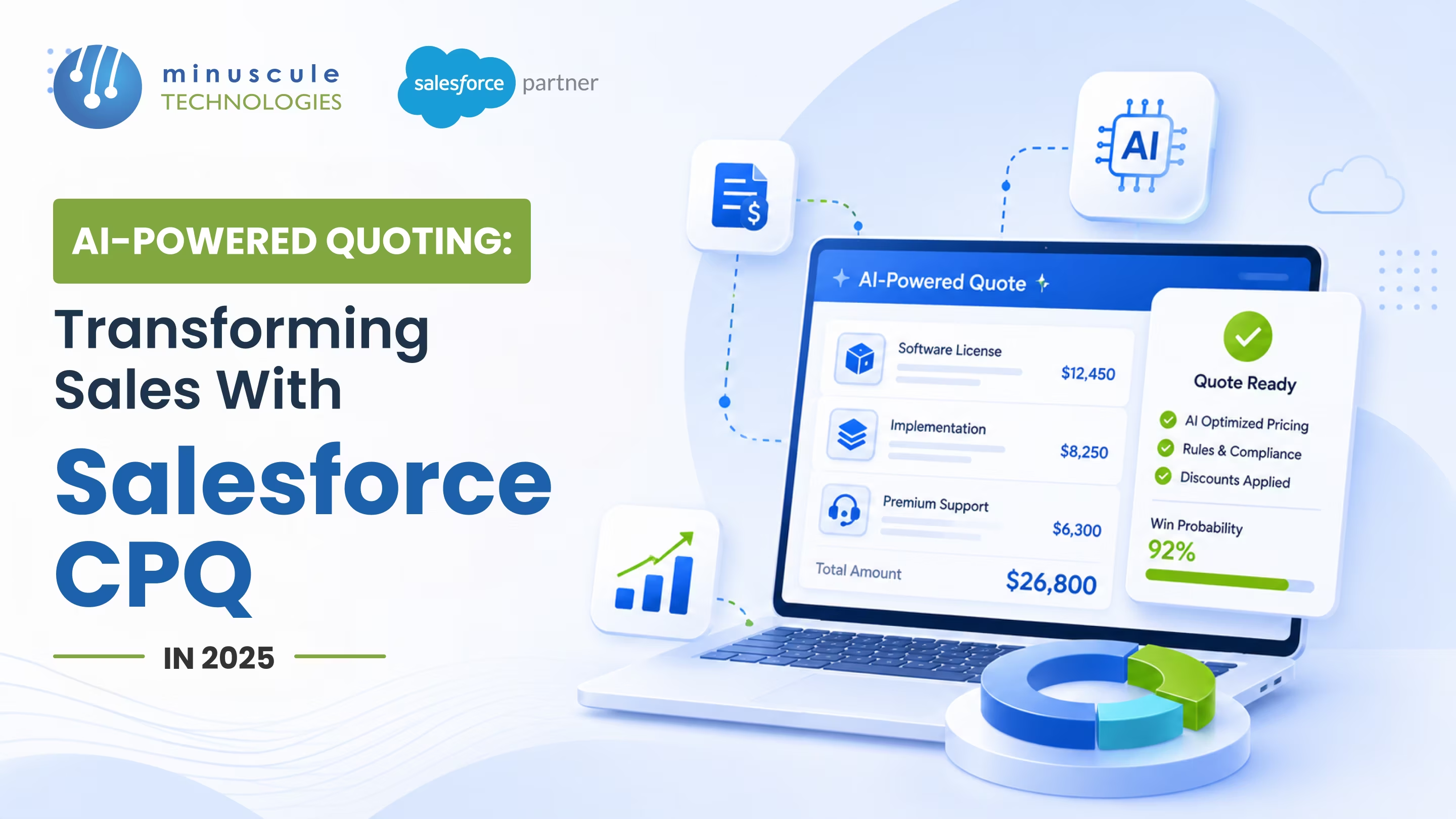
AI-powered quoting means your CPQ helps write the quote, not just store it. Salesforce CPQ already configures products, prices them, and routes approvals. Add AI, and it starts to suggest the right products, flag risky discounts, and draft quotes from a short prompt. The rep still decides. The system just does the slow parts. That shift is what this guide is about.
Manual quoting is where good deals stall. A rep juggles spreadsheets, waits on approvals, and sometimes sends the wrong price. Buyers expect an accurate quote fast, and a slow one gives a competitor room. AI closes that gap by handling the repeatable work, so reps spend their time selling, not formatting.
By the end, you will know what AI actually does in the quote flow and how it compares to manual quoting. You will also see how Salesforce now delivers this through Agentforce and Revenue Cloud Advanced, and how to set it up so the speed is real, not just a demo.
Salesforce Configure Price Quote, or CPQ, turns a product selection into a priced, approved quote. On its own, it follows the rules you set. AI adds a layer of judgment on top. It reads past deals, current context, and your pricing rules, then makes suggestions a rep can accept or change.
Think of it as a fast assistant, not an autopilot. AI drafts and recommends. The rep reviews and sends. That balance keeps quotes accurate and keeps a human accountable for the number. Modern CPQ solutions build this help right into the quote screen, so it fits the flow reps already use. Developer notes like these Salesforce Codex write-ups show how the pieces connect.
Picture a real quote. A rep opens a deal for a mid-size account. The system already knows what similar accounts bought, so it suggests a starting bundle. As the rep adjusts it, the AI flags a discount that would break margin and proposes a price that still wins. The quote passes a policy check on the spot, so no manager has to chase it. What took an afternoon now takes minutes, and the number is right.
AI is most useful at the slow, repeatable steps. It does not replace your rules; it works within them. Every suggestion still runs through the product and price rules you set, so the AI cannot propose something your policy forbids. The table below shows where it adds the most value.
| Quote step | What AI does | The payoff |
|---|---|---|
| Product configuration | Suggests the right products from past deals and customer data | Fewer config errors and a faster start |
| Pricing and discounts | Flags risky discounts and recommends a competitive price | Protected margins and less back-and-forth |
| Approvals | Pre-checks a quote against policy before a manager sees it | Fewer approval cycles and quicker sign-off |
| Quote drafting | Builds a first draft from a short prompt or a template | Minutes saved on every quote |
| Insights | Surfaces bottlenecks and pricing trends in a dashboard | Better forecasts and clearer decisions |
Two of these matter most. Discount guidance protects margin without slowing the rep, since the system suggests a price instead of waiting for an approval. Approval pre-checks cut the biggest delay in most quote flows, because a clean quote reaches the manager ready to sign.
Product configuration is the quiet win. On a complex catalog, a rep can pick the wrong bundle or miss an add-on. AI suggests a valid set from past deals, so the quote starts clean. Bid teams use similar AI recommendations for tender value and BOQ. Quote drafting saves time at the other end. Instead of building from a blank page, the rep edits a draft the system wrote. Community guides like these Forcetalks AI quoting write-ups walk through the setup.
The difference shows up in speed and consistency. Manual quoting leans on memory and copy-paste. AI-assisted quoting leans on your data and your rules. Here is the side-by-side.
| Traditional quoting | AI-assisted quoting with Salesforce CPQ |
|---|---|
| Manual data entry | Automated data capture and validation |
| Static price books | Dynamic, customer-specific pricing guidance |
| Generic proposals | Tailored, data-backed recommendations |
| Slow, multi-step approvals | Instant policy pre-checks |
| Guesswork on discounts | Margin-aware discount suggestions |
The point is not that AI removes the rep. It removes the busywork around the rep. A rep who spends less time formatting a quote spends more time on the conversation that closes it. The gain compounds on a busy team, where small delays on every quote add up to lost deals across a quarter. Community tutorials like these Apex Hours CPQ sessions show the moving parts.
Here is the naming that matters now. The AI layer for Salesforce quoting ships as Agentforce, Salesforce's platform for AI agents. For revenue teams, that means agents that help configure, price, and draft quotes inside your CRM. An agent can answer a rep's plain-language question, pull the right products, and tee up a quote for review, all without leaving the record. At the same time, Salesforce has moved new CPQ capability into Revenue Cloud Advanced, and placed the original Salesforce CPQ on end-of-sale for new customers.
What does that mean for you? If you run Salesforce CPQ today, or SFDC CPQ as admins call it, it keeps working, and you can add AI assistance to it. If you are planning ahead, Revenue Cloud Advanced with Agentforce is the direction Salesforce is building. Salesforce changes this roadmap often, so check its current product pages before you commit. For the deeper, agent-led view, see our guide to autonomous revenue operations with Agentforce. Trailhead's Agentforce learning path is a good place to see the agents in action.
Do not let the branding rush you. The names have moved, but the core question has not: does the quoting flow get faster and more accurate for your team? Test AI assistance on your real deals before you judge it. A demo on clean sample data always looks good. Your own catalog, with its edge cases and legacy products, is the real test. If your current setup needs a tune-up first, these CPQ warning signs and tune-up strategies show where to start.
AI is a strong assistant, but it is not a decision-maker. It learns from past deals, so it repeats what worked before. That is a strength on routine quotes and a risk on unusual ones. A new product with no history, a strategic account, or a deal that breaks your normal pricing all need a human call.
So set the guardrails on purpose. Give the AI a discount ceiling it cannot cross without a manager. Review its suggestions during rollout, not just its errors. Keep an audit trail of what it recommended and what the rep sent. These controls let you trust the speed without handing over the judgment. Done right, AI clears the routine work so your team can focus on the deals that actually need a person.
AI quoting is only as good as the CPQ under it. Bad rules and messy data make bad suggestions, faster. So the setup matters. A clean Salesforce CPQ implementation gives the AI good inputs: tidy products, clear price rules, and defined approval paths.
Good Salesforce CPQ services do this groundwork first, then layer AI on top. They map your catalog, set the guardrails, and train the models on your real deals, not a generic set. That last part matters. A model trained on your won and lost deals learns what actually closes in your market, so its suggestions fit your buyers, not a textbook. Ask any partner how they would stop a bad AI discount suggestion, and the answer shows their depth. Strong Salesforce CPQ consulting also documents the setup so your admins can keep it clean.
The smart move is to start small. Pick one team and one product line. Add AI to that quote flow, measure the speed and the accuracy, and fix what the pilot exposes. Then widen it. A focused pilot beats a big-bang rollout, because you learn on a small scale where mistakes are cheap.
Once it is live, the work shifts to upkeep. Models drift, products change, and rules need review. A managed services team can own that cycle, so the AI keeps making good calls as your catalog grows. Either way, a Salesforce CPQ solution that reps trust beats a flashy demo every time.
It is CPQ that suggests products, prices, and approvals instead of leaving every step manual. The AI drafts and recommends, and the rep reviews and sends. It runs inside your existing quote flow.
No. AI handles the repeatable work, like configuration and discount checks. The rep still owns the deal and the final number. Think assistant, not autopilot.
Existing Salesforce CPQ orgs can add AI assistance and keep running. Salesforce now builds new capability in Revenue Cloud Advanced with Agentforce. Check Salesforce's current pages for the latest packaging.
Clean data and solid rules. Like any Salesforce CPQ software, the AI is only as good as its inputs. Tidy your catalog and price rules first, then add the AI layer.
A focused pilot on one team can show a change in weeks, not months. Speed on routine quotes moves first, since those are the ones AI handles best. Complex deals improve more slowly, as the models learn your patterns.
AI-powered quoting is not about replacing your sales team. It is about giving them a faster, sharper way to quote. Salesforce CPQ handles the rules, AI handles the busywork, and the rep closes the deal. That is the outcome Minuscule Technologies builds as a Salesforce engineering partner.
The value sits in the setup that makes AI suggestions worth trusting. Our teams tidy your product and price rules, set clear discount guardrails, and prepare AI-ready data with documented approval paths. A tested framework keeps that quoting accurate as products and models change, whether you stay on Salesforce CPQ or move toward Revenue Cloud Advanced and Agentforce.
The result is quoting that feels quick to the buyer and safe to the business. Want quotes that are fast and right the first time? Book a free strategic Salesforce call, and we will map AI-powered quoting to your sales process and hand you a plan.
You've seen what's possible. Now, let's make it happen for your business. Whether you need an end-to-end Salesforce solution, a complex integration, or ongoing managed services, our team is ready to deliver.

Schedule a Free Strategic Call


Plot No. 4, Sridevi Amman Street, Perumal Nagar Extension, Old Pallavaram, Chennai, Tamil Nadu 600117, India.
