
December 12, 2024
A Salesforce implementation is the full process of planning, building, and rolling out Salesforce CRM so it fits how your business works. It runs through clear stages, from discovery and data migration to training, go-live, and ongoing tuning. Done well, it can lift revenue and productivity in a big way. Done without a plan, it becomes a costly mistake with low user adoption.
This guide walks you through the whole journey, from planning to user adoption. You'll learn what Salesforce offers, what to sort out before you start, the stages of a rollout, and how to pick the right partner. Follow these steps and you can avoid the common traps and get real value from your investment.
Salesforce implementation is the work of setting the platform up around your workflows, data, and goals - not just switching it on. It covers planning, configuration, data migration, integration, and training. The aim is a system your teams actually use every day.
If you want deeper dives on specific parts of the journey, we've covered the end-to-end process and checklist, the most common challenges, and change management for adoption in separate guides.
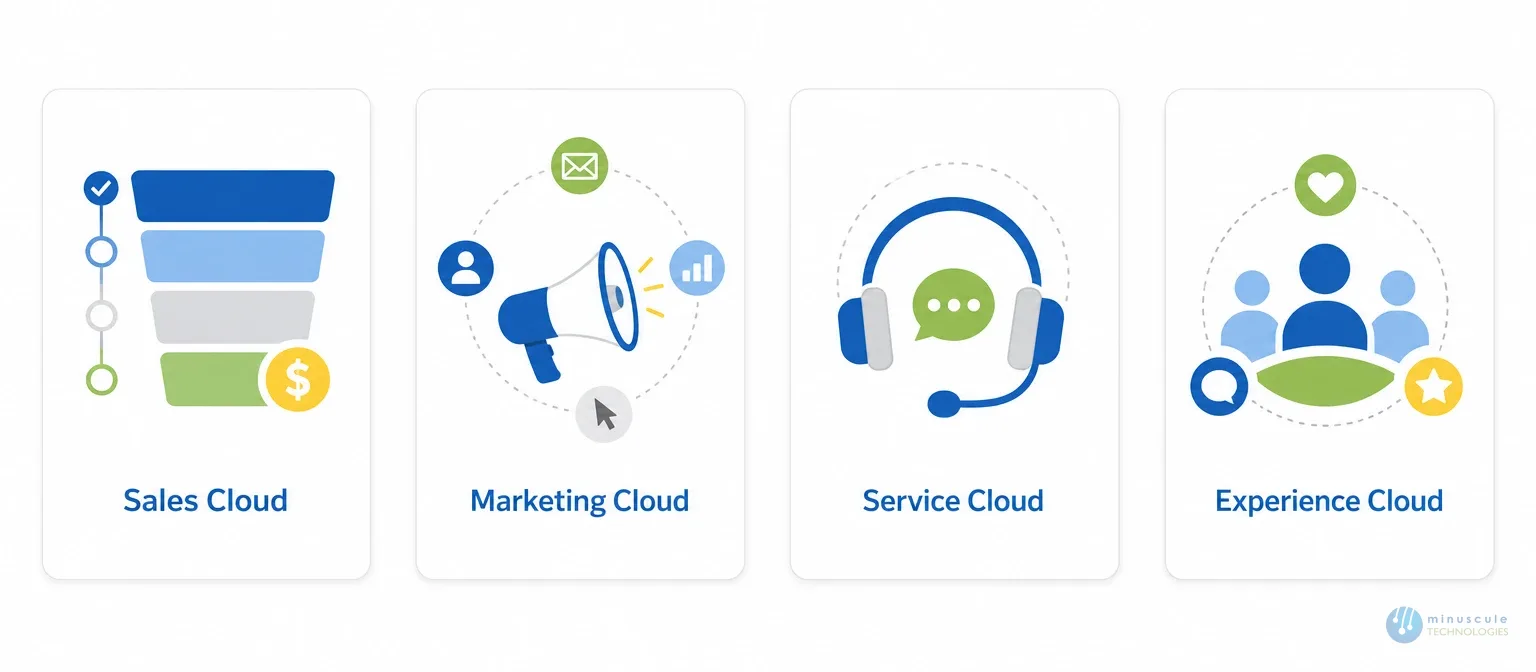
Salesforce offers a range of cloud products for CRM, sales, marketing, service, and analytics. Each one is built to fit industry needs and help teams work together. Here are the core clouds you'll meet during a rollout.
A little planning up front saves a lot of rework later. Sort out these points before you build.

A Salesforce implementation runs through several stages. Each one keeps the build aligned with your goals and your users' needs.
| Stage | What Happens |
|---|---|
| Discovery | Learn business needs by interviewing stakeholders and analyzing existing processes. |
| Planning | Decide the rollout sequence, training approach, support model, and implementation timeline. |
| Preparation | Gather, clean, and organize data and business processes for migration. |
| Configuration | Configure Salesforce objects, fields, page layouts, workflows, and approval processes. |
| Data Migration | Move data from the legacy system using manual or automated migration methods. |
| Testing | Validate data accuracy, integrations, and business functionality before go-live. |
| Training | Ensure every user understands how to perform their daily tasks in Salesforce. |
| Deployment | Deploy the final configuration and migrated data to the production Salesforce org. |
| User Adoption | Users begin working in Salesforce while ongoing feedback helps improve adoption. |
| Optimization | Continuously fine-tune features, automation, reports, and integrations to maximize business value. |
The team learns your needs and how Salesforce can meet them. This covers stakeholder interviews, process analysis, and research on Salesforce features. The goal is a clear picture of your requirements.
You build a plan for how to roll Salesforce out. That covers who gets it first, what training they need, and how you'll support them.
You gather and organize the data and processes you'll move. You also prep the setup and decide what gets migrated.
You set up Salesforce for your business. This can include custom objects, fields, workflows, and approval processes. Then you're ready to test.
You move data from the old system into Salesforce. This can be manual or automated, based on the size and complexity of the data.
You check that the build works. This validates data accuracy and functionality, and covers both functional and non-functional tests. It comes after migration and before go-live.
You make sure every user can use the new system well. A good plan covers everything from the basics to specific features.
You push the final changes to your live Salesforce org and confirm they work as expected.
Users start working in the system day to day. This stage runs for months, and their feedback helps refine the setup. Salesforce's own Trailhead resources are a useful support for driving adoption.
The final stage. You fine-tune the solution to get the most from it. That can mean new features, redesigns, or better integrations.
A skilled Salesforce implementation partner is often the difference between a smooth rollout and a stalled one. The right partner brings proven methods, deep platform skill, and a track record of clean, on-time work. They help you plan the roadmap, migrate data safely, configure the org, train your team, and drive adoption.
When you compare Salesforce implementation companies, look past the badges. Ask how they build, how they handle data migration and rollback, and what support looks like after go-live. Independent sources like Salesforce Ben make the same point: rank real experience over the lowest bid. That's the standard Minuscule delivers as a Salesforce Engineering Partner.
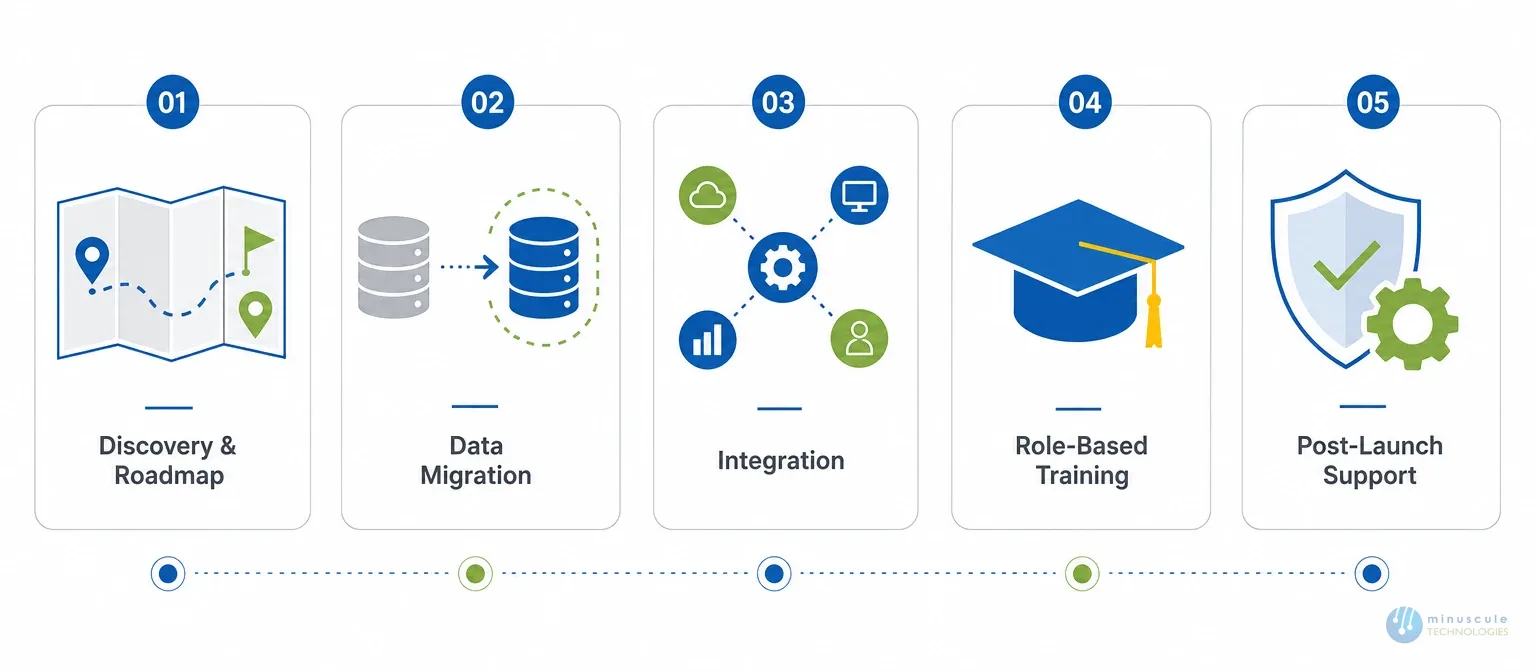
Strong Salesforce implementation services cover the full journey, not just the build. Look for:
You can see how these fit together across our Salesforce implementation and managed services offerings. We also run implementations for specific sectors, like banking and finance and real estate industry.
Salesforce CRM implementation is the process of setting up and shaping Salesforce to fit your workflows, data, and goals. It covers configuration, data migration, integration, and user training, so the platform supports real daily work.
Most projects run 6 to 16 weeks. Simple, single-cloud setups can finish in a few weeks. Complex, multi-cloud projects with large data migration take several months.
Cost depends on your user count, customization, integrations, and data volume. It's separate from license fees. A short consultancy gives you a clear estimate for your scope.
Shortlist firms that show real project experience, strong data migration skill, tested integrations, and good post-launch support. Fit and track record matter more than size or price.
For most teams, yes. If you lack in-house skill, a partner cuts the risk and speeds up go-live. They bring proven methods for migration, integration, and training that trial and error can't match fast.
A Salesforce managed services partner supports your org after launch - monitoring, admin work, upgrades, and tuning - so your Salesforce CRM implementation stays healthy as your needs change.
A Salesforce implementation is a structured project, not a quick software install. From gathering requirements to configuring, testing, and deploying, each step matters to the outcome. Follow the stages, work with a qualified partner, and you get a smooth rollout that drives real growth.
That's where Minuscule Technologies comes in. As a Salesforce Engineering Partner, we guide you from first plan to full adoption with real engineering discipline. We build a clear roadmap, migrate your data cleanly, configure the org to fit your work, and support your team long after go-live. Our engineers bring the same rigor to your project that we bring to clients across banking, manufacturing, logistics, and real estate.
Don't let a weak rollout turn Salesforce into a costly mistake. Partner with us and get it right the first time.
Schedule a free strategic Salesforce call and let's map your rollout.
You've seen what's possible. Now, let's make it happen for your business. Whether you need an end-to-end Salesforce solution, a complex integration, or ongoing managed services, our team is ready to deliver.

Schedule a Free Strategic Call


Plot No. 4, Sridevi Amman Street, Perumal Nagar Extension, Old Pallavaram, Chennai, Tamil Nadu 600117, India.
